
 Owen Bradley
 The motherboard is the unglamorous backbone of every PC. It rarely gets the spotlight that graphics cards and processors enjoy, yet it quietly determines which CPU you can install, how fast your memory runs, how many drives and expansion cards you can add, and whether you will be able to upgrade in two years or start over. Picking the wrong board can throttle a great processor or leave you without the ports you need. This motherboard buying guide demystifies chipsets, sockets, VRM quality, memory support, and rear I/O so you choose a board that keeps up with your components and survives at least two CPU upgrades.
Start With the Socket
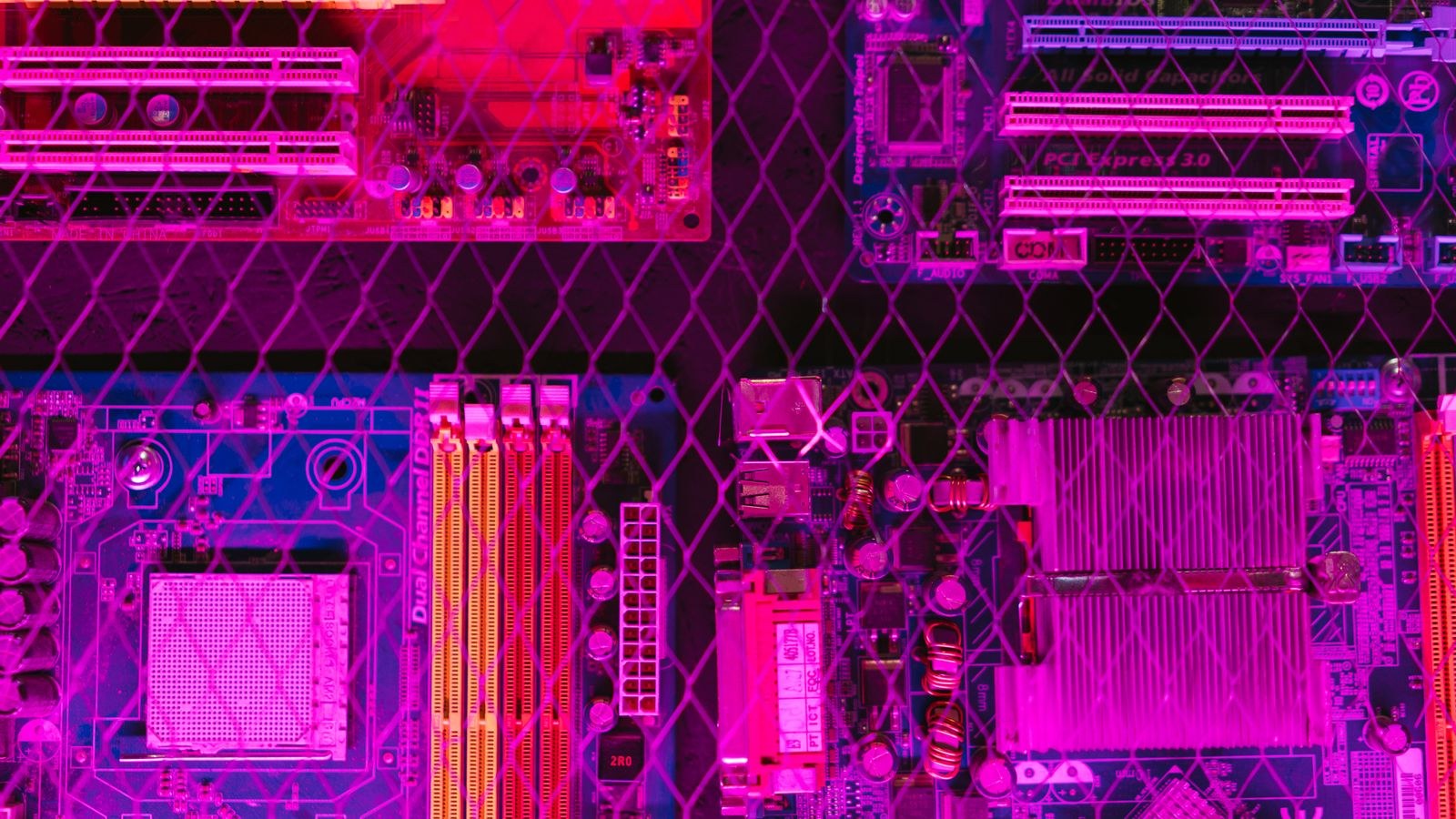
The socket is the physical interface that connects the processor to the motherboard, and it is the first thing to pin down because it dictates which CPUs the board accepts. A CPU and board must share the same socket, full stop. Just as important, some sockets support several processor generations while others are near the end of their life, and that distinction decides whether you can drop in a faster chip later or must replace the whole board. Choosing a long-lived socket is the single best move for future upgradability.
Decide on your processor first, then find boards built for its socket. If upgrade longevity matters, favor platforms known for supporting multiple generations, so a future chip swap does not force a new motherboard purchase alongside it.
Understanding Chipsets
The chipset is the traffic controller that manages communication between the CPU, memory, storage, and expansion slots, and it defines a board’s feature tier. Higher-end chipsets unlock more connectivity, faster storage lanes, better overclocking support, and additional expansion, while budget chipsets trim those features to hit a lower price. The chipset does not make your CPU faster, but it determines what you can connect and how much room you have to grow.
Match the chipset to your ambitions. If you want overclocking and maximum expansion, a premium chipset makes sense; if you want solid performance at a fair price, a mid-tier chipset usually offers the best value. Gamers weighing their options can compare the best motherboards for gaming across chipset tiers to see which features are genuinely worth paying for.
VRM Quality and Why It Matters
The voltage regulator module, or VRM, is the circuitry that delivers clean, stable power to the processor. A strong VRM with good heatsinks lets a power-hungry CPU sustain high clocks without overheating or throttling, while a weak VRM can hold back an otherwise capable chip, especially under long, heavy loads. VRM quality does not appear on the box in an obvious way, so it is worth reading reviews that test power delivery before buying, particularly if you plan to run a high-core or overclocked processor.
For modest chips, almost any modern board’s VRM is adequate. For high-end processors or overclocking, prioritize boards praised for robust power delivery and cooling. A board that starves your CPU of stable power quietly wastes the money you spent on that CPU.

Memory Support and Speed
Motherboards specify how much memory they accept, how many slots they have, and which memory speeds they support. Faster memory can noticeably help performance in some workloads and games, but only if both the CPU and the board support that speed. Check the board’s supported memory list and confirm the number of slots matches your plans, since two slots limit future expansion compared with four. Also note that hitting the highest advertised speeds sometimes depends on using the right slots and enabling a memory profile in firmware.
Buy a board that supports at least the memory speed you intend to run today, with a little headroom for later. If you might add more memory down the road, choose a board with enough slots so you are not forced to replace kits you already own.
Expansion Slots and Storage
Think ahead about what you will plug in. Graphics cards use the primary expansion slot, while additional slots host capture cards, sound cards, or extra connectivity. Modern boards also include fast storage slots for compact drives, and the number and speed of these vary widely between models. If you plan multiple fast drives or add-in cards, count the slots and check their speeds before buying so you do not run out of room.
Storage needs grow over time, so a board with several fast drive slots buys you flexibility. Confirm that using every slot at once does not disable others, a common limitation on budget boards, so your expansion plans do not collide with the board’s internal wiring.
Rear I/O and Connectivity
The rear input/output panel is easy to overlook until you are short a port. Count the USB ports and their speeds, check for the display outputs you need if you will use integrated graphics, and look for wired networking, and wireless and audio quality that match your setup. A board with too few fast USB ports or missing wireless can force awkward workarounds later. Since the rear I/O is fixed and cannot be expanded like internal slots, get this right the first time.
List the peripherals you connect today and plan to add, then confirm the board covers them with room to spare. Built-in wireless and plentiful fast USB ports are small conveniences that make daily life with the machine noticeably smoother.
Form Factor and Case Fit
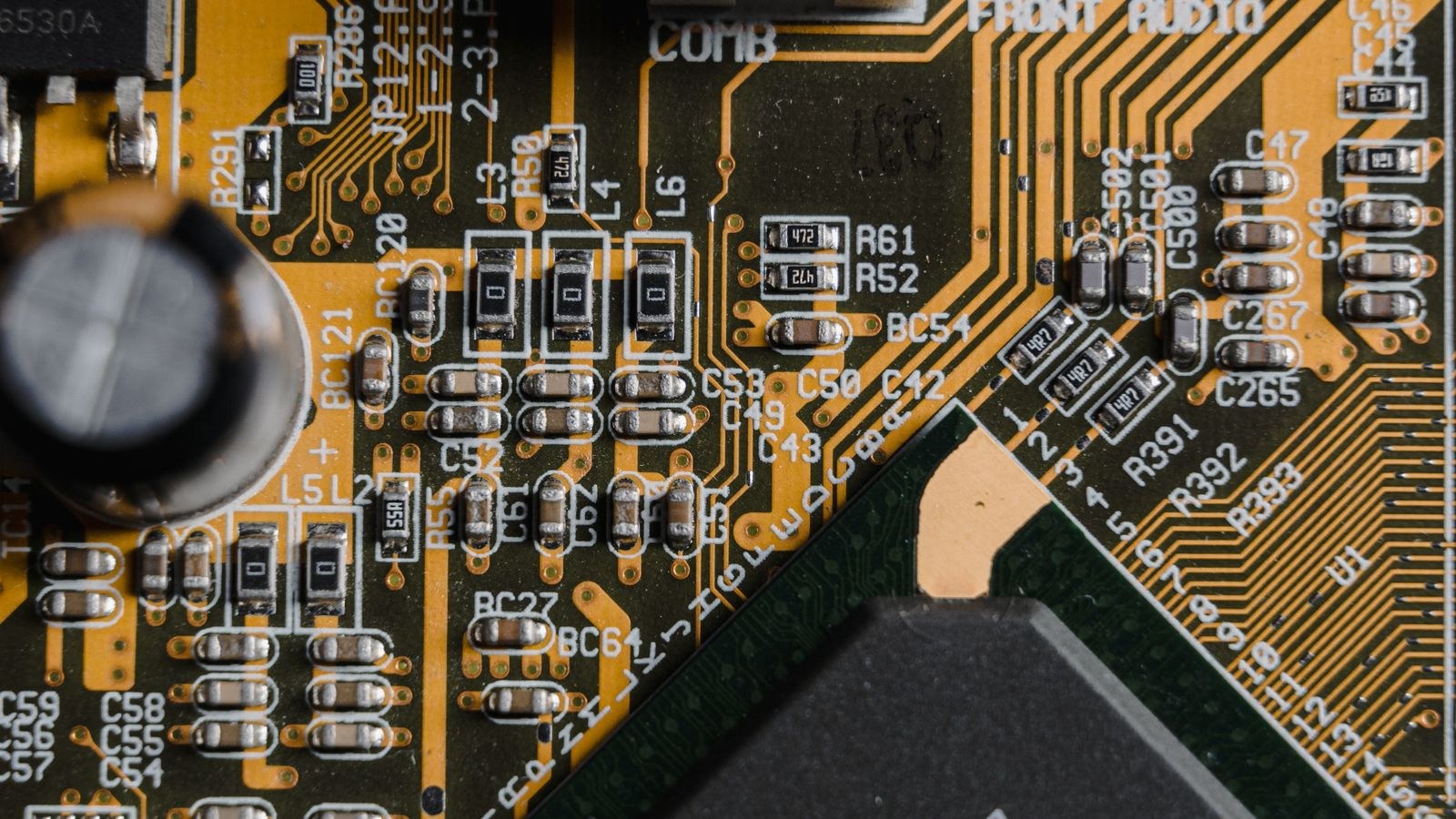
Motherboards come in several sizes, and the board must fit your case while offering the slots you need. Full-size boards provide the most expansion, mid-size boards balance features and footprint, and compact boards suit small builds but trade away slots and sometimes power delivery. Decide on your case size and expansion needs together, since a tiny board in a big case wastes space, and a large board simply will not fit a small enclosure.
Choose the form factor that matches both your case and your expansion plans. If you value upgradability, a larger board with more slots is worth the space; if you want a compact system, accept the trade-offs a smaller board brings.
Matching Board Tiers to Your CPU
Pair the board sensibly with the processor and platform you have chosen. For an AMD build, mainstream boards offer excellent value, and comparing the best B650 motherboards against the higher-end best X670 motherboards shows what stepping up buys in power delivery and expansion. On the Intel side, the best Z790 motherboards unlock overclocking and premium features for enthusiasts. Budget-conscious builders should not overlook the best motherboards under 200, which often provide all the features a mainstream system truly needs without paying for enthusiast extras. Whatever platform you pick, avoid pairing a high-end CPU with a bargain board that cannot feed it properly.
Firmware, BIOS, and Ease of Use
Every motherboard runs firmware, often called the BIOS, that controls how the system boots and how you configure memory speed, fan curves, and other settings. A clear, well-organized firmware makes building and tuning far less stressful, while a clunky one turns simple tasks into a chore. Some boards also offer a way to update firmware without a CPU installed, which is invaluable on long-lived sockets where a new chip may need an update to be recognized. These usability features rarely headline a spec sheet but meaningfully affect the ownership experience.
When two boards are otherwise similar, favor the one with better-reviewed firmware and convenient update options. A smooth setup experience and reliable memory tuning are worth more in daily life than a slightly flashier feature you will never touch.
Cooling and Fan Support
A motherboard also manages cooling, providing headers for case fans and CPU coolers and letting you tune their speeds. Count the fan headers to be sure you can connect everything in your case, and check for support for the type of cooler you plan to use. Good fan control keeps the system quiet under light loads and cool under heavy ones, so a board with flexible fan management contributes directly to a pleasant, quiet build.
Frequently Asked Questions
Does the motherboard affect performance?
Indirectly. It does not raise frame rates on its own, but a weak VRM or unsupported memory speed can hold back your CPU. A well-matched board lets your components perform to their potential.
How do I know a board will fit my CPU?
Match the socket exactly, and confirm the board’s firmware supports your specific chip, especially on long-lived sockets where a newer processor may need a firmware update on an older board.
Do I need an expensive high-end board?
Not usually. Mid-tier chipsets offer strong value for most builds. Premium boards make sense mainly for overclocking, high-core CPUs, or extensive expansion and connectivity needs.
Can I reuse my motherboard for a future CPU upgrade?
Only if the future chip shares the same socket and the board supports it. Choosing a platform known for multi-generation socket support greatly improves your chances of a simple future upgrade.
Final Thoughts
A motherboard rarely excites anyone, but it quietly shapes what your PC can do today and how far it can grow tomorrow. Nail the socket for compatibility and longevity, pick a chipset that matches your feature needs, insist on VRM quality that suits your CPU, and confirm memory support, expansion, rear I/O, and form factor all line up with your plans. Get those fundamentals right and you will have a board that feeds your components properly, welcomes at least two CPU upgrades, and never becomes the weak link in an otherwise strong build.









