
 Owen Bradley
 Matter was pitched as the fix for everything that makes smart homes frustrating: the incompatible apps, the bulbs that work with one voice assistant but not another, the hub graveyard in the drawer. Several years into its rollout, the honest answer is more nuanced. Matter genuinely solves some problems, partly solves others, and leaves a few untouched. This guide explains in plain English what the standard is, how it actually works underneath, which categories of device benefit today, and where you should still buy on ecosystem loyalty rather than the logo on the box. If you are planning purchases in 2026 and want to know whether to wait, buy in, or ignore it, this is the practical picture.
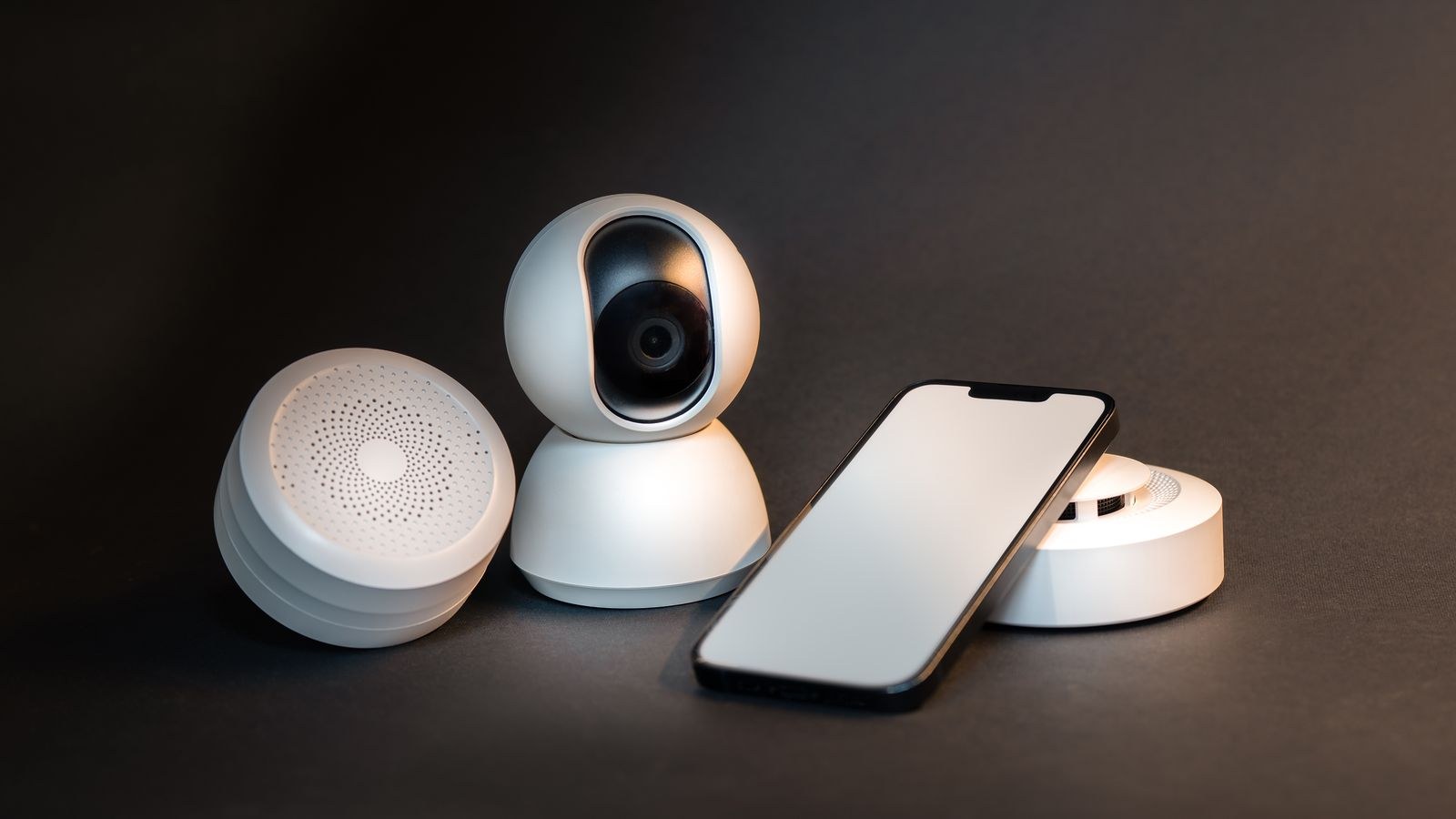
What Matter Is, in One Paragraph
Matter is a shared application language for smart home devices, backed by Amazon, Apple, Google, Samsung and hundreds of manufacturers. It defines standard device types and the commands each one understands, so any controller can speak to any certified device without a vendor-specific integration. Crucially it is not a radio. Matter rides on top of existing networks: Wi-Fi and Ethernet for mains-powered devices, and Thread for low-power battery devices. Think of it as agreeing on a common vocabulary while everyone keeps their own telephone lines.
That distinction explains most of the confusion around the standard. A Matter bulb and a Matter door sensor may use completely different radios, need different infrastructure, and behave differently on your network, yet both carry the same logo. Knowing which transport a product uses matters more than the certification itself.
What It Replaces
Before Matter, every manufacturer wrote a separate cloud integration for each assistant. That is why features arrived on one platform months before another and why some devices simply never gained support. Matter moves the definition into the device, so the controller does not need the manufacturer’s permission or server to operate it. Fewer clouds in the chain means fewer failure points.
The Three Real Benefits
Strip away the marketing and three concrete improvements stand out.
- Multi-admin control. A single device can be shared with several ecosystems at once. One bulb can genuinely appear in Apple Home for you, Google Home for your partner, and Alexa for the kitchen speaker, all live simultaneously rather than requiring a factory reset to switch.
- Local operation. Commands travel over your own network. Turning off a lamp does not require a round trip to a distant server, so response is fast and continues working when the internet does not.
- Simpler setup. A single QR code pairs a device into any Matter controller, replacing per-brand apps and account creation for basic control.
Those three together are meaningful. They are not, however, the same as “everything works with everything”, which is where most disappointment comes from. If you want to see how these benefits play out across product categories, the roundup of the best smart devices is a useful starting point for what supports the standard properly today.
What Matter Still Does Not Fix
The standard covers a defined list of device types with a defined set of capabilities. If a product does something clever outside that list, the clever part does not travel. A robot vacuum might expose start and stop while its room mapping stays locked in the vendor app. A camera may barely be covered at all. A ceiling fan might expose speed but not its light dimming curve. The base function works everywhere; the differentiating feature usually does not.
Matter also does not standardise automation. Each ecosystem still has its own rules engine, its own scenes, its own scripting quirks. Moving your setup between platforms means rebuilding every routine by hand even if all the hardware is certified. And it does nothing about the vendor account behind the hardware, so a company shutting down its cloud can still degrade features that were never exposed through the standard.
Certification Is Not a Quality Badge
A certified device has proven it speaks the protocol correctly. It has not proven the radio is reliable, the firmware is stable, or the app is any good. Plenty of poor products carry the logo. Treat it as a compatibility guarantee only, and keep reading reviews for everything else.

Which Devices Genuinely Benefit Now
Support quality varies enormously by category, and this is where buying decisions actually get made.
- Lighting. The strongest category by far. Bulbs, strips, and switches expose on, off, brightness, colour temperature, and colour cleanly across every platform. Buy on the standard with confidence.
- Plugs and outlets. Equally solid. On, off, and increasingly energy reporting all travel well.
- Sensors. Contact, motion, temperature, and humidity work reliably, especially over Thread where battery life is excellent.
- Thermostats. Good for setpoints and modes; advanced scheduling and learning behaviour usually stay in the vendor app.
- Locks. Lock and unlock work; user codes, guest access, and logs are patchier.
- Blinds and shades. Position control is solid, tilt support varies.
- Cameras and doorbells. The weakest area. Video handling arrived late and remains inconsistent, so buy these on ecosystem fit instead.
A reasonable rule: the simpler the device’s job, the better Matter serves it. For a mixed shopping list, our comparison of the best devices for smart homes flags which categories are safe to buy on the standard alone.
Thread, Borders, and Why Your Setup Needs a Hub
Battery devices generally use Thread, a low-power mesh network that lets sensors run for years on a coin cell. Thread cannot reach your Wi-Fi network on its own, so it needs a border router: a mains-powered device that bridges the two. Many speakers, displays, and streaming boxes now include one, which is why people often have a Thread network without realising it.
Wi-Fi Matter devices need no border router but do consume an address and an association slot on your access point, and dozens of them will strain a modest router. There is also a controller requirement: a device that holds the credentials and lets you operate the system remotely. That role is filled by a speaker, display, or dedicated hub, and choosing well is still the most consequential decision in a smart home. The best smart hubs comparison covers which units act as controllers, border routers, or both.
Bridges for Older Gear
You do not have to abandon existing Zigbee or Z-Wave hardware. Several manufacturers ship bridges that expose an entire legacy network to Matter in one go. Bridged devices tend to lose a little functionality and add a hop of latency, but it beats replacing thirty working bulbs.
Should You Buy In Now or Wait?
For anyone starting fresh, buying certified hardware is straightforwardly sensible. It costs little or nothing extra on lighting and plugs, and it keeps the door open if you later change your mind about voice assistants. Starter bundles make this easy, and the best smart home kits roundup covers packages that include a controller alongside the first few devices.
If you already have a working setup on one ecosystem, there is no urgency. Replacing functional hardware purely to gain certification is rarely worth the money or the afternoon. Adopt it gradually: when a bulb fails or you extend to a new room, choose certified gear then. Over a couple of years your house converts itself without a single wasted purchase.
Wait only in the camera and video doorbell categories, and in any niche where the feature you care about is clearly vendor-specific. There, pick the ecosystem you use daily and buy the product designed for it.
Common Mistakes Buyers Make
The most frequent error is assuming the logo means full feature parity across platforms. It means the basics work everywhere. If a specific advanced feature sold you on the product, verify it is exposed through the standard before assuming your assistant will see it.
The second is ignoring transport. Buyers get a battery sensor home, find no border router in the house, and conclude the standard is broken. Check whether a device uses Wi-Fi or Thread and confirm you have the matching infrastructure. The third is loading a cheap router with forty Wi-Fi devices and blaming the smart home for congestion that is really a networking problem. The fourth is skipping the QR code photo, since resetting a device you cannot re-pair is a genuinely irritating way to lose an evening.
Frequently Asked Questions
Is Matter a replacement for Wi-Fi or Zigbee?
No. It sits above the network layer. It uses Wi-Fi, Ethernet, or Thread to carry its messages and defines what those messages mean, rather than replacing any radio technology.
Do I still need a hub?
Usually yes. You need a controller to hold credentials and enable remote access, and a border router if any of your devices use Thread. Both roles are often built into speakers and displays you may already own.
Can one device work with two assistants at once?
Yes, that is the multi-admin feature and one of the standard’s genuine wins. A certified device can be shared with several ecosystems simultaneously without resetting between them.
Will my existing smart home stop working?
Not at all. Existing integrations continue as before, and bridges can bring older Zigbee or Z-Wave networks into a Matter setup without replacing hardware.
Does it work without internet?
Local control does, so lights and plugs respond on your own network during an outage. Remote access from outside the house and cloud-based voice processing still need a connection.
Final Thoughts
Matter is real, useful, and no longer experimental, but it is a compatibility layer rather than a revolution. It reliably delivers cross-platform basics, local speed, and simple pairing, and it is excellent for lighting, plugs, and sensors. It does not standardise advanced features, automations, or video, so ecosystem choice still shapes your daily experience more than any logo does. The pragmatic approach for 2026 is to choose your controller first, buy certified hardware in the categories where support is mature, keep buying on ecosystem fit where it is not, and let your home transition one replacement at a time. If you want the deeper decision behind all of this, the smart home hub buying guide covers picking the platform that everything else hangs from.









