Owen Bradley
 If your eyes ache after an hour with a book, the instinctive diagnosis is usually that you need a brighter lamp. Sometimes that is right. Just as often the problem is the opposite — a bulb that is too bright for the room around it, creating a harsh pool of light in a dim space and forcing your pupils to work overtime. Reading comfort is less about raw brightness than about the relationship between the page, the surroundings, and the quality of the light itself. Getting it right involves four numbers on the box and one decision about where the lamp sits. This guide covers both, so you can settle in for a long evening with a novel and still have comfortable eyes at the end of it.
Why Reading Strains Your Eyes
Eye strain during reading comes from three mechanisms, and knowing which one you are experiencing points straight at the fix.
Insufficient light forces the ciliary muscles to work harder to maintain focus on small print, and dilated pupils reduce depth of field, meaning slight variations in page distance require constant refocusing. The symptoms are a dull ache behind the eyes and a tendency to hold the book closer over time.
Excessive contrast is more common than people assume. A very bright lamp in a dark room means your eyes constantly readjust between the glowing page and the shadowed surroundings whenever you look up. This is the same problem bias lighting solves for televisions, and it produces a gritty, tired feeling rather than a focused ache.
Glare and flicker come from the light source itself. An exposed bulb in your peripheral vision, a shiny page reflecting the lamp back at you, or the invisible high-frequency flicker of a cheap LED driver all add cumulative fatigue that people rarely attribute to the bulb.
The Four Specifications That Matter
- Lumens. For a dedicated reading lamp, 450 to 800 lumens is the working range — the old 40 to 60 watt incandescent equivalent. Older readers generally need more, because the lens of the eye transmits progressively less light with age; someone in their sixties may need roughly twice the illumination of someone in their twenties for the same perceived comfort. Err upward if in doubt, and pair it with a dimmer.
- Colour temperature. For daytime or study reading, 3500K to 4500K keeps you alert and renders black text on white paper crisply. For evening reading before bed, drop to 2700K or lower, because blue-weighted light suppresses melatonin and makes it harder to fall asleep afterwards. A bulb that shifts colour temperature as it dims handles both cases from one fixture.
- Colour rendering index. Look for CRI 90 or above. Low-CRI light makes printed pages look faintly grey and washed out, reducing the effective contrast between ink and paper that your eyes rely on.
- Flicker. The specification nobody prints on the box, and one of the biggest contributors to unexplained fatigue. Cheap LED drivers modulate output at mains frequency, producing ripple you cannot consciously see but which the visual system still processes. Test any candidate bulb with the pencil test described below.
The Pencil Test for Flicker
You do not need equipment to check a bulb for flicker. Switch it on in an otherwise dark room, hold a pencil between finger and thumb, and wave it rapidly back and forth in the light. Under a flicker-free source you will see a continuous blur. Under a flickering source you will see a series of distinct, frozen pencil images — a stroboscopic effect. The more clearly separated the images, the worse the flicker.
An alternative is to point a phone camera at the bulb and look at the preview screen. Rolling dark bands moving across the image indicate significant modulation. Neither test is laboratory-grade, but both reliably separate the worst offenders from the good ones. Where you are choosing bulbs specifically for a reading lamp, a comparison of the best light bulbs for reading is a useful shortcut to models with high CRI and low flicker rather than just high lumen counts.
Step-by-Step: Setting Up a Comfortable Reading Light
- Light the room first, then the page. Before touching the reading lamp, make sure the room has a base level of ambient light — a ceiling fixture on a low dimmer, or a second lamp across the room. This is the single most effective change most people can make, because it removes the harsh contrast that causes the majority of evening eye strain.
- Position the lamp behind and to one side. The light should come over your shoulder, from the side opposite your writing hand if you take notes. This puts illumination on the page without putting the bulb in your field of view.
- Set the height so the shade edge is below eye level when you are seated in your reading position. If you can see the bulb or the bright inner surface of the shade while looking at the page, the lamp is too high.
- Choose the bulb by lumens and colour temperature using the ranges above. Start at 600 lumens at 2700K for evening leisure reading, or 800 lumens at 4000K for study.
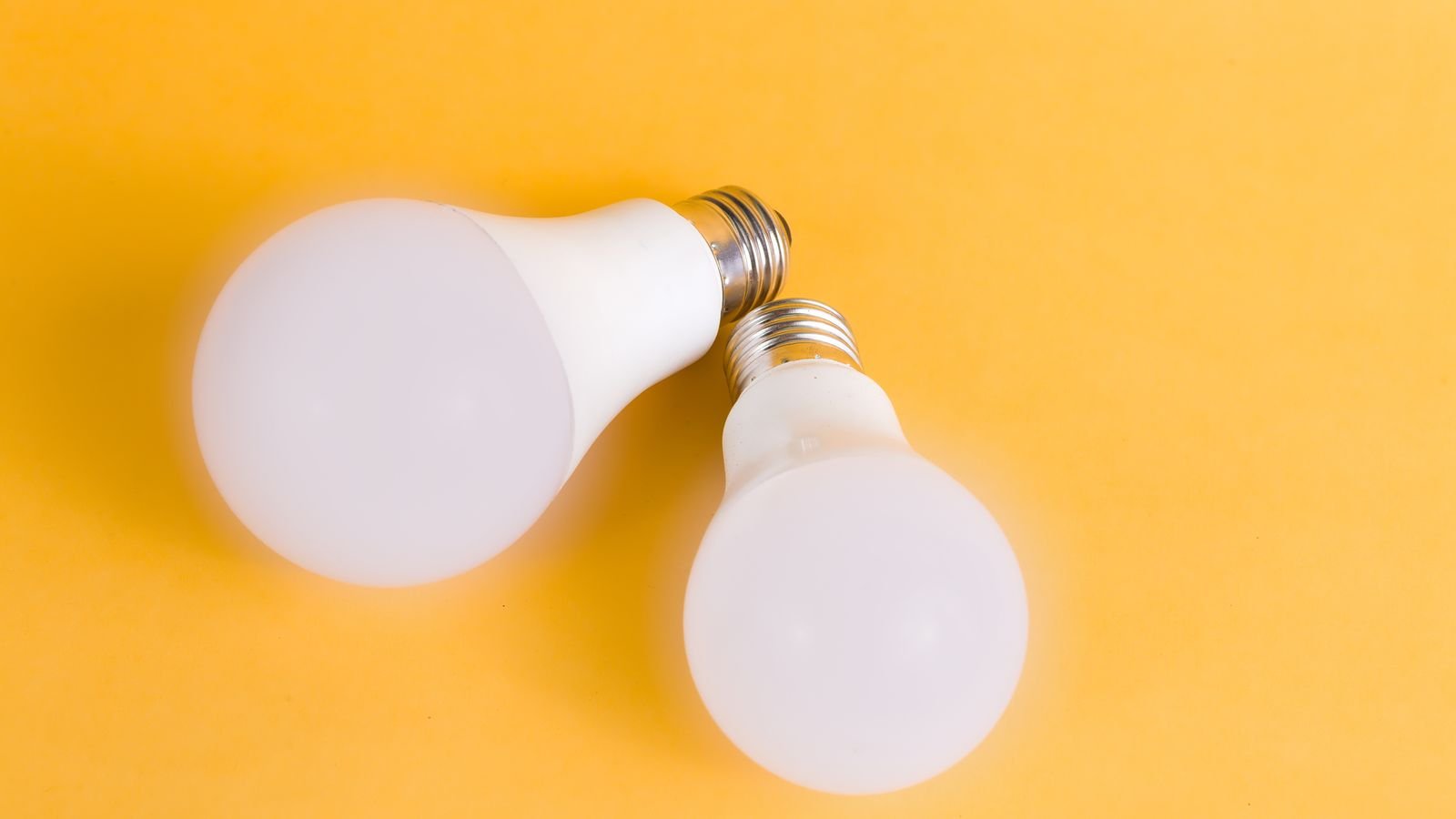
- Insist on a frosted or opal envelope. A clear bulb puts a small, intensely bright source in view and creates hard-edged shadows across the page. Frosting spreads the source and softens everything.
- Run the flicker test before committing to a set of bulbs for the whole house.
- Add a dimmer if you can. The ability to drop brightness in the evening and raise it for fine print during the day makes one lamp serve every situation. Use dimmable bulbs and an LED-compatible dimmer.
- Angle the light to kill page glare. Glossy magazine paper and tablet screens reflect a lamp straight back at you. Tilt the shade or shift the lamp a few inches until the reflection moves off your line of sight.
- Read for an evening and reassess. Aching eyes suggest not enough light; gritty, tired eyes suggest too much contrast with the surroundings. Adjust one variable at a time.
Different Reading Situations
- Bedside reading before sleep. 450 to 600 lumens at 2200K to 2700K, on a dimmer, with a shade that directs light down onto the book rather than across the room. Keep the colour temperature low — this is the situation where blue light genuinely matters.
- Armchair reading in a living room. 600 to 800 lumens at 2700K to 3000K from a floor lamp positioned behind the chair, plus ambient light elsewhere in the room.
- Desk study and note-taking. 800 to 1100 lumens at 4000K, CRI 90 or above, from an adjustable task lamp with a shade that shields the bulb from view.
- Reading small print or detailed work. Higher output helps, but a task light close to the page beats a brighter ceiling fixture, because illumination falls off sharply with distance.
- Reading on a tablet or e-reader. A backlit screen needs less external light, but it still needs some — a dark room with a bright screen is the worst-case contrast scenario. Keep a low ambient lamp on.
Mistakes to Avoid
- One bright lamp in a dark room. The most common setup and the most fatiguing. Always add ambient light.
- Cool daylight bulbs at bedtime. Alerting when you want the opposite, and disruptive to sleep onset.
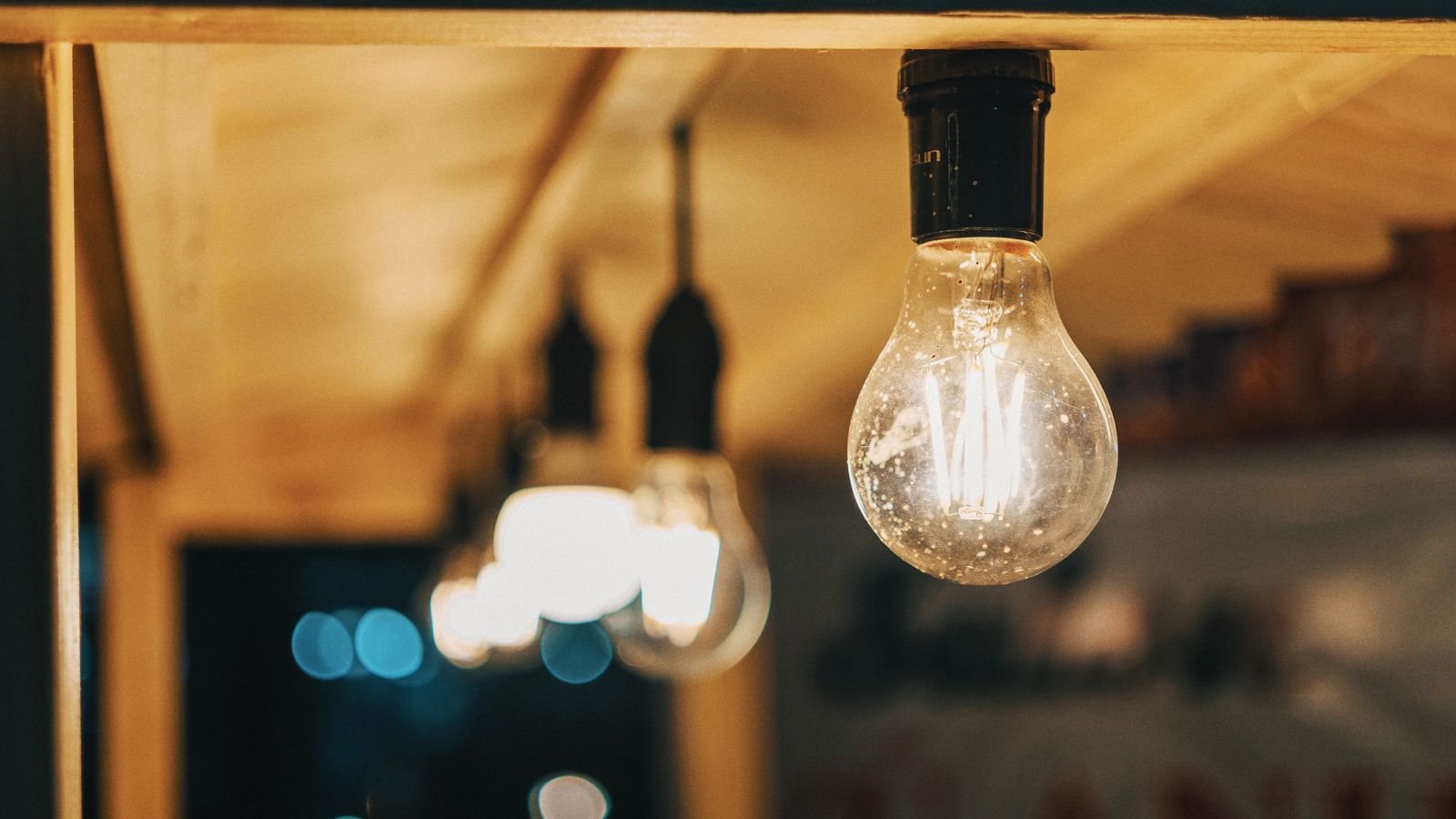
- Clear decorative bulbs in a reading lamp. They look attractive and perform badly.
- Ignoring CRI and wondering why the page looks flat and grey.
- Positioning the lamp in front of you, which puts the source directly in your field of view.
- Assuming more lumens always helps. Beyond a point, extra brightness adds glare rather than comfort.
- Buying the cheapest multi-pack without a flicker check.
Frequently Asked Questions
What colour temperature is best for reading?
It depends on the time of day. Around 4000K for daytime study and concentration; 2700K or lower for evening reading, so the light does not interfere with sleep. A dimmable warm-shifting bulb covers both.
How many lumens do I need for reading?
450 to 800 lumens for general leisure reading, rising to 800 to 1100 for detailed work or small print. Older eyes typically need the upper end of each range.
Do blue light filters help with reading strain?
For evening reading they help with sleep quality more than with strain itself. The main causes of strain are contrast, glare, and flicker rather than blue wavelengths specifically.
Is warm or cool light easier on the eyes?
Neither is inherently easier. What matters is matching the light to the context — cool light suits alert daytime tasks, warm light suits relaxed evening reading. Mismatching either way causes discomfort.
Can flicker really cause headaches?
Modulation you cannot consciously perceive is still processed by the visual system, and sensitive individuals report headaches and fatigue from poor-quality LED drivers. Running the pencil test before buying a whole set costs nothing.
Final Thoughts
Comfortable reading light is a balance rather than a maximum. Give the room a gentle ambient base so the page is not an island of glare in a dark space, then place a lamp behind and to one side with the shade edge below eye level. Choose a frosted bulb of 450 to 800 lumens, warm for evening and neutral for study, with a CRI of 90 or above and no visible flicker under the pencil test. Add a dimmer so one lamp adapts to the time of day. Get those pieces in place and the ache that used to arrive after an hour simply stops showing up.