
 Owen Bradley
 Home security cameras have become one of the most accessible ways to monitor your property, deter intruders, and keep an eye on deliveries or pets while you’re away. But choosing between wired, wireless, and cloud-based storage options can feel overwhelming, especially since each approach involves real tradeoffs in reliability, cost, privacy, and convenience. This guide breaks down the differences and key features so you can choose a system that actually fits how you live and what you need to protect.
Wired Security Cameras
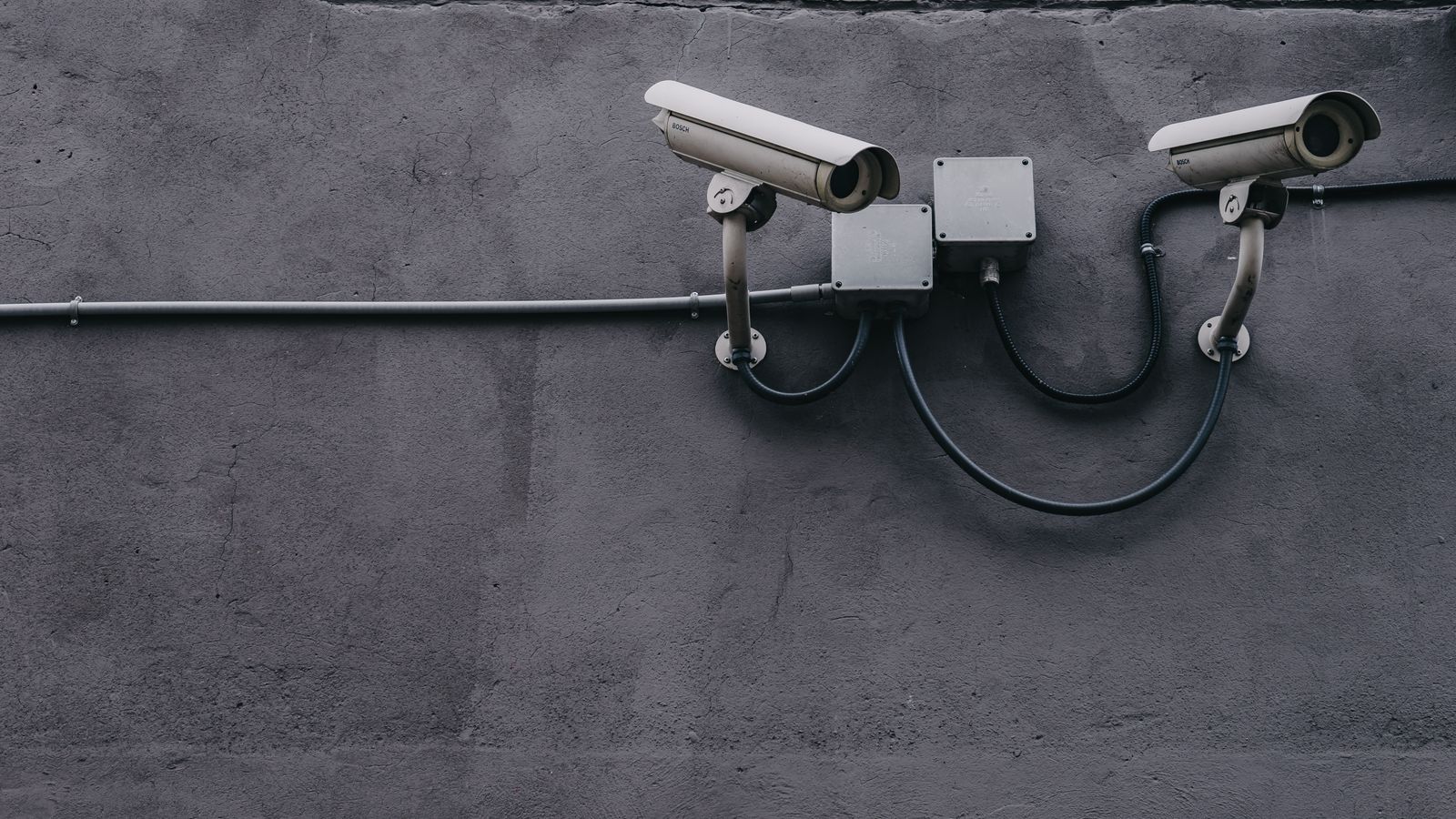
Wired cameras connect directly to a power source and often to a local recording device like a DVR or NVR, providing continuous power without worrying about battery life. This makes them ideal for permanent installations where reliability matters most, such as monitoring a driveway, front entrance, or backyard around the clock without interruption.
Advantages of Wired Cameras
Because they don’t rely on batteries, wired cameras record continuously without gaps, and their wired data connection is generally more stable than wireless transmission, especially over longer distances or through obstacles. They’re also less vulnerable to signal jamming and Wi-Fi dropouts, an important consideration for security-focused buyers who want dependable, uninterrupted coverage.
Drawbacks of Wired Cameras
Installation is more involved, often requiring drilling and running cables through walls or along eaves, which can mean professional installation costs. Repositioning a wired camera later is also more difficult than simply moving a battery-powered unit, so placement decisions need more planning upfront.
Wireless Security Cameras
Wireless cameras connect to your home Wi-Fi network and typically run on rechargeable or replaceable batteries, making installation much simpler since there’s no cabling required. They can be mounted almost anywhere within range of your router’s signal, indoors or out.
Advantages of Wireless Cameras
Easy installation and flexible placement make wireless cameras appealing for renters or anyone who wants to reposition cameras seasonally, such as moving coverage to a garage during winter months or watching a specific area temporarily. Many models are also weatherproof, expanding placement options outdoors without complex wiring.
Drawbacks of Wireless Cameras
Battery life varies significantly based on usage and can require regular recharging, particularly for high-traffic areas that trigger frequent recordings. Wireless signal strength also affects video quality and reliability, especially at greater distances from the router or through thick exterior walls. Some wireless cameras can also be affected by Wi-Fi interference during busy network periods.
Cloud Storage vs Local Storage
Beyond the wired versus wireless decision, you’ll also need to choose how footage is stored. Cloud storage uploads recordings to a remote server, typically requiring a monthly subscription, while local storage saves footage directly to a memory card, base station, or connected hard drive without ongoing fees. This choice affects both cost and how you access and protect your footage.
Benefits of Cloud Storage
Cloud storage protects your footage even if the camera itself is stolen or damaged, since the recordings live safely off-site. It typically offers remote access to recordings from anywhere via an app, along with features like extended history and smart event tagging. For buyers prioritizing this convenience, the best cloud security cameras offer reliable remote access and automatic backup without needing dedicated local hardware.
Benefits of Local Storage
Local storage avoids ongoing subscription costs and keeps your footage entirely within your own control, which appeals to privacy-conscious buyers who don’t want recordings stored on a company’s servers. If a camera is stolen along with its storage card, however, that footage could be lost unless it’s backed up elsewhere, a tradeoff worth weighing. The best local storage security cameras combine solid recording quality with the flexibility of storing footage entirely on-site.
Choosing the Right System for Your Home
For most households, a mix of approaches works well: wired cameras covering critical, permanent monitoring points like the front door, paired with wireless cameras for flexible or seasonal coverage elsewhere on the property. When comparing complete systems, the best security cameras roundup covers a range of wired, wireless, and hybrid options to match different home layouts and budgets, making it easier to see which style suits your needs.
Other Features to Consider
Resolution and Field of View
Higher resolution footage makes it easier to identify faces or license plates when reviewing recordings, while a wide field of view lets a single camera cover more area. Balance resolution against storage and bandwidth needs, since higher quality footage takes up more space.
Night Vision
Strong infrared or color night vision ensures usable footage after dark, a common time for security concerns. Check how far the night vision range extends relative to the area you want to monitor.
Motion Detection and Smart Alerts
Smart motion detection that distinguishes between people, vehicles, animals, and general movement reduces false alerts, letting you trust notifications rather than ignoring them out of alert fatigue. Customizable activity zones let you focus detection on important areas like doorways rather than a busy street.
Two-Way Audio
Many modern cameras include two-way audio, letting you speak to visitors or deter intruders remotely through a connected app, a useful feature for both convenience and security, such as directing a delivery driver.
Weather Resistance and Power Options
For outdoor cameras, check the weatherproof rating to ensure they withstand your climate. Consider whether you prefer battery, solar, or wired power based on how accessible the mounting location is for recharging or wiring.
Privacy and Network Security
Because cameras connect to your home network and may stream footage online, securing them matters. Use strong, unique passwords, enable two-factor authentication where available, keep firmware updated, and consider placing cameras on a separate guest network to isolate them from your main devices. These steps reduce the risk of unauthorized access to your feeds.
Planning Camera Placement
Where you position cameras matters as much as which cameras you buy. Prioritize the most common entry points first: the front door, back door, and any ground-floor windows that are hidden from the street. A camera covering the driveway or garage captures vehicles and packages, while one overlooking the main approach to your home deters intruders before they get close. Mount cameras high enough to be out of easy reach but angled so they still capture faces rather than just the tops of heads.
Think about lighting conditions at each spot too. A camera aimed directly into bright afternoon sun or a porch light may struggle with glare and washed-out footage, so consider the angle across the day. Overlapping the coverage of two cameras at key points ensures that if one view is blocked or a camera fails, another still captures the scene. A quick walk around your property, imagining how someone might approach unseen, reveals the gaps worth covering.
Integrating Cameras With Your Smart Home
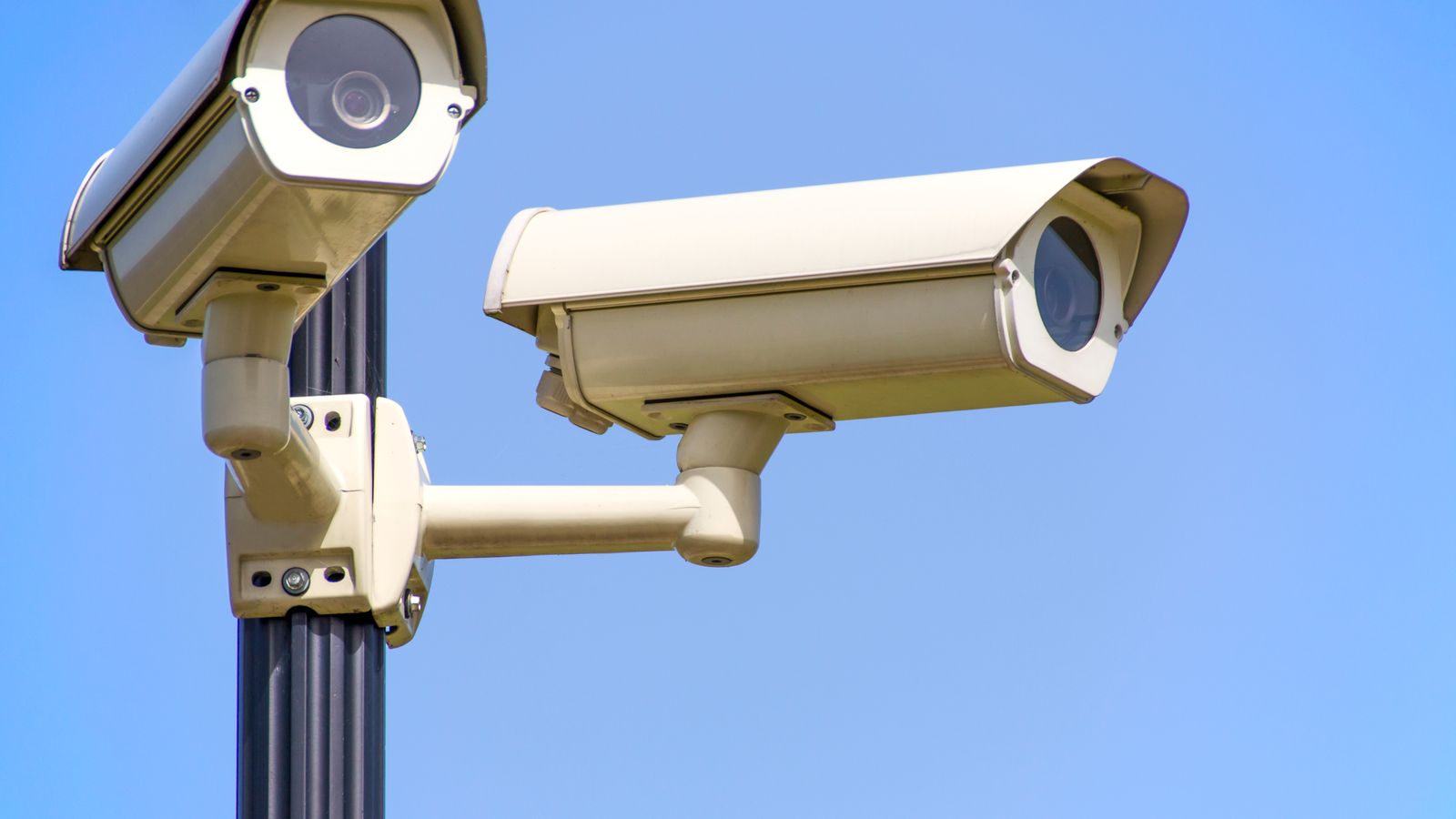
Many modern security cameras connect with broader smart home systems, letting you view feeds on a smart display, trigger lights when motion is detected, or receive alerts alongside your other home notifications. This integration adds convenience and can enhance security, for example turning on outdoor lights automatically when a camera detects someone at night. If you already use a particular smart home ecosystem, choosing cameras compatible with it keeps everything in one app and avoids juggling multiple platforms. Just remember that added connectivity makes strong passwords and updated firmware even more important.
Budgeting for a Camera System
Costs go beyond the cameras themselves. Factor in any cloud storage subscriptions, memory cards or a recording device for local storage, mounting hardware, and possibly professional installation for wired systems. Starting with cameras at your highest-priority locations and expanding over time is a sensible approach that spreads the cost while still protecting what matters most first. Weigh the one-time cost of local storage against the recurring fees of cloud plans across the number of cameras you expect to run, since that ongoing total can outweigh the hardware over a few years.
Common Mistakes to Avoid
Buyers often choose wireless cameras for high-traffic areas without accounting for battery drain from frequent recordings, leading to constant recharging. Others commit to cloud storage without checking ongoing subscription costs, which can add up significantly across multiple cameras. Placing cameras without considering Wi-Fi signal strength at the installation point often results in disappointing video quality. Finally, neglecting basic network security leaves cameras vulnerable to unauthorized access.
Frequently Asked Questions
Are wireless security cameras as reliable as wired ones?
Wireless cameras have improved significantly, but wired cameras still offer more consistent recording and are less affected by signal interference or battery limitations.
Is cloud storage worth the subscription cost?
If remote access and off-site backup matter to you, cloud storage is often worth it; if you prefer avoiding recurring fees, local storage is a solid alternative.
Can I mix wired and wireless cameras in one system?
Yes, many households combine both types, using wired cameras for critical fixed points and wireless cameras for flexible or temporary coverage.
Do security cameras work during a power or internet outage?
Wired cameras lose power in an outage unless backed up, and cloud cameras can’t upload without internet; local storage cameras on battery power keep recording locally.
How can I keep my security cameras from being hacked?
Use strong unique passwords, enable two-factor authentication, keep firmware updated, and isolate cameras on a separate network to reduce the risk of unauthorized access.
Final Thoughts
The right home security camera setup depends on balancing installation effort, reliability, storage preferences, and privacy. Weighing wired versus wireless alongside cloud versus local storage, then layering in features like resolution, smart alerts, and solid network security, helps you build a system tailored to your home’s layout and your own priorities.









