
 Owen Bradley
 Your utility bill tells you how much electricity you used. It never tells you what used it. That gap is the reason a home energy monitor is one of the few smart home purchases that pays for itself, because you cannot reduce consumption you cannot see. Once you know that a garage freezer draws more per year than your television, or that phantom standby loads account for a meaningful slice of every bill, the decisions become obvious. This guide compares the main categories of monitoring hardware, explains what accuracy really means in practice, weighs installation effort against detail, and helps you choose a setup that matches your home and your appetite for wiring work in 2026.
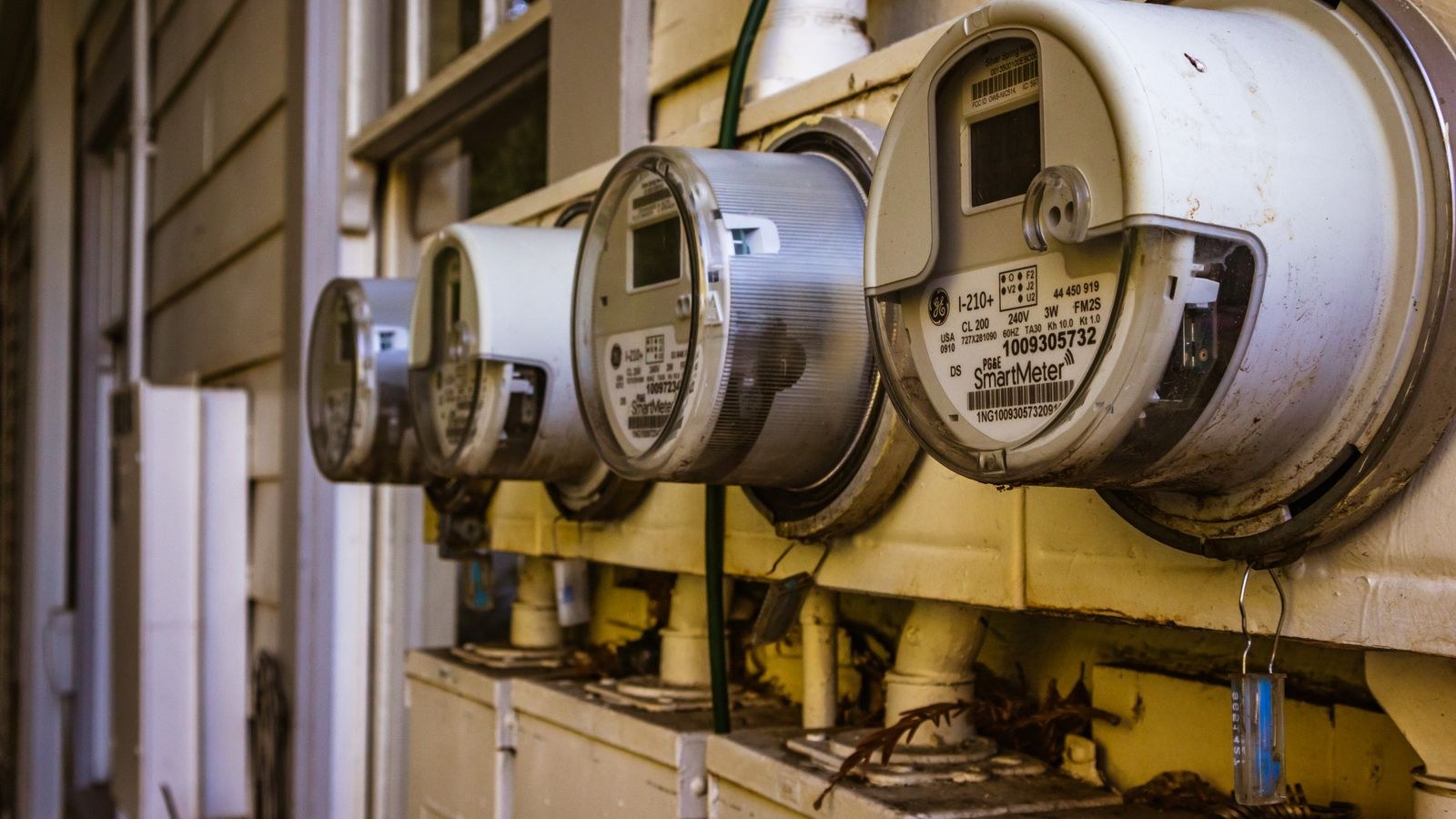
What a Home Energy Monitor Actually Measures
Every monitor is measuring the same two things: voltage and current. Multiply them and you get power in watts at that instant. Track power over time and you get energy in kilowatt-hours, the unit your utility bills you for. Everything else, including appliance breakdowns, cost estimates and alerts, is software built on top of those numbers.
The difference between products is where they measure. A whole-home monitor sits at the electrical panel and sees every circuit at once. A circuit-level monitor adds individual clamps so each breaker is tracked separately. A smart plug measures only what is plugged into it. A utility app reports what the meter itself recorded, usually with a delay. Each of those vantage points answers different questions.
Whole-Home Panel Monitors
A whole-home monitor installs inside your breaker panel, with current transformer clamps around the two main incoming conductors. It reports total household consumption in real time, typically once per second, and pushes data to an app over Wi-Fi.
The strength of this approach is completeness. Nothing escapes it, including hardwired loads like a water heater, oven or central air system that no plug-in device can ever see. Many models also attempt appliance identification, using the electrical signature of each device switching on to guess what it was. That detection is genuinely impressive for large, distinctive loads and considerably less reliable for small or similar ones.
The cost is installation. Working inside a breaker panel means exposure to live service conductors that remain energised even with the main breaker off. This is one of the few smart home projects where hiring an electrician is the sensible default rather than an admission of defeat. Budget for an hour of labour on top of the hardware.
Circuit-Level Monitoring
If whole-home monitoring tells you the house used three kilowatt-hours last hour, circuit-level monitoring tells you which breakers were responsible. Systems supporting eight, sixteen or more clamps let you assign a sensor to each circuit that matters: kitchen, laundry, HVAC, water heater, workshop, EV charger.
This removes guesswork entirely. Instead of an algorithm inferring that something drawing 1,400 watts was probably the dishwasher, you simply read the dishwasher circuit. For anyone with solar panels, a heat pump or an electric vehicle, that precision is worth paying for, because those loads are large enough that small percentage improvements translate into real money.
The downsides are cost and panel space. More clamps mean more hardware and a more crowded enclosure, and older panels can be physically tight. Have your electrician confirm there is room before ordering a sixteen-channel system.
Smart Plugs With Energy Reporting
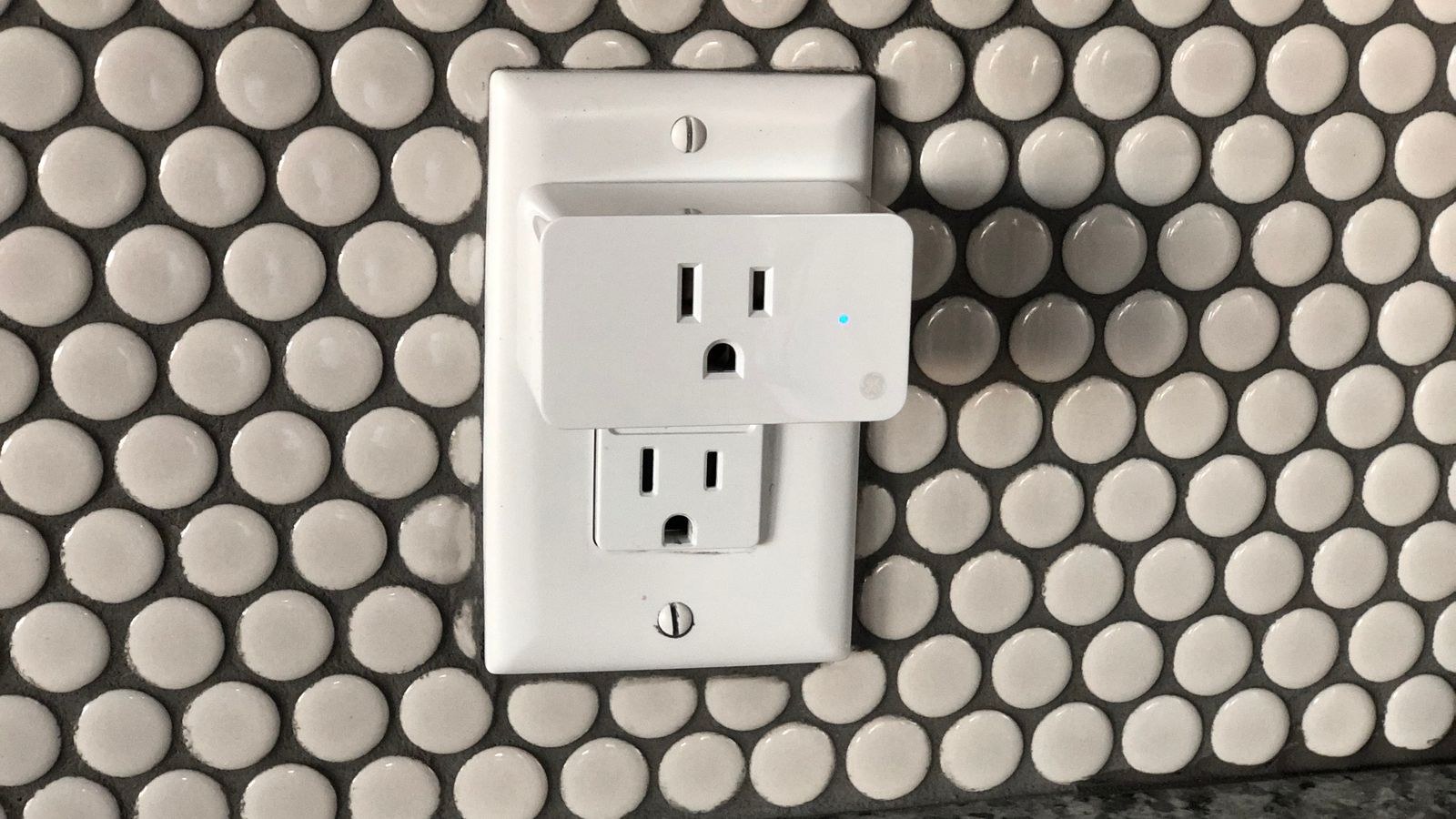
The lowest-friction option is a plug that measures what passes through it. You plug it into an outlet, plug the appliance into the plug, and the app reports watts now and kilowatt-hours over time. No panel, no electrician, no risk.
For plug-in loads this is the most accurate and least ambiguous data you can get, because there is no inference involved. It is ideal for auditing entertainment centres, home office equipment, space heaters, dehumidifiers and old refrigerators. Many people run one plug around the house for a week per appliance and build a complete picture over a couple of months for very little money. Our roundup of the best smart plugs highlights which models include energy reporting, since it is not universal, and the best smart WiFi plugs comparison covers app quality and data export.
The limitation is obvious: anything hardwired is invisible, and hardwired loads are usually the biggest ones in the house. Plugs are a complement to panel monitoring, not a replacement for it. Where you want measurement built into the wall rather than protruding from it, the best smart outlets achieve the same result more tidily at the cost of an installation.
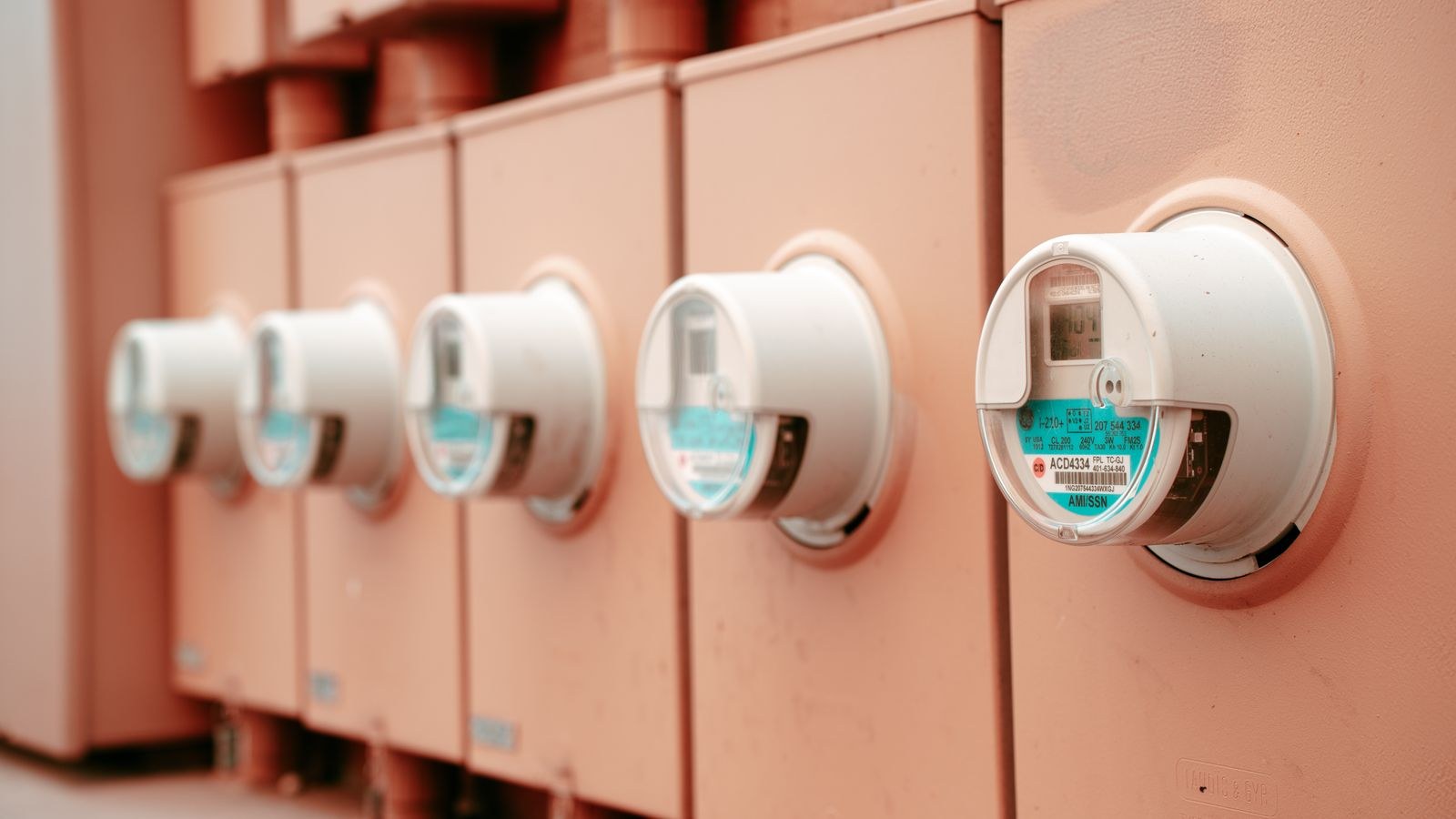
Utility Smart Meter Apps
Many utilities now provide an app or web portal showing interval data from the meter they already installed, often in fifteen-minute or hourly increments. It costs nothing and requires no hardware.
Treat it as the free baseline. It is accurate because it is literally your billing data, and it is enough to identify broad patterns such as an unexpectedly high overnight floor. What it will not give you is real-time feedback, which is the mechanism that actually changes behaviour. Watching a number jump the instant you switch on an appliance teaches you something an hourly chart never will. Check your utility portal first, then decide what additional resolution you need.
Accuracy: What the Numbers Mean
Consumer monitors typically claim accuracy within one to two percent of actual consumption, which is more than adequate for finding waste. Two caveats matter. First, accuracy degrades at very low loads, so a device drawing three watts may be reported imprecisely. Second, clamp orientation and placement affect readings, so an incorrectly installed sensor can report negative or wildly inflated values.
Appliance detection accuracy is an entirely separate question, and it is much lower than measurement accuracy. Expect a monitor to reliably identify large distinctive loads and to confuse similar ones. Judge these systems on their total and circuit numbers, and regard automatic appliance labelling as a helpful bonus rather than the reason to buy.
Solar and Battery Homes
If you generate electricity, your requirements change. You need bidirectional measurement to distinguish consumption, production, export and self-consumption, and that requires a monitor explicitly designed for solar with additional clamps on the inverter feed. A standard monitor will simply report confusing figures. Check for named solar support before buying rather than hoping the app sorts it out.
Budget Tiers and What You Get
At the entry level, a single energy-reporting smart plug costs less than a takeaway meal and answers one specific question at a time. That is the right first purchase for most households, because it proves whether you will actually engage with the data.
The mid tier is a whole-home panel monitor with two main clamps, delivering real-time total consumption and estimated appliance breakdowns. Add professional installation to the sticker price when comparing.
The upper tier is a multi-channel circuit-level system, sometimes combined with solar monitoring. This makes sense for larger homes, high electricity prices, solar arrays or electrification projects where you are actively managing loads. Below a certain consumption level, the hardware will never pay for itself in savings, though many owners value the visibility for its own sake.
Turning Data Into Savings
Buying the monitor is the easy part. The savings come from a short sequence of actions.
- Establish your baseline overnight load, when everything should be off. A high floor means standby waste worth hunting.
- Identify your three largest consumers and focus entirely on those, ignoring small loads for now.
- Test one change at a time and let it run a full week before judging the result.
- Attack standby drain with scheduled plugs on entertainment and office clusters.
- Switch the highest-hours lighting to efficient bulbs, where our list of the best energy efficient light bulbs shows the realistic wattage differences.
- Shift flexible loads such as laundry and dishwashing if your tariff has cheaper periods.
Heating and cooling usually dominate the total, so pairing a monitor with better HVAC control produces the largest single improvement. Our guide to the best smart thermostats covers the scheduling and occupancy features that reduce that share.
Common Mistakes
The most frequent error is buying detailed hardware and never opening the app after the first fortnight. Monitoring only saves money if it changes behaviour, so set a recurring reminder to review the data monthly rather than relying on curiosity.
The second is chasing small loads. Optimising a phone charger while a poorly configured heating system runs unchecked is effort spent in the wrong place. The third is opening a breaker panel without the skills to do so safely. The fourth is assuming appliance auto-detection will be perfect and feeling cheated when it is not. And the fifth is ignoring data export, which matters if you want to analyse consumption yourself or feed it into a home automation platform later.
Frequently Asked Questions
Will a home energy monitor lower my bill by itself?
No. It provides information, and the savings come from acting on it. Households that engage with the data commonly trim a meaningful percentage from consumption in the first year, mostly by eliminating waste they did not know existed.
Do I need an electrician?
For anything installed inside the breaker panel, yes in almost all cases. Smart plugs need no installation at all, which is why they are the safest starting point.
Can it identify individual appliances automatically?
Partly. Large distinctive loads are usually identified well, while small or similar devices are frequently confused. Circuit-level clamps give certainty where detection guesses.
Does the monitor itself use much electricity?
Negligible amounts, typically a few watts. The energy it uses is trivially small compared with the waste it helps you find.
What about my utility’s free app?
Start there. It gives accurate historical data at no cost. Buy hardware when you find you need real-time feedback or per-circuit detail the utility cannot provide.
Final Thoughts
Match the tool to the question. If you want to know why your bill is high, start with the free utility data and one energy-reporting smart plug. If you want a complete real-time picture, a whole-home panel monitor with professional installation is the right step. If you run solar, an EV or a heat pump, circuit-level monitoring earns its cost quickly.
Whichever route you take, commit to reviewing the numbers regularly. The hardware is only ever half the purchase; the habit of looking is the part that saves money.









