
 Owen Bradley
 HDMI 2.1 appears on almost every TV box, in almost every marketing bullet, and in almost every argument about whether a new television is future-proof. It is also the most misunderstood spec in home entertainment, partly because the standard was written in a way that lets a manufacturer print the number on a set that supports barely any of its features. This article explains what HDMI 2.1 actually changes, which parts of it genuinely matter for gaming and film, and how to check whether the specific ports on a specific television deliver the bandwidth they imply.
The Headline Change Is Bandwidth
Every capability HDMI 2.1 adds rests on one foundation: it moves far more data per second. The previous HDMI 2.0 specification carried up to 18 Gbps, which was enough for 4K at 60Hz with standard colour depth. HDMI 2.1 raises the ceiling to 48 Gbps, nearly three times as much.
That extra headroom is what makes 4K at 120Hz possible, along with 8K at 60Hz, higher colour depths, and full uncompressed colour sampling instead of the reduced chroma older links resorted to. It also introduced a new signalling method called Fixed Rate Link, which is why genuine HDMI 2.1 capability requires new silicon at both ends rather than a firmware update.
Why 48 Gbps Is Rarely the Real Number
Here is where buyers get caught. The specification defines several bandwidth tiers, and manufacturers may implement 24, 32, 40 or 48 Gbps while still legitimately labelling the port HDMI 2.1. A 40 Gbps port handles 4K at 120Hz with 10-bit colour perfectly well, so it is not a problem in practice, but a 24 Gbps port cannot, and it will still carry the same badge. Always look for the specific capability you want listed by name rather than trusting the version number.
4K at 120Hz: The Feature Most People Actually Want
Doubling refresh rate from 60Hz to 120Hz halves the time each frame is displayed, which produces visibly smoother motion and cuts the delay between a controller input and the result appearing on screen. Current consoles output 4K at 120Hz in supported titles, and gaming PCs push it in far more.
To receive it, three things must line up: the source must output it, the cable must carry it, and the TV port must accept it. Miss any one and the connection silently falls back to a lower mode, often without telling you. Note also that a panel advertised as 120Hz native is not the same as a port that accepts 120Hz input; some sets use motion interpolation to claim high refresh figures while their inputs cap at 60Hz. Sets that get all of this right are collected in our roundup of the best 120Hz gaming TVs.
Variable Refresh Rate Removes Tearing
VRR lets the display change its refresh rate on the fly to match whatever frame rate the source is producing. Without it, a console rendering 47 frames per second into a fixed 60Hz display either tears the image across the middle or stutters as frames are held and repeated.
HDMI 2.1 defines VRR as part of the standard, which means it works over a plain HDMI connection without any proprietary hardware. Alongside it sit AMD FreeSync and NVIDIA G-SYNC Compatible certification, which are essentially validated implementations of the same idea. Check the supported VRR window, expressed as a range such as 48 to 120Hz, because performance below the lower bound relies on frame doubling that not every set handles gracefully. For a deeper look at implementations that hold up in practice, see the best VRR gaming TVs.
ALLM, QFT and QMS: The Quality-of-Life Features
Auto Low Latency Mode is the least glamorous and most useful addition. When a console starts a game, it signals the TV to switch into game mode automatically, disabling the heavy image processing that adds input lag. Then it switches back for video apps. Before ALLM, you had to remember to change picture mode manually every time, and most people simply did not.
Quick Frame Transport reduces latency further by sending each frame at a faster rate within the same refresh interval, shaving milliseconds off the delivery time. Quick Media Switching eliminates the black screen that appears when content changes frame rate, so jumping between a 24fps film and a 60fps menu no longer blanks the display for several seconds. Neither is essential, but both make a system feel more responsive.
eARC Changes How Sound Leaves the TV
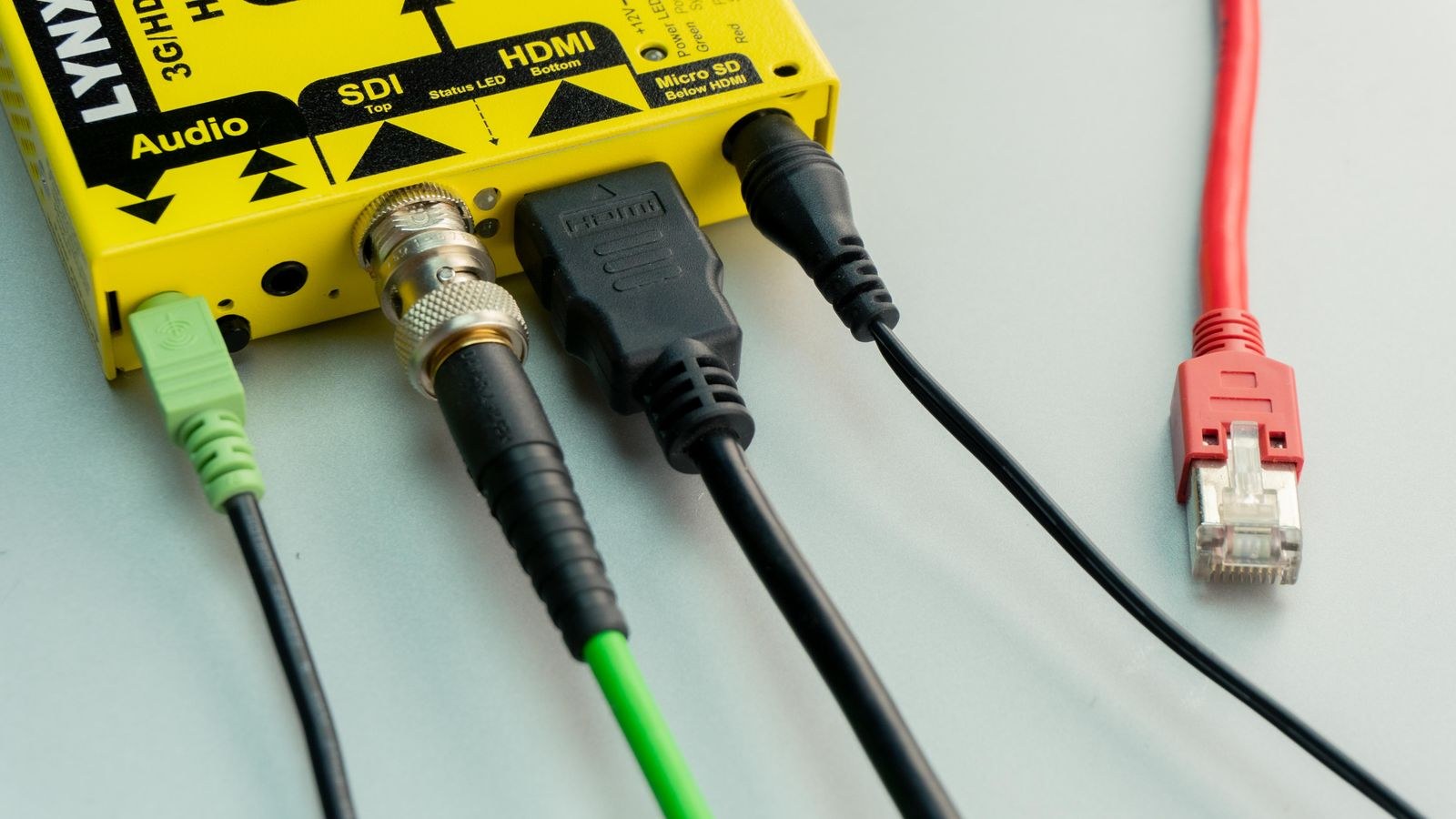
Audio Return Channel let a television send sound back down the HDMI cable to a soundbar or receiver, but its bandwidth limited it to compressed formats. Enhanced ARC lifts that ceiling dramatically, carrying uncompressed multichannel PCM and full-fat object-based formats such as Dolby TrueHD-based Atmos and DTS:X.
The practical consequence is that you can plug all your sources into the TV, run one cable to the sound system, and still get the highest-quality audio track. That simplifies cabling enormously compared with routing everything through a receiver first. Two things to check: eARC is usually available on only one specific HDMI port, and both the TV and the audio device must support it. A high-speed cable is required as well, since standard ARC cables may not carry the higher data rate reliably. Sets with well-implemented audio return are covered in the best gaming TVs with eARC.
How Many Ports Support the Full Spec?
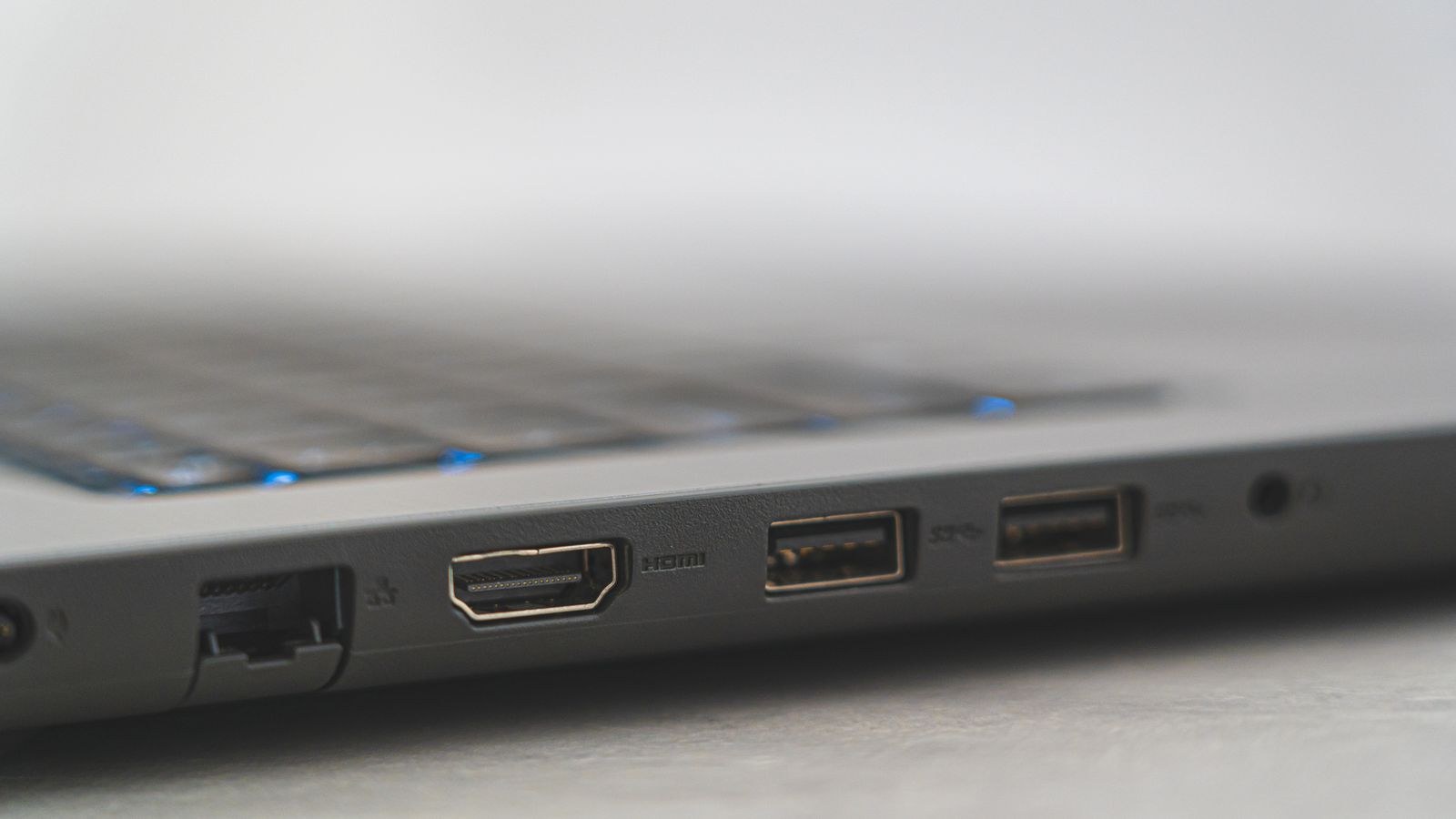
This is the trap that catches the most buyers. A television may have four HDMI inputs, but only two of them support the full 48 Gbps feature set, and one of those two is often also the eARC port. Connect a console, a PC and a soundbar and you can run out of capable ports immediately.
Before buying, find the manufacturer’s detailed specification and note which numbered ports support 4K at 120Hz, which support VRR and ALLM, and which carries eARC. Then map your devices onto them. A household with two current consoles and a soundbar needs at least three high-bandwidth ports, and plenty of otherwise excellent televisions provide only two. Comparing models on port allocation rather than port count is exactly what the best HDMI 2.1 gaming TVs shortlist focuses on.
Do You Need New Cables?
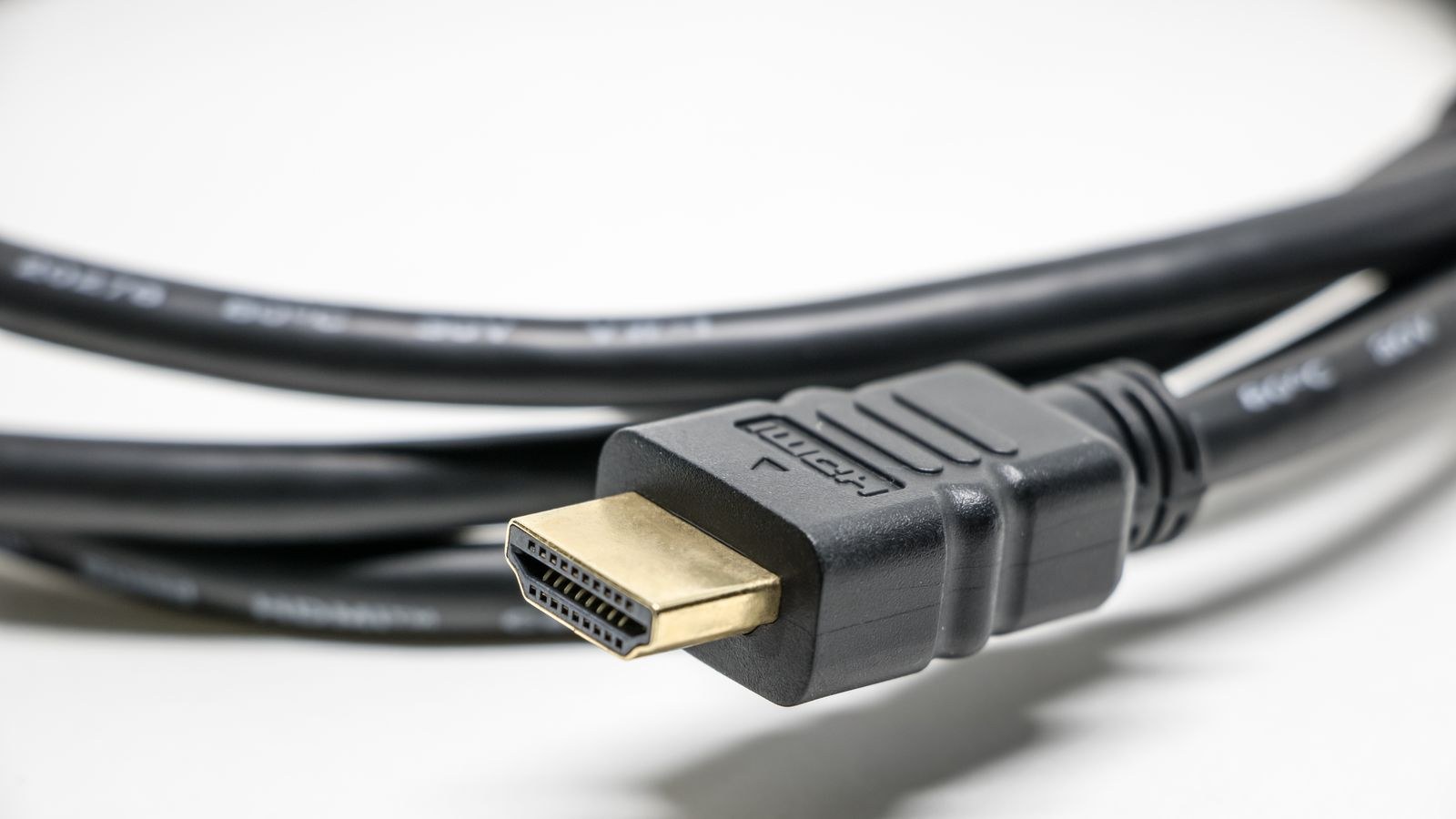
Usually yes, though it is a small expense. Look for cables carrying the Ultra High Speed HDMI certification, which is tested to 48 Gbps and carries a holographic label with a QR code. Premium High Speed cables top out at 18 Gbps and will not carry 4K at 120Hz reliably. Cable length matters too: passive copper cables become unreliable beyond about 10 feet at full bandwidth, so longer runs need an active optical cable. Failures typically show as intermittent black flashes or a signal that refuses to lock rather than a gradual decline in quality.
What HDMI 2.1 Does Not Do
It does not improve picture quality on its own. Contrast, colour accuracy, brightness and processing all come from the panel and the image engine, and a poor television with excellent ports is still a poor television. It does not make a 60Hz panel display 120Hz, and it does not add HDR capability that the display lacks. Panel quality still decides how good the image looks, which is why the best 4K gaming TVs weigh contrast and processing alongside connectivity.
It also does not guarantee low input lag. Latency depends on the set’s processing pipeline, and a badly optimised game mode can be slower than a well-tuned older television. If responsiveness is your priority, measured input lag figures matter more than the HDMI version, which is why the best low input lag gaming TVs ranks on measured performance rather than on advertised specs.
Who Genuinely Benefits
- Console gamers gain the most, since 4K at 120Hz, VRR and ALLM are all directly supported by current hardware.
- PC gamers connecting to a television benefit from high refresh rates and adaptive sync without needing DisplayPort.
- Home cinema owners benefit chiefly from eARC, which unlocks uncompressed object-based audio over a single cable.
- Film and streaming viewers gain the least. Most streamed content runs at 24 or 60fps in 4K, comfortably within older bandwidth limits.
If you fall into that last group, HDMI 2.1 is worth having for longevity but should not drive your purchase. Spend the money on panel quality instead.
Common Mistakes and Misconceptions
The biggest is treating the version number as a guarantee. Because the specification permits partial implementations, the only reliable approach is to check for named features and stated bandwidth. Second is assuming every port on a set is equal, which leads to a console plugged into a 60Hz-only input and a user wondering why their games look no smoother.
Third is buying an expensive cable in the belief that price improves picture quality. HDMI is digital, so a certified cable at any price either carries the signal or does not. Fourth is confusing a panel’s native refresh rate with the input’s accepted refresh rate. And finally, many people enable every processing feature in the picture menu, then wonder why input lag is poor, when game mode exists precisely to switch that processing off.
Frequently Asked Questions
Is HDMI 2.1 worth it if I only watch films?
Mostly for eARC, if you use a soundbar or receiver. Streaming and disc playback rarely need the extra bandwidth otherwise.
Can a firmware update add HDMI 2.1 to my TV?
No. The higher bandwidth requires different chipsets and signalling hardware, so it cannot be added in software. Individual features such as VRR can sometimes be enabled by update if the hardware already supports them.
Will an HDMI 2.1 device work with an older TV?
Yes. The standard is backward compatible, and the connection simply negotiates down to whatever both ends support.
How do I know my TV is actually receiving 4K at 120Hz?
Most televisions show an input information panel listing resolution, frame rate and colour format. Consoles also report the active output mode in their video settings.
Does the cable need to be expensive?
No, only certified. An Ultra High Speed HDMI cable of modest price carries the full 48 Gbps just as well as a costly one.
Final Thoughts
HDMI 2.1 is best understood as a bigger pipe rather than a feature in itself. That extra bandwidth enables 4K at 120Hz, variable refresh rate, automatic game mode switching and uncompressed audio return, and those capabilities are genuinely valuable if you game on a console or run a serious sound system.
The practical advice is unchanged regardless of how the marketing evolves: ignore the badge, read the port-by-port specification, count how many full-bandwidth inputs you actually need, and buy a certified cable. Do that and you will get everything the standard promises in 2026 without paying for capability that never reaches your screen.









