
 Owen Bradley
 Somewhere in the last few years, chargers stopped growing and started shrinking. A brick that once delivered 60W and filled half a wall socket now delivers the same power from something the size of a matchbox, and it runs cooler doing it. The reason is a switch in semiconductor material: gallium nitride, or GaN, replacing the silicon that has run power electronics for decades. This guide has GaN chargers explained in plain language, covering why the technology allows smaller and cooler designs, how many watts you actually need for your devices, when a single multi-port GaN brick genuinely replaces three separate adapters, and where the savings stop being worth the premium. By the end you should be able to buy one charger in 2026 that handles your entire desk.
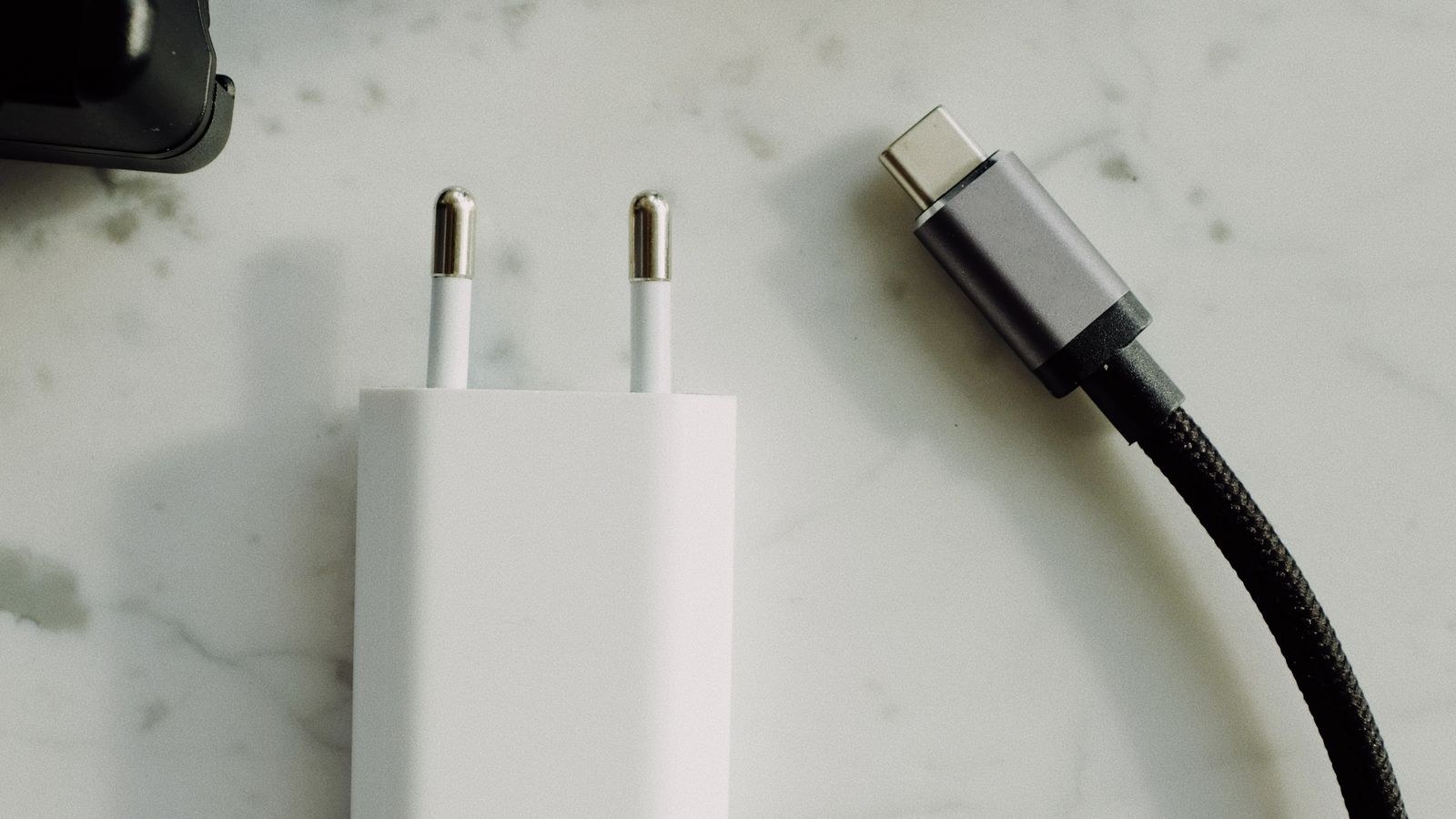
What GaN Actually Is
Every charger converts high-voltage mains alternating current into the low-voltage direct current your devices accept. The heart of that conversion is a switching transistor that flips on and off tens or hundreds of thousands of times per second. For decades that transistor was made of silicon, a material that works well but has physical limits on how fast it can switch and how much heat it produces while doing so.
Gallium nitride is a wider bandgap semiconductor. In practical terms it tolerates higher voltages, switches far faster, and loses less energy as heat during each switch. Those three properties compound into the benefits you see on a shelf: a smaller charger, less waste heat, and higher power output from the same physical volume. GaN is not a new charging standard and it does not change what your phone receives; it simply makes the conversion more efficient.
Why Faster Switching Means a Smaller Charger
The bulkiest components inside any charger are the transformer and the capacitors that smooth the output. The size those parts need is inversely related to switching frequency: the faster the transistor switches, the less energy each component must store between cycles, and the smaller they can be. Because GaN switches several times faster than silicon, designers can shrink the magnetics dramatically. Add lower heat output, which reduces the need for internal air gaps and heatsinking, and a 65W GaN charger can occupy roughly a third of the space of an equivalent silicon design.
Cooler Running and Why That Matters
Heat is wasted electricity. A silicon charger might convert around 87 percent of the energy it draws, dumping the rest as warmth; a good GaN design pushes past 92 percent. The difference sounds modest until you consider what heat does inside a sealed plastic box. High internal temperatures age capacitors, degrade insulation, and force the charger to throttle its output to protect itself.
That throttling is the real everyday benefit. A hot charger that starts at 65W may quietly drop to 45W after ten minutes, stretching a laptop charge from ninety minutes to well over two hours. A cooler-running GaN unit is far more likely to sustain its rated output for the whole session. It also means the charger is safer to leave plugged in behind furniture or under a desk where airflow is poor, and it puts less thermal stress on the outlet itself.
How Many Watts Do You Actually Need?
Wattage is the spec that decides charging speed, and buying more than you need is the most common overspend. Use the devices themselves as your guide rather than the biggest number available.
- Earbuds, smartwatches, e-readers: 5W to 10W is plenty; higher-rated chargers simply idle.
- Smartphones: 20W to 30W covers fast charging on virtually every current handset.
- Tablets and handheld consoles: 30W to 45W hits full speed on most models.
- Thin-and-light laptops: 60W to 65W matches the majority of factory adapters.
- Larger creative and gaming laptops: 100W to 140W, and check the original brick first.
A charger never forces power into a device. The two negotiate over USB Power Delivery and settle on the highest level both support, so a 100W charger connected to earbuds delivers exactly what the earbuds request. Buying headroom is therefore safe, just not free. The sensible target is a charger that covers your most demanding device with a little margin, not one rated for hardware you do not own.
Understanding Power Delivery and PPS
Power Delivery is the universal negotiation protocol, offering fixed voltage steps such as 5V, 9V, 15V, and 20V. Programmable Power Supply is an extension that lets a device request voltage in fine increments, which reduces heat inside the phone and often produces faster real-world charging than a raw wattage figure suggests. If your phone advertises support for it, choosing a GaN charger that lists PPS is more valuable than jumping up a wattage tier.
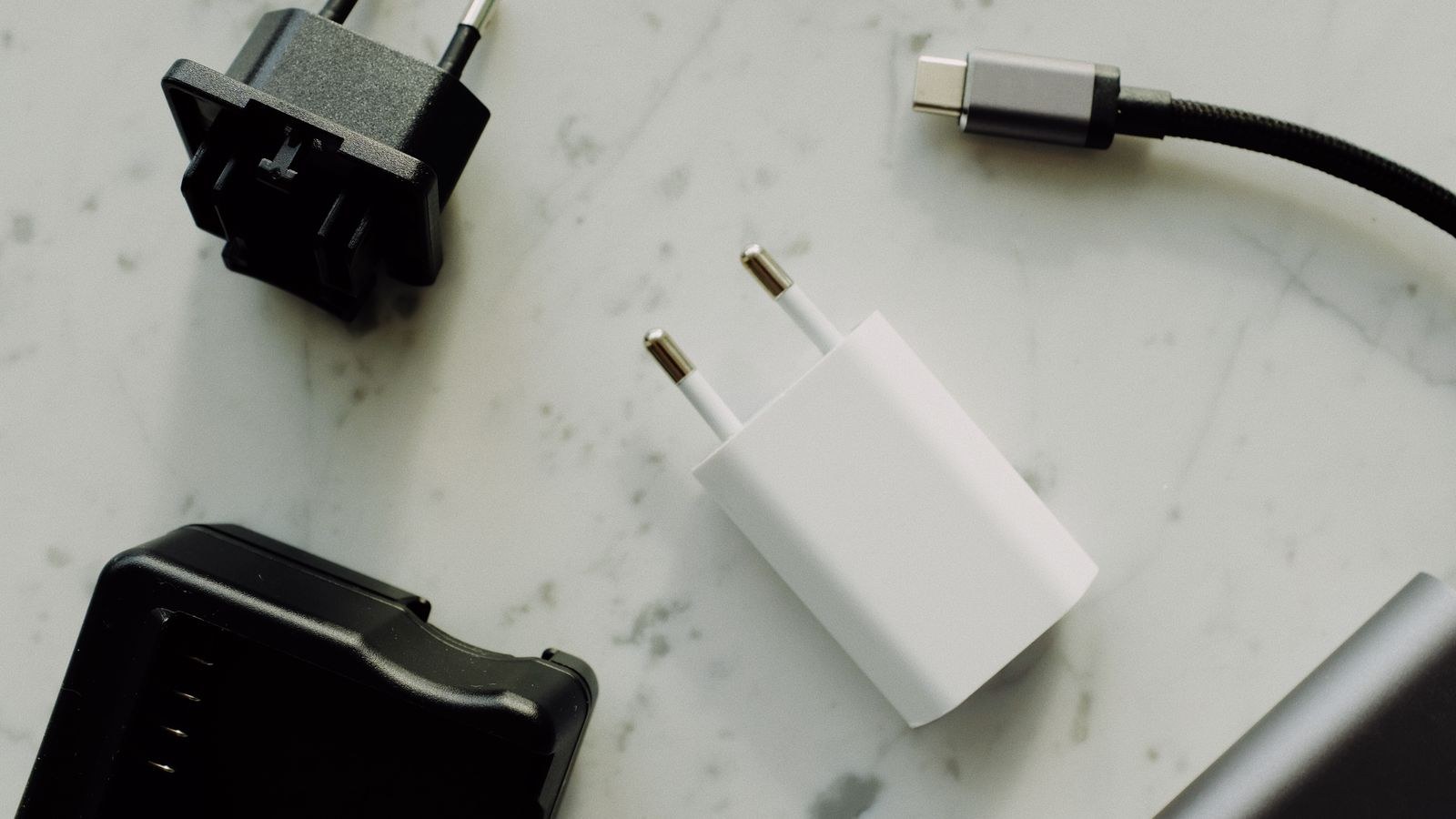
When One Multi-Port GaN Brick Replaces Three Adapters
The strongest argument for GaN is consolidation. A typical desk carries a laptop adapter, a phone charger, and a smaller unit for earbuds or a watch, occupying three outlets and three cables. A single multi-port GaN charger with two USB-C ports and one USB-A can serve all three from one socket.
The catch is power sharing. A charger advertised at 65W usually means 65W total, not per port. Plug a phone into the second port and the laptop port may drop to 45W. Every reputable manufacturer publishes a distribution table showing exactly what each port delivers in each combination, and reading that table is the single most important step before buying. If you want a laptop at full speed alongside a phone, look for a total rating that sums both needs, typically 100W or more for a genuine three-device replacement.
Consolidation also changes what you need built into the wall. Once a single brick handles the desk, permanent charging points elsewhere in the home make more sense for bedsides and kitchens. Comparing the best USB-C outlets against the broader field of best USB outlets shows where a fixed receptacle beats another portable brick.
GaN Versus Traditional Silicon Chargers
Silicon chargers are not obsolete, and for a low-wattage bedside phone charger the difference is barely noticeable. GaN earns its premium as wattage climbs, because that is where size and heat penalties on silicon become severe. At 20W the two technologies produce similar boxes; at 65W the GaN unit is dramatically smaller; at 140W a silicon equivalent would be impractical to carry.
Expect to pay a modest premium for GaN, though the gap has narrowed sharply as production scaled. Weigh it against what you gain: fewer adapters in the bag, one outlet freed, sustained output instead of thermal throttling, and slightly lower running cost from better efficiency. For anyone who charges a laptop away from a fixed desk, the premium is usually recovered in convenience alone.
Where Charging Belongs in the Wall
Portable bricks are not always the answer. Kitchens, nightstands, and entryways benefit from permanently installed charging built into the receptacle, which removes the adapter entirely and keeps counters clear. Roundups of the best USB wall outlets and general best power outlets cover those fixed options, and a focused USB outlet buying guide explains the wattage and box-depth requirements before you commit to an electrician.
What to Check Before You Buy
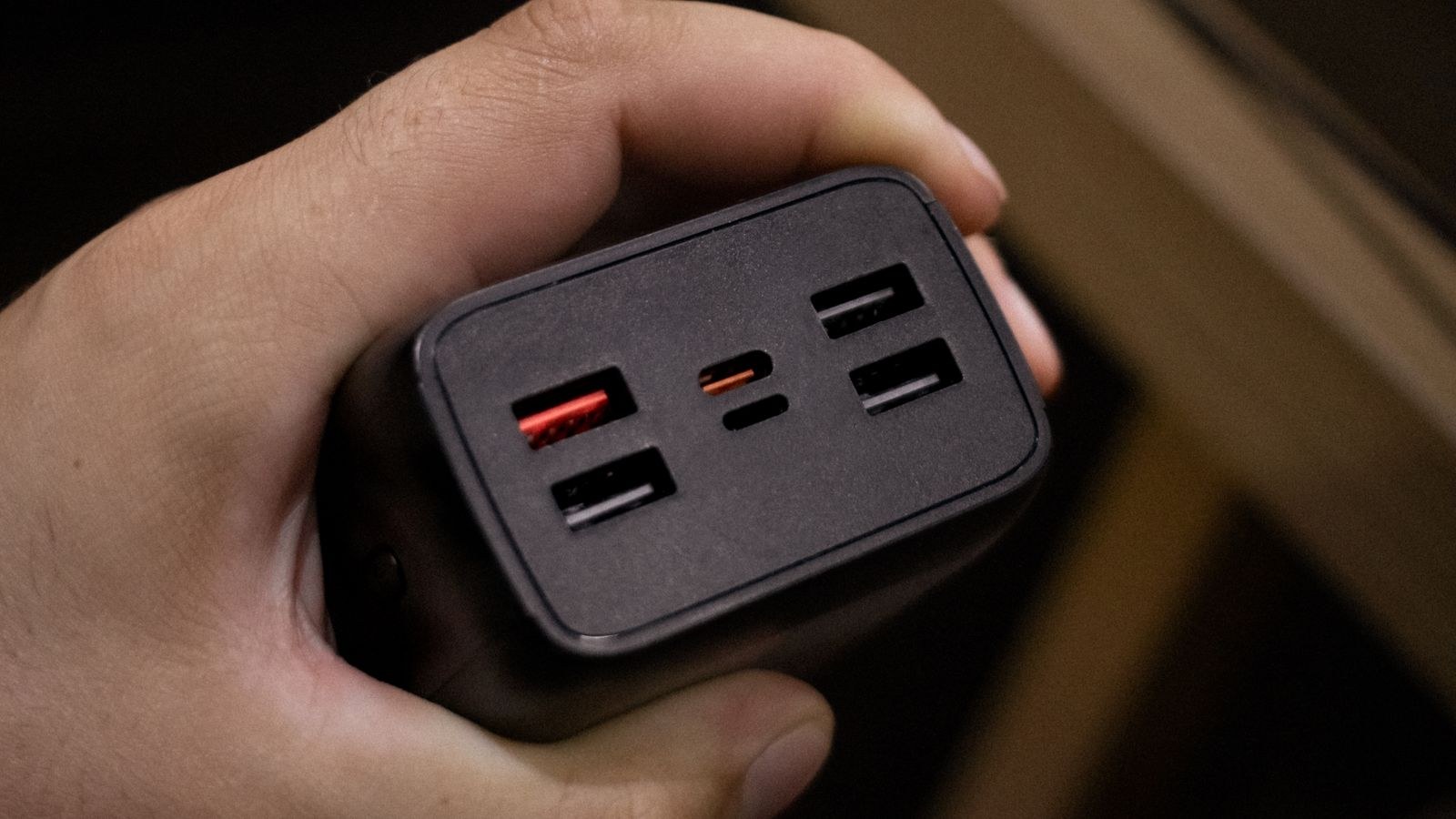
- Total wattage and the per-port distribution table. Headline numbers are almost always shared.
- Port mix. At least two USB-C ports future-proofs the purchase; one USB-A covers legacy accessories.
- PPS support if your phone benefits from it, which usually beats extra raw watts.
- Safety certification from a recognised testing body, plus over-current and thermal protection.
- Plug design. Folding pins travel well; a fixed plug on a heavy brick can sag out of a loose socket.
- Cable rating. Above 60W you need an e-marked cable, or the charger is capped regardless of its rating.
Common Mistakes That Waste Money
The most frequent error is buying a high-wattage charger and pairing it with an old cable. A 100W brick connected to a basic USB-C cord rated for 60W delivers 60W, and the buyer blames the charger. The second mistake is assuming a multi-port unit gives every port its full rating simultaneously, which produces slow laptop charging the moment a phone joins the party.
A third mistake is buying the smallest possible unit for a laptop. Extreme miniaturisation leaves less thermal mass, and some ultra-compact designs throttle under sustained load even with GaN internals. Finally, avoid unbranded chargers with implausible wattage claims and no certification marks. Mains-connected electronics is the wrong category in which to save a few pounds, and a failing charger can take a laptop with it.
Frequently Asked Questions
Will a GaN charger charge my devices faster?
Only if it supplies more watts than your previous charger. GaN improves efficiency and size, not the charging standard itself, so a 20W GaN unit charges a phone at the same speed as a 20W silicon one.
Is a 100W charger safe for a phone?
Yes. The device requests the power level it wants through Power Delivery negotiation, so a higher-rated charger simply has unused headroom rather than pushing excess current.
Do I need a new cable for a GaN charger?
Only above 60W, where an e-marked cable rated for 100W or 240W is required. Below that, any quality USB-C cable rated for the wattage works fine.
Why does my multi-port charger slow down when I add a device?
Because the rated wattage is a shared budget. Consult the manufacturer’s distribution table to see which port gets priority and how much each receives in combination.
Are GaN chargers more reliable long term?
Lower operating temperature reduces stress on internal components, which generally helps lifespan. Build quality and certification still matter more than the semiconductor material alone.
Final Thoughts
GaN is best understood as an engineering upgrade rather than a new charging feature: the same watts, delivered from a smaller and cooler package. That efficiency is what makes single-brick consolidation practical, letting one charger cover a laptop, a phone, and a pair of earbuds where three adapters used to live. Buy for the wattage your most demanding device actually needs, read the per-port distribution table before trusting a headline figure, and pair the charger with a properly rated cable. Do that and the compact unit you buy in 2026 will quietly free an outlet, lighten your bag, and keep running at full speed instead of throttling halfway through a charge.









