
 Owen Bradley
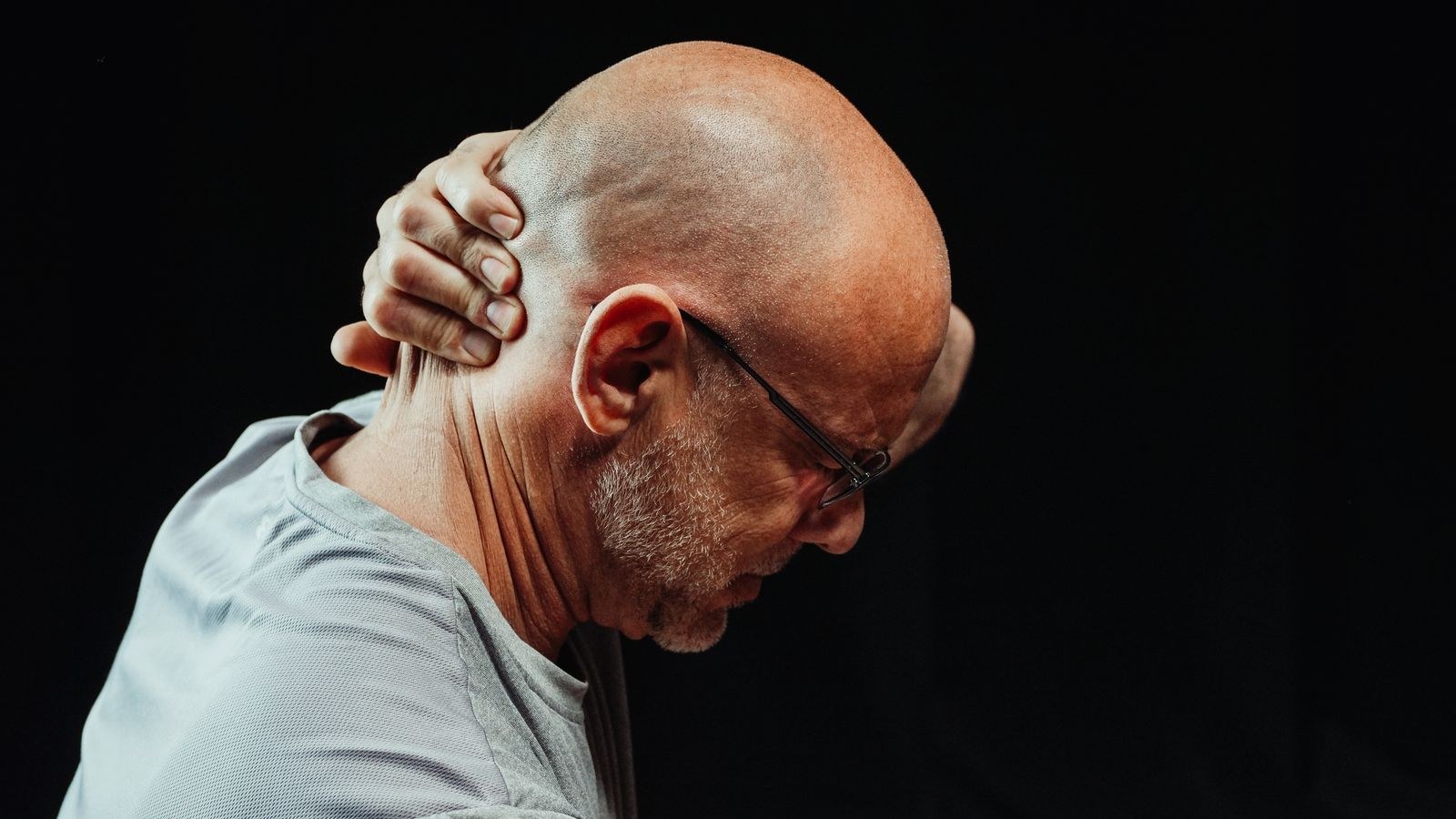
 Tech neck is the ache at the base of your skull, the burning between your shoulder blades, and the photograph where your head sits noticeably in front of your shoulders instead of stacked on top of them. It develops slowly, from thousands of hours spent looking slightly down and slightly forward at a screen. The mechanics are unforgiving: for every inch your head drifts forward of neutral, the effective load on the neck extensors roughly doubles. An eleven-pound head held two inches forward feels closer to thirty pounds to the muscles holding it there. The encouraging part is that forward head posture is a habit and a strength problem, not a structural deformity, and both respond to consistent work. This guide covers how to fix tech neck by correcting the screen setup that causes it, retraining the chin tuck, and rebuilding the deep neck flexors that have quietly stopped doing their job.
How to Tell If You Have It
Two quick self-checks tell you most of what you need to know. First, the wall test: stand with heels, buttocks and upper back against a wall and let your arms hang. If the back of your head cannot comfortably touch the wall without you tipping your chin up, your resting head position sits forward of neutral. Second, have someone photograph you from the side while you work normally, without warning you first. Draw an imaginary vertical line up from the point of your shoulder. In a neutral posture, the ear hole sits on or near that line. In tech neck, it sits an inch or more in front.
Symptoms usually follow a pattern: a dull ache at the base of the skull that worsens through the afternoon, tension headaches that start at the back of the head and wrap forward, tight and tender upper traps, and a burning fatigue between the shoulder blades. Occasional tingling in the hands can accompany it, though persistent numbness, weakness in the arms, or pain that radiates below the elbow warrants medical assessment rather than a self-managed programme.
What You Need Before Starting
- A monitor with adjustable height, or a stand, riser or stack of books to raise it.
- A chair with functional back support, ideally including a headrest for reading and thinking time.
- A phone or laptop stand so handheld devices are not held at waist level.
- A mirror or a phone camera for checking your alignment while you learn the chin tuck.
- A rolled towel for the supine exercises, and a resistance band if you have one.
Step One: Fix the Screen Geometry
You cannot exercise your way out of a workstation that pulls your head forward eight hours a day. Correct the geometry first, because everything else is maintenance on top of it.
- Raise the monitor so the top of the screen sits at or just below eye level. Sitting in your normal working posture and looking straight ahead, your gaze should land on the upper third of the display. Most people work with monitors four to six inches too low, which is the single most common cause of the problem.
- Set viewing distance at roughly an arm’s length. Reach out; your fingertips should brush the screen. A monitor too close pulls your head forward to focus, and a monitor too far encourages you to crane toward it to read small text. If you find yourself leaning in, increase the text size rather than moving the screen closer.
- Tilt the screen back by ten to twenty degrees. A slight backward tilt matches the natural downward angle of a relaxed gaze and reduces the tendency to drop the chin.
- Deal with the laptop problem directly. A laptop cannot be ergonomic in its native form, because the screen and keyboard are fixed together. Raise the laptop onto a stand and use an external keyboard and mouse, or dock it to an external monitor. Desks with an integrated riser solve the height problem cleanly; see the best desks with monitor stand for setups that build the elevation in rather than bolting it on.
- Support the head when you are not typing. A large share of the day is spent reading, listening in meetings and thinking, and during those periods a headrest lets the neck extensors switch off entirely. Chairs covered in the best chairs with headrest roundup offer adjustable head support rather than a fixed pad that only suits one height.
- Raise your phone instead of lowering your head. Handheld devices are where the worst angles happen, often at 45 or 60 degrees of neck flexion. Bring the phone up toward chest or eye level, prop your elbow with the other hand, and use voice input for longer messages.

Step Two: Retrain the Chin Tuck
The chin tuck is the foundational corrective movement, and almost everyone performs it wrong the first few times. It is not tipping your head down toward your chest. It is a horizontal glide of the head backward over the shoulders, as though you were making a double chin while keeping your eyes level.
- Learn it seated. Sit tall, place one finger lightly on your chin, and use it as a guide to slide the head straight back. Your eyes stay level and your face stays pointing forward. Hold for five seconds, release slowly, and repeat ten times.
- Check it in a mirror. Looking sideways in a mirror, watch for the head translating back rather than the chin dropping. If the chin dips, you are nodding, not tucking.
- Progress to the wall version. Stand with your back against a wall, then gently press the back of your head into the wall while holding the tuck. Hold five seconds, repeat ten times. This adds isometric resistance and gives you clear feedback about your true neutral position.
- Add the supine version once the first two feel easy. Lie on your back with knees bent and no pillow, or a thin rolled towel under the neck. Perform the tuck by gently nodding as though saying yes with a very small movement, then lift the head half an inch off the floor and hold for five to ten seconds. Build toward three sets of ten. This is the exercise that actually strengthens the deep neck flexors, which are the muscles that hold your head in place all day.
- Do it frequently, not intensely. Ten repetitions every hour beats a hundred once. The goal is to reset a habitual position, and habits change through repetition rather than through effort.
Step Three: Strengthen the Back of the Chain
Forward head posture always travels with rounded shoulders and a stiff upper back. Fixing the neck alone leaves the structure it sits on unchanged, which is why so many people find their gains do not hold.
- Scapular retractions, 15 repetitions. Sit or stand tall and draw the shoulder blades back and slightly down, as though pinching a pencil between them. Hold two seconds. No shrugging.
- Wall angels, 10 repetitions. Back against a wall, arms bent at ninety degrees with the backs of the hands touching the wall. Slide the arms up and down while keeping contact. This exposes and improves thoracic and shoulder restriction better than almost anything else.
- Band pull-aparts or prone Y-raises, 12 repetitions. Both target the mid and lower trapezius, the muscles that hold the shoulder blades in position and take load off the overworked upper traps.
- Thoracic extension over the chair back, 8 slow repetitions. Sit with the chair back at mid-back height, support your head with your hands, and gently extend backward over the edge. A stiff upper back forces the neck to compensate, and this restores the extension sitting removes.
- Upper trap stretch, 30 seconds per side. Anchor one shoulder by sitting on that hand, tilt the head away and let the opposite hand rest on your head without pulling. Do this after the strengthening work rather than before.

Mistakes That Stall Progress
The most common is treating the chin tuck as a chin drop. Watch yourself in a mirror for the first week; a nod does nothing for the deep flexors and can aggravate the joints at the base of the skull.
The second is stretching without strengthening. Tight upper traps feel like the problem, so people stretch them daily and wonder why relief lasts ninety minutes. Those muscles are tight because they are overworking to compensate for weak deep flexors and mid-back muscles. Strength is what makes the stretch stick.
The third is aggressive self-correction. Yanking yourself into a rigid military posture and holding it produces fatigue and new aching. Neutral should feel light and sustainable, not braced. Frequent gentle resets beat sustained rigidity.
The fourth is fixing the desk and ignoring the sofa. If you spend your evenings with a phone in your lap and your chin on your chest, you undo the day’s progress in three hours. Apply the same raise-the-device rule everywhere.
Frequently Asked Questions
How long does it take to fix tech neck?
Setup changes usually reduce end-of-day ache within one to two weeks. Genuine change in resting head position takes longer, typically six to twelve weeks, because it depends on deep neck flexor endurance building and on a long-standing habit being overwritten. Consistency matters far more than intensity.
Do posture correctors and braces work?
They provide a tactile reminder, which some people find useful for short daily periods. Worn for hours they can allow the very muscles you are trying to strengthen to do less work. Treat one as a temporary cue, not a treatment.
Is a headrest actually necessary?
It is not essential while typing, since you should be upright and active then. It becomes genuinely valuable during reading, calls and thinking time, when it lets the neck extensors rest instead of holding your head unsupported for hours. If your neck fatigue peaks in meetings, a headrest is worth having.
What pillow should I use at night?
One that keeps the neck aligned with the spine: a medium-loft pillow for back sleepers and a higher loft for side sleepers to fill the shoulder gap. Sleeping face down forces the neck into extreme rotation for hours and works directly against everything else you are doing.
Which matters more, the chair or the monitor height?
Monitor height is usually the bigger lever for the neck specifically, because it dictates where your eyes must go. The chair determines whether you can sit upright long enough for that height to help. Chairs built for this complaint, such as those in the best desk chairs for neck pain and desk chairs for back and neck pain comparisons, focus on upper back and head support, while general best chairs for posture picks address the pelvic tilt underneath it all.
Final Thoughts
Tech neck is caused by geometry and sustained by weakness. Raise the screen to eye level today, put your phone at chest height instead of lap height, and add ten chin tucks an hour starting tomorrow. Layer in the mid-back strengthening two or three times a week and keep the routine boringly consistent for a couple of months. That combination addresses both the cause and the compensation, and it works reliably for the ordinary desk-induced version of this problem.









