
 Owen Bradley
 Large homes present a unique networking challenge: even a powerful single router often can’t push a strong signal through multiple floors, thick walls, and long distances. Choosing the right coverage solution means understanding how Wi-Fi actually travels through a house, not just picking the router with the biggest advertised range number. This guide explains what really determines coverage and how to choose equipment that eliminates dead zones for good.
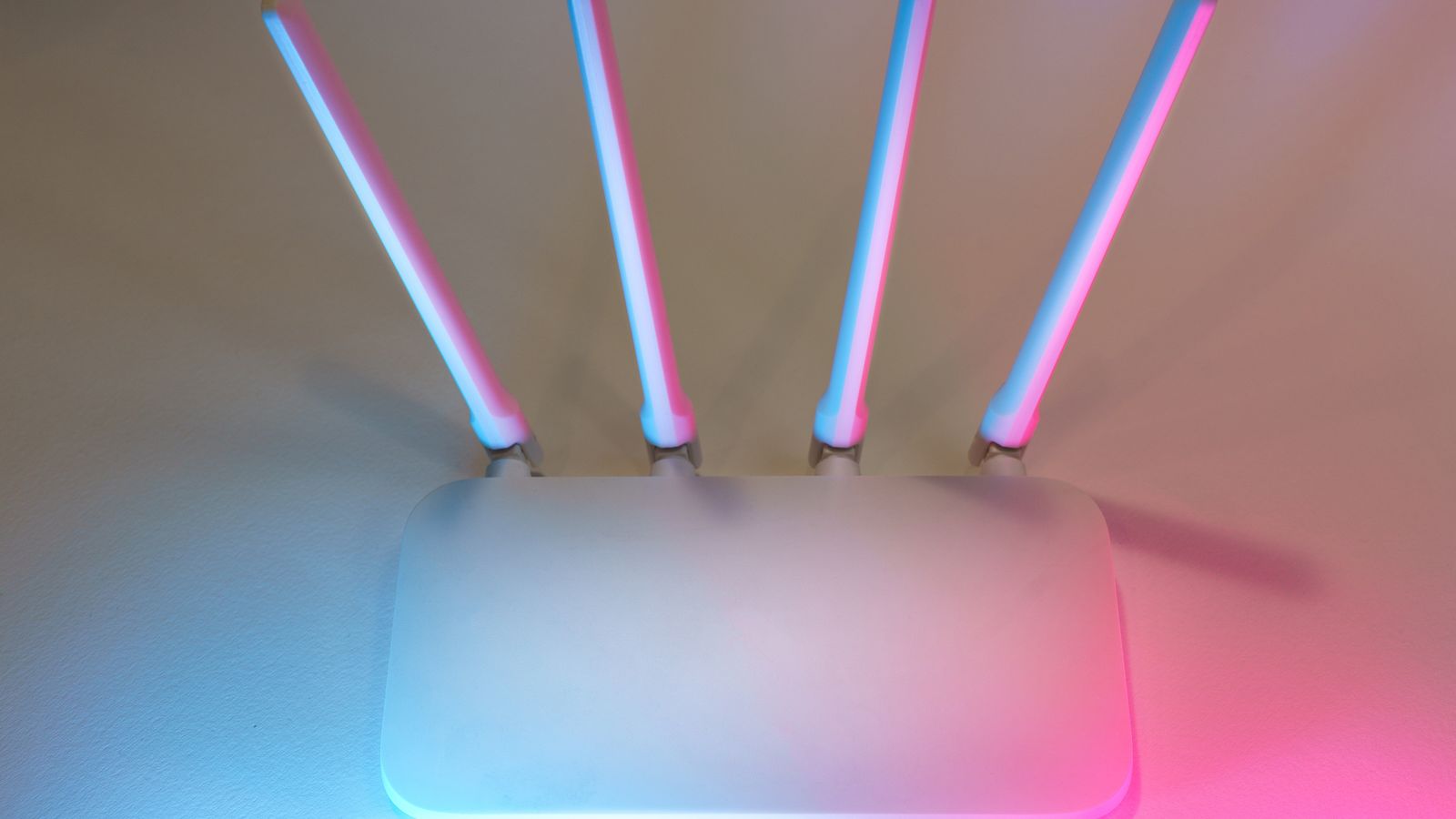
Why Advertised Range Numbers Are Misleading
Router packaging often lists square footage coverage under ideal, obstruction-free conditions — a scenario that rarely matches real homes. Walls, floors, furniture, and even plumbing interfere with wireless signals, meaning actual coverage is often far less than advertised. Two-story homes, homes with brick or concrete walls, and homes with an open layout all behave very differently, so relying on the number on the box will almost always lead to disappointing results.
A more useful way to think about coverage is in terms of obstacles between the router and your devices, not just distance. A device 30 feet away with a clear line of sight will often get a stronger signal than one 15 feet away through two thick walls. This is why placement and system design matter more than raw range figures.
Single Router vs. Mesh Systems
A single, even very powerful, router transmits from one central point, and signal strength naturally weakens with distance and obstructions. Mesh systems solve this by distributing multiple access points throughout the home, each one handing off your device seamlessly to the strongest available node as you move around. For homes over roughly 2,500 square feet, or with multiple floors, a mesh system almost always outperforms a single router, no matter how expensive that single unit is.
The seamless handoff is a key advantage. With a traditional router-plus-extender setup, you often have to manually switch networks as you move between rooms. A true mesh system keeps you on one network name and transfers your connection automatically, so a video call doesn’t drop as you walk upstairs.
How Many Mesh Nodes Do You Need
As a general rule, each mesh node covers a few thousand square feet under good conditions, but dense construction materials reduce that significantly. Most large homes benefit from a three-node system: one near the internet entry point, one in a central hallway or stairwell, and one in a distant room that previously suffered from weak signal. For homes with unusual layouts or many floors, additional nodes may be necessary, and browsing the best mesh routers for large homes helps identify systems designed specifically for extensive square footage.
Resist the temptation to over-deploy nodes, though. Placing too many too close together can create unnecessary overlap and, with wireless backhaul, actually reduce overall throughput. Start with a sensible number, test, and add nodes only where testing reveals a genuine gap.

Wired Backhaul vs. Wireless Backhaul
Mesh nodes communicate with each other through either wireless backhaul, which uses part of the Wi-Fi bandwidth to relay signal between nodes, or wired backhaul, which uses Ethernet cables to connect nodes directly. Wired backhaul delivers significantly better performance because it doesn’t compete with your devices for wireless bandwidth. If your home already has Ethernet wiring, or you’re willing to run cables, prioritize a mesh system that supports wired backhaul for the best possible speeds throughout the house.
If running Ethernet isn’t feasible, look for a tri-band mesh system that dedicates one band exclusively to backhaul communication between nodes. This preserves more bandwidth for your devices than a dual-band system that shares the same band for both backhaul and client traffic.
When a Long-Range Router Makes Sense
Not every large home needs a full mesh system. If your home has an open floor plan with fewer interior walls, or if most of your connectivity needs are concentrated within a moderate distance from a central point, a single high-power router with strong antennas may be sufficient and simpler to manage. In these cases, the best long-range routers can extend coverage further than typical consumer routers without the added complexity of multiple nodes.
A powerful single router is also easier to configure and troubleshoot, with fewer points of failure than a multi-node system. For the right home layout, it can be the more practical and cost-effective solution.
Whole-Home Systems for Maximum Reliability
For very large properties, multi-story houses, or homes with detached structures like garages and guest houses, a comprehensive whole-home system designed for extensive coverage is often the most reliable long-term solution. These systems are built to scale with additional nodes as needed and typically include more sophisticated network management tools. The best whole-home routers are engineered specifically for this kind of large-scale, multi-area coverage.
Placement Strategy for Large Homes
Positioning matters as much as hardware. Place your primary router or main mesh node centrally, ideally on the main floor rather than in a basement. Avoid placing nodes inside cabinets, near large metal appliances, or directly against exterior walls where signal simply radiates outside the home instead of through it. For multi-story homes, staggering nodes vertically between floors, rather than clustering them all on one level, generally produces more even coverage.
When positioning satellite nodes, place each one at roughly the halfway point between the main router and the dead zone you want to fix, not directly in the dead zone itself. A node needs a strong connection back to the main unit to be effective, so placing it too far out defeats the purpose.
Identifying Building Materials That Block Signal
Some construction materials interfere with wireless signals far more than others. Brick, concrete, stone, and metal-backed insulation dramatically reduce Wi-Fi penetration, while drywall and wood-frame construction allow signals to pass through much more easily. If your home has these denser materials, plan for more nodes or wired connections rather than assuming standard mesh coverage estimates will apply. Older homes with plaster-and-lath walls containing metal mesh are particularly challenging and often require wired backhaul to perform well.
Testing and Adjusting Your Setup
After installing your system, walk through your home with a smartphone Wi-Fi analyzer app to identify weak spots. Most mesh apps also provide built-in signal strength diagnostics per node, helping you spot whether a node needs to be relocated. Don’t assume your setup is finished after the initial install — testing in real-world conditions often reveals one or two spots that need node adjustments before coverage is truly even throughout the house.
Tri-Band Systems and Why They Help
Mesh systems come in dual-band and tri-band configurations, and the difference matters most in larger homes. A dual-band system uses the 2.4GHz and 5GHz bands for both your devices and the communication between nodes, meaning backhaul traffic competes with your actual usage. A tri-band system adds a second 5GHz band that can be dedicated entirely to backhaul, keeping node-to-node communication separate from your devices. In a large home with several nodes and many connected devices, this dedicated backhaul band preserves far more usable bandwidth, delivering noticeably better speeds in distant rooms.
For homes where wired backhaul isn’t possible, a tri-band system is often worth the added cost, since it partially offsets the performance loss of wireless backhaul. In smaller homes with only one or two nodes, a dual-band system is usually sufficient and more economical.
Managing a Large Network Efficiently
Larger homes often mean larger networks with dozens of connected devices, and managing all of them benefits from good software tools. Many mesh systems include companion apps that let you see which devices are connected to each node, prioritize certain devices, set up guest networks, and monitor overall network health. In a big home, these tools make it far easier to spot a struggling node, identify a device hogging bandwidth, or troubleshoot a weak area without guesswork. Prioritize a system with a well-regarded app if you value ongoing control over your network.
Covering Outdoor and Detached Spaces
Large properties frequently include spaces beyond the main house — a garage, a patio, a workshop, or a guest house — that standard indoor coverage struggles to reach. Extending Wi-Fi to these areas may require an outdoor-rated access point, a dedicated node placed near an exterior wall facing the target area, or a wired connection run to the detached structure. Wired backhaul is especially valuable here, since pushing a wireless signal through exterior walls and across open distance is unreliable. Plan for these spaces separately rather than assuming your indoor mesh will naturally extend to cover them.
Frequently Asked Questions
How many mesh nodes do I need for a 4,000 square foot home?
Most homes this size need at least three nodes, though homes with dense construction materials or unusual layouts may require four or more for consistent coverage.
Is wired backhaul necessary for a large home?
It’s not strictly necessary, but it significantly improves speed and reliability between nodes, especially in homes with many connected devices or heavy streaming and gaming usage.
Can I mix a router and range extenders instead of buying mesh?
You can, but traditional extenders often create separate networks that don’t hand off devices seamlessly, leading to a less reliable experience than a true mesh system.
Will a more expensive single router cover my whole large home?
Not usually. In larger or multi-story homes, no single router can overcome distance and obstructions as effectively as multiple well-placed mesh nodes.
Where should I place my main router in a two-story home?
Ideally on the ceiling of the first floor or the floor of the second, centrally located, so the signal radiates evenly to both levels rather than being trapped in a basement or corner.
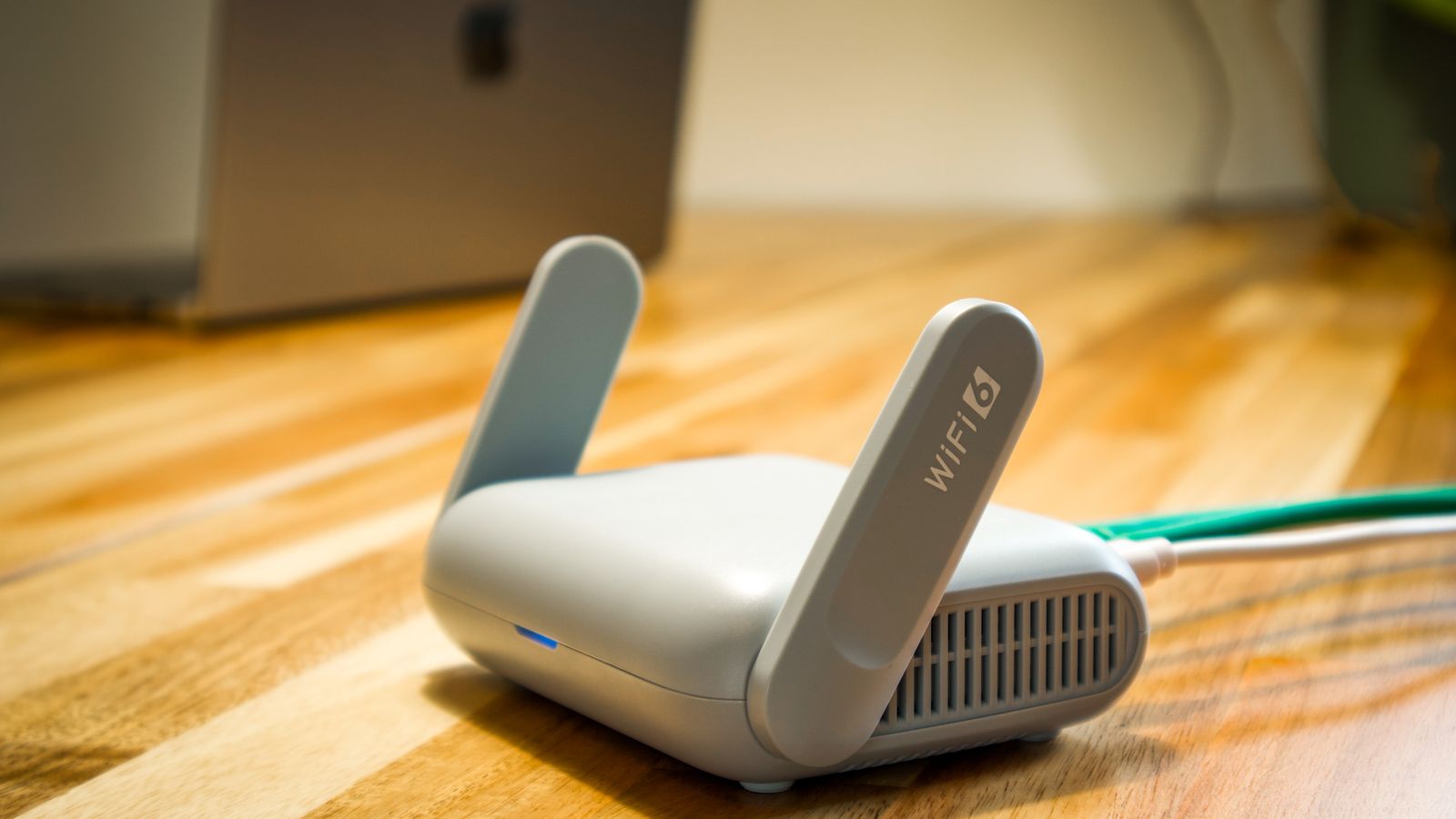
Final Thoughts
Coverage in a large home depends far more on system design and placement than on any single router’s advertised specs. Whether you choose a mesh system with wired backhaul, a powerful long-range router, or a comprehensive whole-home system, matching the solution to your home’s size, layout, and construction materials is the key to eliminating dead zones for good.









