
 Owen Bradley
 Choosing between a wired and wireless router shapes how reliable, fast, and secure your home network will be for years to come. While most modern routers include both ethernet ports and wireless radios, understanding the strengths and weaknesses of each connection type helps you configure your network the right way instead of relying on wireless for everything by default. This guide breaks down the practical differences, real-world tradeoffs, and how to decide which approach, or which blend of both, fits your home.
What’s the Real Difference?
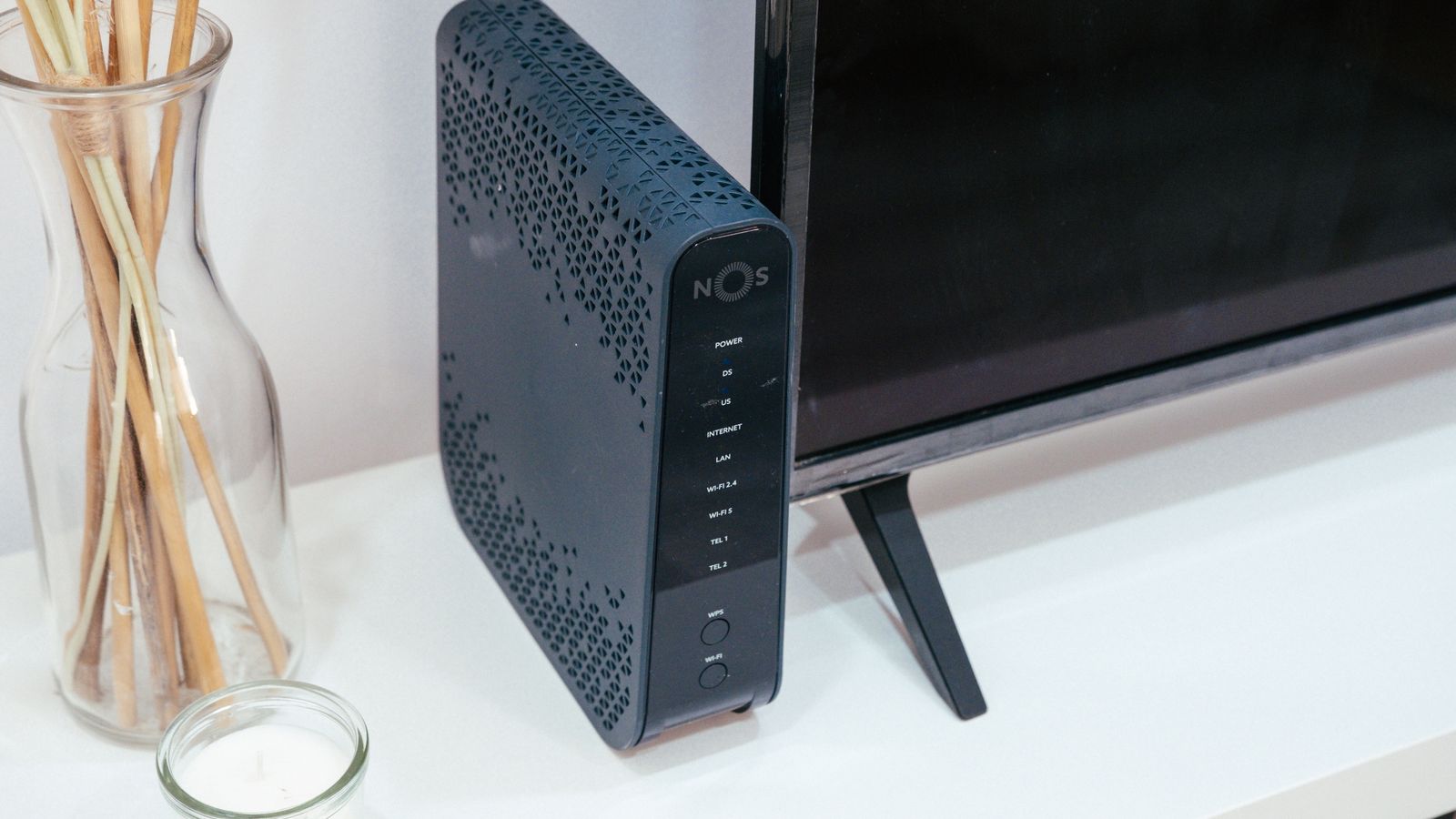
A wired connection uses an ethernet cable to link a device directly to the router, delivering a stable, dedicated data path with predictable performance. A wireless connection broadcasts a signal over radio frequencies that any nearby device can pick up, offering flexibility and mobility at the cost of some speed and reliability consistency. Most households use a mix of both, wiring stationary devices like desktops and smart TVs while relying on wireless for laptops, phones, and tablets that need to move around.
It helps to think of this less as a single decision and more as a strategy. The question isn’t purely “wired or wireless,” but rather which devices in your home benefit most from a cable and which are better served by the freedom of Wi-Fi.
Advantages of Wired Connections
Consistent Speed and Low Latency
Ethernet delivers the full bandwidth of your internet plan with minimal fluctuation, which matters enormously for gaming, video editing, video conferencing, and large file transfers where even small delays are noticeable. A wired device isn’t affected by someone else streaming or by interference from neighboring networks.
Stronger Security
A physical cable can’t be intercepted the way a wireless signal potentially can, making wired connections the safer choice for handling sensitive data, financial work, or business systems. There’s no signal broadcasting beyond your walls for others to attempt to access.
No Interference Issues
Wireless signals can be disrupted by walls, distance, microwaves, cordless phones, and neighboring networks competing for the same channels. A wired connection sidesteps all of this, delivering the same performance regardless of what’s happening elsewhere in the house or the building.
Reliability Under Load
When many devices are active at once, a wired connection maintains its dedicated path while wireless devices share the airwaves. For a household with heavy simultaneous usage, wiring the most demanding devices keeps them fast even during peak times.
Advantages of Wireless Connections
Freedom of Movement
Wireless is essential for laptops, phones, and any device that needs to move around the home, letting you work from the couch, kitchen, patio, or bedroom without losing connectivity or trailing a cable behind you.
Easier Setup for Multiple Devices
Adding a new device to a wireless network takes seconds, while wiring every device would require running cables throughout the house, which isn’t practical or affordable for most homes. Wireless scales effortlessly as your device count grows.
Supports Smart Home Devices
Smart speakers, cameras, thermostats, doorbells, and sensors rely almost entirely on wireless connectivity, making a strong Wi-Fi network essential even in a heavily wired household. Many of these devices have no ethernet port at all.
Cleaner, Cable-Free Spaces
Wireless keeps rooms free of cable clutter, which matters in living spaces and rentals where running ethernet through walls isn’t an option. For many households, this convenience alone makes Wi-Fi the default for most devices.

When to Choose a Primarily Wired Setup
If your priority is maximum speed, security, and consistency, for example a home office handling sensitive files, a media server, or a gaming setup where every millisecond counts, leaning on wired connections for your main devices makes sense. Many households pair a strong wireless router with wired connections for desktops, consoles, and streaming boxes. If you want a router built around delivering the best possible wired performance, take a look at the best non-wireless routers, which focus entirely on stable, high-throughput ethernet connections without the overhead of broadcasting Wi-Fi.
When to Choose a Primarily Wireless Setup
For most modern households with laptops, phones, tablets, and smart devices spread across multiple rooms, a strong wireless network is simply more practical. Look at options among the best wireless routers if flexibility and broad device coverage matter more than squeezing out the last bit of speed. A capable wireless router with modern standards can deliver more than enough performance for streaming, browsing, and most video calls throughout the home.
Key Factors When Comparing Options
Number of Ethernet Ports
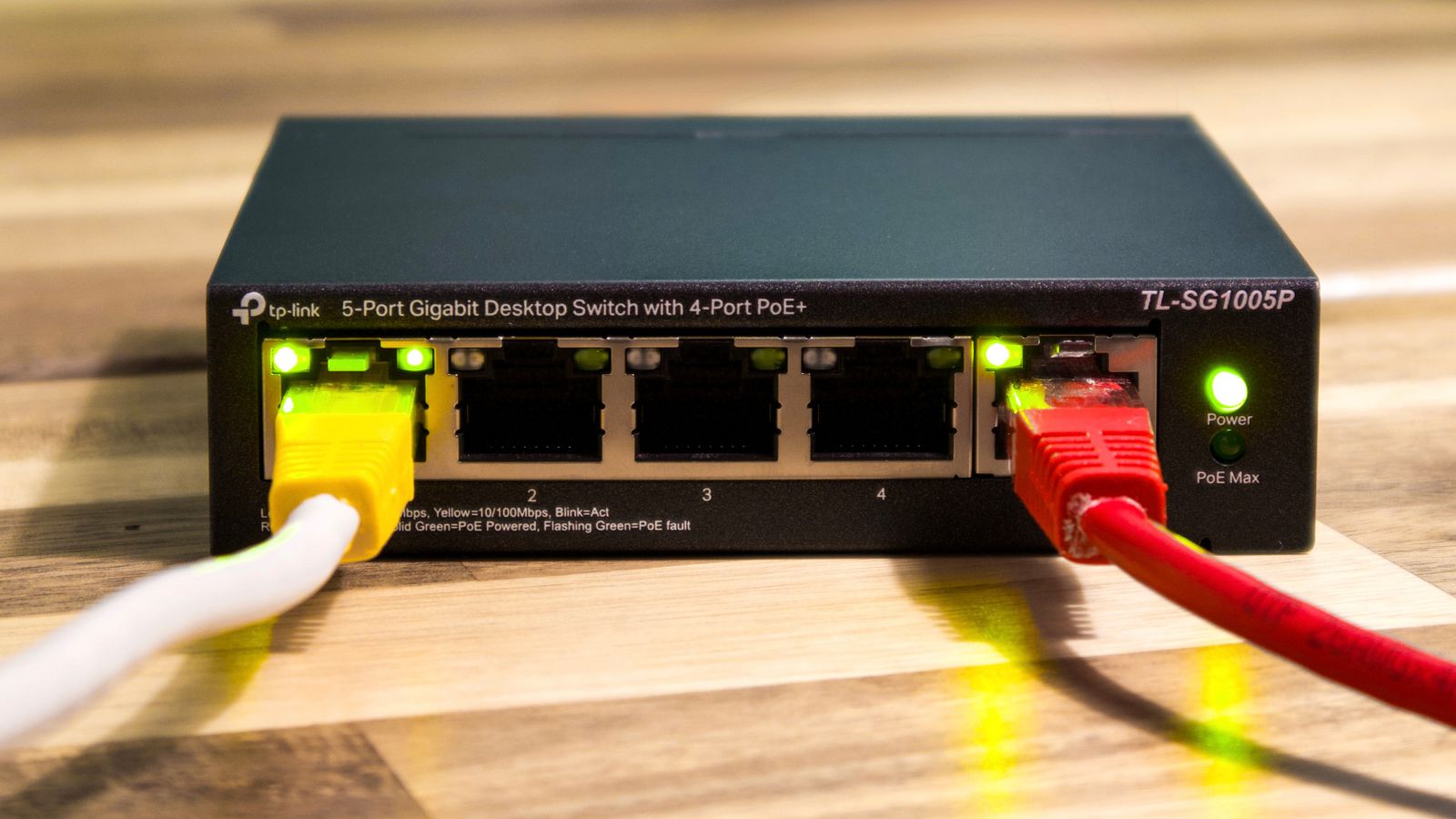
If you plan to wire multiple devices, check how many LAN ports the router includes. Households with several stationary devices may need a network switch to expand beyond the standard four ports most routers offer, which is an inexpensive and easy addition.
Port Speed
Confirm the ethernet ports support gigabit speeds, or higher if you have a very fast internet plan. Older routers sometimes include slower ports that quietly cap your wired speed well below what your plan provides.
Wi-Fi Standard and Range
For wireless-focused setups, prioritize routers supporting Wi-Fi 6 for better performance with many connected devices, along with strong antenna design and, for larger homes, mesh capability for whole-home coverage.
Security Features
Whichever path you choose, confirm the router supports WPA3 encryption and offers network segmentation options like guest networks or VLANs to isolate sensitive devices from less trusted ones.
A Hybrid Approach Works Best
In practice, very few households need to choose exclusively one or the other. The most effective home networks wire stationary, bandwidth-heavy devices directly to the router while relying on a strong wireless signal for everything else. This hybrid approach delivers the reliability of ethernet where it matters most, such as your work desktop or gaming console, and the flexibility of Wi-Fi everywhere else. Setting it up is as simple as running a cable to nearby fixed devices and letting mobile and smart devices connect wirelessly.
Practical Ways to Add Wired Connections
Many people avoid wired connections because they assume it means tearing open walls, but there are several practical ways to run ethernet without major renovation. A simple flat ethernet cable can be tucked along baseboards or under rugs to reach a nearby device. For rooms further away, powerline adapters send network data through your home’s existing electrical wiring, giving you a wired-like connection at an outlet without running cable through walls.
Another option is a MoCA adapter, which uses existing coaxial TV cabling to carry ethernet, a great choice in homes already wired for cable. For a more permanent solution, running ethernet through the attic or basement to key rooms is often more approachable than people expect, and it dramatically improves reliability for stationary devices. Even wiring a single access point in a distant part of the home can extend strong, stable connectivity where Wi-Fi alone falls short.
Real-World Scenarios
Consider a household where one person works from a home office, the kids game on consoles, and everyone streams in the evening. Wiring the work desktop and the gaming consoles keeps those latency-sensitive activities smooth, while phones, tablets, and smart speakers ride on Wi-Fi without issue. In a small apartment with mostly laptops and phones, a single strong wireless router may be all that’s needed, with an occasional ethernet cable for a large download. Matching the approach to how each device is actually used, rather than following a rigid rule, produces the best everyday experience.
Common Mistakes to Avoid
Don’t assume wireless is “good enough” for every use case, since gaming consoles and desktop workstations benefit noticeably from a cable. Conversely, don’t over-invest in wired infrastructure if your household is mostly mobile devices that need Wi-Fi anyway. Avoid ignoring router placement even in a wired-heavy setup, since any remaining wireless devices still depend on good signal coverage. And don’t overlook port speeds, as a fast plan wired through slow ports wastes the bandwidth you’re paying for.
Frequently Asked Questions
Is a wired connection always faster than wireless?
In most real-world conditions, yes. Ethernet delivers more consistent speed and lower latency than Wi-Fi, especially at longer distances or through walls.
Can I use both wired and wireless on the same router?
Yes, nearly all modern routers support both simultaneously, letting you wire priority devices while keeping Wi-Fi active for everything else.
Do gamers need a wired connection?
For competitive or latency-sensitive gaming, a wired connection is strongly recommended to minimize lag and connection drops during play.
How can I wire a device in a room without an ethernet port?
You can run a long ethernet cable, use powerline adapters that send data over your home’s electrical wiring, or add a wired access point to extend connectivity.
Does a wired connection improve Wi-Fi speed for other devices?
Indirectly, yes. Moving heavy devices onto ethernet frees up airtime on your wireless network, which can improve performance for the devices that remain on Wi-Fi.
Final Thoughts
Choosing between wired and wireless isn’t really an either-or decision for most households; it’s about strategically wiring the devices that need consistency and security while letting Wi-Fi handle mobility and convenience for everything else. Understanding the strengths of each lets you design a network that’s fast where it counts and flexible everywhere else.









