
 Owen Bradley
 A camera system for a business has almost nothing in common with one for a house. It has to satisfy insurers, produce evidence that stands up in a dispute, respect employee and customer privacy law, run continuously without supervision, and survive being the first thing an intruder attacks. Consumer kits fail at most of these. This business security camera buying guide walks through coverage planning, camera types, recording architecture, network design, legal obligations, and budgeting, so you can specify a system that genuinely protects premises, stock, and staff in 2026.
Start With a Risk Assessment, Not a Product List
Effective commercial systems begin with a walk around the property and an honest list of what you are protecting against. Shrinkage from staff and customers, break-ins after hours, vandalism, fraudulent slip-and-fall claims, delivery disputes, and health and safety compliance all demand different camera placements and different capabilities.
Map every entrance and exit, the point of sale, the stockroom, the loading bay, the cash office, the server or plant room, and the perimeter. Rank these by consequence rather than convenience: the cash office matters more than the corridor outside it. Then note where lighting is poor, where signage is required, and where privacy law restricts what you may record. This document becomes your specification, and it is what separates a system that resolves incidents from one that merely produces footage nobody can use.
Camera Types and What Each One Is For
Commercial installations use several form factors deliberately rather than deploying one model everywhere:
- Dome cameras sit flush to ceilings, are hard to reorient by hand, and conceal which way they point. They suit retail floors and open offices.
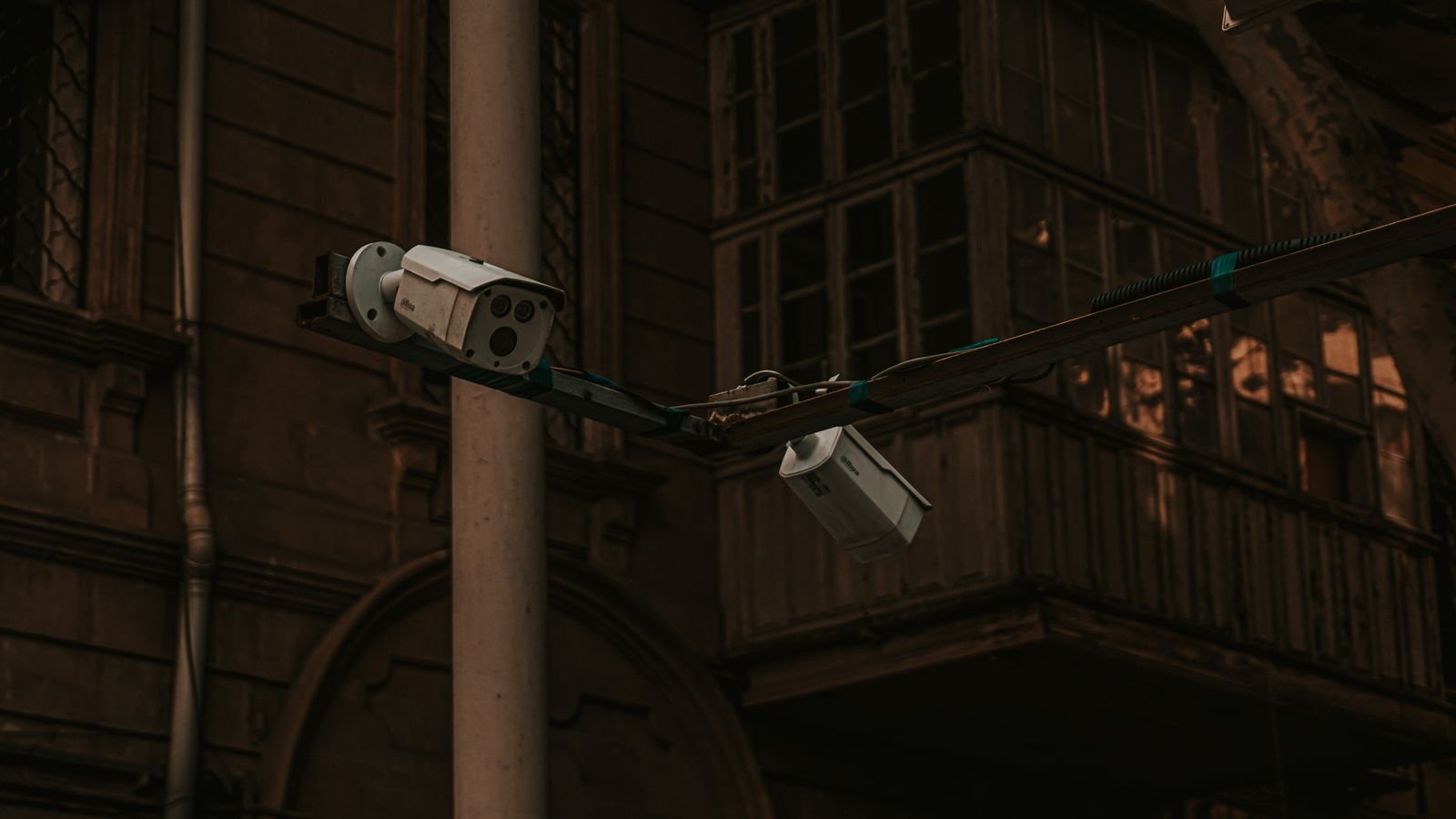
- Bullet cameras are visible and directional, which makes them a deterrent in their own right. They suit car parks, perimeters, and loading bays.
- Turret cameras avoid the internal infrared reflection that domes suffer from behind glass, giving cleaner night images.
- PTZ cameras pan, tilt, and zoom under operator or automatic control, covering large yards and warehouses from a single point.
- Fisheye and multi-sensor cameras capture 180 or 360 degrees, replacing several fixed cameras in a lobby or open plan area.
- Licence plate recognition cameras use specialised shutters and infrared to read plates on moving vehicles, which ordinary cameras cannot do reliably.
Mixing types according to purpose is normal and produces better coverage per pound spent. Comparing the best business security cameras across these form factors is more useful than comparing a single specification across brands.
Resolution, Lenses, and Pixel Density
Resolution alone tells you nothing about whether a camera can identify a face. What matters is pixel density at the target: how many pixels per foot land on the subject at the distance you care about. A 4K camera with a wide lens covering a whole warehouse may deliver fewer usable pixels on a person’s face than a 1080p camera with a narrow lens aimed at a doorway.
Industry practice recognises three tiers. Roughly 20 pixels per foot supports detection, telling you something happened. Around 40 supports recognition, identifying someone you already know. Around 80 or more supports identification, producing an image usable as evidence against a stranger. Specify identification-grade density at entrances and the point of sale, and accept detection-grade coverage across a car park.
Lens choice controls this. A varifocal lens lets an installer tune the field of view during commissioning, which is far more valuable than raw megapixels. Where high-resolution identification really is needed at a distance, the best 4k security cameras earn their cost, but only when paired with an appropriate lens and adequate storage.
Low Light, Backlight, and Real-World Conditions
Most commercial footage fails at night or against a bright doorway. Two specifications address this. Wide dynamic range, ideally 120dB or better, lets a camera expose a face correctly while a glass door blazes behind it — without it, everyone entering appears as a silhouette. Low-light sensitivity, expressed in lux, determines whether the camera produces colour at dusk or switches to monochrome infrared.
Colour night technologies using large apertures and supplementary white light give far more useful evidence than infrared, because clothing colour is one of the most valuable identifiers. Consider also the infrared range specification, which is often optimistic; a camera claiming 30 metres may produce a usable image at half that. For outdoor units check the ingress protection rating, an impact rating if vandalism is a concern, and the stated operating temperature range.
Recording Architecture: NVR, Cloud, or Hybrid
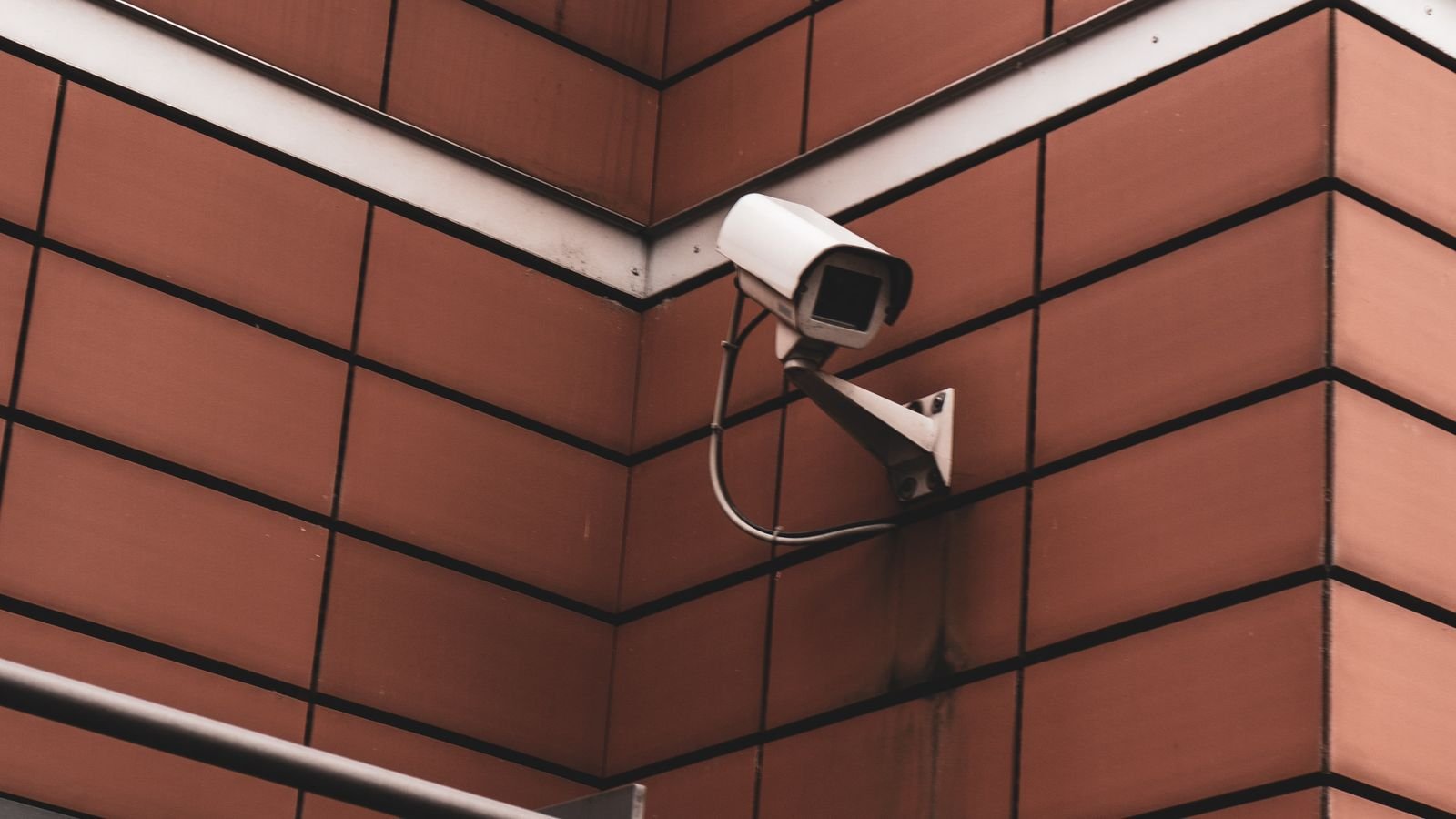
An on-site network video recorder with surveillance-rated drives remains the backbone of most commercial installations. It records every camera continuously, retains weeks or months of footage, keeps video on your premises, and does not depend on an internet connection. Its weakness is physical: an intruder who finds the recorder can remove the evidence, so it belongs in a locked room away from the entrance.
Cloud video recording removes that risk and simplifies multi-site management, letting a regional manager review any location from one interface. The trade-offs are recurring cost per camera and heavy upload bandwidth demands. Hybrid systems record locally and replicate key footage offsite, which is increasingly the default specification because it survives both a stolen recorder and an internet outage.
Whichever route you take, retention length is usually driven by policy rather than preference. Many insurers and franchise agreements specify 30 days minimum, and some sectors require more. Calculate storage from camera count, resolution, frame rate, and codec, then add headroom. Complete best commercial security camera systems typically bundle recorder, drives, and matched cameras so the capacity maths is already done.
Network Design and Power Over Ethernet
Wired Ethernet with power over Ethernet is the standard for commercial deployment, and for good reason. One cable carries data and power, the connection is immune to wireless interference and jamming, and a managed switch can report exactly which camera dropped offline. Wireless cameras have a place on outbuildings and temporary sites, but a serious installation runs cable.
Design the network deliberately. Put cameras on a dedicated VLAN isolated from business systems, so a compromised camera cannot reach your accounting server. Size the PoE budget on the switch to cover every camera plus heaters and PTZ motors, which draw considerably more than a fixed dome. Put the recorder and switch on an uninterruptible power supply so a brief outage does not create a gap in the record, and never expose the recorder to the internet by port forwarding — use a VPN or the vendor’s secure relay.
Analytics That Actually Earn Their Keep
Video analytics have moved from gimmick to genuinely useful, but only some features pay off in a business context. Person and vehicle classification cuts false alerts dramatically compared with basic motion detection. Line-crossing and intrusion zones let you alert on someone entering a restricted area after hours rather than reviewing footage the next morning. Loitering detection is valuable around cash machines and stock rooms.
Retail environments add people counting, queue length monitoring, and heat mapping, which produce operational value beyond security and often justify the system commercially. Licence plate recognition supports car park enforcement and delivery logging. Be cautious with facial recognition, which carries significant legal restrictions in many jurisdictions and should never be deployed without specific legal advice. Systems aimed at shops, such as the best retail security cameras, generally bundle the analytics that matter for that setting.
Legal and Privacy Obligations
Commercial surveillance is regulated far more tightly than domestic use, and getting this wrong creates liability rather than protection. The obligations vary by jurisdiction, but a consistent set of principles applies almost everywhere.
Display clear signage at every entrance stating that recording takes place and who operates the system. Never place cameras in toilets, changing rooms, or staff rest areas. Record audio only where you have a specific lawful basis, since audio is frequently treated more strictly than video. Consult and inform employees before installing cameras in workspaces, and document the purpose of each camera. Establish a written retention period and delete footage on schedule rather than keeping it indefinitely. Finally, have a documented process for responding to requests from individuals for footage of themselves, and for lawful requests from authorities.
Installation, Commissioning, and Maintenance
Professional installation is worth the cost in a commercial setting, not because the wiring is difficult but because commissioning is where systems succeed or fail. Aiming, focus, exposure settings, motion zones, and retention configuration all need tuning against the actual site, and an installer who documents camera positions and settings leaves you with something maintainable.
Build maintenance into the plan. Lenses accumulate dust and spider webs, which destroys night image quality. Drives fail and need monitoring. Firmware needs updating. Schedule a quarterly check that reviews live images from every camera, verifies recording and retention, cleans housings, and tests footage export. An annual review should confirm the coverage still matches how the premises are actually used, since layouts change and cameras end up pointing at a new stack of shelving. Larger sites usually formalise this through a maintenance contract with whoever supplied the best professional security camera systems they installed.
Budgeting and Total Cost
Camera hardware is often less than half the project cost. Budget for the recorder and surveillance drives, a PoE switch, cable and containment, labour, an uninterruptible power supply, signage, and any monitoring contract. Then account for ongoing costs: cloud subscriptions if used, drive replacements every few years, maintenance visits, and eventual camera replacement at roughly the seven to ten year mark.
A sensible approach for a small business is to specify identification-grade coverage at the two or three highest-consequence points, detection-grade coverage elsewhere, and a recorder sized for at least 30 days retention with room to add cameras later. Under-specifying the recorder is the most common and most expensive mistake, because replacing it later means redoing the storage calculation and often the licensing too. Packaged best business security camera systems can be a cost-effective starting point for single-site operations.
Frequently Asked Questions
How many cameras does a small business need?
It depends on layout rather than floor area. A typical small shop needs coverage of the entrance, the till, the stockroom door, and the rear exit, which is usually four to six cameras. Prioritise consequence over completeness.
How long should footage be retained?
Thirty days is the common baseline required by insurers and many franchise agreements, and it comfortably covers incidents discovered late. Some sectors require longer. Set a documented retention period and delete automatically once it expires.
Can I record audio in my premises?
Only with a specific lawful basis, and rules are stricter than for video in many jurisdictions. Many businesses disable audio entirely to avoid the complication, enabling it only at a till or reception where it is justified and signposted.
Is cloud or on-site recording better for multiple sites?
Cloud or hybrid usually wins for multi-site operations because it centralises access and management. Single sites with good physical security often get better value from on-site recording with an offsite copy of key events.
Do I need professional monitoring?
Not always. Monitoring adds a monthly cost but delivers a human response to after-hours alerts, which matters for high-value stock or isolated premises. Many businesses start with self-monitored alerts and add a monitoring contract only if incidents justify it.
Final Thoughts
Specify the system around consequences rather than around products. Identify the handful of points where identification-grade footage would actually change the outcome of an incident, engineer those properly with the right lens, lighting, and dynamic range, then fill in broader detection coverage more economically. Record locally with offsite replication, isolate the cameras on their own network segment, protect the recorder physically, and document your retention and privacy obligations from day one. A modest system designed this way outperforms a much larger one bought on megapixel counts, and it will still be producing usable evidence years after installation.









