
 Owen Bradley
 Apartments break most of the advice written about home Wi-Fi. The usual guidance assumes a detached house where the enemy is distance and the solution is more coverage. In a flat, distance is rarely the problem. The problem is that thirty other routers are shouting on the same channels through walls that are thinner than anyone would like, and that the only power outlet near the incoming cable is behind the television. This apartment Wi-Fi router guide addresses those specific conditions: how much coverage you genuinely need, whether mesh helps or hurts in a small space, which features actually cut through neighbour congestion, and how to place a router in a flat where placement options are limited. It should let you buy once and buy correctly in 2026.
How Much Coverage an Apartment Actually Needs
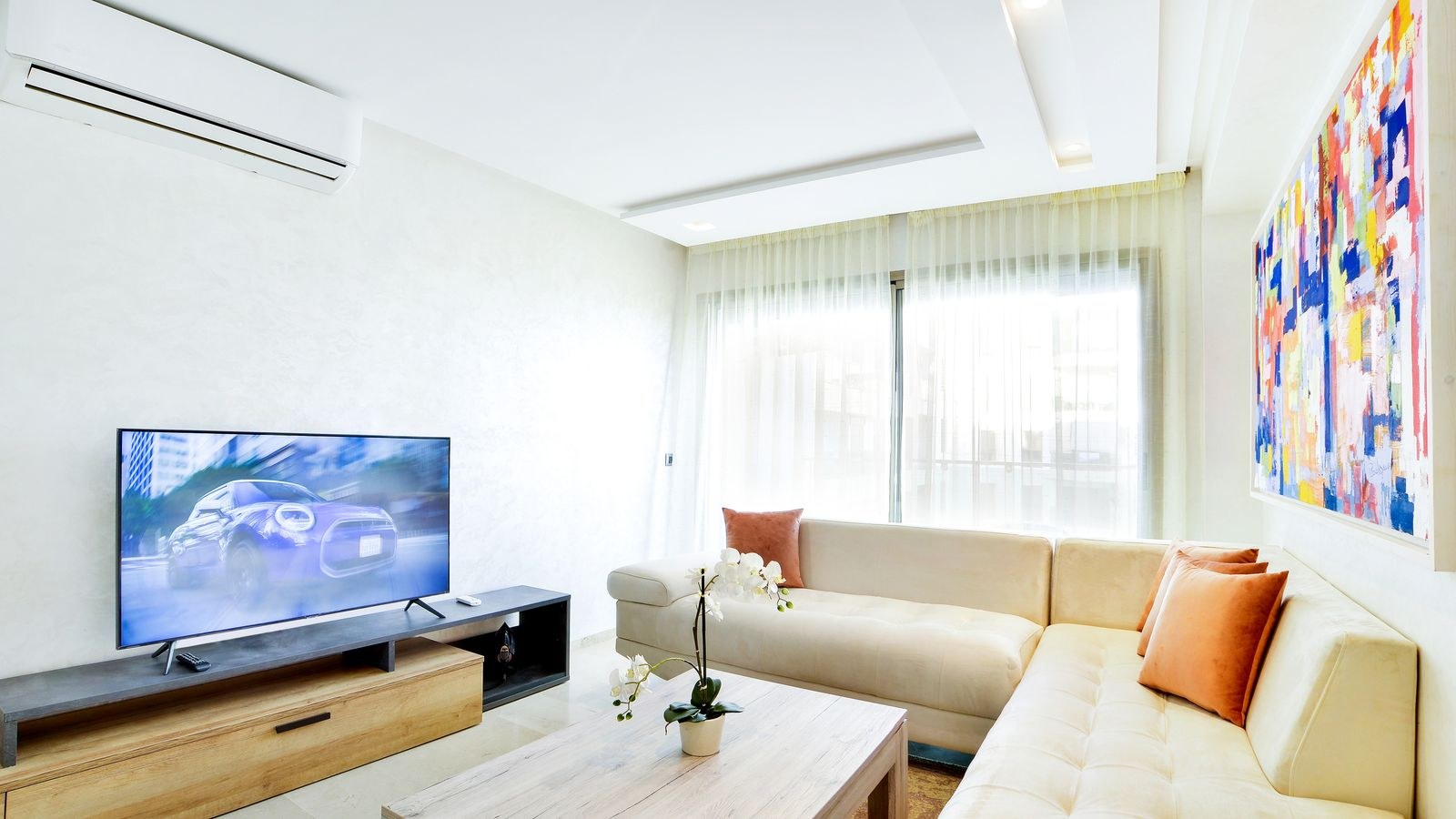
Manufacturers advertise coverage in square feet, and those numbers assume open space with no obstacles. A typical one-bedroom flat of 600 to 800 square feet needs far less raw range than the marketing implies, but it may need more penetration than a similarly sized open-plan area, because apartments pack more walls into less space.
A realistic assessment works like this. A studio or one-bedroom flat is comfortably covered by a single well-placed router, and paying for a three-node mesh system is wasted money. A two-bedroom flat with a corridor layout is usually still a single-router job if the router can sit near the middle. A three-bedroom flat, a long narrow layout, or any flat where the incoming connection terminates at one far end may genuinely need a second unit. Multi-level maisonettes almost always benefit from a node on each floor.
Construction material matters more than floor area. Plasterboard partitions barely affect the signal. Solid brick, concrete, and especially any wall containing metal lath, foil-backed insulation, or a large mirror will attenuate 5 GHz severely. Buildings converted from industrial use are frequently the worst offenders, and the same router that covers a modern flat easily may struggle across a single concrete wall.
A Quick Way to Test Before Buying
Stand in each room with a phone and note the signal strength and a quick speed test result. If every room shows a usable signal but slow speeds, your problem is congestion or an old router, not coverage, and a mesh system will not fix it. If one or two rooms show a genuinely weak signal, coverage is the issue and a second node or better placement is the answer.
The Real Enemy: Neighbour Congestion
In a dense building, your router is competing with dozens of others. The 2.4 GHz band offers only three non-overlapping channels in most regions, so in a block of forty flats those channels are hopelessly oversubscribed. The result is high latency, inconsistent speeds, and video calls that stutter despite a full signal bar.
The 5 GHz band offers far more channels and penetrates walls less, which sounds like a disadvantage but is actually helpful in a flat: your neighbour’s 5 GHz signal is also weakened by the wall between you, so interference drops sharply. In a small space where you do not need range, 5 GHz is nearly always the better band.
The 6 GHz band, available on newer standards, goes further still. It is currently far less crowded, offers wide channels, and its short range is a genuine feature in an apartment. If you live in a busy building and can afford it, this is the single most effective upgrade available. Our roundup of the best Wi-Fi 6E routers covers the models that make this band usable, and the difference in a congested block is often more dramatic than any increase in advertised speed.
Channel Selection and Width
Automatic channel selection is usually adequate but not always optimal. Use a Wi-Fi analyser app to see which channels your neighbours occupy, then set yours manually to the least crowded option. On 2.4 GHz, stick to channels 1, 6, or 11 and nothing between them. On 5 GHz, narrower channel widths reduce interference in crowded environments even though they cap peak speed, which is usually the right trade in a flat where reliability matters more than a headline number.
Single Router or Mesh?
The default answer in an apartment is a single good router. Mesh systems solve a distance problem that most flats do not have, and each additional node introduces a small amount of overhead and another device to manage. A capable single router placed centrally will outperform a cheap three-node mesh scattered around a small flat almost every time.
Mesh becomes the right choice in three situations: when the incoming connection terminates at the far end of a long layout and you cannot run a cable; when a solid concrete or brick wall divides the flat; and when the property spans more than one floor. Even then, two nodes are usually sufficient, and buying a three-pack for a flat is generally wasted money.
If you do use mesh, wired backhaul between nodes transforms performance. In an apartment this is often practical, because a single cable run along a skirting board or through an existing conduit is far shorter than in a house. Where a cable is impossible, place the second node roughly two-thirds of the way toward the dead zone rather than in it.
Placement in a Space With Few Options
Apartments constrain placement more than any other factor. The cable or fiber usually enters at one specific point, and the router ends up wherever the outlet is. A few principles help.
- Higher is better. A router on a shelf outperforms one on the floor, because signal spreads downward and outward more effectively from height.
- Away from metal and water. Refrigerators, radiators, filing cabinets, aquariums, and mirrors all block or reflect the signal badly.
- Out of cabinets. Hiding the router inside a media unit or cupboard costs a surprising amount of performance.
- Away from the microwave and cordless phone base, both of which sit in the 2.4 GHz band.
- Not against an exterior wall if avoidable, since half the coverage then radiates outside the building.
Where the only viable spot is bad, two solutions exist. A short Ethernet run to a better location is the cleanest fix and often only needs a few metres of flat cable tucked under carpet edging. Alternatively, mounting the router on the wall lifts it clear of clutter and improves distribution; our guide to the best wall mount routers covers models designed for this, which matters in a flat where surface space is scarce.
Physical Size Is a Real Constraint
Large gaming routers with eight external antennas look impressive and occupy an unreasonable amount of a small flat. In an apartment, the extra antenna gain buys you range you do not need while dominating a shelf. Smaller units with internal antennas perform perfectly well over apartment distances and look far better in a living space. Our roundup of the best compact routers focuses on models that deliver modern standards without the footprint.
Features Worth Paying For in a Flat
Modern wireless standard support is the highest-value feature, particularly if it includes the 6 GHz band. It improves efficiency in dense environments even when your speed plan is modest.
Band steering moves devices to the best available band automatically, which matters when you have a mix of old and new equipment.
Quality of service or adaptive queue management keeps video calls responsive when someone downloads a large file, and in a flat where everyone shares one connection this is noticeable daily.
Guest network support is genuinely useful in shared flats and for visitors, keeping your main network and devices separate.
Regular firmware updates matter more in a building where dozens of networks overlap and a security flaw has more neighbours to exploit it.
Features you can usually skip include multi-gigabit ports on a sub-gigabit plan, elaborate gaming dashboards, and USB storage sharing that a cheap network drive does better.
Budget Guidance for Renters
Renters have a specific problem: they may move within a year or two, and they cannot run cable through walls. That argues for hardware that is portable, needs no permanent installation, and is not sized for a property they may not stay in.
At the entry level, a current-standard dual-band router covers a one-bedroom flat comfortably and costs little. This tier suits anyone on a plan below 300 Mbps who mainly streams and browses. Our comparison of the best affordable Wi-Fi routers covers options that avoid the false economy of buying an obsolete standard to save a small amount.
In the middle tier, a tri-band or 6 GHz-capable unit is worth the extra outlay in a congested building even if your plan is modest, because the benefit comes from avoiding interference rather than from raw speed. At the top, spend only if you have a gigabit plan, many simultaneous heavy users, or a genuinely difficult layout. For layout-specific recommendations, our guide to the best routers for small apartments matches models to typical flat sizes rather than to theoretical coverage figures.
Common Apartment Wi-Fi Mistakes
The most frequent error is buying a mesh system to fix a congestion problem. More nodes broadcasting on crowded channels can make interference worse, not better. Diagnose whether your issue is signal strength or channel crowding before spending.
The second is leaving everything on 2.4 GHz because it “reaches further”. In a flat you do not need the reach, and the band is the most congested part of the spectrum. Split your network names or enable band steering so devices use 5 GHz or 6 GHz by default.
The third is keeping the provider’s supplied gateway indefinitely. These units are built to a price, rarely support the newest standard, and often sit in the worst possible location because that is where the cable enters. The fourth is ignoring wired connections entirely; a desktop, console, or television connected by a single Ethernet cable removes that device from the wireless contention and improves things for everyone else.
Frequently Asked Questions
Do I need mesh in a one-bedroom flat?
Almost never. A single well-placed modern router covers a typical one-bedroom apartment fully. Spend the money on a better single unit rather than on additional nodes.
Can I improve Wi-Fi without moving the router?
Yes. Raise it off the floor, remove it from any cabinet, change to a less crowded channel, and move devices to the 5 GHz band. These changes cost nothing and often solve the problem.
Will a Wi-Fi extender help?
Extenders halve throughput on the relayed link and add another device competing for airtime. In a flat, better placement or a single stronger router is usually a better answer.
Is 6 GHz worth it if my plan is only 100 Mbps?
In a congested building, often yes. The benefit is a clean, uncrowded band with lower latency, which improves reliability even when raw speed is not the limitation.
Does my neighbour’s Wi-Fi really slow mine down?
It can significantly. Overlapping networks share airtime, so devices wait their turn. This is why band and channel selection matter more in an apartment than anywhere else.
Final Thoughts
Apartment Wi-Fi is a congestion problem dressed up as a coverage problem. Start by testing whether your weak rooms suffer from low signal or merely slow speeds, because the two have completely different solutions. In most flats, one modern router placed high, centrally, and out of a cabinet beats any multi-node system, and moving to the 5 GHz or 6 GHz band does more for reliability than any increase in advertised throughput. Keep the hardware compact enough to live in a small space, wire up the devices that never move, and reserve mesh for genuinely awkward layouts. Get those decisions right and a flat in a crowded building can run a faster, steadier network in 2026 than many far larger homes.









