
 Owen Bradley
 Most smart home frustration is not caused by bad devices. It is caused by running three ecosystems at once, so half the lights answer to one assistant, the thermostat lives in a second app, and nobody in the house knows which phrase works in which room. Picking one platform and sticking to it is the single biggest quality-of-life upgrade available. Alexa vs google home vs Apple HomeKit is really a question about how you want to interact with your home: which devices you can buy, how well voice understands you, how much data leaves the house, and how far automations can be pushed. This guide compares the three on the criteria that matter day to day, so you can commit in 2026 and stop juggling apps.
The Short Version
Alexa has the widest device support and the deepest catalogue of third-party integrations, plus the cheapest hardware. Google is the strongest at understanding natural, conversational speech and at answering questions, with tight integration into Android and Google services. Apple is the most private and the most polished, with the strictest device certification and the smoothest experience if the household already runs on iPhones.
None is objectively best. The right choice depends on which phones your household carries, how much you care about privacy, whether you want the broadest device selection or the most reliable voice recognition, and how ambitious your automations will get.
Device Support and Catalogue Size
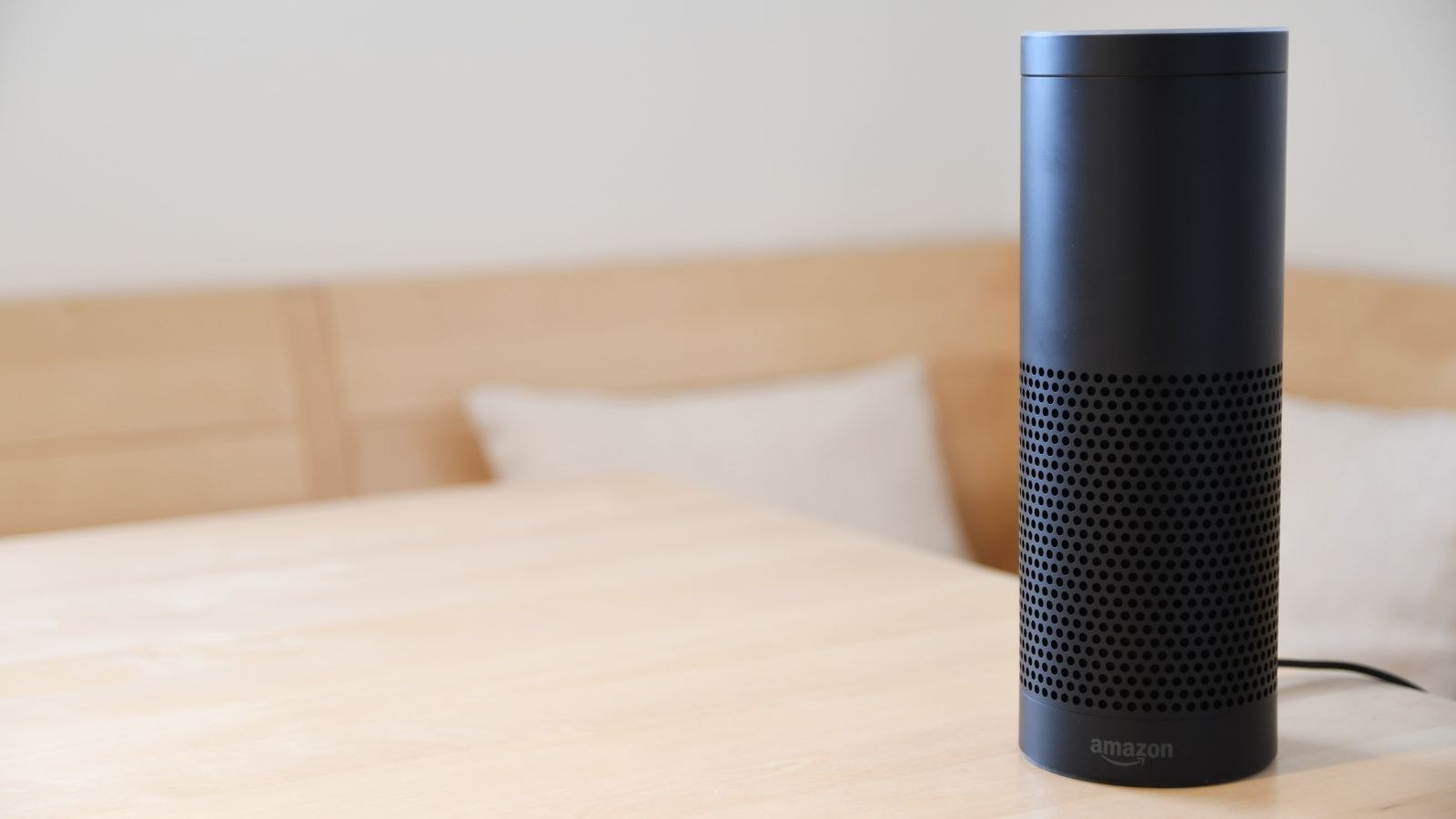
Alexa wins on breadth. Almost anything sold as a smart device works with it, including obscure brands, and its skills system means even niche products usually have some integration. If you like buying whatever is on offer rather than checking a compatibility list first, this is the safest platform.
Google sits close behind for mainstream products. The big categories are all covered well, but coverage thins out among smaller manufacturers and specialised gear. In practice most shoppers never notice the gap unless they buy something unusual.
Apple is the most selective. Devices must pass certification, which historically limited choice and raised prices, though the arrival of shared standards has widened the field considerably. What you lose in variety you gain in consistency: certified devices tend to just work, and setup is genuinely simple. For a sense of what each catalogue offers, compare the best Alexa speakers, the best Google smart speakers, and the best Apple HomeKit devices side by side.
Cross-Platform Devices
Many modern products support all three simultaneously, which softens this comparison considerably. A bulb that works everywhere means your ecosystem choice affects the app and the voice experience rather than the shopping list. Our list of Google Home and Alexa compatible devices covers products that hedge across platforms.
Voice Recognition and Natural Language
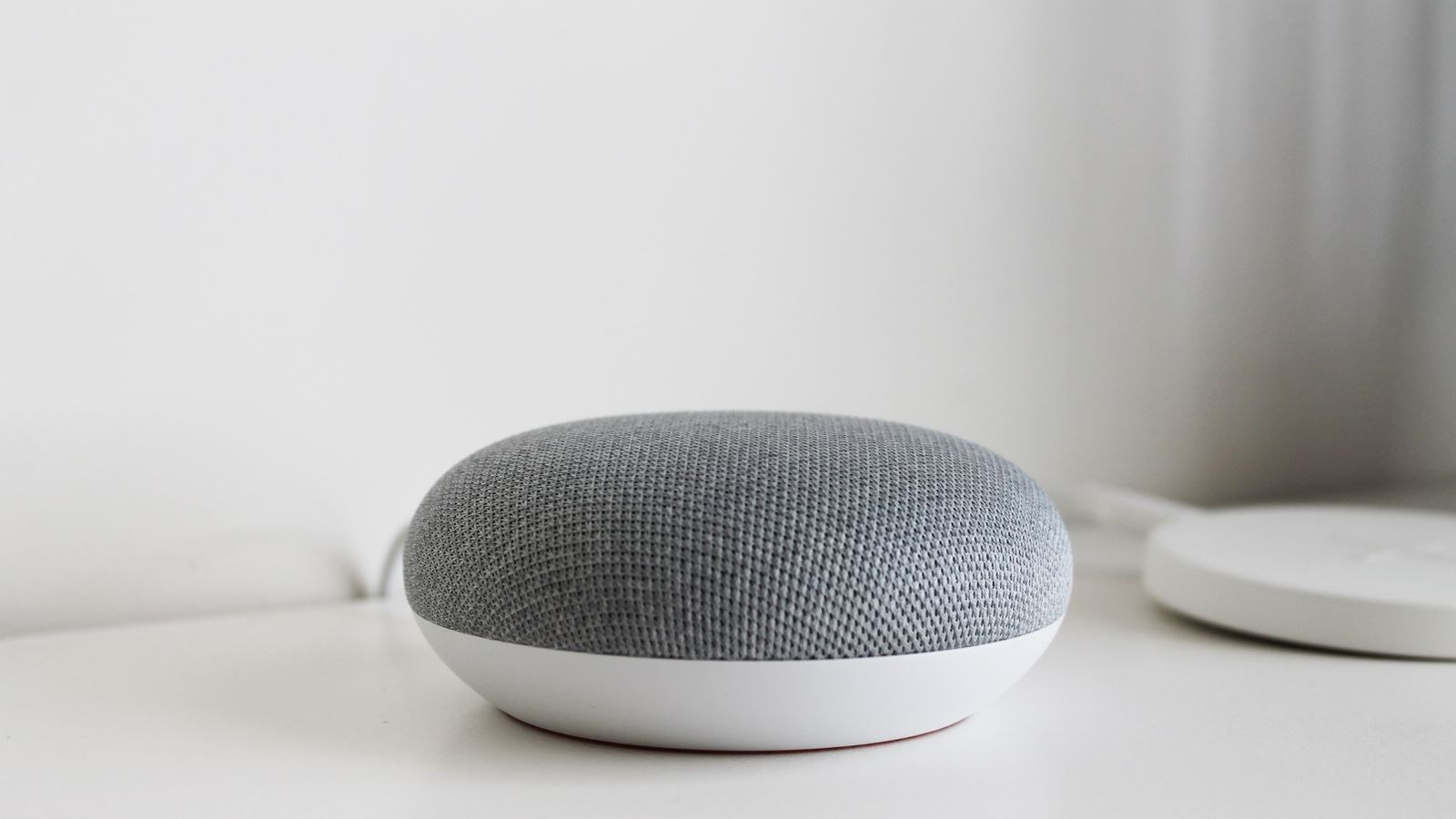
Google leads here and has for years. It handles conversational phrasing, follow-up questions without repeating the wake word, and general knowledge queries better than the others. If you want to say something the way a person would rather than in a memorised command format, Google is the least frustrating.
Alexa is reliable with structured commands and excellent with device names, and its multi-room and routine handling is mature. It is somewhat less forgiving of unusual phrasing, though the gap has narrowed considerably as all three have adopted more capable language models.
Apple’s assistant is the weakest for general knowledge but perfectly competent for home control, which is arguably the only job that matters here. Processing more requests on-device also means faster local responses for simple commands like turning a light off.
Privacy and Data Handling
This is where the three genuinely diverge, and for many buyers it settles the question outright.
Apple designs for minimal data collection, processes a good deal on-device, and encrypts home data end to end. Video from certified cameras can be analysed on a home hub rather than in the cloud. If the idea of a microphone in every room makes you uneasy, this is the platform that has thought hardest about it.
Google and Amazon both operate advertising and retail businesses, and their assistants are part of much larger data ecosystems. Both offer meaningful controls, including deleting recordings, disabling human review, and auto-purging history, and both have improved transparency substantially. But the default posture is more data-hungry, and you should expect to spend time in the privacy settings.
All three let you mute microphones physically. If privacy is a hard requirement but you like another platform’s device support, running a local-first hub underneath the assistant is a reasonable middle path.
Automation Power
Alexa’s routines are the most approachable and cover a wide range of triggers including time, sensors, voice, device state, and location. They are easy to build and hard to break, though genuinely complex conditional logic gets awkward.
Google’s automations are capable and have improved a great deal, with a scripting option for advanced users that unlocks conditions and loops the visual editor cannot express. The visual builder is friendly; the script editor is powerful but not for everyone.
Apple’s automation model is clean and, importantly, runs locally on a home hub, so routines fire during an internet outage. Its shortcuts system is surprisingly deep once you explore it, letting you chain home actions with phone actions in ways the others cannot match.
If your ambitions run past what any of them offers, all three can sit on top of a more capable local platform, with the assistant handling voice while something else handles logic.
Hardware, Cost, and Displays
Amazon has the cheapest entry point and the widest hardware range, from tiny pucks to large displays, frequently discounted. Google’s line-up is smaller but well made, with strong audio quality and displays that integrate neatly with its services. Apple offers the fewest options and the highest prices, though sound quality at the top end is excellent and any recent iPhone, tablet, or television box can act as the home hub.
Cost matters more than it looks, because most homes end up with three to six voice points. A platform that costs a fraction as much per room is a real advantage when you are furnishing a whole house. Compare across all three in our roundup of the best smart speakers.
Do You Need a Separate Hub?
Apple requires a home hub for remote access and automation, though that role is filled by hardware many households already own. Amazon and Google put hub functionality into several of their speakers and displays, including support for low-power protocols on higher-end units. For a deeper look at the coordinator layer, see the smart home hub buying guide.
How to Decide in Five Questions
- What phones does the household use? All iPhone points strongly to Apple; mixed or Android points to Google or Alexa.
- How much do you care about data collection? If a lot, Apple. If not much, the other two are cheaper and broader.
- Do you buy budget devices from many brands? Alexa handles that best.
- Do you talk to your home conversationally? Google understands loose phrasing best.
- How many rooms need a voice point? More rooms make hardware price a decisive factor.
Common Mistakes to Avoid
Running two ecosystems in parallel is the classic error. It doubles the setup work, splits your automations, and confuses everyone who does not read the manual. Pick one as primary even if some devices are technically visible in several.
Naming devices badly is the second. “Light one” and “light two” will never work by voice; name things after the room and the object, keep names distinct, and avoid words the assistant will confuse. Third, buying hardware before deciding the platform, which leads to the very fragmentation you were trying to avoid. Fourth, ignoring the offline case: if all your lighting depends on cloud processing, an outage leaves you fumbling for switches. Fifth, skipping the privacy settings review on day one, when it takes ten minutes and never happens later.
Frequently Asked Questions
Can I use two assistants at once?
Technically yes, and many devices support several simultaneously. In practice it creates confusion over which assistant owns which automation, so choose one as primary and treat the others as a convenience.
Which is best for privacy?
Apple, clearly. It collects less by default, processes more on-device, and encrypts home data end to end. The others offer real controls but start from a more data-collecting position.
Is Apple’s ecosystem still too limited?
Far less than it used to be. Shared standards have widened the catalogue substantially, though it remains smaller than Alexa’s and prices tend to run higher.
Which handles complex automations best?
Apple runs automations locally, which makes them the most dependable, while Google offers the most expressive scripting. Alexa is the easiest to build in but the least flexible for conditional logic.
Does switching later mean starting over?
Hardware often carries across if it supports multiple platforms, but automations, scenes, and device names must be rebuilt by hand. That rebuild is the real cost of switching.
Final Thoughts
The winning strategy is commitment rather than optimisation. Decide based on the phones in your household, your tolerance for data collection, and how many rooms you need to cover, then buy everything to fit that decision. Alexa for breadth and price, Google for conversational voice and search, Apple for privacy and local reliability. Name your devices clearly, keep automations on one platform, and check the offline behaviour of anything you rely on. Choose once in 2026 and your smart home stops being a hobby that needs maintaining and starts being infrastructure that simply works.









