
 Owen Bradley
 Choosing the right gaming headset can make or break your immersion, whether you’re tracking footsteps in a shooter or chatting with teammates during a raid. With so many connection types, driver technologies, and surround sound claims on the market, it’s easy to get overwhelmed. This guide breaks down everything you need to know about wired versus wireless headsets, how surround sound actually works, and which features matter most so you can make a confident purchase.

Wired vs Wireless: Which Connection Type Is Right for You?
The first major decision in any gaming headset purchase is connection type. Each option has real trade-offs in latency, convenience, and sound quality.
Wired Headsets
Wired headsets connect via USB or a 3.5mm analog jack and remain the gold standard for competitive gaming. Because there’s no wireless signal to process, wired headsets offer zero perceptible latency, which matters enormously in fast-paced shooters where audio cues need to sync perfectly with what’s happening on screen. They’re also generally more affordable than their wireless counterparts at the same audio quality tier, and you never have to worry about charging a battery mid-match.
The downside is obvious: a cable tethers you to your gaming headset setup, which can be annoying if you like to lean back, walk around during voice chat, or use the same headset with a console across the room.
Wireless Headsets
Wireless gaming headsets use either a proprietary 2.4GHz USB dongle or Bluetooth to connect. The 2.4GHz connection is strongly preferred for gaming because it offers near-wired latency and a more stable connection than Bluetooth, which can introduce noticeable audio lag. Wireless headsets give you freedom of movement and a cleaner desk setup, which many gamers find worth the premium price and the need for periodic charging.
If you split time between a console in the living room and a PC gaming desk, a wireless model with multi-device pairing can be a genuine quality-of-life upgrade.
Understanding Surround Sound in Gaming Headsets
Surround sound is one of the most misunderstood specs on a headset box. Most gaming headsets use stereo drivers combined with software-based virtual surround processing (like 7.1 virtual surround) rather than true multi-driver surround. This software simulates directional audio by manipulating how sound reaches each ear, helping you pinpoint footsteps, gunfire, or vehicle engines around you.
True surround headsets with multiple physical drivers per ear cup exist but are rare and often deliver muddier sound than a well-tuned stereo headset with good virtual surround software. For most players, a quality stereo driver paired with software surround (enabled through the manufacturer’s companion app) delivers the best combination of positional accuracy and audio clarity.
Key Features to Compare Before You Buy
- Driver size and type: Larger drivers (40-50mm) generally produce fuller bass and clearer highs, though tuning matters more than raw size.
- Microphone quality: Look for a detachable or flip-to-mute boom mic with noise cancellation so teammates can hear you clearly over keyboard clatter or a noisy room.
- Comfort and clamping force: Memory foam ear cushions and an adjustable headband matter enormously during long sessions; a headset that pinches after an hour isn’t worth the specs.
- Battery life (wireless only): Aim for at least 15-20 hours per charge if you play in long sessions, and check whether the headset supports simultaneous charge-and-play.
- Software and EQ customization: A companion app with adjustable EQ presets lets you tune the sound signature for competitive footstep-hunting or cinematic single-player experiences.
Matching a Headset to Your Play Style
Competitive players in games like first-person shooters should prioritize low latency and precise positional audio, which usually points toward a wired headset or a premium 2.4GHz wireless model. Casual and story-driven gamers who value comfort and freedom of movement may prefer wireless for its convenience, especially if they also use their headset for music or video calls away from the desk.
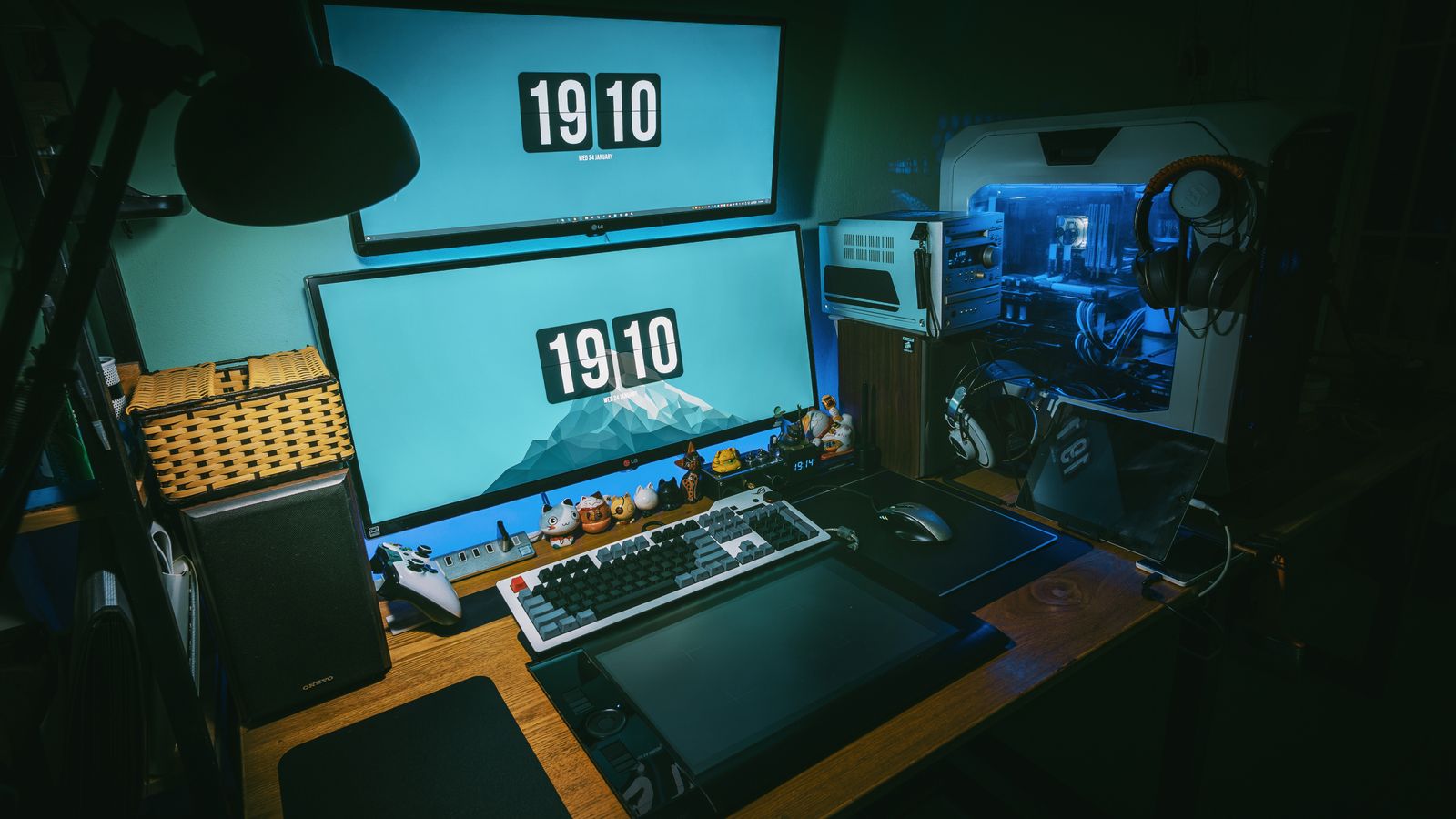
If your gaming space doubles as a home office, it’s worth thinking about your whole setup holistically. A comfortable gaming or office chair and a well-organized desk go a long way toward making long headset sessions more comfortable, since posture and ear fatigue often go hand in hand.
Budget Considerations
Entry-level wired headsets deliver solid performance at a low price point and are a smart choice for anyone building a first gaming setup on a budget. Mid-range models add better drivers, replaceable cushions, and improved microphones. Premium wireless headsets with advanced surround processing and long battery life command the highest prices but are worth it for serious or professional players who spend many hours daily in-game. Whatever your budget, comparing options side by side, such as those found among the top-rated gaming headphones, will help you avoid overspending on features you won’t use.

Open-Back vs Closed-Back Ear Cups
Beyond connection type, the ear cup design shapes both your sound and your surroundings. Closed-back headsets seal the ear cup, isolating you from external noise and preventing your audio from leaking out to people nearby. This is the default for most gaming headsets and is ideal for noisy households, shared spaces, or competitive play where you want to block distractions and focus entirely on in-game audio.
Open-back headsets, by contrast, have perforated ear cups that allow air and sound to pass through. This produces a wider, more natural soundstage that many players prefer for immersive single-player games, but it also means anyone in the room can hear your audio and you’ll hear them. If you game late at night near a sleeping partner or in an office, closed-back is the safer choice. If you have a private space and prioritize spacious, airy sound, open-back can be a revelation.
Comfort Factors for Long Sessions
Marathon gaming sessions expose every comfort weakness in a headset, so it pays to scrutinize the fit details before buying. Weight is a major factor: heavier headsets place more strain on the top of your head and can cause hot spots after an hour or two. Look for even weight distribution and a padded headband that spreads pressure across a wider area.
- Ear cup shape: Oval cups that fully surround the ear (over-ear) are generally more comfortable than on-ear designs that press directly on the ear cartilage.
- Cushion material: Breathable fabric or hybrid mesh cushions run cooler than pure leatherette, which can trap heat and cause sweating during intense sessions.
- Clamping force: Too tight and you’ll feel pressure headaches; too loose and the headset shifts around. A moderate, adjustable clamp is ideal.
- Glasses compatibility: If you wear glasses, softer cushions that flex around the temples prevent painful pressure points along the arms of your frames.
Microphone Quality: Why It Matters More Than You Think
In team-based games, your microphone is how you communicate strategy, call out enemies, and coordinate with teammates. A poor mic that sounds muffled, picks up background noise, or clips your voice can make you frustrating to play with. Look for a headset with a flexible boom mic you can position close to your mouth, ideally with a noise-canceling or noise-gating feature that suppresses keyboard clatter, fan noise, and room echo.
Flip-to-mute functionality, where raising the mic boom automatically mutes it, is a convenient touch that saves you from fumbling for a mute button mid-conversation. If you also stream or record content, mic quality becomes even more important, and you may want to compare the recording clarity across several options among the top gaming headphones before deciding.
Care and Longevity Tips
To extend the life of your headset, store it on a stand rather than leaving it flat on the desk, which helps ear cushions retain their shape. Clean the ear pads regularly to prevent buildup that degrades foam over time, and avoid yanking the cable or USB dongle when unplugging. For wireless models, partially draining and recharging the battery periodically (rather than always topping off at 100%) can help preserve battery health over the long run. Many headsets also offer replaceable ear cushions and cables, so a worn part doesn’t mean replacing the entire headset, which is worth checking before you buy if longevity matters to you.
Frequently Asked Questions
Is wireless latency noticeable in competitive games?
With a quality 2.4GHz wireless headset, latency is typically imperceptible to most players. Bluetooth-only headsets, however, can introduce enough lag to affect competitive play, so stick with 2.4GHz dongles for gaming.
Do I need a 7.1 surround sound headset to hear footsteps accurately?
Not necessarily. A well-tuned stereo headset often provides more accurate positional cues than a cheap “surround” model. Software virtual surround on a quality stereo headset is usually sufficient.
Can I use a gaming headset for music and calls too?
Yes, most gaming headsets work fine for everyday listening and calls, though audiophile-grade headphones may offer more balanced sound for pure music listening.
Should I choose open-back or closed-back for competitive gaming?
Closed-back is generally better for competitive play because it isolates you from distractions and keeps your positional audio focused, while open-back suits immersive single-player games in quiet rooms.
How long should a gaming headset last?
A well-built headset can last several years, especially if it has replaceable cushions and cables. Comfort padding and ear cups tend to wear before the drivers or electronics fail.
Final Thoughts
There’s no single “best” gaming headset for everyone; the right choice depends on how competitively you play, whether cable freedom matters to you, and how much you’re willing to spend. Focus on comfort, microphone clarity, and a connection type that matches your play style, and you’ll land on a headset that serves you well for years of gaming sessions.









