
 Owen Bradley
 Building or buying a gaming PC is one of the biggest decisions a gamer makes, and the prebuilt-versus-custom debate has no single right answer. Your choice depends on budget, technical comfort, available time, aesthetic preferences, and long-term upgrade goals. Some players want a machine that arrives ready to play out of the box, while others relish selecting every component and assembling the system with their own hands. This guide breaks down the pros and cons of each path in detail so you can make a confident, informed decision that fits your priorities and skill level.
What Is a Prebuilt Gaming PC?
A prebuilt gaming PC is assembled, tested, and configured by a manufacturer or retailer before it ships to you. You choose a configuration based on your budget and performance needs, and the system arrives ready to plug in and play, usually with the operating system already installed and drivers configured. This convenience is the primary appeal: there’s no compatibility research, no assembly, and no troubleshooting a machine that won’t boot. Reviewing a list of the best gaming computers available today is a good way to see what balanced, well-reviewed configurations look like across a range of price points.
What Is a Custom Build?
A custom build means selecting each individual component yourself: the CPU, GPU, motherboard, RAM, storage drives, case, power supply, and cooling solution. You then assemble the machine, or have a specialist assemble it to your specification. This route offers maximum control over performance, aesthetics, and value, but it requires more research, time, and troubleshooting knowledge. For many enthusiasts, the building process itself is a rewarding hobby rather than a chore, and it provides a deep understanding of exactly how their machine works.
Comparing Cost and Value
Custom builds often provide better raw performance per dollar because you’re not paying for assembly labor, marketing overhead, or bundled software you may not want. By hunting for component sales and choosing exactly where to spend, careful builders can stretch a budget further. However, buying individual components at full retail price can sometimes cost more than a prebuilt system that benefits from bulk manufacturer discounts on parts. During GPU shortages or price spikes, prebuilt systems can even represent the better value since they may include a graphics card at a more reasonable effective price.
If you’re working within a tight budget, comparing options like the best prebuilt gaming PCs under $1,000 can reveal excellent value without any building or research required. This price bracket often delivers smooth 1080p gaming and represents a sweet spot for many first-time buyers.
Comparing Performance
Both approaches can achieve virtually identical performance when configured with comparable components, since a graphics card performs the same whether a company or an individual installed it. The real difference lies in customization and optimization: a custom build lets you fine-tune every component for your specific games and workloads, prioritize a stronger GPU over a fancy case, invest in premium cooling for better sustained clock speeds, or select quieter fans for a near-silent machine. Prebuilt systems sometimes cut costs on less visible components like the power supply or cooling, so it pays to read the full spec sheet carefully.
Ease of Setup and Warranty Support
Prebuilt systems typically arrive ready to use with a single, unified warranty covering the whole machine, and the manufacturer’s support team handles troubleshooting if something goes wrong. This single point of contact is a major advantage for buyers who aren’t comfortable diagnosing hardware issues themselves. Custom builds, by contrast, require you to source and register warranties for each component separately, and any troubleshooting becomes your own responsibility unless you paid a builder to handle it. If a custom build won’t boot, isolating the faulty part can be a frustrating process for a newcomer.
Upgradability and Longevity
Custom builds generally offer better long-term upgrade paths because you understand exactly what’s inside, chose quality core components like the motherboard and power supply, and can plan future swaps accordingly. Some prebuilt systems use proprietary parts, non-standard connectors, or compact cases that limit upgrade options and make future improvements difficult. If longevity and future upgrades matter to you, check compatibility specifications carefully before buying, or consider consulting a service among the best gaming computer builders for a semi-custom system that combines professional assembly with quality, upgradeable components.
Time and Skill Investment
Building your own PC can take anywhere from two to six hours for a first-timer, plus additional hours spent researching compatible parts and watching assembly tutorials. If you enjoy tinkering and want to learn how your hardware works, this is a genuine part of the appeal rather than a downside. If you’d rather spend that time actually gaming, a prebuilt system removes the learning curve and the risk of an assembly mistake entirely. Be honest with yourself about how you want to spend your time and whether troubleshooting appeals to you or fills you with dread.
Aesthetics and Personalization
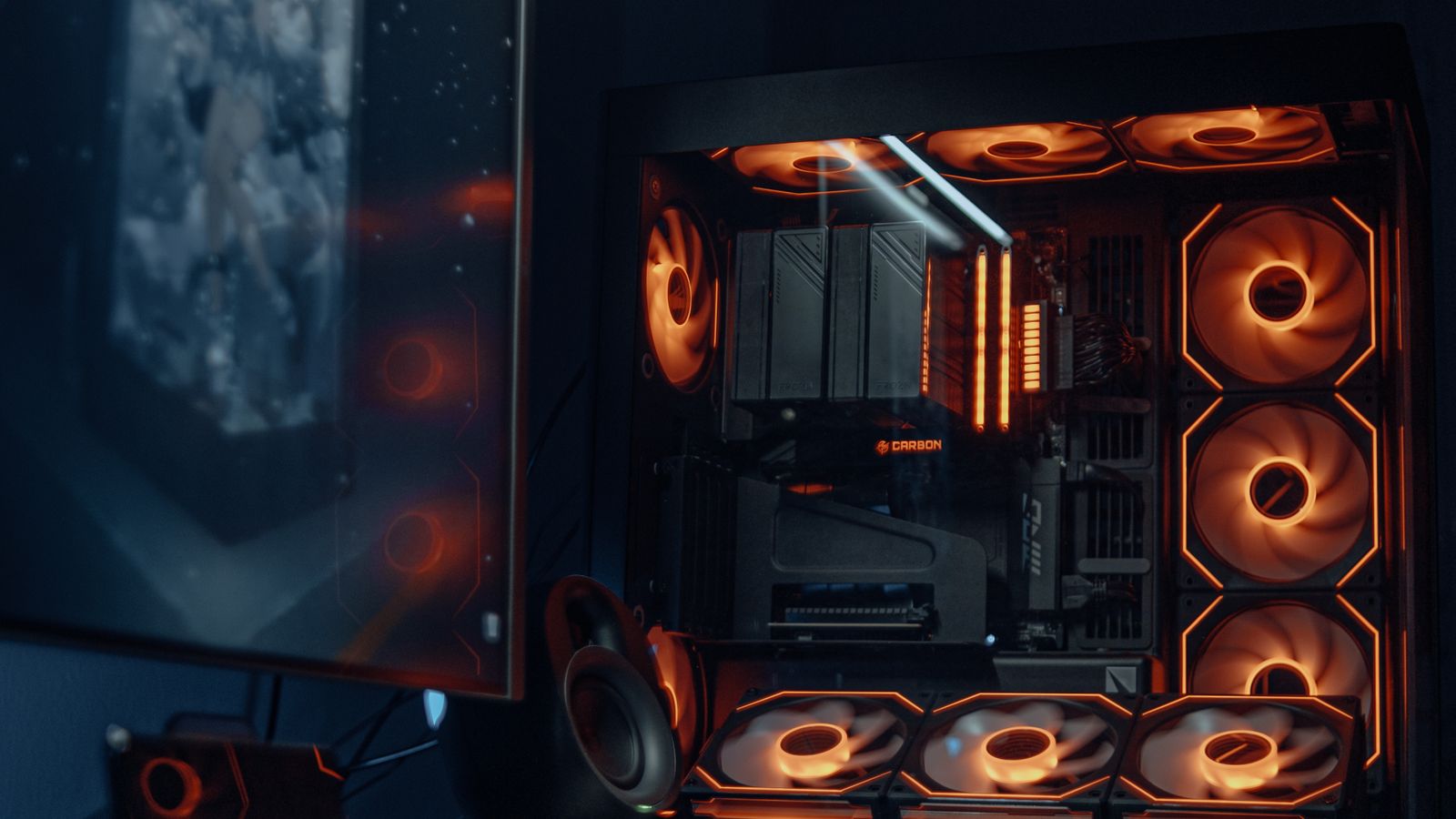
Custom builders enjoy complete freedom over the look of their machine, from case style and cable management to RGB lighting themes and tempered glass panels showcasing the internals. Prebuilt systems increasingly offer attractive designs too, but you’re limited to the configurations the manufacturer offers. If a specific aesthetic vision matters to you, custom building is the surest path to achieving it exactly.
Who Should Choose a Prebuilt PC?
- First-time PC gamers who want a hassle-free, ready-to-play setup
- Buyers who value a single, unified point of warranty and technical support
- Anyone on a tight timeline who needs a working machine quickly
- Gamers who prioritize convenience over deep customization
- Shoppers during GPU price spikes when prebuilt value can be stronger
Who Should Choose a Custom Build?
- Enthusiasts who want full control over every component and the final aesthetic
- Buyers seeking the best possible performance-per-dollar ratio
- Gamers planning frequent future upgrades who want maximum flexibility
- Anyone who genuinely enjoys the hands-on building and learning process
- Players with very specific noise, cooling, or size requirements

Setting a Budget Regardless of Path
Whichever route you choose, define your target games and desired resolution and frame rate first. This determines how much GPU horsepower you actually need, which typically accounts for the largest single share of a gaming budget. Allocate the bulk of your spending to the graphics card and a balanced CPU, ensure you have enough RAM and fast storage, and leave a small buffer for peripherals like a monitor, mouse, keyboard, and headset if they aren’t already included. A balanced budget prevents the common mistake of pairing a powerful GPU with a weak processor that holds it back.
Common Mistakes to Avoid With Either Path
Regardless of whether you buy prebuilt or build your own, a few mistakes trip up buyers repeatedly. The most common is unbalancing the build by pairing an expensive graphics card with a weak processor, which leaves performance on the table. Another is skimping on the power supply, a component that quietly protects everything else in the system and shouldn’t be the place you cut corners. Buyers also frequently forget to budget for a monitor and peripherals, then find themselves with a powerful tower and nothing capable of displaying its output well.
On the prebuilt side, a common error is failing to read the full specification sheet, since manufacturers sometimes pair a strong headline GPU with slower storage, limited RAM, or a modest power supply to hit a price point. On the custom side, the biggest pitfall is neglecting compatibility research, such as confirming that the CPU, motherboard, RAM, and case all work together before ordering. Taking a little extra time to verify these details prevents expensive returns and frustrating delays.
Peripherals and the Complete Experience
Your gaming experience depends on more than the tower itself. A quality monitor with an appropriate resolution and refresh rate, a responsive mouse and keyboard, and a comfortable headset all shape how enjoyable your sessions feel. When comparing prebuilt bundles, check whether peripherals are included and whether they meet your standards, since bundled accessories are sometimes basic. For custom builders, remember to fold these costs into your overall budget so the finished setup is balanced from tower to desktop.
Frequently Asked Questions
Is it cheaper to build a gaming PC myself?
It often can be, especially when you catch sales on individual components, but prebuilt systems sometimes match or even beat custom pricing due to the bulk purchasing power manufacturers have on parts like graphics cards. Compare the total cost of a comparable custom parts list against prebuilt options before deciding.
Do prebuilt PCs perform worse than custom builds?
Not inherently. Performance depends entirely on the components used, not on who assembled the machine. A prebuilt PC with strong components will outperform a custom build with weaker ones. Always compare the actual specifications rather than assuming one approach is faster.
Can I upgrade a prebuilt PC later?
Many prebuilt PCs use standard components and can be upgraded over time, but some use proprietary parts, limited power supplies, or cramped cases that restrict your options. Always check for these limitations before buying if upgradability is important to you.
Is building a PC difficult for a beginner?
Modern components are designed to fit together in fairly foolproof ways, and countless tutorials walk through the process step by step. It requires patience and care rather than advanced technical skill, though the risk of a mistake and the responsibility for troubleshooting rest entirely with you.
What single component should I prioritize for gaming?
The graphics card usually has the biggest impact on gaming performance, so it typically deserves the largest slice of your budget, balanced with a capable processor to avoid bottlenecks.
Final Thoughts
There’s no universally superior option between prebuilt and custom gaming PCs, only the choice that’s better for your particular situation. If you value convenience, warranty simplicity, and getting into your games quickly, a well-chosen prebuilt system is the smarter path. If you want complete control, better long-term upgrade potential, a specific aesthetic, and don’t mind investing the time to learn, building your own rig can be deeply rewarding. Either way, focus on matching your GPU and CPU choices to the games and resolutions you actually plan to play, and you’ll end up with a machine that serves you well for years.









