
 Owen Bradley
 Mesh Wi-Fi systems have become one of the most popular ways to fix patchy home internet, but they are not the right answer for everyone. Before you spend on multiple nodes, it helps to understand exactly what a mesh system does, how it differs from a traditional router, and whether your home actually needs one. This guide explains mesh Wi-Fi in plain terms so you can decide if it solves your problem or if a single router would serve you just as well.
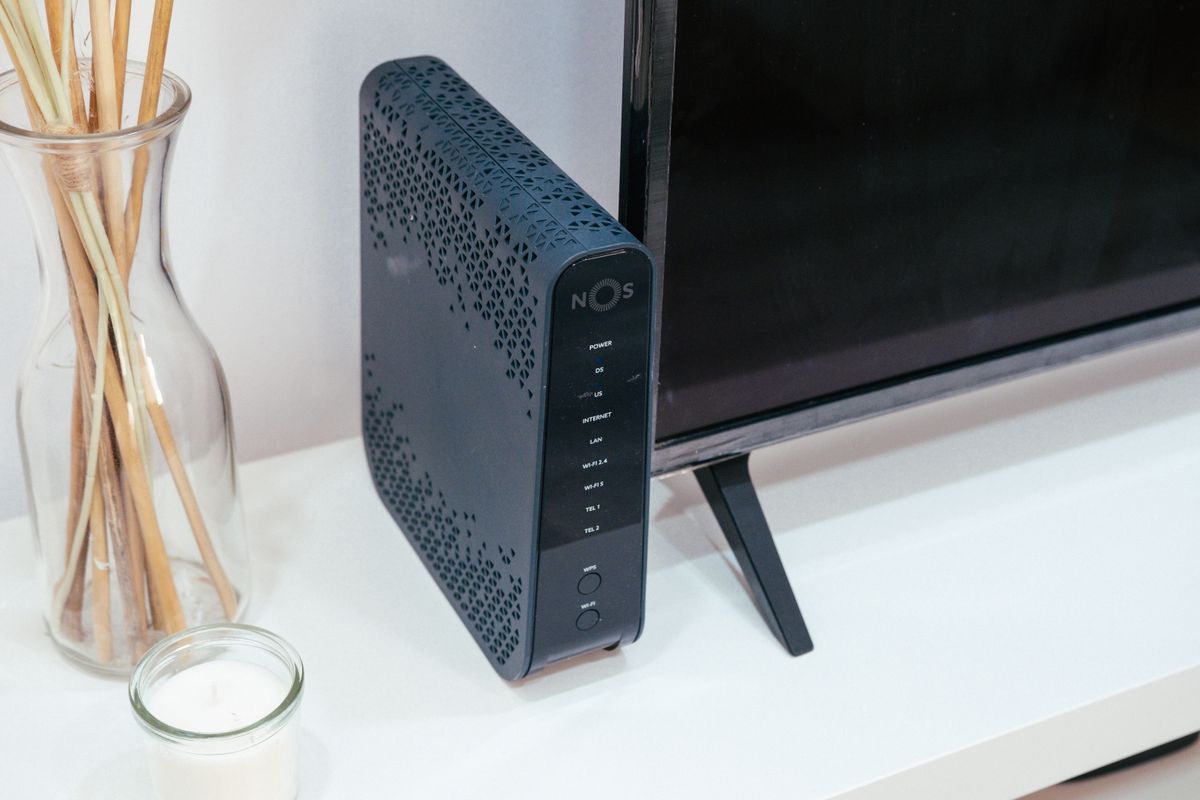
What a Mesh Wi-Fi System Is
A mesh system replaces your single router with several units, called nodes, that work together as one seamless network. One node connects to your modem, and the others spread throughout your home, relaying the signal so coverage reaches every room. Unlike older range extenders that create separate networks, a mesh system keeps a single network name, so your devices move from node to node automatically without dropping the connection. The result is smooth, whole-home coverage that follows you from room to room.
How It Differs From a Traditional Router
A traditional router broadcasts Wi-Fi from one location, and its signal weakens with distance and obstacles. In a small or medium home, that single unit covers everything fine. In a larger, multi-floor, or thick-walled home, the far corners fall into dead zones. A mesh system solves this by placing multiple nodes closer to where you use Wi-Fi, so no single spot is ever too far from a strong signal. The trade-off is higher cost and more devices to set up and manage.
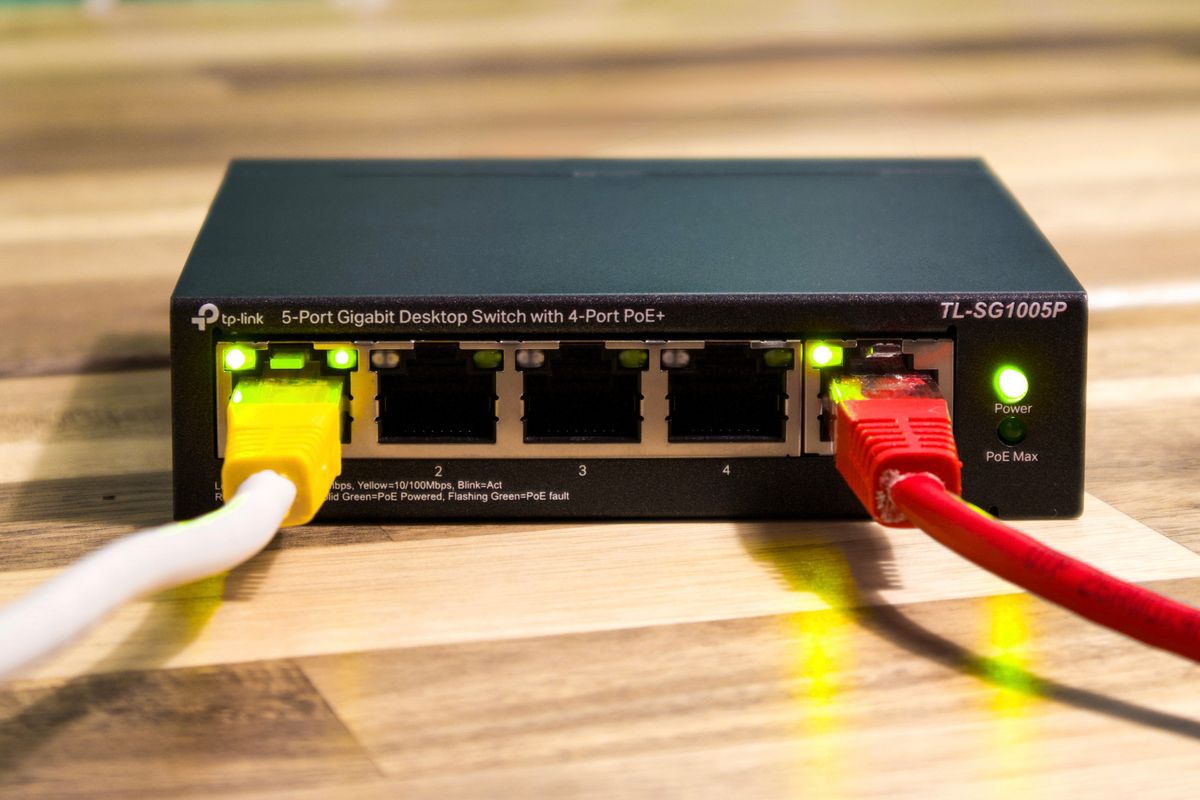
How Mesh Nodes Communicate
Nodes talk to each other wirelessly or, in some systems, over a dedicated backhaul band reserved just for node-to-node traffic. A dedicated backhaul keeps that communication from stealing bandwidth from your devices, which preserves speed as the signal hops across the home. Some systems also support a wired backhaul, connecting nodes with Ethernet for the fastest, most stable performance. When comparing systems, this backhaul design is one of the biggest factors in real-world speed, so it is worth understanding before you buy.
Do You Actually Need One?
The honest answer is: only if you have coverage problems a single router cannot fix. Ask yourself where your Wi-Fi struggles. If you have dead zones in distant rooms, weak signal on upper floors, or drops as you move around a large home, a mesh system is likely the right solution. If your home is small or medium and a single router already reaches every room, a mesh system is an unnecessary expense. Diagnosing your actual problem first saves you from overbuying. When a mesh setup is warranted, the best mesh systems and the best home mesh systems offer options sized for different homes.
Advantages of Mesh Wi-Fi
Mesh systems bring clear benefits for the right home. They eliminate dead zones by placing coverage where you need it. They provide seamless roaming, so your phone or laptop stays connected as you move between rooms. They are easy to expand, letting you add nodes if your coverage needs grow, which is why the best mesh network systems emphasize scalability. Most come with simple phone apps for setup and management, plus modern features like guest networks, parental controls, and automatic updates. For a large or complex home, these advantages transform an unreliable network into a dependable one.

Drawbacks to Consider
Mesh systems are not perfect. They cost more than a single router because you are buying multiple units. Wireless backhaul can reduce speed as the signal hops between distant nodes, so placement matters. They add complexity, with more devices to power and position. And for a small home that a single router already covers, a mesh system delivers little benefit for the extra money. Weigh these drawbacks honestly against your coverage needs before deciding.
Mesh vs a Powerful Single Router
Sometimes a strong single router is the smarter buy. If your home is compact or your dead zones are minor, a high-quality single router may cover everything at a lower price and with less complexity. Mesh earns its cost in larger homes, multiple floors, and layouts where one unit simply cannot reach every corner. If you lean toward a single unit, compare the best mesh routers for models that stretch coverage further before you commit to a full multi-node system. The deciding factor is not which technology is newer but which one matches the size and shape of your home.
Getting the Best From a Mesh System
If you choose mesh, placement makes or breaks performance. Position nodes so each one sits within strong range of the next, not so far that the signal weakens before it arrives. Avoid tucking nodes inside cabinets or behind large metal objects. Where possible, use a wired backhaul for the most stable, fastest links between nodes. Keep the firmware updated for security and performance, and use the companion app to check that each node reports a healthy connection. Thoughtful setup ensures you get the seamless coverage you paid for.
Frequently Asked Questions
Is a mesh system better than a router?
Not universally. Mesh is better for large, multi-floor, or dead-zone-prone homes. For small or medium homes, a single quality router is simpler and cheaper while covering everything.
How many nodes do I need?
It depends on your home’s size and layout. Many homes do well with two or three nodes; larger or more complex homes may need more. Start with enough to cover your problem areas and add nodes if needed.
Will mesh speed up my internet?
It cannot exceed your internet plan’s speed, but it delivers strong, consistent signal to areas a single router could not reach, so those rooms finally get usable speed.
How to Decide Step by Step
If you are still unsure whether mesh is right for you, a short decision process cuts through the marketing. First, map your dead zones by walking through your home with your phone and noting where the signal weakens or drops, since this tells you exactly what problem you are solving. Second, consider your home’s size and layout, because larger homes, multiple floors, and thick or numerous walls are the classic cases where a single router falls short and mesh excels. Third, weigh your budget honestly, remembering that a mesh system costs more than a single router and that you may not need one if your coverage gaps are minor. Fourth, if you do need broader coverage, count how many nodes your home likely requires and check whether a wired backhaul is possible, since that delivers the most stable performance. Fifth, compare a strong single router against an entry mesh kit at similar prices, because sometimes a powerful single unit resolves modest gaps for less money and less complexity. By working through these steps in order, you avoid both underbuying, which leaves dead zones unsolved, and overbuying, which wastes money on nodes a smaller home does not need. The goal is simply to match the solution to the size and shape of your home and the real coverage problem you are trying to fix.
Final Thoughts
Mesh Wi-Fi systems solve a specific problem exceptionally well: coverage gaps in larger and more complex homes. They eliminate dead zones, roam seamlessly, and expand easily, but they cost more and add complexity that smaller homes do not need. Start by diagnosing where your Wi-Fi actually struggles. If dead zones plague a big home, a mesh system is likely your answer; if a single router already reaches every room, you can save your money. Match the solution to your home, and you will enjoy fast, reliable Wi-Fi everywhere it matters.









