Owen Bradley
 Choosing a smart home security ecosystem is a bigger decision than choosing any single camera or lock, because it quietly decides what you can buy for the next decade. Pick Apple Home and you gain strong privacy guarantees and a much shorter shopping list. Pick Amazon Alexa and you get almost universal device support with a heavier reliance on the cloud. Pick Google Home and you land somewhere between the two with the best voice recognition and a habit of retiring products. This guide compares the three main smart home security ecosystems on the things that actually matter, privacy, local storage, device availability, automation depth, and how well they tolerate an internet outage, so you can commit in 2026 without regretting it two purchases later.
What an Ecosystem Actually Gives You
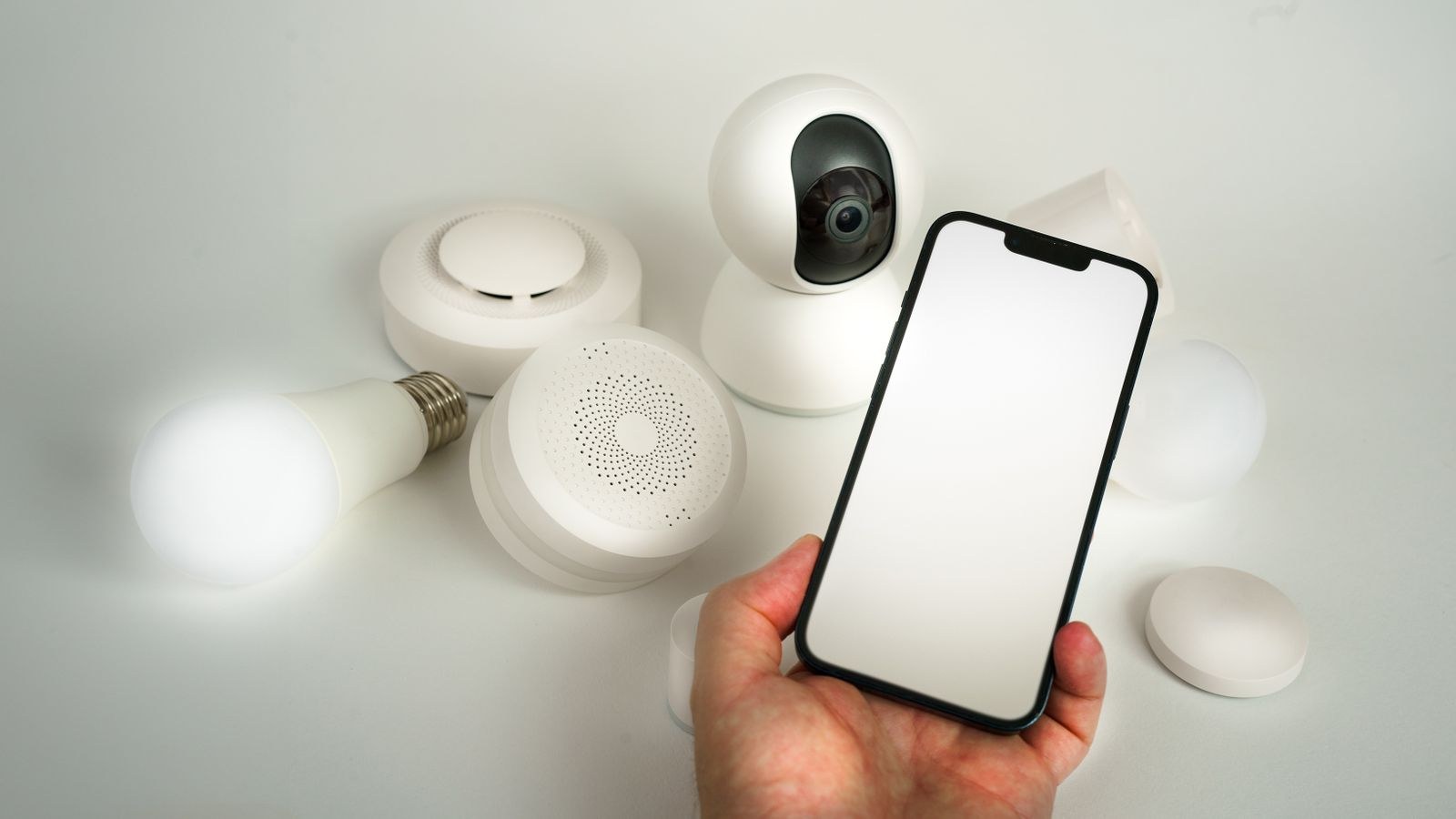
An ecosystem is not just a voice assistant. It is four things bundled together: a single app for viewing and controlling every device, an automation engine that lets one device trigger another, a permission and sharing model for household members, and a set of rules about where your data goes. Security devices lean on all four. A camera that cannot trigger a light, cannot be shared with a partner, and cannot be armed by a routine is just a camera.
The important consequence is lock-in. Cameras, locks, and sensors are semi-permanent purchases, often drilled into doors and walls. Switching ecosystems two years in usually means replacing hardware rather than reinstalling software, so the cost of the wrong choice is measured in equipment, not inconvenience.
Amazon Alexa: Widest Support, Heaviest Cloud
Alexa has by far the largest device catalogue. Almost every camera, lock, sensor, siren, and plug on the market ships with Alexa support, which means you will rarely find a product you want and cannot use. Echo Show displays make good camera monitors, drop-in intercom works across the house, and there is a genuine professional monitoring option if you want one.
The trade-off is architecture. Alexa is fundamentally cloud-first: most commands travel to Amazon’s servers and back, so an internet outage disables a large part of the system. Data handling is more permissive than the alternatives, and Amazon has commercial reasons to gather usage information. Some newer Echo devices process certain routines locally, which helps, but it is not the default posture.
Alexa suits households that value choice and price above all, already own Echo speakers, and are comfortable with cloud dependence. It is also the most forgiving if several people in the house have different phone platforms.
Google Home: Best Voice, Shortest Memory
Google’s strength is understanding what you say. Natural language handling is a clear step ahead, follow-up questions work, and Nest displays present camera feeds well. Nest cameras themselves do more processing on the device than most competitors, including person, vehicle, animal, and familiar face detection without a constant round trip to the cloud, which improves both speed and reliability.
Two weaknesses are worth knowing. First, Google has a long record of discontinuing and reshaping products, so a device you buy today may lose features or app support later. Second, the third-party catalogue is narrower than Alexa’s, particularly for locks and alarm sensors, and features often arrive on Alexa first.
Google Home fits households already inside Google’s services who want the best voice control and are happy to stay largely within Nest hardware for security devices. Cameras that integrate cleanly are compared in our guide to the best cameras for Google Home.
Apple Home: Strongest Privacy, Tightest Gate
Apple’s approach is the most privacy-protective of the three by a clear margin. HomeKit Secure Video analyses footage on a home hub rather than in the cloud, encrypts recordings end to end, and stores them in iCloud in a form Apple states it cannot read. Recorded footage does not count against your iCloud storage allowance, which makes the running cost predictable.
Certification is the constraint. Apple’s requirements mean fewer compatible devices, and they usually cost more than equivalents that only need Alexa or Google support. You also need a home hub, a HomePod or Apple TV, permanently at home for automations and remote access to work, and the whole experience assumes everyone in the household uses an iPhone.
Apple Home suits all-Apple households that treat privacy and local processing as priorities and accept a smaller, pricier catalogue. Compatible options are collected in our roundups of the best HomeKit cameras and the best cameras for Apple HomeKit.
Privacy and Where Your Footage Lives
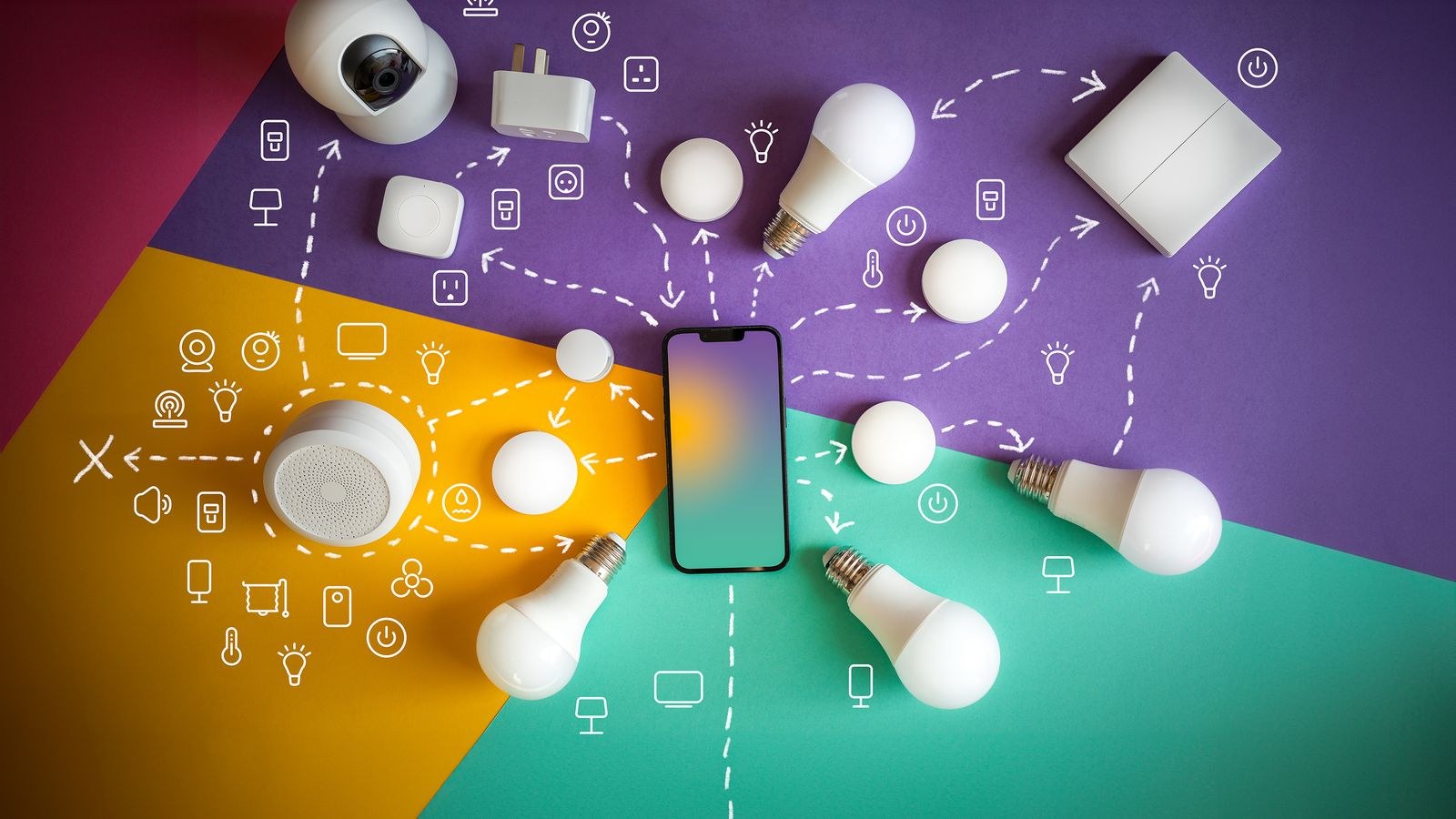
For security devices specifically, the question is where video is analysed and where it is stored. Apple analyses on a local hub and stores encrypted, with no human or algorithmic access on Apple’s side. Google analyses substantially on-device for Nest hardware but stores in Google’s cloud under its own policies. Amazon generally analyses and stores in the cloud, with device-level exceptions.
If a camera points indoors, this distinction is not academic. Consider who can access footage under what circumstances, whether clips are used to improve detection models, and whether you can opt out. Also check the practical controls each platform offers: privacy zones that mask part of the frame, scheduled disabling of indoor cameras while you are home, and per-user access limits.
Whichever platform you choose, enable two-factor authentication on the account, review the list of authorised devices periodically, and use unique passwords. The ecosystem’s privacy design matters far less than an account someone else can log into.
Local Storage and Offline Behaviour
Ask what happens when your broadband fails, because that is exactly when a break-in is most likely to matter. Locks with local radio connections generally keep working on all three platforms, since the hub talks to them directly. Cameras vary far more.
- Apple Home keeps analysing and recording through the local hub, though remote viewing stops. This is the strongest offline behaviour of the three.
- Google Home continues on-device detection and buffers some footage on Nest cameras, uploading once the connection returns.
- Alexa loses the most, since routines and many camera features depend on cloud processing.
If offline resilience matters, a genuinely effective approach is to run a separate local recorder alongside your ecosystem of choice. The cameras feed a network video recorder for full-resolution local footage, while smart integration handles alerts and automations. It costs more but removes the single point of failure.
Matter and Whether It Solves the Problem
Matter is the industry standard designed to make devices work across all platforms, and it does help. Locks, sensors, plugs, and lights that support it genuinely work on Alexa, Google Home, and Apple Home alike, which reduces the cost of choosing wrongly.
Cameras are the significant exception. Video is only partially addressed by the standard, and the advanced features people care about, person detection, activity zones, recording history, remain largely proprietary. In practice this means you can mix locks and sensors freely but should still choose cameras with your ecosystem in mind. Thread, the low-power mesh network that often accompanies Matter, improves battery device reliability and is worth having in a hub, so check for it when buying.
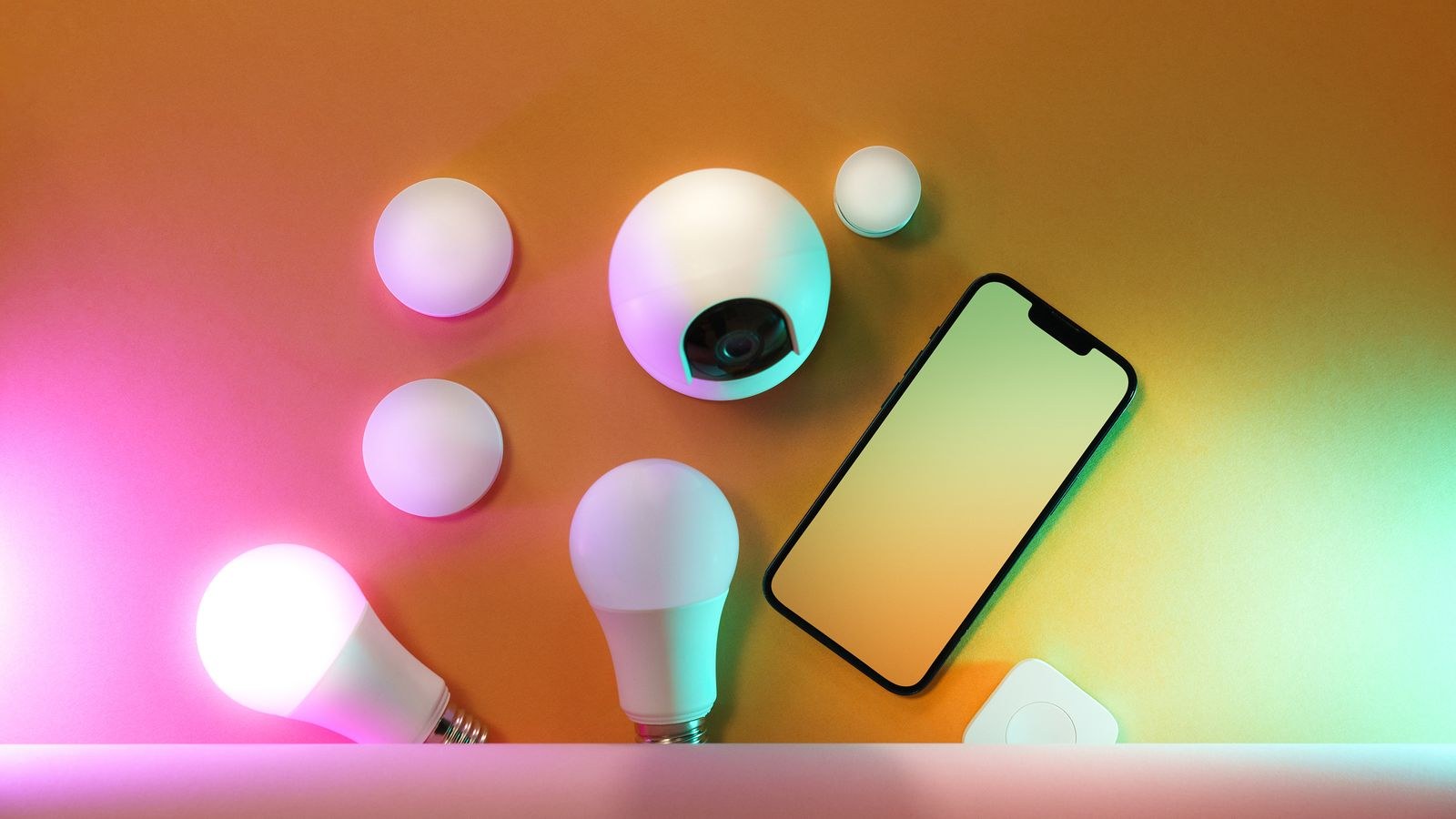
Locks, Sensors, and the Rest of the System
Cameras dominate the conversation, but locks are where ecosystem differences bite hardest. Apple’s Home Key feature, which lets you unlock with a phone or watch tap, only works on certified hardware and is genuinely convenient, though those models carry a premium. Alexa supports the widest range of lock brands and offers voice unlocking with a PIN. Google sits in between with fewer supported models. Compatible options for Apple households are gathered in our roundup of the best HomeKit smart locks.
Contact sensors, motion sensors, and sirens are increasingly Matter-compatible and therefore less tied to a platform. Where they still differ is in automation depth: how precisely you can specify conditions, whether automations run locally, and whether you can build multi-step sequences such as arming at a set time only when everyone has left.
Choosing the Right Hub
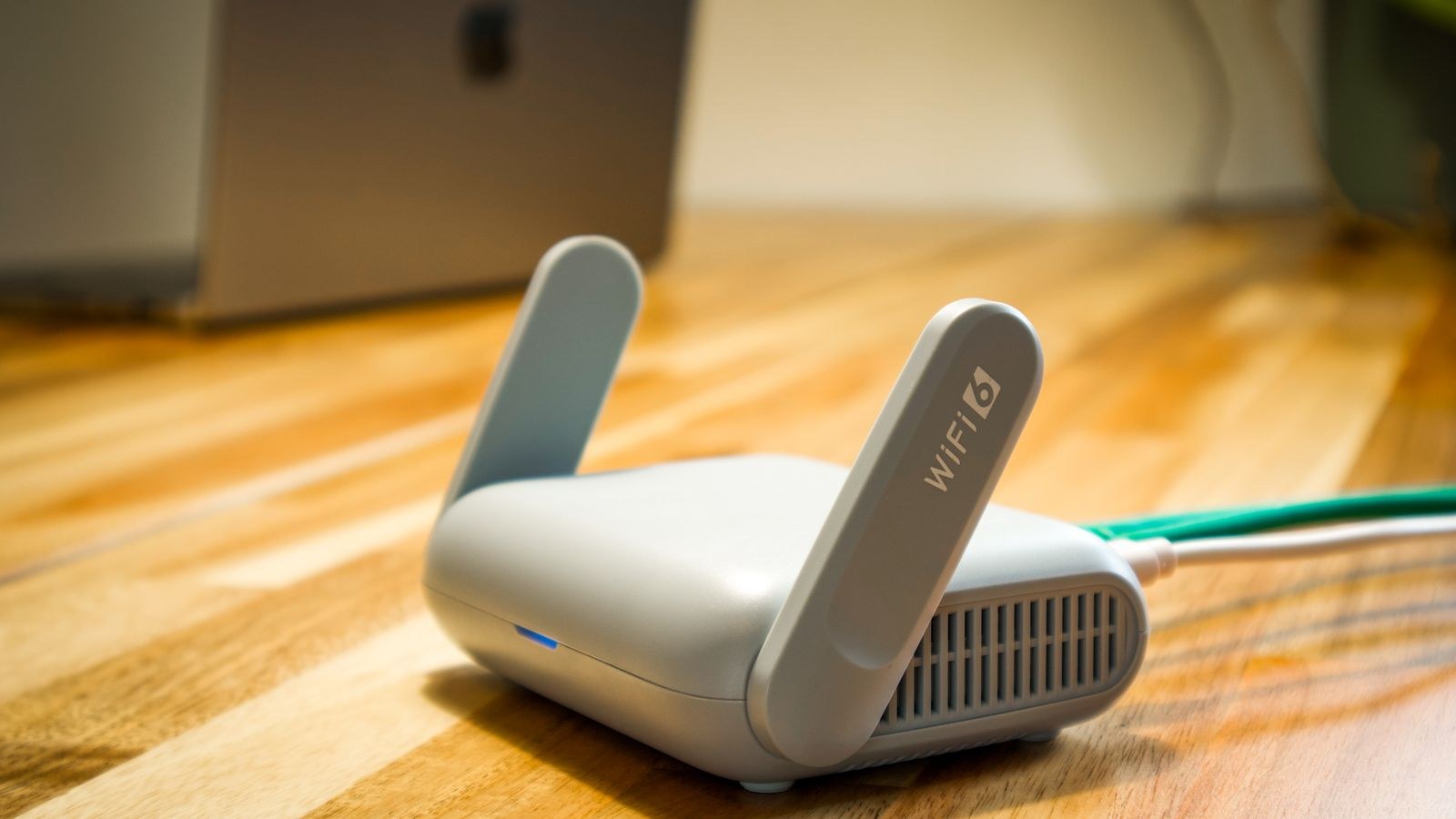
Every ecosystem needs a hub for local processing, remote access, and battery-device radios. For Apple that is a HomePod or Apple TV, for Google a Nest display or speaker, and for Alexa a compatible Echo. Look for built-in Thread and Matter support, wired ethernet if the device sits far from the router, and enough processing headroom that automations fire promptly.
Consider redundancy too. A single hub is a single point of failure, and most platforms will fail over to a second hub if you have one. Options across the platforms are compared in our guide to the best smart hubs.
How to Decide in Four Questions
- What phones does the household use? Mixed phone platforms rule Apple Home out as the primary choice.
- How much does privacy weigh against price? If it is decisive, Apple wins clearly; if budget dominates, Alexa does.
- Do you need footage during an outage? If yes, prioritise on-device detection and consider a separate local recorder.
- What do you already own? Existing speakers, displays, and cameras carry real weight; do not discard working hardware for a marginal gain.
Common Mistakes When Choosing
The most expensive error is buying devices piecemeal without deciding on a platform, then discovering three apps are needed and nothing automates together. Another is assuming Matter makes cameras portable between ecosystems, which it does not. A third is picking on voice assistant quality alone when the assistant is a small part of daily use compared with the app and the automations.
Finally, do not ignore ongoing subscription costs. Each platform charges for extended camera history and advanced features, and over five years those fees usually exceed the price of the hardware. Compare the total cost, not the sticker price, and confirm what keeps working if you ever stop paying.
Frequently Asked Questions
Can I run two ecosystems at once?
Yes, and many people do, typically Alexa for speakers and Apple Home for cameras. It works but means two apps, two automation engines, and duplicated setup, so keep one platform as the primary for security devices.
Does Matter mean I can ignore ecosystem choice?
Not for cameras. Matter genuinely helps with locks, sensors, plugs, and lights, but camera features such as person detection and recorded history remain platform-specific, so pick cameras to match your platform.
Which ecosystem is best for privacy?
Apple Home, clearly. HomeKit Secure Video processes footage on a local hub and stores it end-to-end encrypted. Google’s on-device detection is a reasonable second; Alexa is the most cloud-dependent of the three.
Do I need a hub for a couple of cameras?
Not always for basic viewing, but you do for local recording, reliable automations, remote access on Apple Home, and any battery-powered sensors using Thread. A hub is worth adding as soon as the system grows past a device or two.
Final Thoughts
There is no universally best smart home security ecosystem, only the one that matches your household. Choose Apple Home if everyone uses an iPhone and privacy with local processing is the priority, Google Home for the strongest voice control and solid on-device camera intelligence, and Alexa for the broadest device support at the lowest cost. Decide the platform before buying a single camera, buy Matter-compatible locks and sensors so those stay portable, add a capable hub with Thread, and consider a local recorder if outage resilience matters. Commit deliberately and everything you add afterwards will simply fit.