
 Owen Bradley
 A bright, sunny living room is a lovely place to live and a terrible place to watch television. Large windows, white walls and daytime viewing combine to wash out contrast, bounce reflections across the panel and turn dark scenes into a mirror showing you and the sofa. Reducing TV glare is rarely about buying a different television. It is about controlling where light comes from, where it lands, and how the room around the screen is finished. This tutorial works through the practical fixes in order of cost and effort, starting with free changes you can make this afternoon and ending with the display characteristics that matter if you do eventually upgrade.
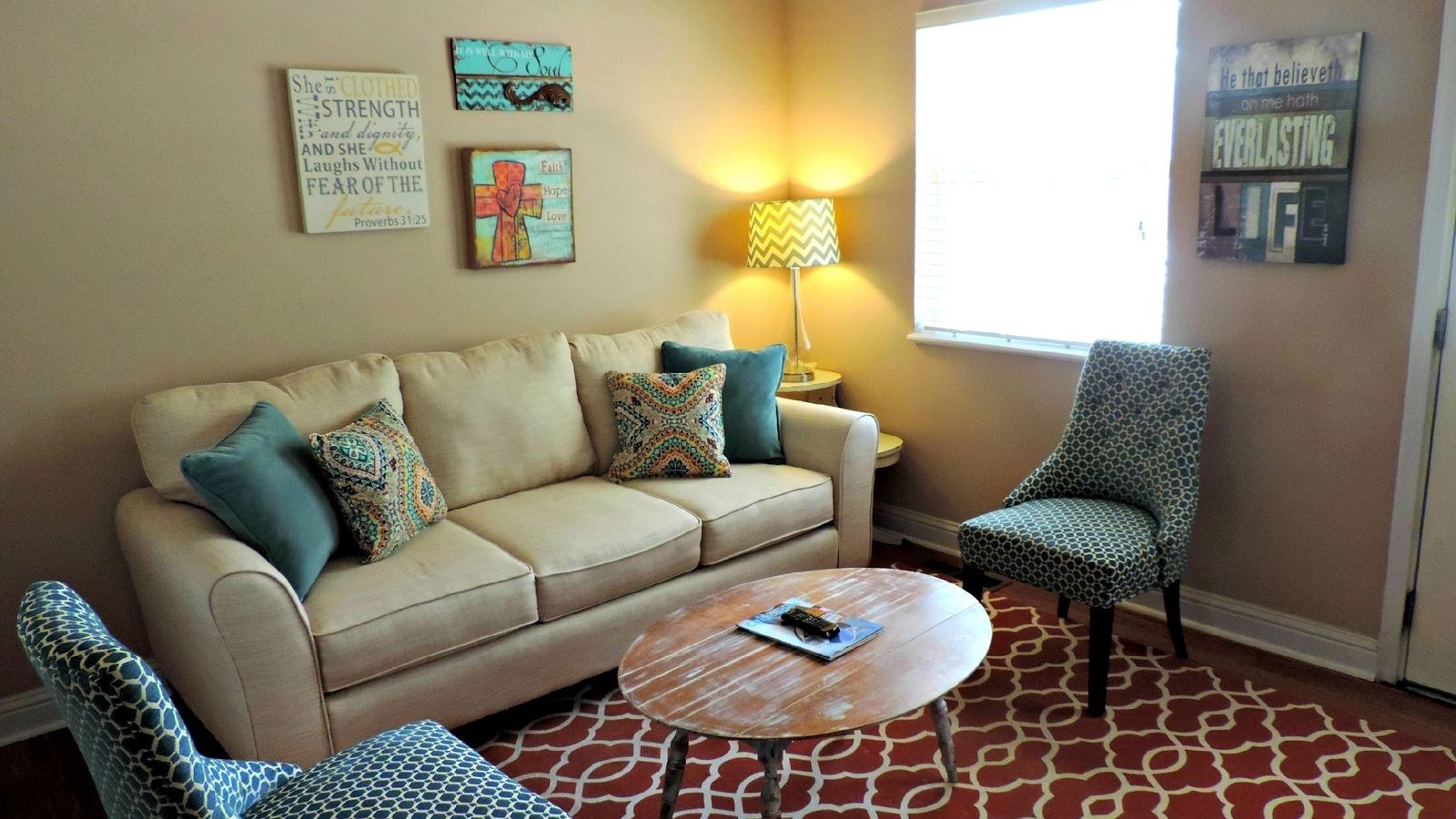
Understanding the Two Types of Glare
Not all glare is the same, and the distinction changes the fix. Specular reflection is a mirror image: you can see the window, a lamp or yourself on the screen. It comes from a direct light source in the panel’s line of sight and is worst on glossy screens. Diffuse reflection is a general milky haze that lifts black levels across the whole picture without showing any distinct object. It comes from ambient light filling the room and is worse on matte screens.
If you see distinct shapes, you have a placement problem and need to move the light source or the screen. If the picture simply looks flat and washed out, you have an ambient light problem and need to reduce overall room brightness or increase the display’s output. Most bright rooms suffer from both, so a combination of fixes usually works best.
What You Need
- A tape measure and a torch for checking sightlines and reflections.
- Your TV remote for adjusting picture settings.
- Optionally, curtains or blinds, a bias light strip, and matte paint or wall hangings.
- A friend to sit in your usual seat while you test screen angles.
Do the assessment at the time of day you actually watch. A room that seems fine at nine in the morning can be unwatchable at four in the afternoon when the sun swings around.
Step by Step: Reducing TV Glare
- Map the light sources. Sit in your normal viewing position with the TV switched off. The black screen acts as a mirror and shows you exactly which windows, lamps and light-coloured surfaces are reflecting into your eyeline. Note each one.
- Avoid placing the TV opposite a window. This is the single biggest improvement available. A screen facing a window catches the full reflection all day. Moving it to a wall perpendicular to the window removes the direct reflection entirely, even though the room stays just as bright.
- Angle the screen away from the offender. If the TV cannot move walls, rotate it. A tilting or swivelling mount lets you turn the panel a few degrees off the reflection path, which is often enough to send the window image below or beside your eyeline instead of into it.
- Tilt slightly downward if wall mounted. A small downward tilt directs reflections from ceiling lights and high windows towards the floor rather than towards the sofa. Keep the tilt modest, since large angles hurt viewing quality on many panel types.
- Control the windows. Blackout curtains are the most effective option but make the room feel closed. Light-filtering blinds are usually the better compromise: they soften and diffuse incoming daylight without turning the space into a cinema. Vertical blinds are particularly useful because you can angle them to block low afternoon sun while keeping the view.
- Dim and reposition lamps. Move table and floor lamps out of the screen’s line of sight, and swap bare bulbs for shaded fittings that throw light downward. Any lamp you can see reflected in the dark screen will also be visible during dark scenes.
- Reduce reflective surfaces behind you. A large mirror, a glass cabinet or a bright white wall opposite the TV bounces light straight back onto the panel. Rehanging a mirror or adding a textile wall hanging cuts diffuse haze noticeably.
- Add bias lighting behind the TV. A neutral white light strip on the back of the panel raises the perceived contrast by giving your eyes a reference point, so the picture looks deeper without needing more brightness. It also reduces eye strain during long sessions. Our walkthrough on how to set up bias lighting behind a TV covers placement and colour temperature in detail.
- Raise brightness for daytime viewing. Create a separate picture preset with higher backlight, slightly raised gamma and a cooler colour temperature for daylight hours, and keep your calibrated evening preset for night. Switching presets takes seconds and beats permanently compromising both.
- Reassess at different times of day. Repeat the mirror test in the morning, afternoon and evening. Sun angles change dramatically across a day and across seasons, and a fix that works in winter may need revisiting in summer.
Does a Matte Screen Solve It?
Manufacturers use two broad approaches. Glossy panels reflect less total light but concentrate what they do reflect into a sharp mirror image. Matte and anti-glare coatings scatter reflections so no distinct image forms, but that scattering spreads light across the whole screen and can raise black levels, giving dark scenes a slightly grey, washed appearance.
For a very bright room with windows you cannot control, a matte or anti-reflective finish is usually the better choice, because a diffuse haze is less distracting than a crisp reflection of a window. For a room you can darken, a glossy panel typically delivers deeper blacks and punchier images. Neither is universally superior, which is why the same television can be praised in one room and criticised in another.
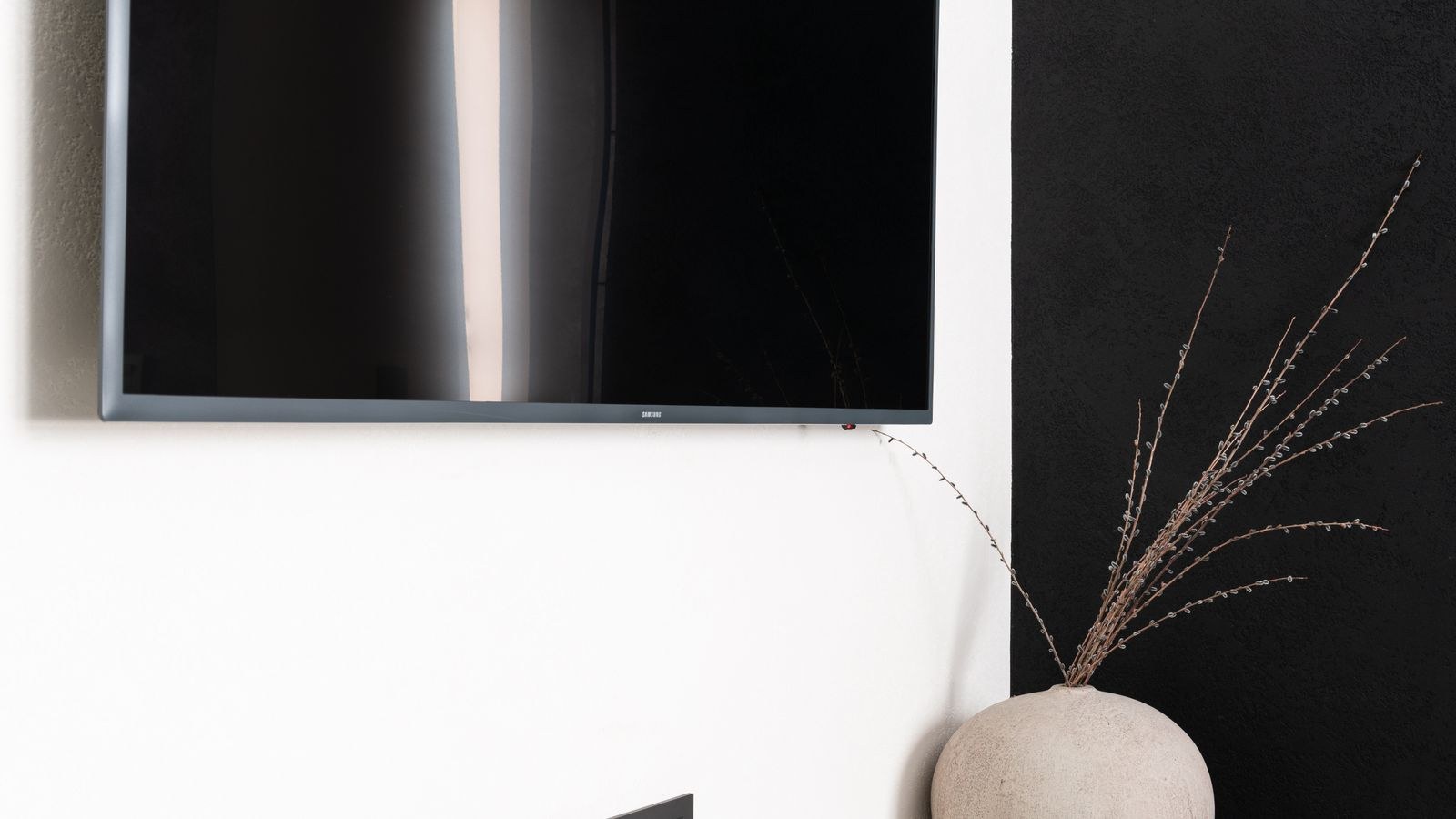
Why Peak Brightness Matters in a Sunlit Room
When you cannot remove ambient light, the alternative is to overpower it. A display with high peak brightness keeps highlights and mid-tones visible even when the room is flooded with daylight, so the picture retains impact rather than looking faded. This is the single most useful specification for a bright living room, well ahead of contrast figures measured in a dark lab.
Backlight technology matters too. Panels using many independently controlled zones can push bright areas hard while keeping darker regions restrained, which helps daytime viewing considerably. Quantum dot layers add colour volume at high brightness, so images stay saturated rather than looking pale when the backlight is running hard.
If glare has pushed you towards replacing the set, focus your shortlist on that capability. The best bright gaming TVs guide ranks displays specifically on how well they cope with high ambient light, while the best QLED gaming TVs roundup covers quantum dot sets that hold colour at high output. For sets chosen with a shared family space in mind, our best living room gaming TVs list weighs viewing angles alongside brightness, since a bright room is usually a room several people watch from at once.
Low Cost Fixes That Punch Above Their Weight
- Reposition the sofa. Moving seating a metre to one side changes the reflection angle completely and costs nothing.
- Use a matte wall finish behind and around the screen. Flat or eggshell paint in a mid tone reduces bounce far more than gloss.
- Close doors to bright adjacent rooms. Light spilling from a sunlit hallway or kitchen adds haze you may not have accounted for.
- Add a plant or bookshelf beside a window. Breaking up a large reflective rectangle softens the shape that appears on screen.
- Fit a dimmer to overhead lighting. Evening glare from ceiling fittings is easy to solve once you can lower the level.
Ambient lighting behind and around the screen is also worth treating as a design element rather than a compromise. Warm, low-level light placed out of the reflection path makes a room comfortable without harming the picture, and the best TV lights guide covers options that mount cleanly without cluttering the space.
Mistakes to Avoid
The first mistake is buying an anti-glare screen protector film. These aftermarket panels rarely fit properly, frequently introduce a visible texture or rainbow effect, and can trap heat against the display. Fix the room first. The second is cranking brightness to maximum permanently, which shortens panel life, raises power consumption and makes evening viewing uncomfortable and fatiguing.
A third error is installing blackout curtains as a first response. They work, but they make a bright, pleasant room dark all day, and most people stop using them within a fortnight. Repositioning the screen achieves more with no loss of daylight. Finally, do not judge a television in a showroom’s aggressive lighting and assume it will behave the same at home; the light in your own room is the only test that matters.
Frequently Asked Questions
Is it worse to have a window behind the TV or opposite it?
Opposite is worse, because you see a direct reflection. A window behind the screen creates strong backlighting that tires your eyes and reduces perceived contrast, so it is second worst. Perpendicular is best.
Do anti-glare screen protectors work?
Rarely well. They tend to blur the image, introduce texture and add heat. Room changes and correct placement deliver much better results for less money.
Does bias lighting increase glare?
No, provided the strip faces the wall rather than the room. It raises perceived contrast and reduces eye strain without adding reflections to the panel.
Should I choose a matte screen for a sunny room?
Generally yes. A diffuse haze is less distracting than a sharp mirror image of a window, though it slightly lifts black levels in dark scenes.
Final Thoughts
Reducing TV glare in a bright living room follows a simple hierarchy. Change the geometry first by moving or angling the screen away from windows and lamps, since that costs nothing and removes the worst reflections outright. Then soften the light with filtering blinds and matte surfaces, add bias lighting behind the panel, and create a separate daytime picture preset rather than compromising your evening one. Only after all of that does hardware become the answer, and when it does, peak brightness and a well-chosen screen finish matter far more than any other specification. Work through the list in that order and even a south-facing room with big windows can deliver a picture worth sitting down for.









