
 Owen Bradley
 The dramatic version of smart home hacking involves a determined attacker breaking cryptography. The real version is far more boring: a camera still using the password it shipped with, a light bulb running firmware from three years ago, and every device sitting on the same flat network as the laptop holding your tax returns. Smart home security risks are almost entirely a story of defaults left unchanged and updates never installed. The good news is that the fixes are equally boring and equally effective. This guide explains where the actual weaknesses are, ranks them by realistic likelihood, and gives you a hardening checklist you can complete in an afternoon without any networking background.
How Smart Home Devices Actually Get Compromised
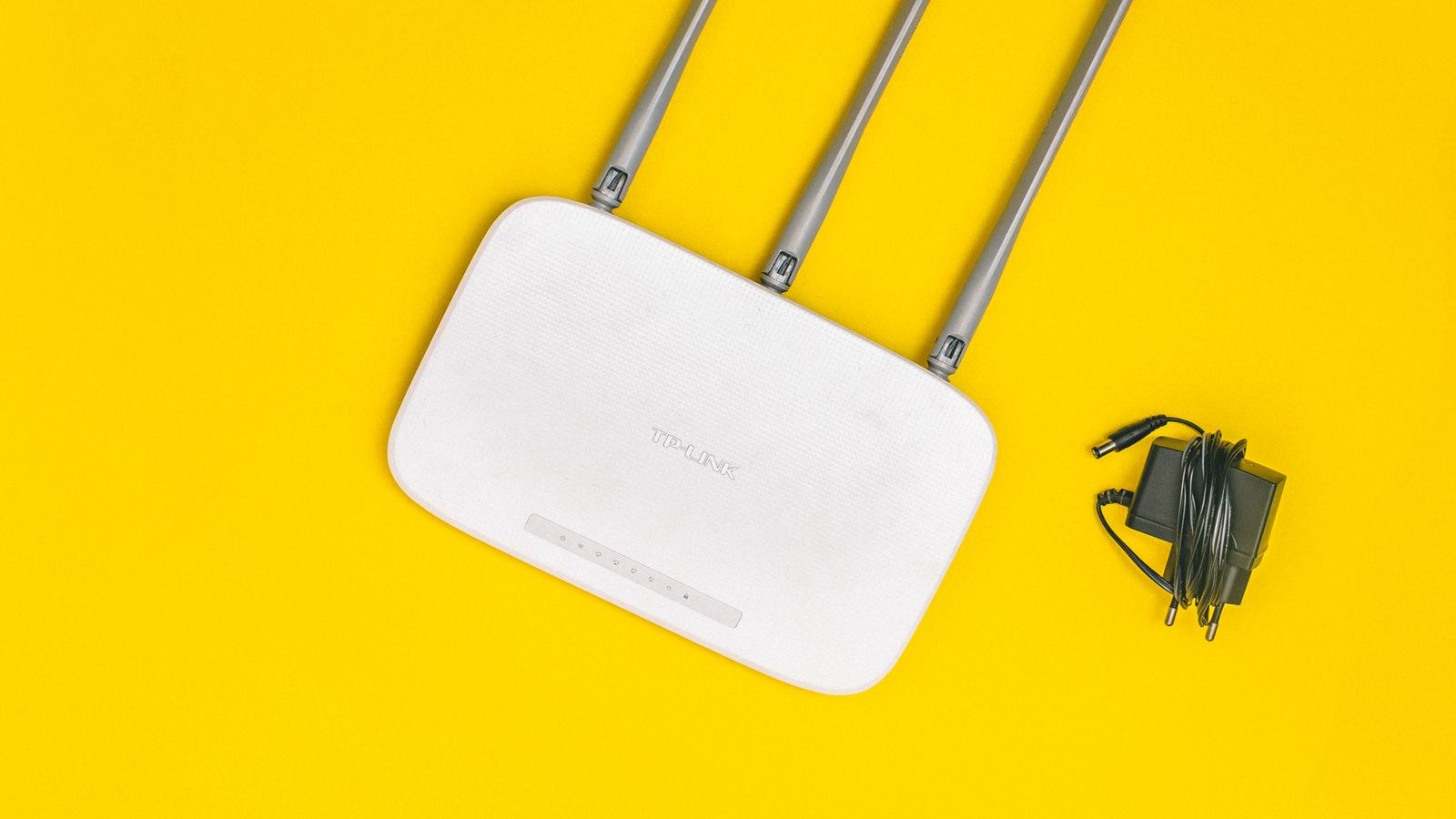
Almost every real-world incident traces back to one of four paths. First, credential reuse: your email and password leaked in an unrelated breach, and you used the same pair on your camera account. Attackers simply log in. Second, unpatched firmware: a known vulnerability is published, exploit code circulates, and automated scanners find every device still running the old version. Third, exposed services: a port forwarded to the internet, or UPnP silently opening one, gives the whole world a login page. Fourth, lateral movement: one weak device is breached and used as a foothold to reach everything else on the same network.
Notice what is absent from that list. Nobody is cracking your encryption. The threat model for a normal household is opportunistic and automated, which means basic hygiene stops the overwhelming majority of it. Targeted attacks against a specific home are rare and generally involve someone who already has physical or account access.
Risk One: Default and Reused Credentials
Devices that ship with a printed default password, or worse an unchangeable one, remain a live problem in cheap imported hardware. Even where the device forces a change, people frequently pick a password they already use elsewhere. Because breach databases are freely traded, credential stuffing against camera and hub logins is fully automated and constant.
The fix is unglamorous. Use a password manager and give every device account a unique, long, random password. Enable two-factor authentication anywhere it is offered, prioritising cameras, locks, and hubs, since those have the highest consequence if breached. Change the router administrator password immediately, because that account controls everything else. If a device does not permit changing its password or does not support two-factor authentication on its account, treat that as a reason not to buy it.
Risk Two: Firmware Nobody Updates
A smart plug you installed and forgot about is running whatever code shipped that day unless it updates itself. Many devices do update automatically, but plenty require a manual tap in an app you rarely open. Worse, budget devices are often abandoned by their manufacturer within a couple of years, at which point new vulnerabilities are never patched at all.
Enable automatic updates on every device that offers it, and put a twice-yearly reminder in your calendar to open each app and check for pending firmware. Before you buy anything, look for a published support commitment. A manufacturer promising several years of security updates is offering a genuine feature, and an unbranded device with no support statement should be assumed unsupported from day one.
Risk Three: A Flat Network
This is the risk almost nobody addresses and the one that turns a small compromise into a large one. On a typical home network, every device can talk to every other device. A breached video doorbell can scan for your network storage, your work laptop, and your printer. Segmentation breaks that chain.
The simplest version costs nothing: enable your router’s guest network and connect all your smart home gadgets to it instead of your main network. Guest networks normally block traffic between clients and prevent access to the main LAN, which is exactly what you want for devices that only need internet access. Some hub-based setups need devices on the same subnet, so test before committing. Routers with proper multi-SSID and firewall control make this far easier, and the models covered in the best routers with guest network support isolation without paid add-ons.
Going Further With VLANs
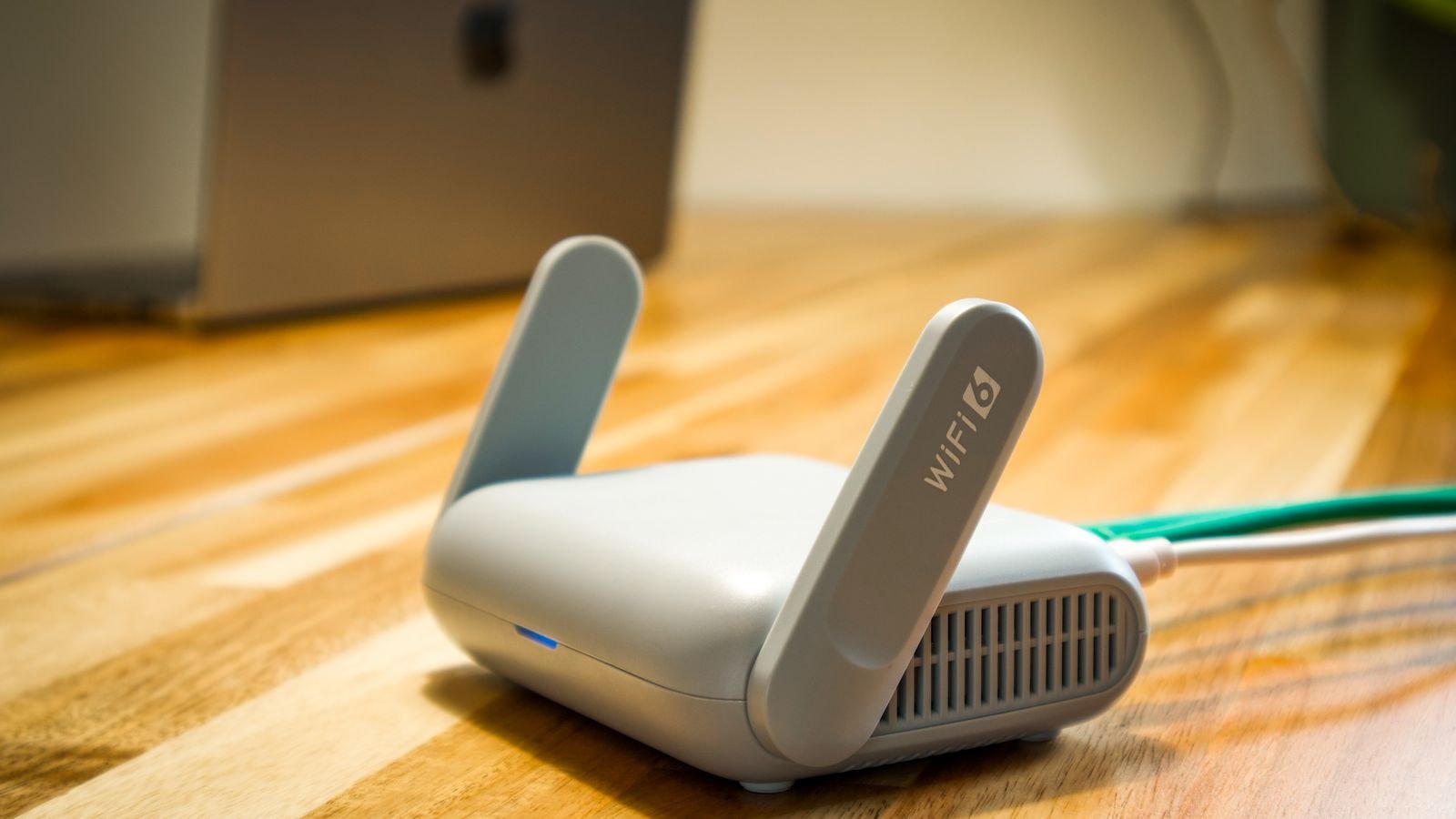
If your router supports VLANs, you can create separate networks with explicit firewall rules: IoT devices reach the internet but not each other, cameras reach nothing outbound at all, and your phone can reach the IoT network but not the reverse. This is the setup used in most serious home labs, and it takes an evening to configure. It is optional, but it converts a device compromise from a household problem into a contained annoyance.
Risk Four: Exposed Remote Access
Remote viewing is convenient and often implemented badly by users. Manually forwarding a port so you can reach a camera’s web interface from work publishes that login page to the entire internet, where it will be found by scanning services within hours. UPnP does the same thing automatically without telling you.
Disable UPnP in your router unless something specifically requires it, and remove any port forwards you cannot justify. Use the manufacturer’s own cloud relay for remote access, or better, run a VPN back into your home so remote access requires authenticating to your network first. Also disable remote administration of the router itself, which should never be reachable from the internet.
Risk Five: Weak Wireless Encryption
Wireless security has improved substantially, but many networks still run older standards for compatibility. WPA2 remains broadly acceptable with a strong passphrase; WEP and WPA are broken and should never be used. WPA3 adds meaningful protection, particularly against offline password guessing and against attacks on open networks.
Most routers offer a mixed WPA2/WPA3 mode so older devices keep working while newer ones get the better protocol. Turn off WPS, the push-button pairing feature, since its PIN mode has long-standing weaknesses. Use a passphrase of at least 16 characters for your main network. If your hardware predates the current standard, upgrading is one of the few purchases that improves security across every device at once, and the options in the best WPA3 routers show what modern encryption costs today.
Risk Six: The Hub and Ecosystem Layer
A hub is a concentration of trust. It holds credentials for every paired device, often has permission to unlock doors, and usually maintains a cloud connection for remote control. Compromising the hub means compromising everything at once, which makes it the component where quality matters most.
Prefer hubs that execute automations locally, so a cloud outage or a breach of the vendor’s servers does not hand over control of your house. Check whether the vendor publishes a security contact and a track record of patching. Avoid stacking multiple half-abandoned hubs from different brands, since each adds attack surface for marginal benefit. Consolidating onto one well-supported controller is both simpler and safer, and the comparison in the best smart hubs highlights which platforms keep rules running locally.
Risk Seven: Cameras Specifically
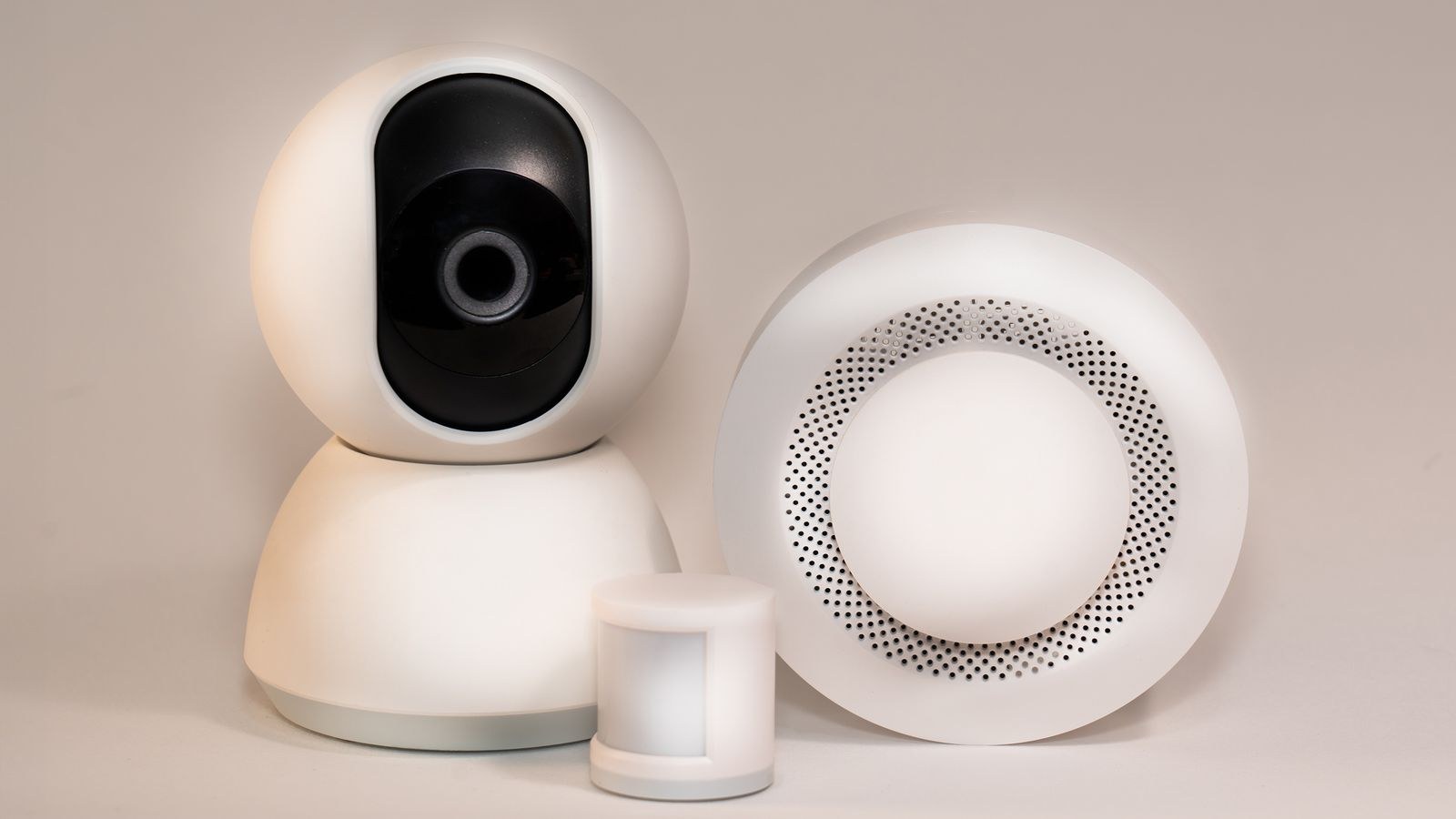
Cameras deserve their own section because a breach produces the most damaging outcome and because they are the most commonly targeted category. Prioritise models with end-to-end encryption, mandatory two-factor authentication, and the ability to record locally so that a cloud compromise does not expose your footage. A physical shutter or a scheduled privacy mode adds a layer software cannot undo.
Place indoor cameras thoughtfully and never in bedrooms or bathrooms. Review the list of accounts with access after any houseguest, tenant, or former partner leaves, since shared access is a far more common cause of unwanted viewing than external hacking. Feature and encryption differences between models are substantial, so the roundup of the best smart cameras is a sensible reference before buying.
The Weekend Hardening Checklist
- Change the router admin password and update its firmware.
- Enable WPA3 or mixed WPA2/WPA3 and disable WPS.
- Create a separate guest or IoT network and move every smart device onto it.
- Disable UPnP and remove unnecessary port forwards.
- Turn off remote management of the router from the internet.
- Give every device account a unique password from a password manager.
- Enable two-factor authentication on cameras, locks, hubs, and your primary account.
- Turn on automatic firmware updates everywhere it is available.
- Audit shared access and remove anyone who no longer needs it.
- Unplug and factory-reset devices you no longer use rather than leaving them online.
That list takes about two hours and eliminates the vast majority of realistic risk. Everything beyond it is refinement rather than necessity.
Buying Decisions That Reduce Future Risk
Security is cheaper at purchase time than at incident time. Favour devices that work locally, so they keep functioning if the vendor disappears. Favour open standards over proprietary clouds, since a standards-based device can usually be adopted by another controller later. Check for a published vulnerability disclosure policy, which signals a company that expects and handles security reports rather than ignoring them.
Be sceptical of unbranded bargain devices sold under rotating names. They frequently share the same white-label firmware, receive no updates, and have historically been the source of large botnets. A well-supported device at three times the price is cheaper than a compromise. Your router deserves the largest share of the budget, because it protects everything behind it; the models in the best secure WiFi routers include proper firewalls and long update commitments.
Common Mistakes
The first is buying security products while ignoring configuration. An encrypted camera on a network with an admin password of admin is not protected. The second is assuming the risk is external. Shared accounts, old tenants, and reused family passwords cause more unwanted access than remote attackers do.
A third mistake is set-and-forget. Devices accumulate over years, and the plug you installed early on is now the oldest and weakest thing on your network. Keep an inventory. The final mistake is over-engineering: elaborate VLAN schemes are useless if the underlying passwords are reused, so fix the fundamentals before building complexity.
Frequently Asked Questions
Can someone really hack my smart bulb?
Directly targeting a bulb is unlikely, but a bulb with old firmware on a flat network can be a stepping stone to more valuable devices. That is why segmentation matters more than the bulb itself.
Is a guest network really enough?
For most households, yes. It provides client isolation and blocks access to your main LAN, which addresses the lateral movement risk. VLANs are better but are refinement rather than a requirement.
Should I put cameras on the internet at all?
Cloud access is fine when protected by a unique password and two-factor authentication. What you should avoid is manually exposing a camera’s own web interface through a port forward.
How do I know if a device is still supported?
Check the manufacturer’s support page for firmware release dates and any published end-of-support policy. If the last update is years old and no policy exists, assume the device is abandoned.
Does a hub make my home more or less secure?
Both. It centralizes risk but also centralizes control, patching, and local execution. A well-supported hub running rules locally is a net gain over a dozen independent cloud-dependent devices.
Final Thoughts
Smart home security is not a technology problem so much as a maintenance problem. The devices are generally fine; the defaults and the neglect are what create exposure. Unique passwords, two-factor authentication, automatic updates, and a separate network for IoT devices together handle nearly every realistic threat, and none of them requires expertise.
Work through the checklist once, then keep an inventory so new purchases get the same treatment. Buy from manufacturers who commit to update timelines, put your money into a capable router before anything else, and re-audit twice a year. Do that and the connected home you build in 2026 will stay as safe in practice as it looks on the box.









