
 Owen Bradley
 Smart lighting stops being clever the moment a houseguest cannot turn on the hallway light. That is the real test of a home lighting control system: not how many colors it produces, but whether everyone in the house, including people who never installed the app, can operate it without thinking. This guide walks through the four control layers that make up any modern system, apps, voice, physical keypads and remotes, and hubs, and explains how they fit together. Whether you are automating a single room or wiring a whole house in 2026, choosing the right mix of control methods matters far more than the brand on the box.
The Three Ways to Make Lighting Smart
Before comparing controls, decide where the intelligence lives. Every system takes one of three approaches, and mixing them carelessly is the source of most frustration.
Smart bulbs put the electronics in the bulb itself. They are the cheapest entry point, need no wiring, and offer color and tunable white. The catch is fundamental: if someone flips the wall switch off, the bulb loses power and becomes unreachable. Smart switches and dimmers replace the wall device instead, keeping ordinary bulbs and preserving normal manual operation for everyone. They require wiring work and often a neutral wire, but they are far more robust in shared households. Smart fixtures and drivers build control into the light itself, common with recessed downlights and outdoor systems, offering the cleanest result at the highest installation cost.
The Rule That Prevents Most Problems
Never put a smart bulb behind a dumb switch that people will use. Either replace the switch with a smart one that always keeps power flowing, or install a switch guard so nobody kills the circuit. This single decision resolves the majority of complaints about smart lighting being unreliable, because the lights were never unreliable, they were simply unpowered.
App Control: Powerful but Not the Whole Answer
The app is where you configure everything: grouping lights into rooms, building scenes, setting schedules, and adjusting brightness or color precisely. It is also the only practical way to control lighting remotely, which matters for vacation lighting and for checking whether you left the garage lit.
What apps are bad at is everyday use. Unlocking a phone, opening an app, waiting for it to connect, and finding the right room takes ten seconds where a wall switch takes half a second. Treat the app as a setup and remote-access tool, not the primary interface. A system that requires the app for routine operation will be resented by everyone in the house who did not choose it.
What to Look for in an App
Evaluate the app on room and group organization, scene creation, scheduling with sunrise and sunset offsets, and multi-user support so family members get access without sharing one login. Check whether local control works when the internet is down, because a cloud-dependent system that goes dark during an outage is a genuine problem. Our overview of the best smart home lighting systems compares app depth alongside hardware ecosystems.
Voice Control: Best for Hands-Free Moments
Voice assistants shine in specific situations: carrying groceries, cooking with messy hands, or turning off the bedroom light after getting into bed. They are also the easiest interface for guests, since nobody needs an app to say a room name out loud.
Success with voice depends almost entirely on naming discipline. Give every light a short, obvious, unambiguous name, and give rooms names people naturally use. “Kitchen ceiling” works; “Kitchen light group 2” does not. Avoid names that sound like other commands, and set up room assignments so a single phrase controls everything in a space. Voice becomes unreliable mainly when the naming scheme is messy, not because the technology fails.
Physical Controls: Keypads, Switches, and Remotes
This is the layer people underinvest in and later wish they had prioritized. A physical control on the wall or a table is instant, needs no phone, requires no explanation, and works for children, guests, and anyone who simply does not want to talk to a house.
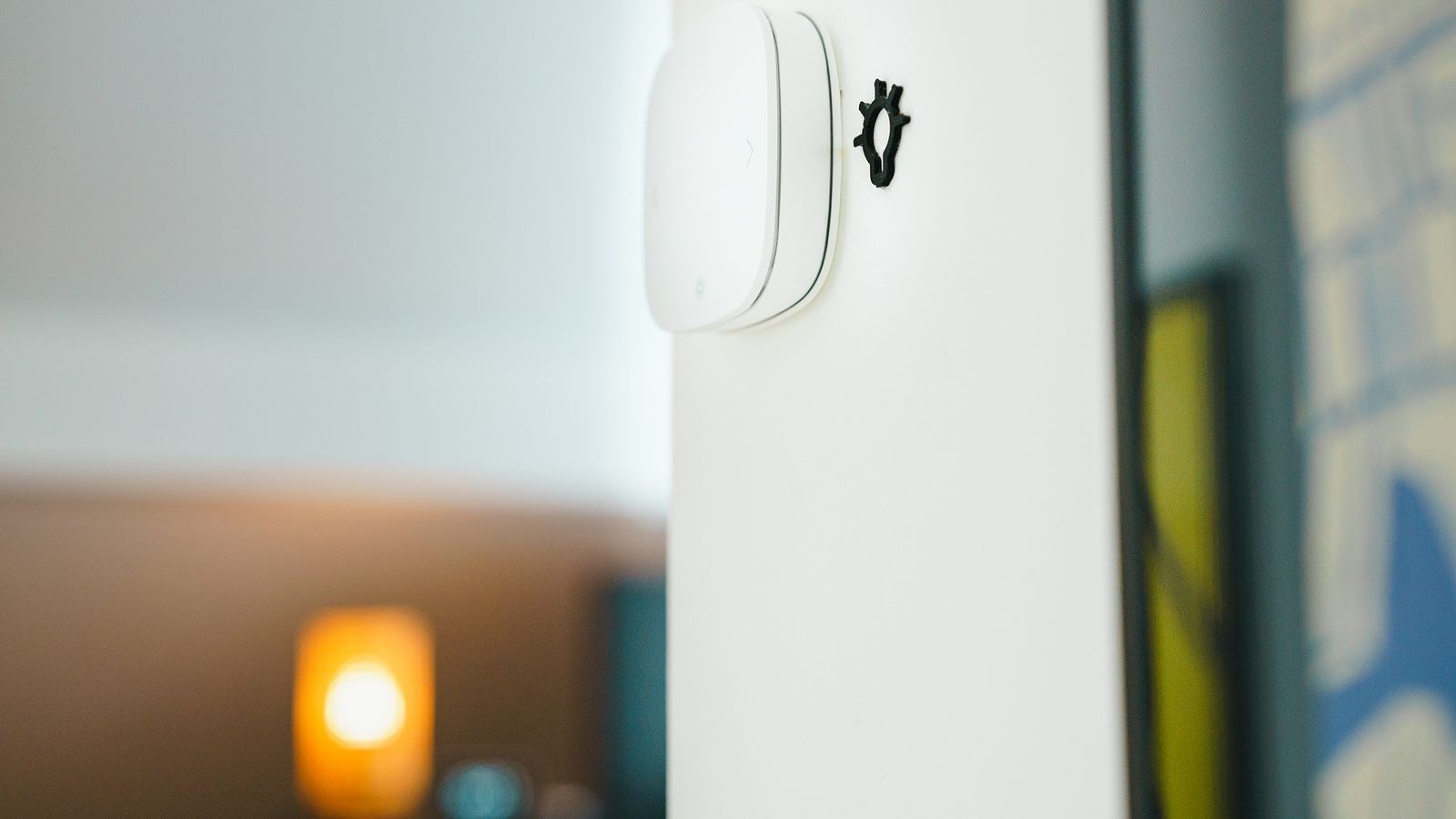
Smart dimmers replace an existing switch and give normal press-and-hold operation while also being addressable from the app. Scene keypads replace a switch with several labeled buttons, each recalling a preset such as Bright, Dinner, or Off, which is the most elegant solution for a room with many light sources. Battery-powered remotes and stick-on buttons require no wiring at all and can be mounted where a switch would have been useful but never existed, such as beside a bed or at the top of stairs. Our roundup of the best remote light switches covers both wired dimmers and adhesive wireless buttons.
Why Keypads Beat Individual Switches
In a room with recessed lights, lamps, and under-cabinet strips, controlling each independently means three switches and a lot of fiddling. A four-button keypad collapses that into named states you actually use. The mental shift is from controlling devices to selecting moods, and once a household adapts to it, nobody goes back to hunting for individual controls. Many of the best lighting control systems are built around keypads for precisely this reason, treating the app as configuration rather than the daily interface.
Hubs: When You Need One and When You Do Not
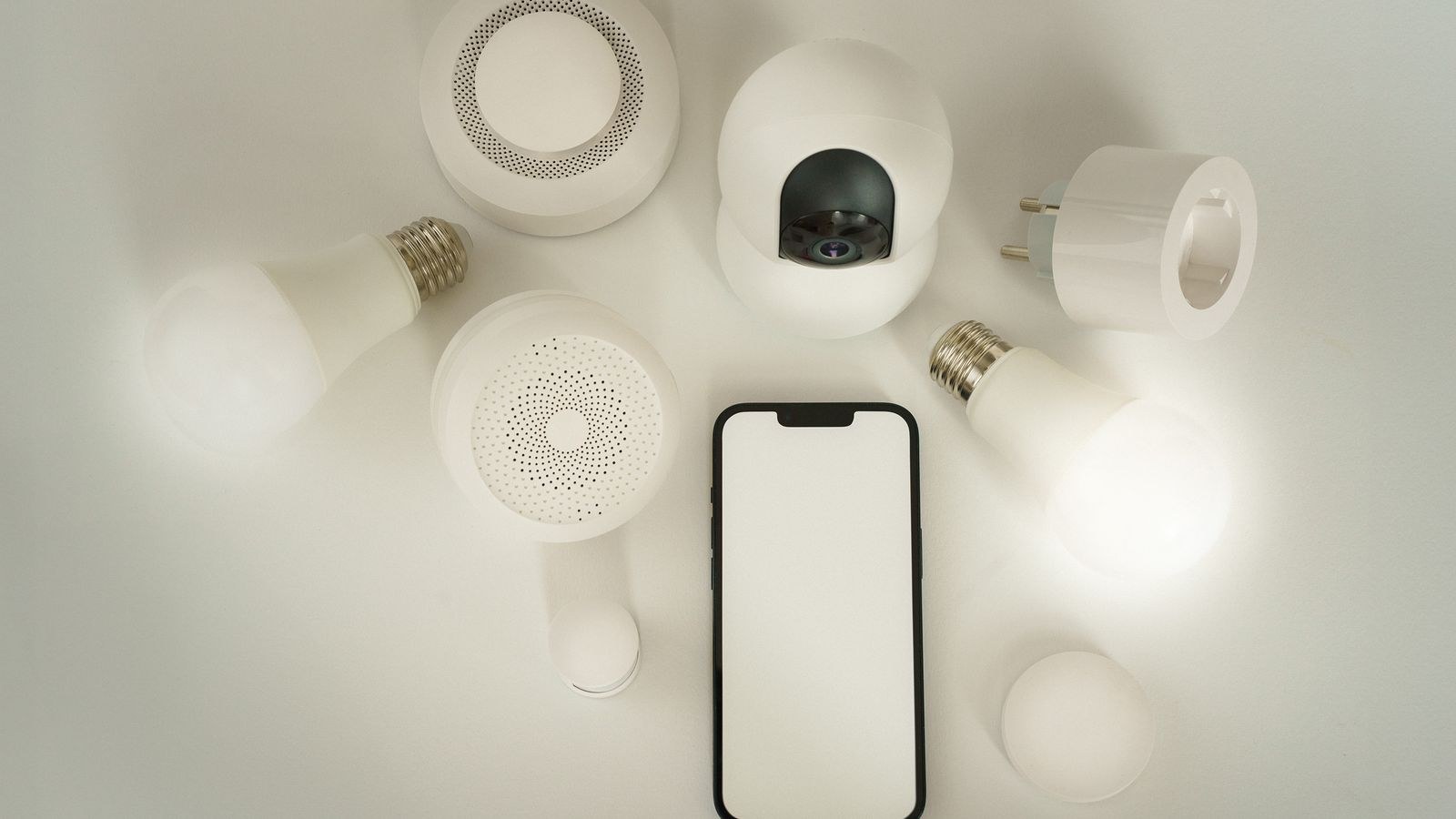
A hub is a small box that speaks to your lights over a dedicated radio protocol and bridges them to your network. Whether you need one depends on the protocol your devices use.
Wi-Fi devices connect directly to your router and need no hub, which makes them simple and cheap to start with. The risk is congestion: thirty Wi-Fi bulbs on a consumer router can strain it, and each device depends on the cloud in many implementations. Zigbee and Z-Wave devices need a hub but form a mesh network in which each mains-powered device relays for others, so coverage improves as you add devices. They use very little bandwidth and generally respond faster. Thread and Matter represent the newer direction, offering mesh networking with cross-brand interoperability, using border routers built into speakers and hubs many homes already own. Bluetooth works without any infrastructure for a couple of rooms but does not scale.
The Case for a Hub
Beyond radio translation, a hub provides local processing, which means your scenes and schedules keep working during an internet outage. It also centralizes automation logic across brands, so a motion sensor from one manufacturer can trigger lights from another. For anything beyond roughly ten devices, or for any system that controls something important, a hub with local control is worth the cost. Dedicated systems in our comparison of the best home lighting control systems almost all take this approach for exactly that reason.
Scenes, Schedules, and Automation
Control methods are the interface; automation is the payoff. A scene captures a set of lights at particular brightness and color values, recalled with one button or phrase. Build a small number that you genuinely use, typically Morning, Day, Evening, Movie, and Goodnight, rather than dozens you forget about.
Schedules handle the predictable. Tying outdoor lights to sunset and sunrise rather than fixed clock times means they stay correct all year. Triggers respond to events: a motion sensor lighting a hallway at low brightness overnight, a door contact lighting an entry, or a departure trigger turning everything off. The best automations are the ones nobody notices because the lighting simply matches what the household is doing.
Circadian and Adaptive Lighting
Tunable white systems can shift color temperature through the day, cool and bright in the morning, progressively warmer through the evening. It is one of the few smart lighting features that changes how a home feels rather than just how it is switched, and it works best when applied automatically in the background rather than as something you adjust manually.
Planning a System That Scales
- Start with one room. Prove the ecosystem works in your home before committing the whole house to it.
- Choose the protocol before the products. Switching ecosystems later means replacing hardware, not just an app.
- Prefer switches over bulbs in shared spaces. Bedrooms and offices can use bulbs; kitchens and hallways should not.
- Insist on local control. Anything that must reach a server to turn on a light will eventually fail at the wrong moment.
- Budget for physical controls. Plan a keypad or remote for every room where more than one light source exists.
- Check neutral wire availability. Older homes often lack neutrals at the switch box, which limits smart dimmer options.
- Name everything clearly on day one. Renaming forty devices later is miserable, and messy names break voice control.
Common Mistakes
The most damaging mistake is building a system only one person can operate. If the household needs to ask you how to turn on a light, the system has failed regardless of its capability. The fix is always more physical controls and clearer naming, not a better app.
Others follow a pattern. Buying smart bulbs for high-traffic rooms and then fighting the wall switch forever. Spreading purchases across four incompatible ecosystems because each product was on sale. Over-automating until lights behave unpredictably and family members start disabling things. Skipping the hub, then discovering that a dozen cloud-dependent bulbs go unresponsive during an internet outage. And finally, chasing color-changing features when the real daily benefit comes from good dimming and reliable scenes.
Frequently Asked Questions
Do I need a hub for smart lighting?
Not for a handful of Wi-Fi devices. Once you pass roughly ten lights, or if you want reliability during internet outages and cross-brand automations, a hub with local processing becomes clearly worthwhile.
Smart bulbs or smart switches, which is better?
Switches for any room where people use the wall control, since they keep normal operation intact for everyone. Bulbs for rooms where you want color or where wiring changes are impractical, such as lamps and bedrooms.
Will my lights work if the internet goes down?
That depends entirely on the system. Hub-based Zigbee, Z-Wave, and Thread setups usually keep scenes and schedules running locally. Cloud-dependent Wi-Fi devices may lose app and voice control, though wall switches still work.
Can I mix brands in one lighting system?
Increasingly yes, through Matter or through a hub that bridges ecosystems. Even so, mixing usually costs you some advanced features, so keeping to one or two well-supported ecosystems remains the smoother path.
How do guests control smart lights?
Through physical controls, which is why they matter so much. A labeled keypad or a normal-looking dimmer means anyone can operate the lighting without an app, an account, or an explanation from you.
Final Thoughts
A well-designed lighting control system layers its interfaces rather than picking one. The app configures and handles remote access, voice covers hands-free moments, automation quietly handles the predictable, and physical controls make everything usable by everyone. Choose your protocol first, favor switches over bulbs where the wall switch gets used, insist on local control, and name devices clearly from the start. Do that, and the measure of success is that nobody in the house ever thinks about the system at all, because the right light is simply on when it should be.









