
 Owen Bradley
 Every connected device in your house is a small data collector. A speaker hears the room, a camera watches the hallway, a thermostat learns when you are home, and a robot vacuum quietly builds a floor plan of where you live. None of that is inherently sinister, but most people have never been told plainly what is captured, how long it is kept, or who else can see it. Smart home privacy is not about abandoning the technology; it is about knowing which settings actually reduce exposure and which are theatre. This guide walks through what each device category collects, where that data lives, and the specific changes worth making this weekend.
The Three Kinds of Data Your Home Generates
It helps to separate what gets collected into three buckets. Content is the actual recording: your voice clip, a video snippet, a still image. Metadata is everything around it: timestamps, device identifiers, which room, how long, how often. Derived data is what a company infers from the first two, such as your typical wake time, whether the house is occupied, or a map of your floor plan.
People worry almost entirely about content and almost never about metadata, yet metadata is usually the more revealing category. A log showing the front door unlocking at 07:40 every weekday and the house going quiet until 18:15 describes your life more precisely than any single audio clip. Derived data is also the piece most likely to be monetized or shared, because it is compact and commercially useful.
Smart Speakers and Voice Assistants
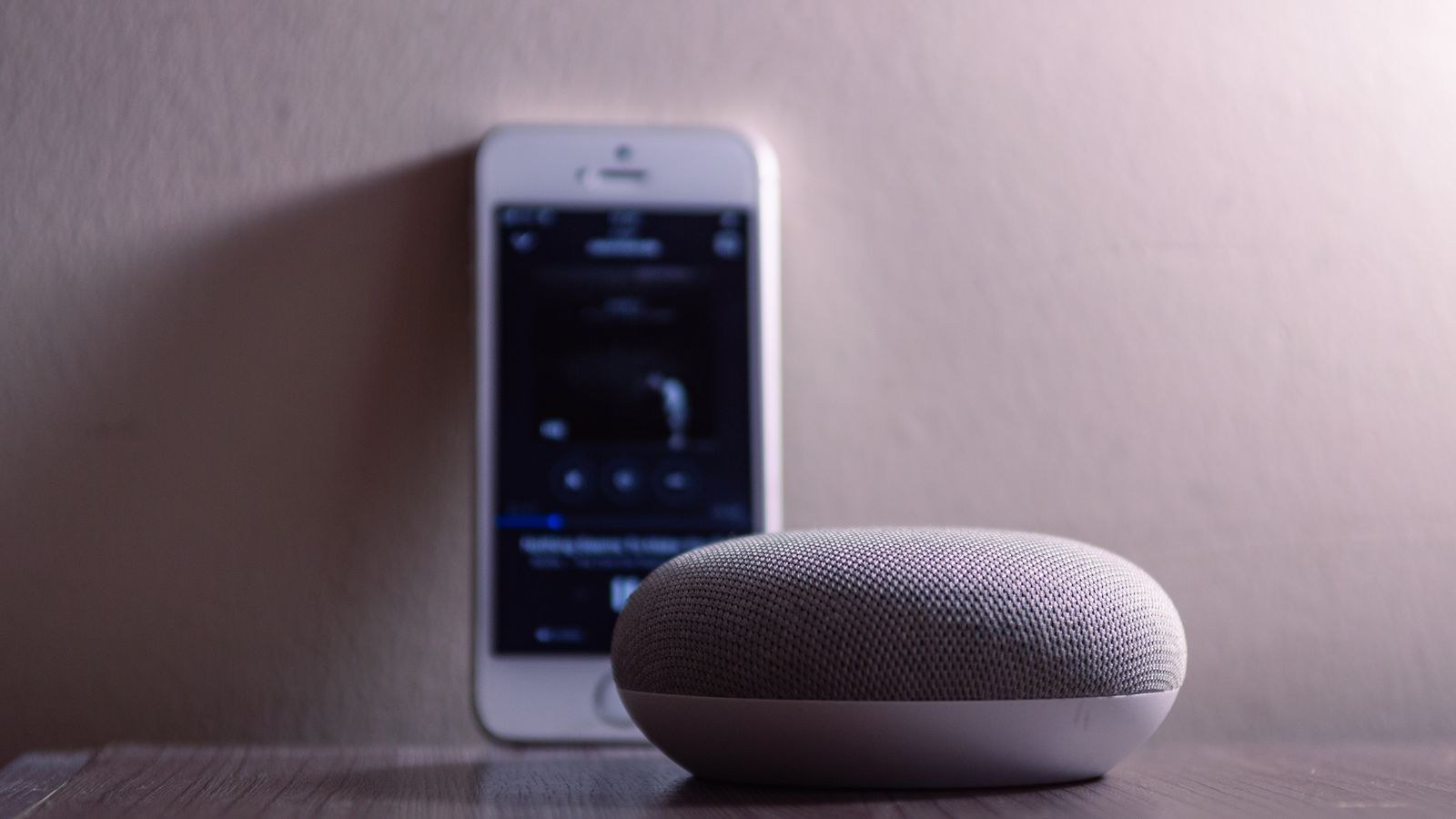
A voice assistant listens locally for a wake word using a small on-device model. Audio before the wake word is not normally sent anywhere, but everything after it usually is, because the heavy speech processing happens in the cloud. The genuine risk is false wakes, where a similar-sounding phrase triggers a recording of a conversation you never meant to share.
Practical steps that help: review and delete your voice history in the app, and turn off the setting that allows human reviewers to listen to samples for quality improvement, which is opt-out on most platforms. Set recordings to auto-delete after three months rather than never. Use the physical mute switch during sensitive conversations, since a hardware cut is far more trustworthy than a software toggle. Finally, avoid putting a speaker in a bedroom or home office if you would be uncomfortable with a false wake there. When choosing hardware, the privacy features vary considerably between platforms, so it is worth comparing the best smart speakers on their local processing and mute design rather than on sound quality alone.
Cameras and Video Doorbells
Cameras are the highest-stakes category because content is unambiguous and the footage often includes other people who never consented. The core question is where video is processed and stored. Cloud-first cameras upload clips to a provider’s servers, which enables remote viewing and clever detection but means your footage sits on someone else’s infrastructure under their retention policy. Local-first cameras record to a microSD card, a base station, or a network video recorder in your house, and only leave the property when you deliberately stream them.
Look for four things: end-to-end encryption, which means the provider cannot decrypt your video even in principle; on-device rather than cloud person detection; a hardware privacy shutter or a schedule that disables recording when you are home; and a clear, published retention period. Also check whether the manufacturer shares footage with third parties or law enforcement without a warrant, since policies differ sharply. The tradeoffs between these approaches are laid out well in the best smart cameras, and if you want to keep everything on your own hardware, the best local storage security cameras covers models that work fully without an account.
Camera Placement Ethics
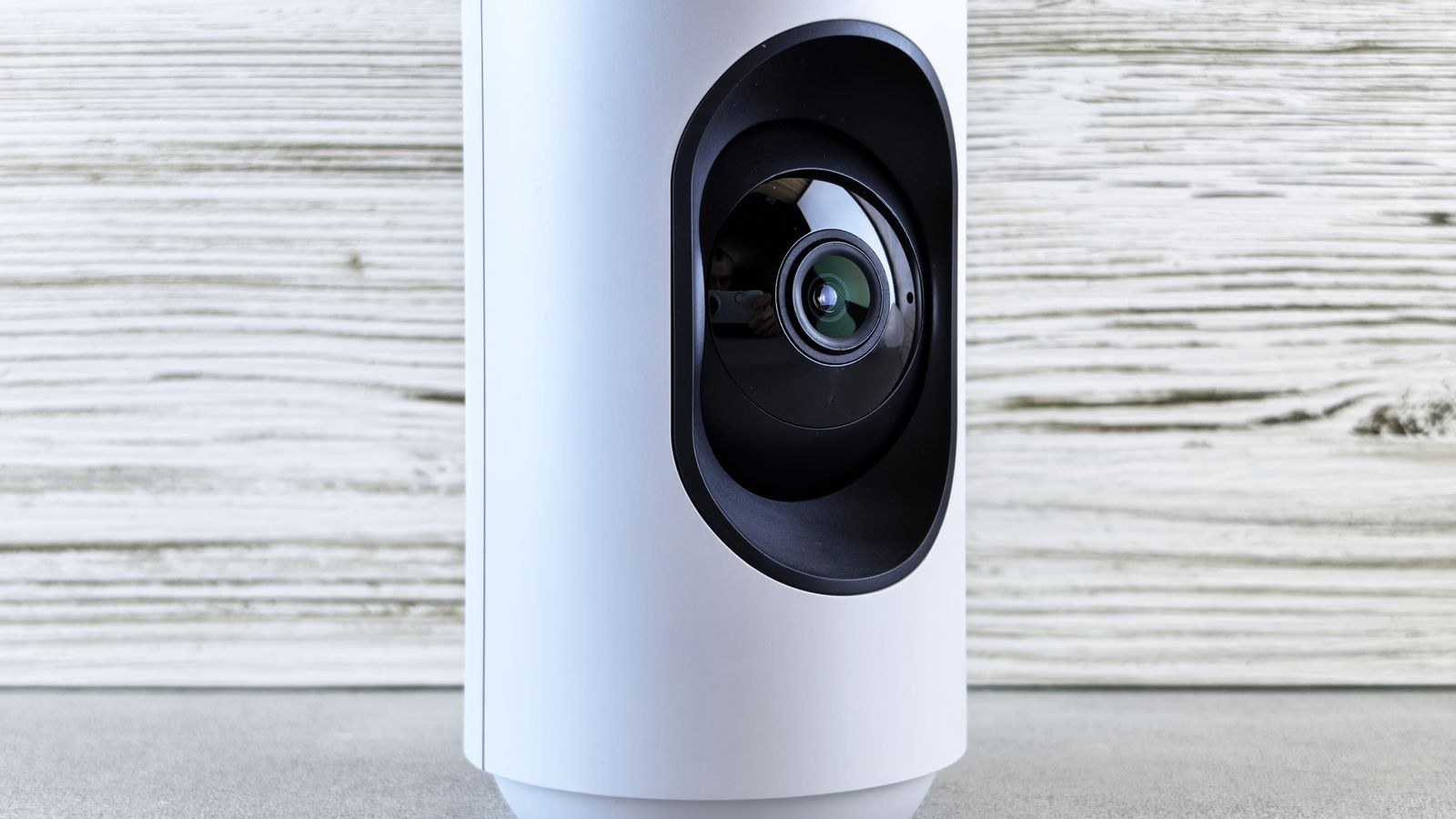
Technology aside, placement is a privacy decision. Point cameras at entrances and your own property rather than into a neighbour’s windows or across a shared garden. Indoors, avoid bedrooms and bathrooms entirely, and tell houseguests and cleaners that cameras exist. Outdoor units also see public space, so a narrower field of view or a privacy mask is preferable to blanket coverage; several of the best smart home cameras include zone masking that blanks out areas you should not be recording. In many places, recording audio carries stricter legal rules than recording video, and some jurisdictions require consent from everyone recorded, so disabling the microphone on outdoor cameras is often the safest default.
Sensors, Locks, and the Quiet Data
Motion sensors, contact sensors, and smart locks generate no content at all, only a stream of timestamps. That makes them feel harmless, and in isolation they are. Aggregated over months, though, they produce a precise occupancy schedule. If that log lives in a cloud account protected by a reused password, it is a burglary planning document.
Robot vacuums deserve specific mention because their floor maps are unusually detailed, describing room sizes, layout, and furniture placement. Some manufacturers have explicitly discussed the commercial value of those maps. Check whether mapping data can be stored locally, whether you can delete maps, and whether the camera-equipped models can be run with the camera disabled.
Where the Data Actually Lives
Cloud processing is the default for most consumer devices because it is cheaper for the manufacturer and enables features that a small local chip cannot run. It also means your data crosses a network, sits in a data centre in an unknown country, and remains accessible to the vendor. Local processing keeps everything in the house, works during internet outages, and cannot be silently changed by a policy update.
The trend is encouraging: person detection, wake word handling, and even some video analysis increasingly run on device. When shopping, treat local processing as a headline feature rather than a technical footnote. A device that keeps working with the internet unplugged is telling you something important about where its data goes.
A Practical Privacy Checklist
- Audit what you own. List every connected device and note which have a microphone, a camera, or a cloud account. Most people underestimate the count.
- Delete stale accounts. Devices you no longer use still hold data and still have login credentials in circulation.
- Set retention limits. Choose the shortest auto-delete window each app offers for voice and video history.
- Opt out of review programs. Turn off human review, personalized advertising, and usage data sharing in every app.
- Use unique passwords and two-factor authentication on every device account, since an account breach exposes far more than a device breach.
- Segment your network. Put IoT devices on a guest or separate VLAN so a compromised gadget cannot reach your laptop or NAS.
- Keep firmware current. Privacy and security patches arrive through updates you have to actually install.
- Disable features you never use. Remote access, cloud backup, and voice control on a device you only touch by app are extra exposure for no benefit.
Your Router Is the Real Privacy Boundary
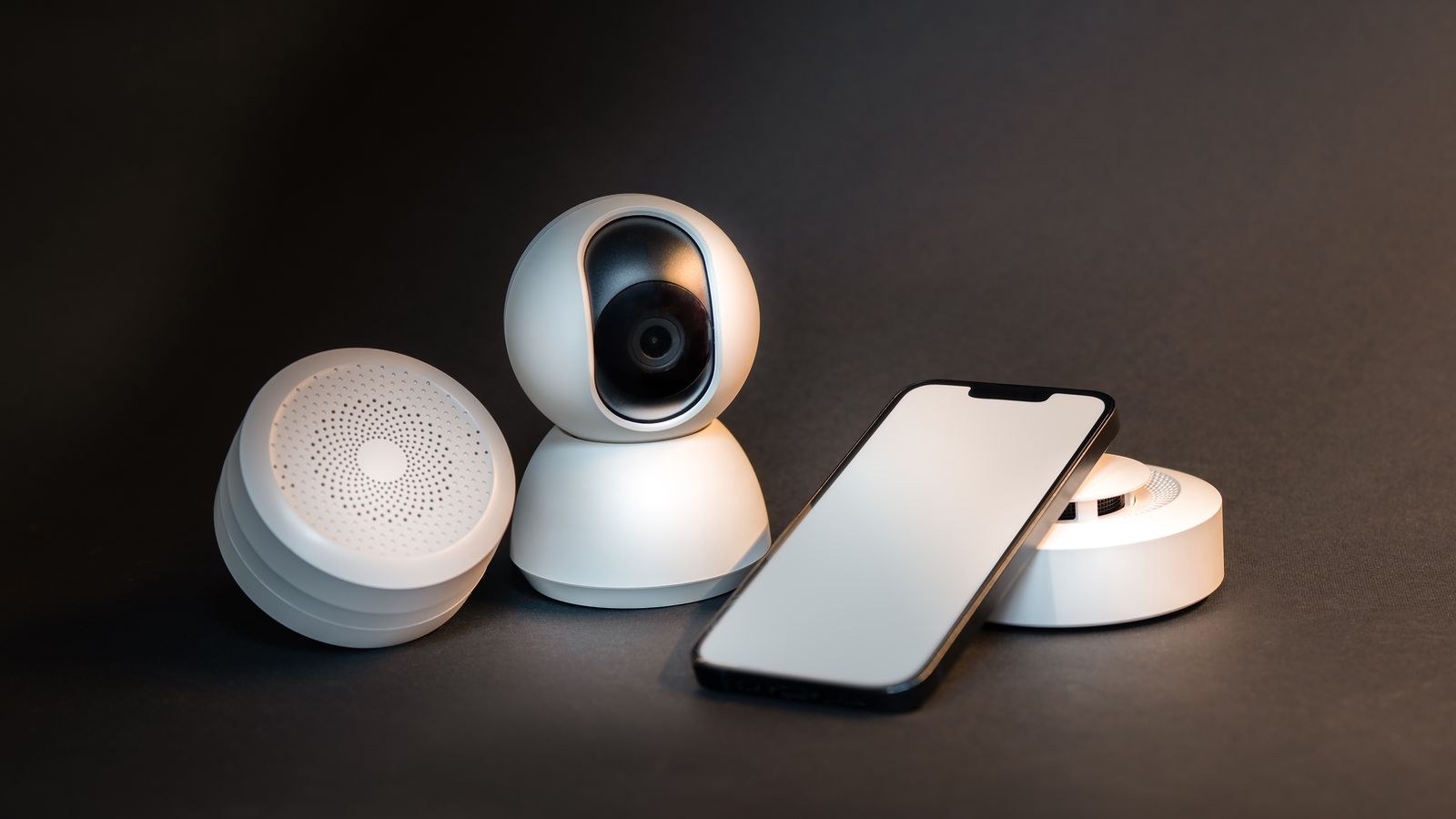
Everything in the house talks through one device, which makes your router the highest-leverage place to improve privacy. Network segmentation is the single most effective step: a separate SSID for IoT devices means a compromised camera cannot scan your work laptop or reach shared files. Most modern routers can do this with a guest network in a few minutes.
Beyond segmentation, enable WPA3 if your devices support it, change the default administrator password, disable UPnP unless something specifically needs it, and turn off remote management from the internet. Encrypted DNS stops your provider from logging every domain your devices contact. Routers that make these controls accessible without a subscription are worth the premium, and the options in the best secure WiFi routers show which models expose proper VLAN and firewall settings to home users.
Watch What Leaves the House
If you want to go a step further, many routers and add-on tools can log outbound connections. It is genuinely educational to see how often a device phones home when nothing is happening. Devices that contact analytics and advertising domains dozens of times an hour are telling you where their business model sits, and you can block those destinations at the router without breaking core functionality.
Reading a Privacy Policy in Five Minutes
You do not need to read all of it. Search the document for a handful of terms and you will learn most of what matters. Look for “third parties” and “affiliates” to see who else gets data. Look for “retention” or “how long” to find storage periods. Look for “sell” and “share”, which have specific legal meanings in several jurisdictions. Look for “law enforcement” to understand disclosure without a warrant. Finally, check whether the policy names a data controller and a jurisdiction, since that determines what rights you actually have.
Also check the support lifetime. A device that stops receiving updates in three years becomes a permanent unpatched hole on your network. Manufacturers increasingly publish a minimum support period, and a longer commitment is a meaningful privacy feature.
Common Mistakes
The biggest is treating privacy as a purchase rather than a configuration. An expensive camera with end-to-end encryption on a network with a default router password is not private. The second is focusing entirely on cameras while ignoring the account layer, where a single reused password can expose every device you own at once.
A third mistake is assuming local storage means secure. A camera recording to an unencrypted card on a flat network is easy to reach if anything else on that network is compromised. Finally, many people never revisit settings after setup, even though app updates regularly introduce new features that default to on. Set a calendar reminder to re-audit twice a year.
Frequently Asked Questions
Are smart speakers always listening to me?
They continuously process audio locally to detect a wake word, but only transmit after it triggers. The realistic risk is accidental activation, which is why deleting history and using the hardware mute matters.
Is local storage always more private than cloud?
Generally yes, because nothing leaves your property. But local storage without encryption and network segmentation can be less safe than a well-secured cloud service. Combine local storage with a hardened network.
Does a VPN protect my smart home devices?
Only partly. A router-level VPN hides traffic from your internet provider, but the device still sends the same data to the same manufacturer. It changes who can see the traffic, not what is collected.
Can I use smart devices without an account?
A growing number work locally through open standards or a self-hosted controller. Expect to lose remote access and voice control unless you run your own gateway, but core automation usually keeps working.
What is the highest-impact change I can make today?
Move every IoT device onto a separate network and put a unique password with two-factor authentication on each manufacturer account. Those two steps address most realistic threats.
Final Thoughts
Smart home privacy is a series of small, boring decisions rather than one dramatic choice. Know what each device collects, prefer local processing when the feature set allows, shorten retention everywhere, and treat your router as the perimeter that protects everything behind it. None of this requires giving up convenience; it mostly requires spending an hour in settings screens you have never opened.
Do the audit once, fix the network layer properly, and set a reminder to review again in six months. Devices and policies change, and the settings that protect you in 2026 will need a second look after the next round of firmware updates. A connected home can be genuinely convenient and reasonably private at the same time, provided you decide deliberately where your data goes instead of accepting whatever the defaults chose for you.









