Owen Bradley
 When the lights go out, the internet goes with them, and that is often the bigger problem. Your laptop has a battery, your phone has a battery, and the fibre or cable service at the street is frequently still running perfectly well. The only thing standing between you and a working connection is the modem and router sitting dark on a shelf. Keeping Wi-Fi during a power outage is therefore a small, solvable problem: give those two devices their own battery, size it honestly, and test it before storm season rather than during it. This guide covers how to pick the right backup, calculate real runtime, and avoid the mistakes that leave people with a dead battery at the worst moment.

Check Whether Your Service Survives the Outage
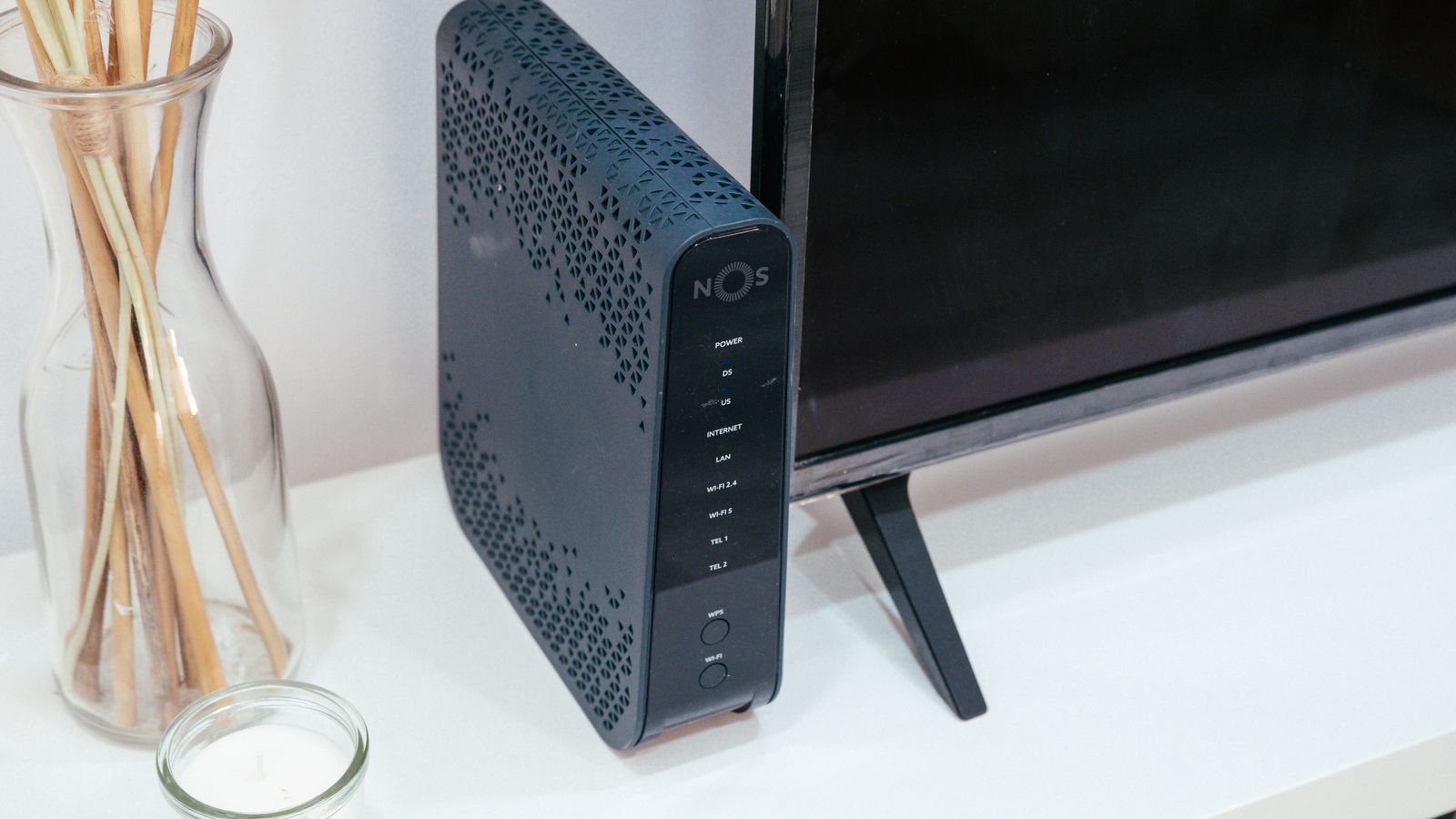
Before buying anything, confirm there is something to stay connected to. The answer depends on your connection type. Cable networks generally keep street-level equipment on battery backup for a few hours, so service often continues. Fibre depends on whether the optical terminal in your home has a battery, since that unit needs power even though the fibre itself does not. DSL over copper is frequently the most resilient, as the exchange typically has substantial backup power.
The straightforward test is to plug your modem and router into a power bank or car inverter during the next outage and see whether you get a connection. If service dies anyway, your backup plan needs to be cellular rather than a battery for the router, and that changes the shopping list entirely.
Work Out What You Actually Need to Power
Keep the list short. Every extra device shortens runtime dramatically, and the goal is a working internet connection, not a fully operational home office.
- Modem or optical terminal: typically 5 to 15 watts.
- Router: typically 6 to 18 watts, more for high-end tri-band models.
- Mesh node, if you need coverage beyond one room: 5 to 10 watts each.
- Network switch, only if your setup depends on it: 5 to 20 watts.
A typical modem and router pair therefore draws somewhere between 15 and 30 watts. That small figure is good news, because it means a modest battery delivers hours rather than minutes. It also means you should resist the temptation to add a desktop computer or a monitor to the same battery, since either will consume more than the entire network stack combined.
Choose the Right Type of Backup
Standard Uninterruptible Power Supply
A conventional UPS is the default answer. It plugs into the wall, your gear plugs into it, and the switchover on power loss is instantaneous. Look for the number of battery-backed outlets rather than total outlets, since half the sockets on many units are surge-protected only. Line-interactive models handle voltage sags without draining the battery, which is worth the small premium in areas with unstable supply.
Lithium Power Station
A portable power station with a lithium iron phosphate battery costs more upfront but lasts far longer, typically thousands of charge cycles against a few hundred for lead-acid. It tolerates heat better, weighs less, and can also charge phones and run a lamp. The catch is that many models do not switch over instantly unless they specifically advertise UPS or pass-through mode, so check that specification carefully if you want a seamless handover.
DC Battery Backup
Because most modems and routers run on 12V DC internally, a DC backup unit that feeds them directly is the most efficient option of all. It skips the conversion from battery DC to mains AC and back down to DC, which typically wastes 15 to 20 percent of the energy. For a long outage, that efficiency translates into meaningfully more hours from the same battery.

How to Size the Battery
- Measure your actual draw. A plug-in power meter costs very little and removes all guesswork. Plug the modem and router into it and note the steady-state wattage rather than trusting the label, which states maximum draw and is usually far above reality.
- Decide your target runtime. Four hours covers most common outages. Eight to twelve hours covers a serious storm event. Anything beyond that generally calls for a generator or solar recharging rather than a bigger battery.
- Calculate the watt-hours needed. Multiply your measured wattage by the target hours. A 25W load for 8 hours needs 200 watt-hours of delivered energy.
- Add an efficiency margin. Inverter losses and the fact that lead-acid batteries should not be deeply discharged mean you should size roughly 40 to 50 percent above the raw figure for a lead-acid UPS, or about 20 percent above for a lithium unit.
- Compare against the manufacturer’s runtime chart. Most UPS makers publish runtime at various loads. Find your wattage on that chart rather than relying on the headline VA rating, which tells you very little about how long the unit will actually last.
As a rough benchmark, a small consumer UPS rated around 600VA typically runs a 25W network load for two to four hours. A power station in the 250 to 500 watt-hour range will comfortably reach eight to sixteen hours on the same load, which is why the lithium option makes sense for anyone in an area with lengthy outages.
Setting It Up
- Charge the unit fully before connecting anything. New batteries often ship partially charged and need several hours to reach capacity.
- Plug the modem and router into the battery-backed outlets, checking the labels carefully so you do not accidentally use surge-only sockets.
- Leave the remaining battery outlets empty. Resist adding a lamp or a monitor, which will halve your runtime for very little benefit.
- Position it with airflow in mind. Batteries degrade fastest when hot. Keep the unit off carpet, out of enclosed cabinets, and away from heat sources.
- Enable any energy-saving or eco mode the unit offers, which reduces its own idle consumption between outages.
- Run a real test. Unplug the unit from the wall and time how long your connection stays up while devices are actively using it. This is the only number you can trust.
Extending Runtime When It Matters
A few habits stretch a battery further than any hardware upgrade. During an outage, reduce load by unplugging mesh satellites you do not need and working from the room nearest the main router. Switch devices from Wi-Fi to airplane mode when idle, since a large number of connected clients keeps the radio busier. If you have a laptop and a phone, tether from the phone for light tasks and keep the router off entirely, saving the battery for when you genuinely need whole-home coverage.
For recharging during multi-day outages, a car USB or 12V outlet will refill a small power station surprisingly quickly, and a modest solar panel keeps a network load running indefinitely in reasonable weather. This is where lithium units pay off, because they accept charge from varied sources and tolerate partial cycling without damage.
Pairing With a Cellular Fallback
If your ISP goes down along with the power, no amount of battery on your router helps. A cellular router on the same battery keeps you online independently, since mobile towers usually have their own backup power. This combination, a small UPS plus a cellular device, is the most robust setup for a home that cannot afford to be offline, and the best cellular routers guide covers models efficient enough to run for hours on a modest battery.
Common Mistakes
- Buying by VA rating alone. A high VA number with a small battery gives short runtime. Read the runtime chart at your actual wattage.
- Overloading the unit with unnecessary devices, which is the fastest way to turn eight hours into ninety minutes.
- Never testing. Lead-acid batteries lose capacity steadily and are usually finished after three to five years, often without warning.
- Ignoring the optical terminal. Fibre users who back up only the router stay powered but lose service entirely.
- Storing the unit somewhere hot, which can halve battery lifespan.
- Assuming a power station switches instantly. Without explicit pass-through UPS mode, there is a gap that reboots your equipment.
Frequently Asked Questions
How long will a UPS keep my Wi-Fi running?
With a typical 20 to 30 watt modem and router load, a small consumer UPS lasts roughly two to four hours, while a mid-sized lithium power station reaches eight to sixteen. Measure your own draw and check the runtime chart for a real figure.
Do I need a pure sine wave inverter?
Network equipment uses switching power supplies that tolerate stepped approximations reasonably well, but pure sine wave output runs cooler and is gentler on the adapters over years of use. If the unit will be used often, it is worth the difference.
Can I back up a whole mesh system?
You can, but each node adds draw and shortens runtime. Backing up the main node plus the modem is usually the sensible compromise, accepting reduced coverage while on battery.
Does an all-in-one modem router make this easier?
Yes, because one device means one power draw and one thing to keep alive. Our roundup of the best modem routers covers combined units, and the wider best WiFi routers and best home internet routers guides list power consumption where it matters for backup planning.
Final Thoughts
Keeping Wi-Fi alive through an outage is one of the cheapest resilience upgrades available, because the load is tiny and the hardware is not exotic. Confirm your ISP’s service survives without household power, measure the real draw of your modem and router, size the battery from that measurement plus a sensible margin, and keep everything else off it. Test the setup annually and replace lead-acid batteries before they surprise you. If your work depends on staying reachable, adding a cellular fallback on the same battery turns a stressful outage into a minor inconvenience, and pairing it with one of the best routers for working from home means the next storm costs you nothing more than a few lit candles.