
 Owen Bradley
 Few graphics card specs cause as much confusion as video memory. Shoppers see one card with 8GB and another with 16GB and assume the larger figure is simply better, then either overpay for capacity they never touch or run short and wonder why games stutter. The honest answer to how much VRAM you need in 2026 is that it depends on what you put on screen: your resolution, your texture settings, whether you use ray tracing, and whether you also do creative work. This guide breaks memory use down by real-world scenario and matches each capacity tier to the kind of card that fits it, so you can buy the right amount instead of guessing.
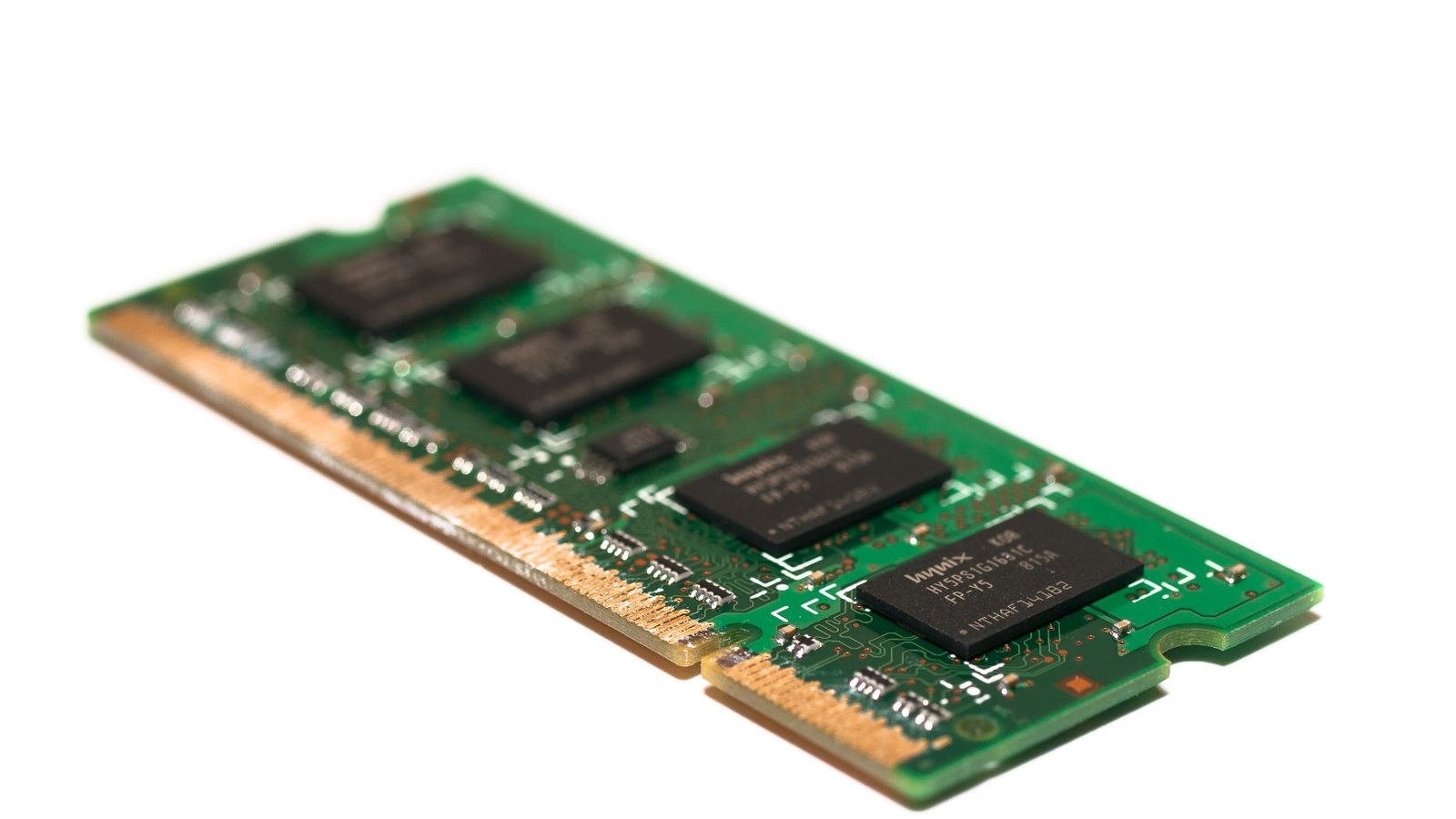
What VRAM Actually Does
Video memory is dedicated storage on the graphics card that holds everything the GPU needs to draw a frame right now: textures, the frame buffer, shadow maps, geometry data, and assets for upscaling or ray tracing. Because the GPU accesses this memory constantly and at very high speed, keeping the working set in VRAM is what allows smooth, consistent performance.
Problems start when a game or application needs more memory than the card has. The system then shuffles data back and forth over the slower connection to main system RAM, and that spillover shows up as stutter, sudden frame drops, textures that load in blurry and pop into focus late, or in severe cases a crash. Enough VRAM does not make a card faster; it prevents these failures so the core can run at full speed.
How Resolution Drives Memory Use
Resolution is the biggest lever on VRAM demand. Every step up multiplies the number of pixels the card holds in its frame buffer and encourages higher-resolution textures to match. A 1080p image asks far less of memory than 1440p, and 4K raises the bar again substantially.
- 1080p: The lightest common target. Most modern games fit comfortably, and 8GB covers the great majority of titles at high settings.
- 1440p: A meaningful jump. 8GB still works in many games, but 12GB gives welcome breathing room, especially with high-resolution texture packs.
- 4K: The heaviest mainstream target. Large frame buffers and ultra textures make 16GB a sensible floor for a smooth experience with headroom.
Settings That Quietly Eat Memory
Resolution is not the only factor. Several in-game settings inflate VRAM use independently, and understanding them lets you tune memory pressure without a hardware change.
Texture Quality
Texture resolution is often the single most memory-hungry setting. High and ultra texture packs can add gigabytes of demand, and dropping textures by one notch frequently cures stutter on a memory-limited card with little visible loss. If you love sharp surfaces, budget extra memory for it.
Ray Tracing and Upscaling
Ray-traced lighting and reflections store additional data structures that raise VRAM use on top of the performance cost. Upscaling features also reserve memory for their buffers, though they can reduce the internal render resolution and partially offset demand. If you plan to lean on these features, treat them as a reason to move up a memory tier.

VRAM for Creative and Professional Work
Gaming is not the only workload that leans on video memory. Video editing with high-resolution footage, 3D rendering, heavy photo work, and running local machine-learning models can all consume large amounts of VRAM, sometimes far more than games. Timelines with 4K or higher footage, complex 3D scenes, and large model files benefit directly from extra capacity, and running short can slow exports or block a project entirely.
If your work involves any of these tasks, weight your decision toward more memory than gaming alone would suggest. The good news is that the higher-capacity gaming cards often double as capable creative tools, so a single purchase can cover both roles.
Capacity Tiers and Which Cards Fit
Here is how the common memory tiers map to real use, along with the type of card that typically carries each amount.
8GB: Solid 1080p and Entry 1440p
Eight gigabytes remains a practical floor for high-refresh 1080p and lighter 1440p gaming. It handles most current titles at high settings, though the most demanding games may ask you to ease textures at higher resolutions. For value-focused builds, our roundup of the best 8GB GPUs gathers cards that make the most of this tier.
12GB: Comfortable 1440p
Twelve gigabytes is a comfortable middle ground for 1440p gaming with high textures and light ray tracing. It leaves enough headroom that most players will not think about memory day to day. See the best 12GB GPUs for options that pair this capacity with strong core performance.
16GB: 4K and Future Headroom
Sixteen gigabytes suits 4K gaming, heavy ray tracing, and serious creative work, and it offers the longest comfort window against rising game requirements. Shoppers targeting high resolutions should start here; the best 16GB GPUs collect cards built for that level. For pure high-resolution play, our best GPUs for 4K gaming list narrows the field further.
24GB and Beyond: Professional and Enthusiast
Twenty-four gigabytes and up is enthusiast and professional territory, aimed at the most demanding creative pipelines, local AI work, and no-compromise 4K play with maximum settings. Most gamers do not need this much, but creators who do will feel the difference. The best 24GB GPUs cover this top tier.
Shared Memory and Why Dedicated VRAM Matters
Some systems, particularly laptops and integrated graphics, borrow a portion of main system RAM to act as video memory. This shared arrangement works for light tasks and everyday use, but it is slower than dedicated VRAM soldered onto a graphics card, because system memory has far less bandwidth than the specialized memory on a discrete GPU. For serious gaming or creative work, dedicated video memory on a proper graphics card delivers the consistent speed those workloads demand.
This distinction matters when you compare specs. A figure that looks generous may partly rely on shared system memory, which does not perform the same as true onboard VRAM. When you evaluate a card, focus on its dedicated memory and the type and bandwidth of that memory, since faster memory can matter as much as the raw capacity in some workloads.
Balancing VRAM Against Core Performance
The most common trap is treating memory as the whole story. A card with plenty of VRAM but a weak processing core will still deliver low frame rates, because the core sets how many frames the card can render while memory only determines whether it can hold the assets it needs. The two must be balanced. Manufacturers sometimes pair large memory with modest cores to make a card look more capable than it is, so always cross-check core performance against benchmarks at your resolution rather than judging by the memory figure alone.
Practically, this means you should choose a card whose core comfortably drives your target resolution, then confirm its memory clears the tier you need. If two cards perform similarly but one offers more VRAM at a small premium, the extra headroom is often worth it for longevity. But never trade away core speed for memory you will not use.
How to Check Your Own VRAM Use
You do not have to guess. Many games display a memory estimate in their settings menu, and free monitoring tools show real-time VRAM usage while you play. Load your favorite demanding title at your target resolution and settings, watch how much memory it uses, and note whether you see stutter or texture pop-in. That real measurement beats any general rule for your specific games.
Frequently Asked Questions
Is 8GB still enough for gaming?
For 1080p and much of 1440p, yes, 8GB handles most games well today. At 4K or with ultra textures and ray tracing in the newest titles, you may need to lower a setting or two, so buyers aiming higher should consider 12GB or 16GB.
Does having more VRAM make my card faster?
No. Extra memory prevents stutter and texture problems when a workload needs it, but it does not raise frame rates once you already have enough. A slow core with lots of memory still produces low frame rates.
How much VRAM do I need for video editing?
It depends on footage resolution and effects, but high-resolution timelines and 3D work benefit from 16GB or more. Heavier professional pipelines can justify 24GB, especially with large projects or local AI tasks.
Will future games need more VRAM?
Requirements have trended upward, so buying a little more memory than you need today is a reasonable hedge. Sitting exactly at the minimum leaves no room for that rising demand.
Final Thoughts
How much VRAM you need comes down to matching capacity to what you actually put on screen. Start from your resolution, add headroom for high textures, ray tracing, and any creative work, then pick the tier that clears that bar with a little room to spare. For most 1080p and 1440p players, 8GB to 12GB is plenty; 4K and creative users are better served by 16GB or more, and only the most demanding professionals need to reach for 24GB. Measure your real usage where you can, buy for headroom rather than the bare minimum, and you will land on the right amount of memory in 2026 without paying for gigabytes you will never touch.









