
 Owen Bradley
 Buying gaming chairs for kids is not simply a matter of picking a smaller version of the chair you sit in. Children and teenagers have shorter legs, lighter frames and shoulders that are still growing, and a chair built for a 180-pound adult leaves them perched with dangling feet and a lumbar cushion pressing into their shoulder blades. That mismatch is the single biggest reason young gamers slouch, fidget and complain of back and neck ache after an hour of play. This parent guide walks through the sizing numbers that actually matter, the safety features worth insisting on, and how to buy a seat in 2026 that still fits when your child hits a growth spurt.
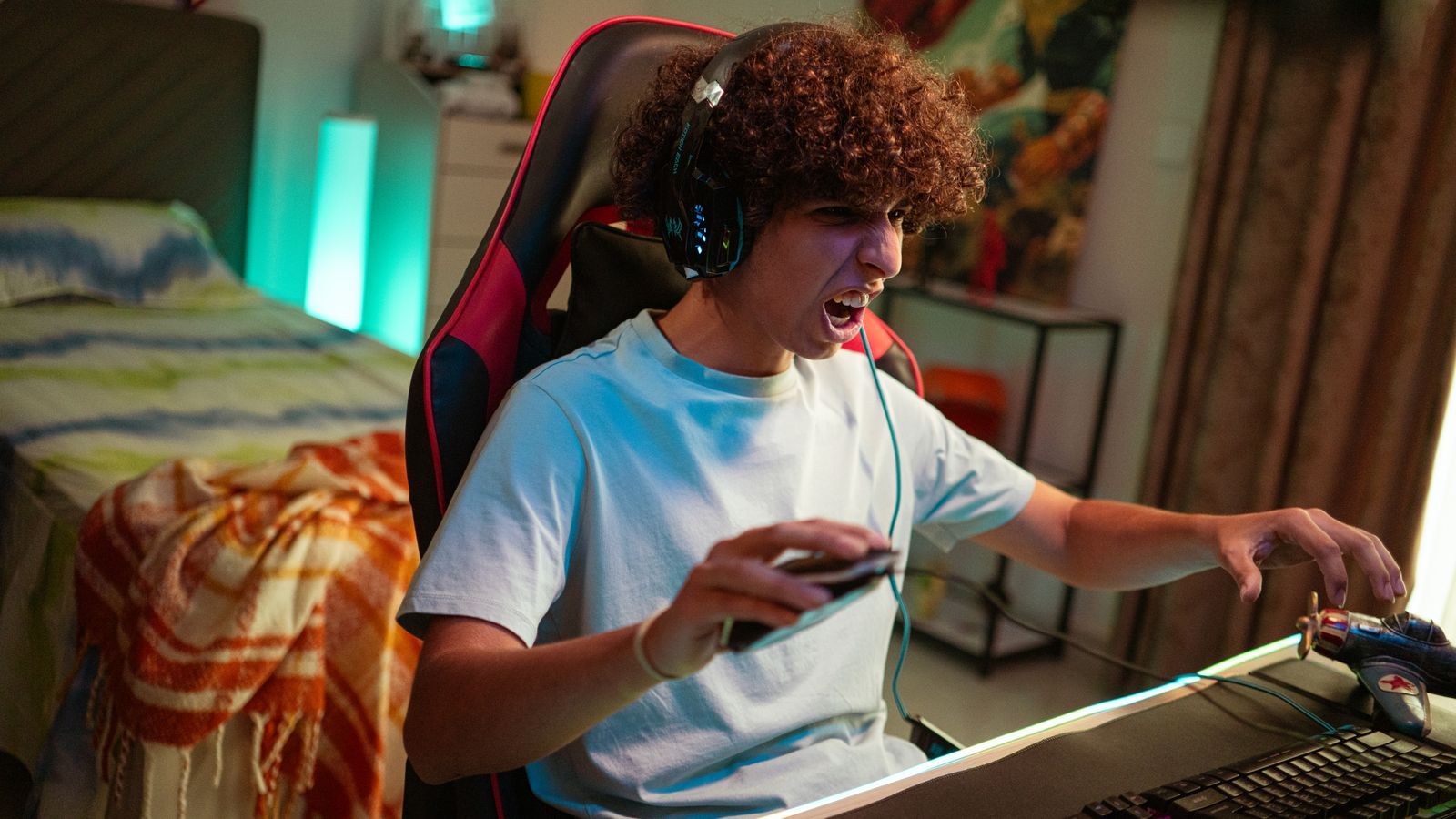
Why Adult Gaming Chairs Fail Younger Users
A standard racing-style gaming chair is built around an average adult body. The seat pan is typically 20 to 22 inches wide and 19 to 20 inches deep, the backrest stands roughly 33 inches tall, and the seat height range starts around 18 inches at its lowest setting. Put a nine-year-old in that chair and three problems appear at once. The seat is too deep, so the child either slides forward and loses all back support or sits back with the front edge cutting into the backs of their knees. The seat is too high, so their feet swing free and the whole body weight loads onto the thighs. And the backrest wings, designed to hug adult shoulders, sit level with a child’s head.
The result is not just discomfort. Feet that cannot reach the floor remove the third point of support the body relies on, forcing the lower back to stabilise everything on its own. Children compensate by tucking a leg underneath, kneeling on the seat, or leaning hard onto one armrest, and all three become habits that persist into adult desk posture. Sizing down is corrective, not cosmetic.
The Measurements That Actually Matter
Ignore the marketing language and go straight to the spec table. Four numbers decide whether a chair fits a young body.
- Seat height range. The lowest setting must let your child sit with feet flat on the floor and knees at roughly 90 degrees. For a child under about 4 foot 6, look for a minimum seat height near 15 to 16 inches rather than the adult standard of 18.
- Seat depth. Measured from the backrest to the front edge. With the child’s back against the backrest, you want two to three fingers of gap behind the knee. Kid-sized chairs commonly run 15 to 17 inches deep against an adult 19 to 20.
- Seat width. Narrower is better here. A 20-inch pan gives a small child nothing to brace against and encourages sitting sideways. Look for 16 to 18 inches.
- Backrest height and lumbar position. The lumbar support should meet the small of the back, not the mid-spine. Many junior models use an adjustable-height lumbar pillow specifically to handle this.
Measure your child before you shop. Sit them on a firm dining chair with feet flat, then record floor-to-knee height, knee-to-back-of-hip length and hip width. Those three figures map directly onto seat height, seat depth and seat width, and they turn a guessing game into a filter. Our roundup of the best gaming chairs for kids lists these dimensions side by side so you can match your measurements without opening a dozen product pages.
Weight Limits Work Both Ways
Every chair publishes a maximum weight capacity, usually 250 to 330 pounds on adult models. Parents naturally read that as a safety ceiling and stop there, but the more relevant issue for a light user is the minimum effective weight. Gas lifts, tilt tension springs and recline mechanisms are calibrated for adult loads. A 70-pound child often cannot compress a tilt spring enough to make the rocking function work, and some recline locks need body weight to disengage smoothly.
Practically, this means checking that tilt tension is adjustable down to a light setting, and that the recline lever can be operated by small hands without needing to shove the backrest. A chair that only reclines when an adult pushes it is a chair your child will never adjust. Do still respect the upper limit for teenagers, especially heavier or taller ones, because that is where the class 3 or class 4 gas cylinder rating matters.
Safety Features Worth Insisting On
Children treat chairs as toys. They spin, they rock, they push off the desk and roll across the room, and a chair built purely for a sedentary adult will not survive it safely.
Base and Castors
A five-star base is the minimum, and a wider base diameter resists tipping when a child leans over the armrest to reach a dropped controller. Nylon-reinforced bases outlast plain plastic. For castors, soft polyurethane wheels roll quietly on hard floors and will not chew laminate. Some parents deliberately choose a chair with slightly stiffer castors so it does not turn into a scooter.
Gas Lift Certification
Look for a stated SGS or BIFMA gas cylinder certification, usually listed as class 3 or class 4. This is the pneumatic cartridge that raises and lowers the seat, and it is the one component where cutting cost has genuine safety consequences. Certified cylinders are pressure tested; uncertified ones are the source of the rare but real failure stories.
Pinch Points and Materials
Check that armrest adjustment mechanisms and recline hinges are shrouded. Smaller fingers find gaps that adult hands never reach. On upholstery, breathable mesh or fabric handles the heat of a long session better than PU leather, which cracks and peels faster under the wear children impose.

Kids Versus Teens: Two Different Buys
The gap between an eight-year-old and a sixteen-year-old is larger than the gap between that teenager and an adult, so treat them as separate purchases. Younger children need genuinely scaled-down geometry, a low minimum seat height and a chair light enough that they can move it themselves. Teens are frequently at or near adult torso length while still lighter in build, which means they need adult backrest height but a narrower seat and a lower starting seat height than a full-size racing chair provides.
Teenagers also sit for much longer stretches, so ergonomic adjustability becomes worth paying for: 3D or 4D armrests, a real lumbar mechanism rather than a strap-on pillow, and a recline that locks at multiple angles. Our guide to the best gaming chairs for teens focuses on models that balance adult-grade support with a frame that does not swallow a lighter user. If your teen is on the shorter side, the shortlist of the best gaming chairs for short people is often a better hunting ground than the junior range, because those chairs deliver full ergonomic hardware in a compact footprint.
The Chair Is Only Half the Setup
A perfectly sized chair paired with an adult-height desk recreates every problem you just solved. Standard desks sit at 29 to 30 inches, which forces a child to raise the seat until their feet leave the floor in order to reach the keyboard comfortably. You have two fixes. Either lower the desk, which is why height-adjustable or purpose-built junior desks are worth considering, or raise the floor with a footrest.
A footrest is the cheapest possible fix and solves the majority of cases. It restores the third support point, takes pressure off the thighs and lets you set seat height for the desk rather than the floor. A sturdy box or a stack of books works, though an angled footrest is more comfortable for long sessions. If you are building the desk side properly, the best gaming desks for kids covers surfaces sized for younger users, and for the youngest children a scaled furniture set from the best kids table and chairs range is often more appropriate than any gaming chair at all.
Buying for Growth Without Overbuying
The obvious temptation is to buy big and let the child grow into it, and it is the wrong call. A chair that fits in four years does not support the spine today, and today is when postural habits form. The better strategy is to buy for current size but prioritise adjustment range, so the chair covers the next two to three years rather than the next decade.
Look for a seat height range that spans at least 4 inches, adjustable-height armrests, a removable or repositionable lumbar cushion and a headrest that slides on a strap rather than being moulded into the shell. Those four features are what let one chair track a growth spurt. Expect to buy twice across childhood: once around ages six to ten, and once at the start of the teenage years. Budgeting for two mid-priced chairs beats one expensive chair that fits properly for only a third of that time.
Common Mistakes Parents Make
- Buying on colour and branding. Racing stripes and character licensing add nothing to fit. Filter on dimensions first, then choose among the models that pass.
- Assuming a footrest is optional. If feet do not reach the floor, everything else you paid for is undermined.
- Leaving the lumbar pillow where it shipped. Factory position suits an adult torso. Slide it down until it fills the curve of your child’s lower back.
- Ignoring assembly quality. Loose base bolts and an under-tightened seat plate are the most common cause of wobble and long-term failure. Retighten everything after the first month.
- Treating the chair as the whole answer. No seat prevents stiffness across a four-hour session. A short break every 30 to 45 minutes matters more than any feature on the spec sheet.
Budget Expectations
Junior gaming chairs cluster in three broad bands. Entry models under about $120 give you correct scaled dimensions, a five-star base and basic recline, which is genuinely enough for a younger child who uses the chair a few hours a week. The middle band, roughly $150 to $250, adds adjustable armrests, better foam density, a proper certified gas lift and upholstery that survives daily use, and it is where most families land for a teenager. Above $300 you are buying adult ergonomic hardware in a smaller shell, which makes sense for a serious teen gamer who is also doing homework in the same seat.
Warranty length is a useful proxy for build quality. A one-year warranty on the frame signals a chair built to a price; three to five years suggests the manufacturer expects the welds and cylinder to last. Check whether the warranty covers the gas lift separately, since that is the part most likely to need replacement.
Frequently Asked Questions
What age can a child use a gaming chair?
Purpose-built junior models generally suit children from around age six, provided the lowest seat height lets their feet rest flat on the floor. Below that age, a scaled table-and-chair set gives better support than any gaming chair.
Is a gaming chair or a regular office chair better for a child?
Either works if the dimensions fit. Office chairs are often more adjustable and less bulky; gaming chairs offer more back and shoulder support and are usually more appealing to the child, which matters if you want them to actually use it.
How do I know the seat depth is right?
Have your child sit fully back. You should be able to slide two to three fingers between the front edge of the seat and the back of their knee. Less than that and the edge restricts circulation; much more and they cannot reach the backrest.
Do kids need lumbar support?
Yes, but positioned for their spine. A cushion sitting at mid-back pushes the shoulders forward and does more harm than none at all. Slide it down to the natural inward curve just above the belt line.
Final Thoughts
Choosing gaming chairs for kids comes down to measuring first and shopping second. Get floor-to-knee height, thigh length and hip width, then filter chairs on seat height, seat depth and seat width before you look at a single photograph. Insist on a certified gas lift and a wide five-star base, add a footrest whenever feet do not meet the floor, and prioritise adjustment range so one chair covers a couple of years of growth rather than one season. Do that and you will spend less across childhood, avoid the slouching that adult-sized chairs quietly teach, and give your child a setup that supports both long gaming sessions and the homework that happens in the same seat.









