
 Owen Bradley
 You are sitting on the sofa reading, perfectly still, and the lights go out. Everyone who has automated a room with a motion sensor knows that moment of waving an arm at the ceiling. The fix is not a better motion sensor; it is usually a different kind of sensor entirely. A presence sensor detects that a human body is in the room even when nothing is moving, while a classic motion sensor only ever reports movement. Understanding that distinction is the difference between automation that feels invisible and automation that annoys everyone in the house. This guide breaks down how each technology works, where each one wins, what they cost, and how to pick the right sensor for every room.
How a Traditional Motion Sensor Works
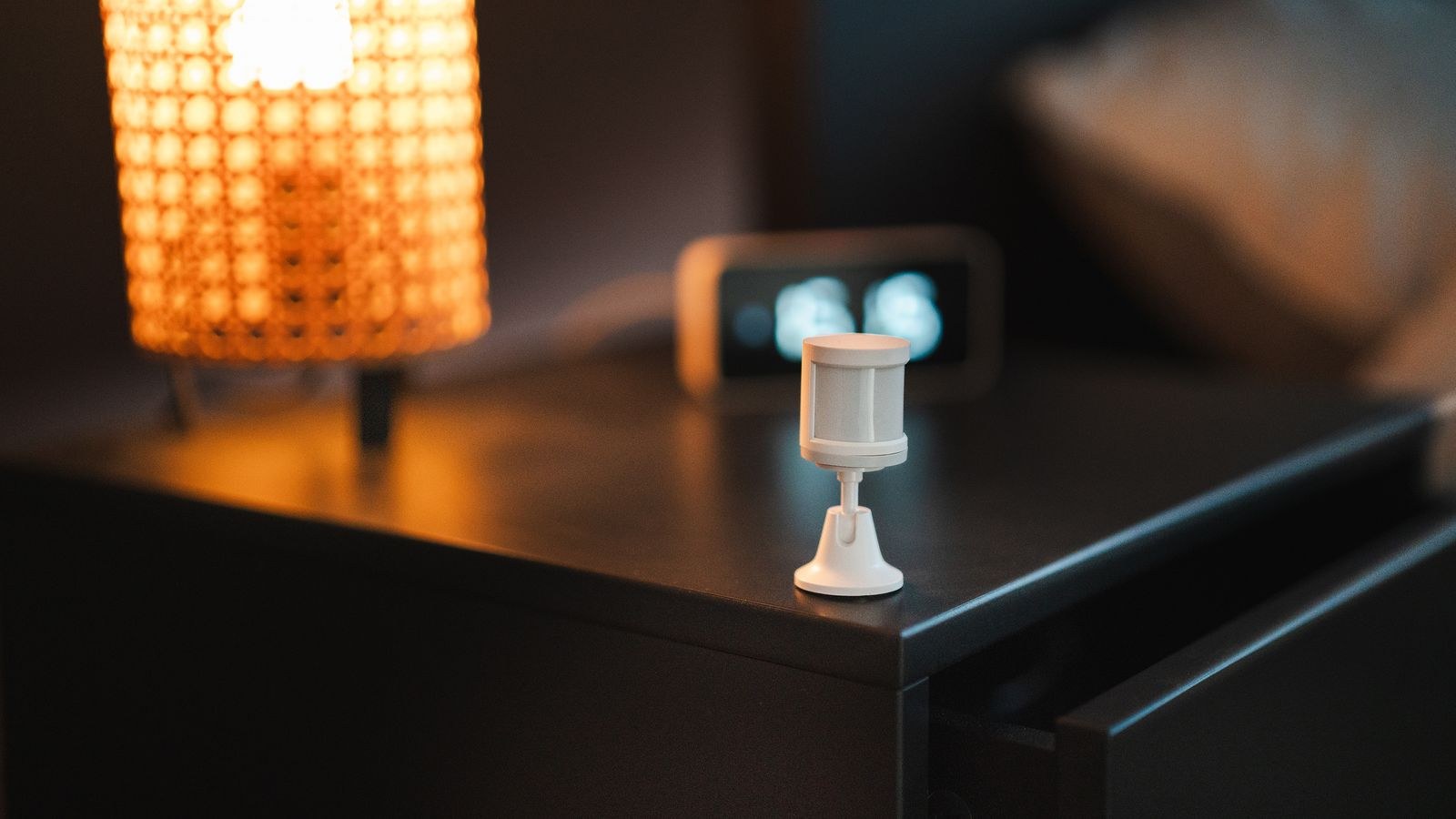
Almost every affordable motion sensor uses passive infrared, abbreviated PIR. The sensor looks out through a segmented plastic lens at the infrared heat radiating from everything in the room. When a warm body crosses from one lens segment into another, the sensor registers a rapid change in heat signature and reports motion. The word passive matters: it emits nothing and simply watches, which is why a PIR sensor can run for years on a coin cell.
That design creates a specific blind spot. If the heat pattern stops changing, the sensor sees nothing new and assumes the room is empty. A person reading, typing, watching a film, or sleeping produces almost no cross-segment heat movement, so after the timeout expires the sensor reports clear. PIR also struggles with motion coming straight toward it, because walking directly at the lens changes fewer segments than walking across it.
Where PIR Still Excels
None of that makes PIR obsolete. For hallways, stairwells, closets, garages, laundry rooms, and entryways, people are always in transit, so movement is guaranteed and the technology is essentially perfect. It is cheap, battery friendly, immune to being confused by a ceiling fan, and triggers in a fraction of a second. For any transit space, PIR remains the correct and most economical choice, and the range of options in the best PIR sensors covers most of these situations for a few dollars each.
How a Presence Sensor Works
Modern presence sensors use millimeter wave radar, usually shortened to mmWave. The device emits a low-power radio signal and measures the reflections coming back. Because radar can resolve movement measured in fractions of a millimeter, it detects the micro-motion of a chest rising and falling with breath, or the tiny shifts of someone sitting still. To the sensor, a motionless person is still unmistakably a person.
This is why mmWave is often described as occupancy detection rather than motion detection. It answers a different question: not “did something just move” but “is anyone here right now”. Many units also report distance and zones, so a single sensor can distinguish someone at a desk from someone on a bed, letting one device drive several automations.
The Tradeoffs of mmWave
Radar sensitivity cuts both ways. A sensor tuned tightly enough to see breathing can also see a curtain in a draft, a rotating fan blade, a pet, or in some cases a person walking past on the other side of a plasterboard wall. Every good mmWave sensor therefore ships with sensitivity and distance tuning, and getting those settings right takes a session of trial and error. mmWave sensors also emit continuously, so they need mains power. There is no meaningful battery-powered mmWave option, and that single fact decides many purchases.
Head to Head: The Practical Differences
- Still occupants: PIR fails; mmWave detects reliably. This is the single most important difference.
- Trigger speed: PIR fires in well under a second. mmWave often takes one to three seconds to confirm entry, which can feel like a lag when you walk into a dark room.
- Clearing speed: PIR needs a timeout, typically 30 seconds to several minutes. mmWave can clear in seconds because it knows the room is genuinely empty.
- False triggers: PIR reacts to heat sources such as vents, sunbeams, and radiators. mmWave reacts to anything that physically moves, including fans, curtains, and pets.
- Power: PIR runs one to three years on batteries. mmWave requires constant USB or mains power.
- Price: PIR sensors are among the cheapest smart devices sold. mmWave typically costs three to five times more.
- Installation: PIR sticks anywhere with adhesive. mmWave placement is constrained by an outlet and by careful aiming.
Which Sensor for Which Room
Choose PIR For
Hallways, stairs, entry closets, pantries, garages, utility rooms, and outdoor paths. In all of these, occupancy always involves walking, the cost of an occasional late timeout is trivial, and battery power removes any wiring headache. PIR is also the better choice for security-style triggers where an instant response beats a nuanced one.
Choose mmWave For
Home offices, living rooms, reading nooks, bedrooms, and bathrooms. These are rooms where people are still for long stretches and where lights going out mid-task is genuinely irritating. A desk is the classic case: you sit typing for two hours, and only a presence sensor keeps the lights on the entire time without a single wave of the hand.
Use Both Together
The most reliable setups combine them. Let a fast PIR sensor handle the instant turn-on when someone enters, and let a slower but smarter mmWave sensor hold the lights on until the room is genuinely empty. You get sub-second response and zero false clears, which neither technology delivers alone. This pairing costs a little more but removes essentially every complaint people have about occupancy lighting.
Specs Worth Checking Before You Buy
For PIR, look at detection range and field of view, since a 110-degree lens covers a hallway but not a wide open plan area. Check the minimum timeout too, because some budget models lock you into a fixed reset period that automations cannot shorten. Ceiling-mount versions offer a 360-degree pattern that suits square rooms far better than a corner-mounted unit.
For mmWave, the critical specs are maximum detection distance, adjustable sensitivity, zone support, and whether the device exposes a separate light-level reading. Zone support is genuinely useful because it lets you exclude a doorway or a hallway visible through a wall. Also confirm the reporting interval, since a sensor that only updates every ten seconds cannot drive snappy automations.
Protocol and Ecosystem Compatibility
Sensors only matter if your system can read them. Zigbee, Z-Wave, Thread, and Wi-Fi all appear in this category, and mixing protocols means running more hubs. If you are building around Apple’s ecosystem, the compatibility list in the best HomeKit motion sensors saves a lot of returns. For broader platform coverage, the general roundup of the best motion sensors groups models by the systems they support, which is usually the fastest way to shortlist.
Sensor Switches: The Third Option
Not every room needs a networked sensor and a hub. A sensor built into the wall switch itself handles lighting locally with no app, no cloud, and no batteries, which is ideal for garages, basements, and rental situations where you want the convenience without the platform. Most models offer occupancy mode, which turns lights on automatically, and vacancy mode, which requires a manual press but turns off by itself.
These switches are also the easiest upgrade for anyone who wants results in an afternoon rather than a project weekend. Higher-end units now include mmWave alongside PIR in the same faceplate. If this route appeals, the comparison in the best motion sensor light switches covers wiring requirements, and the motion sensor switch buying guide walks through neutral wire needs and load compatibility before you open the wall.
Common Mistakes People Make
The biggest mistake is blaming the automation platform when the sensor technology is simply wrong for the room. If your office lights keep dying while you work, no amount of timeout tuning fixes a PIR sensor; you need presence detection. Conversely, putting an expensive mmWave sensor in a hallway wastes money and introduces needless trigger lag.
Poor placement is the second offender. PIR aimed at a heating vent, a sunlit window, or a doorway to another room produces phantom triggers that erode trust in the whole system. mmWave aimed through a stud wall will happily detect your neighbour in the next room. Mount deliberately, then tune. The third mistake is skipping a light-level condition, so lights fire at noon in a sunlit room and everyone assumes the sensor is broken.
Frequently Asked Questions
Is a presence sensor always better than a motion sensor?
No. It is better only where people stay still. In transit spaces PIR is faster, cheaper, and battery powered, which makes it the superior choice.
Do mmWave sensors detect pets?
Usually yes, which can be a problem. Look for models with adjustable sensitivity or height-based zone filtering if a cat roaming at night would trigger your lights.
Are mmWave sensors a health or privacy concern?
They transmit at very low power, far below phone levels, and they capture no image or audio. Unlike a camera, they can tell that a person is present but nothing about who they are.
Can one presence sensor cover a whole open plan floor?
Rarely. Detection ranges commonly top out around 20 feet with a limited angle, and furniture blocks radar. Plan on one sensor per functional zone rather than one per floor.
Will a presence sensor work through a wall?
Sometimes, and that is a bug rather than a feature. Radar passes through thin plasterboard, so use zone limits or reduce maximum distance to keep detection inside the intended room.
Final Thoughts
The choice between motion and presence is really a question about how people use the room. Where bodies move through, PIR is fast, cheap, and entirely sufficient. Where bodies sit still, only mmWave gives automation that never has to be corrected with a wave. Most homes end up with a majority of inexpensive PIR sensors in circulation spaces and two or three presence sensors in the rooms where stillness is the norm.
Start by listing the rooms that currently frustrate you, and match the technology to the behaviour rather than buying one type everywhere. Budget for mains power wherever you plan mmWave, allow an evening for sensitivity tuning, and add a light-level condition to every automation. Do that, and by the end of 2026 you will have lighting that simply works without anyone in the house ever thinking about a sensor.









