
 Owen Bradley
 Winning in competitive shooters and MOBAs has less to do with the most expensive components on a spec sheet and more to do with delivering consistently high frame rates to a fast monitor. An esports PC is a specialist tool: it needs to push hundreds of frames per second in titles like Valorant, CS2, Overwatch, and League of Legends, but those games are deliberately light on graphics so that huge audiences can play them. That gap between what esports titles demand and what a build costs is exactly where you can save money. This guide is organized around frame rate per dollar, so every recommendation here is aimed at feeding a 240Hz (or faster) display without paying for horsepower your games will never use.
What Makes an Esports PC Different
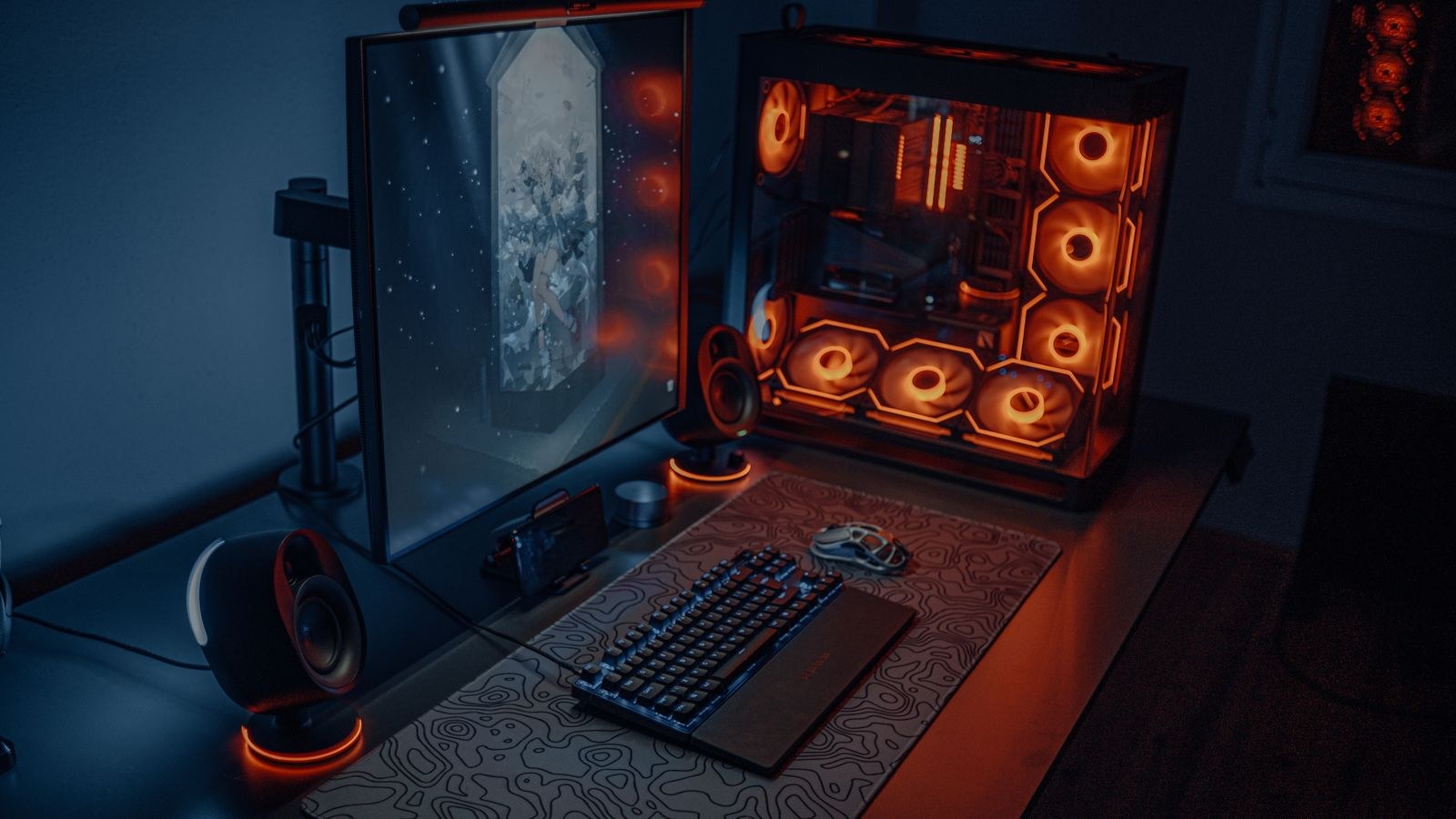
A general gaming rig is usually built to run graphically demanding, story-driven games at high resolutions. An esports PC flips those priorities. Competitive players almost always run at 1080p, turn many visual settings down, and chase the highest, most stable frame rate their monitor can display. That means the bottleneck moves away from raw graphics power and toward the processor, memory latency, and the smoothness of frame delivery.
The practical takeaway is that you should spend where frames come from. In esports titles the CPU frequently matters as much as, or more than, the graphics card, because these engines lean heavily on single-thread performance and low memory latency. Overspending on a top-tier GPU while pairing it with a weak processor is one of the most common ways players waste money on a competitive build.
Setting a Realistic Frame Rate Target
Before you buy anything, decide what monitor you are feeding. A 144Hz panel needs at least 144 fps to feel smooth, a 240Hz panel wants 240 fps or more, and 360Hz and 500Hz displays raise that bar again. Your frame rate target is the single most useful number in the whole build, because it tells you how much hardware is actually enough.
Be honest about what you can perceive and act on. The jump from 60Hz to 144Hz is dramatic for most players. The jump from 240Hz to 360Hz is real but far smaller, and it demands a much stronger CPU to sustain. Matching your components to a specific refresh target keeps you from buying frames you will never see and keeps the budget focused where it counts.
Choosing the CPU: The Real Frame Rate Engine
In competitive titles the processor is usually the star. Fast per-core performance and a healthy amount of cache translate directly into higher and more stable frame rates. You do not need a 16-core monster; you need strong single-thread speed and enough cores to handle the game plus background apps like Discord, a browser, and streaming overlays.
A modern six or eight-core chip with high clock speeds is the sweet spot for almost every esports build. When you are comparing options, focus on gaming benchmarks in the specific titles you play rather than synthetic multi-core scores. Our roundup of the best CPUs for esports performance breaks down which chips deliver the most frames per dollar at competitive settings, and it is the first place to look once you know your refresh target.
Choosing the GPU: Enough, Not Excessive
Graphics cards matter, but for esports the goal is sufficiency, not overkill. Because competitive games run at modest resolutions and reduced settings, a mid-range card can often push well past 240 fps. Buying a flagship GPU for Valorant is like buying a race car to drive to the corner shop.
Look for a card that comfortably clears your frame rate target with headroom to spare, then stop. If you also play a few graphically heavier games on the side, size up modestly rather than reaching for the top tier. Our guides to the best GPUs for esports and specifically to graphics cards built for high frame rates highlight the models that hit the frame rate targets competitive players actually care about. For players who want a curated shortlist by title, the top esports graphics cards roundup narrows the field further.
Memory: Speed and Latency Over Raw Capacity
For esports, 16GB of RAM is genuinely enough for the games themselves, though 32GB gives you breathing room if you stream or keep many browser tabs open. What matters more than sheer capacity is speed and latency. Faster memory with tight timings feeds the CPU more quickly, and in CPU-bound competitive titles that can add a meaningful chunk of frames.
Run your memory in a dual-channel kit and enable the rated speed profile in the BIOS, because leaving fast RAM at default clocks is a hidden performance leak. If you want to see which kits balance speed, timings, and price, our list of the best low-latency RAM is a good shortcut to the options that pair well with an esports CPU.
Storage, Power, and Cooling
A single NVMe SSD handles your operating system, games, and quick load times without drama. Storage does not affect in-game frame rate, so there is no need to overspend here; a reliable drive with enough capacity for your library is plenty.
Your power supply should match the components with a sensible margin rather than a wildly oversized wattage. A quality unit from a reputable maker with an 80 Plus rating protects the rest of the build and runs quietly. Cooling can be modest too, since esports loads are usually lighter than heavy AAA gaming, but good airflow keeps clocks stable during long ranked sessions.
The Monitor Is Part of the Build
It is worth repeating that frames only matter if your display can show them. Pairing a high-frame-rate PC with a 60Hz monitor throws away the entire advantage you paid for. If your budget is tight, it is often smarter to buy a slightly cheaper GPU and put the savings toward a high-refresh monitor, because a 144Hz or 240Hz panel transforms how the game feels far more than a marginal GPU upgrade would.
Also pay attention to response time and panel type. A fast display with low input lag complements the responsiveness your components are working hard to deliver.
Budget Allocation That Maximizes Frames
Here is a simple rule of thumb for spreading your money across an esports build:
- CPU: A generous slice, because it is the primary frame rate engine in most competitive titles.
- GPU: Enough to clear your refresh target with headroom, but no more.
- Memory: A fast, low-latency dual-channel kit rather than the largest capacity you can find.
- Monitor: A real line item, not an afterthought, because it determines whether your frames are visible.
- Storage and PSU: Reliable and appropriately sized, without chasing headline specs.
Balancing the build this way keeps every dollar working toward smoother, faster gameplay instead of idle horsepower.
Peripherals and Input Latency
Once the core components are dialed in, the last mile of competitive responsiveness lives in your peripherals. A high-polling-rate mouse, a keyboard with fast actuation, and a wired connection all shave small amounts of latency that add up in the moments that decide rounds. These parts do not add frames, but they make the frames you have feel more immediate and controllable.
It is also worth keeping your system lean. Closing unnecessary background apps, keeping drivers current, and avoiding heavy overlays all help your CPU deliver frames consistently. A stable, uncluttered system holds its frame rate steady during long sessions, which matters more for competitive feel than a brief peak number in a benchmark. Consistency, not spikes, is what your hands actually learn to trust.
Common Mistakes to Avoid
The most frequent error is pairing an expensive GPU with a weak CPU, which caps your frame rate exactly where it hurts in competitive play. Another is buying fast components but leaving memory at default speeds or running a single stick, both of which quietly reduce performance. A third is forgetting the monitor entirely, then wondering why a powerful PC still feels sluggish. Avoiding these three traps puts you ahead of most first-time competitive builders.
Frequently Asked Questions
Do I really need a 240Hz monitor for esports?
You do not strictly need one, but higher refresh rates give a genuine smoothness and responsiveness advantage. Many players find 144Hz an excellent balance of cost and benefit, with 240Hz being the target for those chasing the highest tier of competitive play.
Is the CPU or GPU more important for competitive games?
In most esports titles the CPU is the bigger factor because the games are graphically light and lean on single-thread speed. A strong CPU paired with a capable mid-range GPU usually delivers more frames than the reverse.
How much RAM should an esports PC have?
16GB is enough for the games themselves, while 32GB adds comfort if you stream or multitask heavily. Prioritize speed and low latency over raw capacity.
Can I build a competitive PC on a modest budget?
Absolutely. Because esports titles are undemanding graphically, a focused build that spends smartly on the CPU and a fast monitor can deliver an outstanding competitive experience for far less than a high-end AAA gaming rig.
Final Thoughts
An esports PC rewards discipline more than it rewards spending. Decide on your frame rate target first, put your money into a strong CPU and fast, low-latency memory, choose a GPU that clears that target with a little headroom, and treat a high-refresh monitor as a core part of the build rather than an accessory. Follow that order in 2026 and you will end up with a responsive, high-frame-rate machine that feels razor sharp in ranked play, without paying for performance your games will never use. Spend on frames, skip the excess, and let the extra savings go toward the parts that actually win rounds.









