Owen Bradley
 Every smart device sold today claims it works straight out of the box with nothing but your Wi-Fi, which raises an obvious question: do i need a hub at all? For a household with four smart bulbs and a plug, honestly no. For a household heading towards thirty devices with battery sensors, door locks, and automations that must fire whether or not the broadband is up, the answer flips hard. A hub is not a nostalgic leftover from the early days of home automation, but it is also not something everyone should buy. This guide sets out exactly when a hub earns its price in speed, reliability, and battery-friendly sensors, and when it is money better spent elsewhere in 2026.
What a Hub Actually Does
A hub performs three separate jobs that are easy to confuse. First, it acts as a radio coordinator, speaking low-power protocols such as Zigbee, Z-Wave, and Thread that your router cannot. Second, it runs automation logic, deciding what happens when a sensor trips or a schedule fires. Third, it aggregates devices from different manufacturers into a single interface so you are not opening five apps.
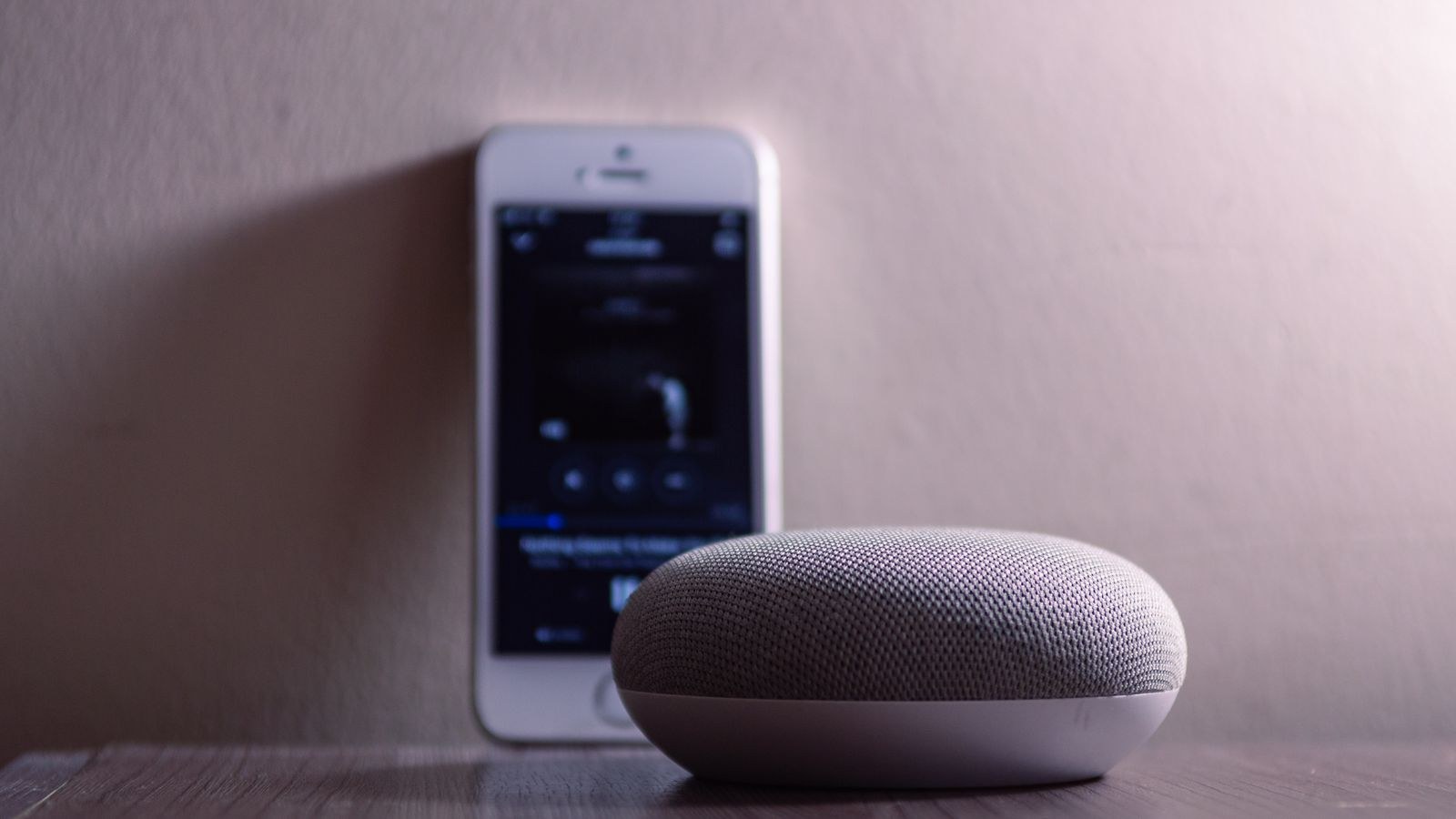
Different products do different subsets of this. A smart speaker may coordinate Thread and run simple routines but nothing complex. A dedicated automation hub may handle every protocol and run sophisticated local logic but have no speaker. Knowing which of the three jobs you actually need is the whole decision.
Why Wi-Fi Alone Hits a Ceiling
Wi-Fi-only setups work beautifully at small scale and degrade in predictable ways as they grow. Each device consumes a client slot on your router, each usually phones home to its manufacturer’s cloud, and each battery device burns through power keeping a Wi-Fi radio associated. Thirty devices later you have a congested access point, noticeable command lag, and a drawer of recharging sensors.
Five Signs You Genuinely Need One
- You want battery sensors that last years. Wi-Fi sensors run for months; Zigbee, Z-Wave, and Thread sensors run for one to three years, and all three require a coordinator.
- Your device count is heading past roughly twenty. Beyond that, router congestion and app sprawl become real problems rather than theoretical ones.
- You need automations to survive an outage. Cloud-dependent routines stop when the internet does. Local processing on a hub does not.
- Latency bothers you. Local execution answers in well under a second, where cloud round trips commonly take one to three.
- You own devices from several brands. A hub becomes the single place where mixed hardware shares automations instead of living in separate apps.
If two or more of these describe you, a hub is likely to pay for itself quickly. Our comparison of the best smart hubs covers units that combine protocol support with local automation.
When You Can Skip It
Plenty of homes never need one. If you have a handful of Wi-Fi bulbs and plugs, no battery sensors, and you are happy with voice control and simple schedules, a hub adds cost and a device to maintain without changing anything you notice. Renters planning to move within a year are often better served by portable Wi-Fi devices than by building infrastructure.
Single-ecosystem households can also stretch a long way. If everything you own is from one manufacturer and controlled by one app, that manufacturer’s own bridge or your smart speaker probably covers the coordination job already. The point at which this breaks down is when you want a device the ecosystem does not support, which for many people never arrives.
The Hub You Might Already Own
This is the most commonly missed answer. Many smart speakers, displays, and streaming boxes already include Thread border routing, Zigbee coordination, or local automation processing. Before buying anything, check what is inside the hardware already sitting on your shelf. A great many households have a functioning hub and simply do not know it.
Types of Hub and What They Suit
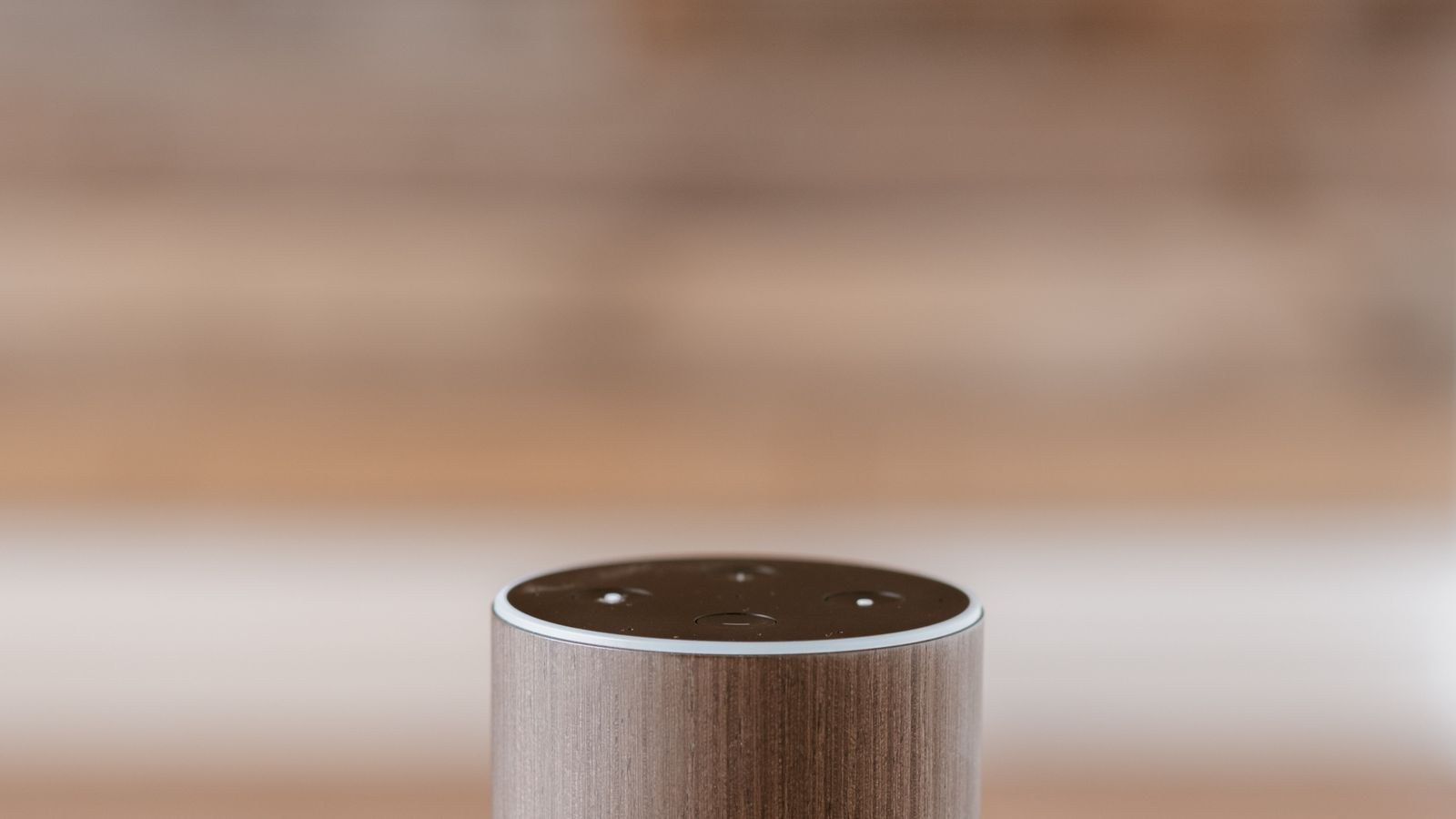
- Speaker or display hubs. Voice control plus basic coordination and routines. Best for households that mostly want convenience and a modest device count. The best home hubs with screens roundup covers models that double as kitchen displays and intercoms.
- Dedicated multi-protocol hubs. No speaker, but broad radio support and stronger local processing. The right choice for larger installations and mixed-brand homes.
- Protocol bridges. Single-purpose coordinators for one radio, usually cheap and reliable. See the best Zigbee hubs if that is the protocol you have settled on.
- Server-based platforms. Software running on a small computer, offering the most power and the steepest learning curve. Excellent if you enjoy tinkering, poor if you do not.
- Ecosystem bridges. Manufacturer-specific boxes that connect one brand’s devices to your platform. Fine within their lane, limiting beyond it.
For a fuller breakdown of which type suits which household, our overview of the best hubs for smart homes maps device counts and use cases to hub categories.
What to Look For If You Buy One
Protocol support comes first. Confirm which radios are built in rather than assumed, and prefer multi-protocol units so future device choices stay open. Local automation processing is second, since it determines whether your home keeps working during an outage and how quickly commands land.
Check whether a subscription is required for features you consider basic, such as remote access, notifications, or history. Wired Ethernet is worth having, because putting your coordinator on Wi-Fi introduces exactly the fragility you bought it to avoid. Look at how many devices the platform officially supports and whether there is a healthy community, which is usually a better predictor of long-term usefulness than the spec sheet. Finally, consider physical placement: coordinators dislike being stacked on the router, and a metre of separation solves a surprising number of reliability complaints. The smart home hub buying guide goes through these criteria in more detail.
Budget Tiers
At the entry level, a single-protocol bridge or a mid-range smart speaker costs very little and covers coordination for one radio plus simple routines. That is enough for a home with a dozen devices from one or two brands.
The mid tier buys a proper multi-protocol hub with local processing, Ethernet, and support for hundreds of devices. This is where most serious smart homes should land, and the jump in reliability over the entry tier is the most noticeable upgrade in the whole category.
At the top, professional and server-based systems cost considerably more and add advanced scripting, redundancy, extensive logging, and integration with security and climate systems. Worth it for large properties and genuine enthusiasts; overkill for a two-bedroom flat.
Common Mistakes to Avoid
Buying devices before deciding the hub is the most expensive error, because protocol choice is effectively permanent across a whole collection. Work out the coordinator first, then shop within what it supports. The second mistake is buying a hub that only speaks one protocol when your plans clearly span several.
Third, putting the hub on Wi-Fi when Ethernet is available, which undermines the reliability that justified the purchase. Fourth, populating a mesh entirely with battery devices and nothing mains-powered to relay through, producing intermittent dropouts that look like faulty hardware. Fifth, ignoring subscription terms until a feature you rely on moves behind a paywall. Once your hub is chosen, our walkthrough on how to pair a smart hub covers the setup order that avoids most first-week headaches.
Frequently Asked Questions
Can I run a smart home with no hub at all?
Yes, with Wi-Fi and Bluetooth devices and a voice assistant. It works well up to roughly a dozen devices and starts to strain beyond that as router load, cloud latency, and app sprawl accumulate.
Do I already have a hub?
Quite possibly. Many smart speakers, displays, and streaming boxes now include Thread border routing or Zigbee coordination. Check the specifications of hardware you already own before buying anything new.
Does a hub work without internet?
A hub with local processing keeps automations and device control running during an outage. Remote access from outside the house and cloud voice services still need a connection.
Will a hub speed up my smart home?
Usually yes, noticeably. Local execution typically responds in a fraction of a second compared with one to three seconds for cloud-routed commands, which is the difference between a light feeling instant and feeling broken.
How many devices can one hub handle?
Entry-level bridges often manage several dozen, while mid-range and higher hubs support hundreds. Mesh health, meaning enough mains-powered relay nodes, matters more in practice than the headline limit.
Final Thoughts
The hub question is really a question about scale and ambition. A small Wi-Fi setup genuinely does not need one, and buying infrastructure for four bulbs is wasted money. But the moment you want battery sensors that last years, automations that survive an outage, responses that feel instant, or devices from several brands working together, a hub stops being optional and becomes the foundation everything else sits on. Check what your existing hardware already provides, favour multi-protocol units with local processing and wired networking, and put the coordinator in place before the device collection grows. Get that order right in 2026 and your smart home scales smoothly instead of quietly falling apart at twenty devices.