Owen Bradley
 The AV receiver is the least glamorous box in a home cinema and the one that decides whether everything else works. It switches your sources, decodes the soundtrack, amplifies every speaker, corrects for the room, and passes video through to the screen without degrading it. Get it wrong and you discover the limitation months later, usually when a new console or a new speaker refuses to behave. This AV receiver buying guide explains what the power figures actually mean, why HDMI version matters more than almost any audio specification, how many channels you genuinely need, and which features are worth paying for versus which exist to fill a box.
What a Receiver Does
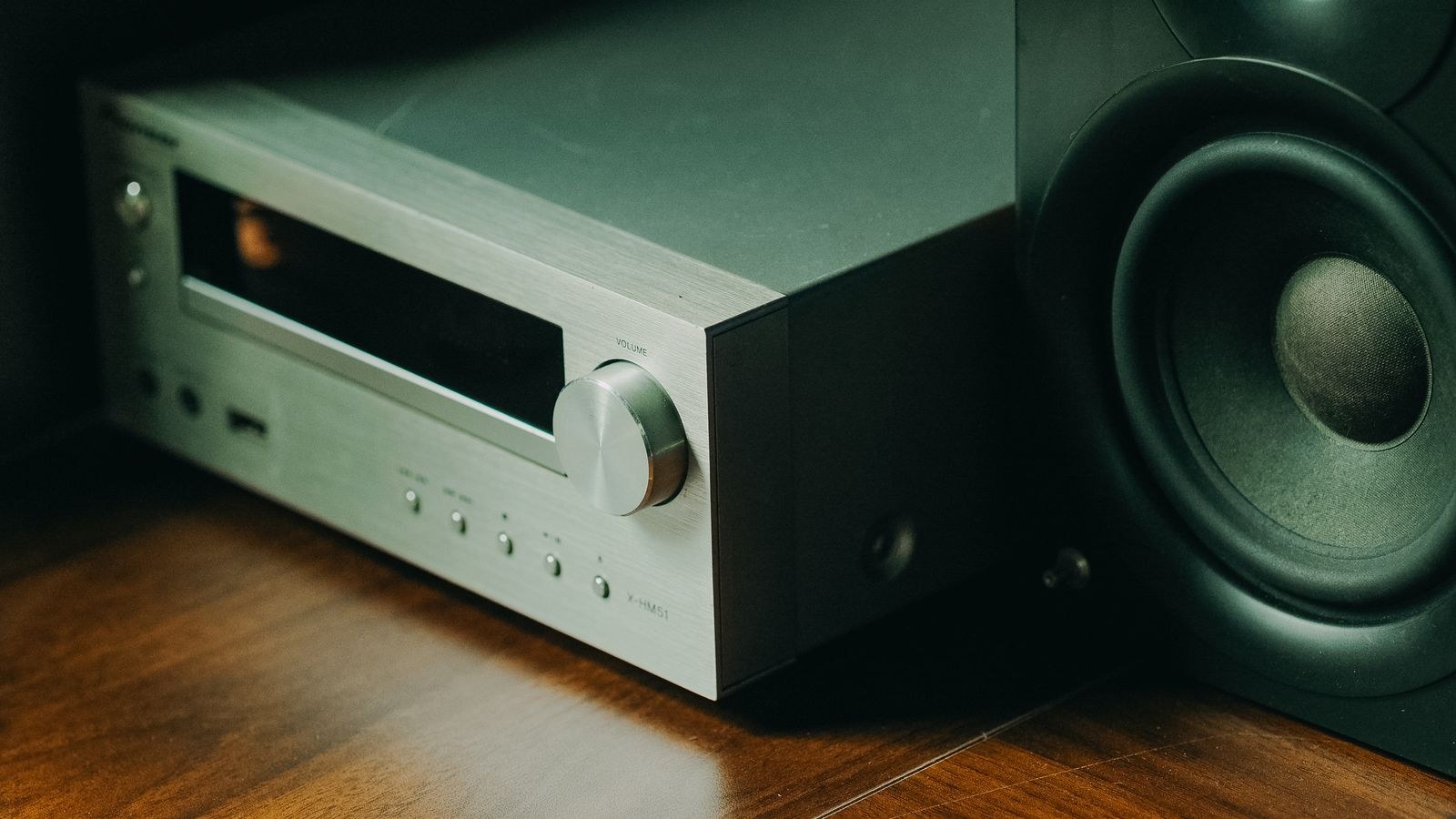
Three jobs, bundled into one chassis. It is a switcher, taking several HDMI sources and sending one signal to the television. It is a processor, decoding surround formats and applying room correction. And it is an amplifier, supplying power to every passive speaker in the system.
That bundling is the reason receivers are good value: buying separate processing and amplification costs far more. It is also the reason they age unevenly, because the amplifier section stays useful for decades while the HDMI section becomes obsolete in a handful of years. Buy with that asymmetry in mind.
Reading Power Ratings Honestly
The wattage on the front of the box is usually measured in the most flattering possible conditions: one channel driven, at a single frequency, into an easy load, with high distortion allowed. Real listening drives every channel at once across the full frequency range, which is far harder.
Look for a rating stated as watts per channel into 8 ohms, 20Hz to 20kHz, with all channels driven and a distortion figure quoted. A receiver honestly rated at 70 watts under those terms will comfortably outperform one advertising 140 watts measured the flattering way. If the specification does not state the measurement conditions, treat the number as marketing.
How Much Power Do You Actually Need?
Less than most buyers assume. Speaker sensitivity matters more than amplifier watts: a speaker rated at 90dB sensitivity needs roughly half the power of one rated at 87dB for the same volume. In a typical living room with reasonably sensitive speakers, 50 to 80 honest watts per channel is plenty.
Power matters most in large rooms, with inefficient speakers, or with speakers that present a difficult impedance load. Check whether your speakers are nominally 8 or 4 ohms; 4-ohm designs demand considerably more current and not every receiver is rated to drive them safely. Our overview of passive speakers covers how sensitivity and impedance interact with amplification.
Channels: Buy for the System You Will Have
Count the ear-level speakers you plan to run and add headroom. A five-channel receiver drives a 5.1 system with nothing spare. A seven-channel receiver drives 5.1 today and either 7.1 or 5.1.2 with height channels later, which is why seven channels is the practical minimum for anyone who might expand.
Nine and eleven channel receivers exist for larger object-based layouts, but they only make sense in a dedicated room with the space to place all those speakers properly. Buying channels you cannot physically use is the most common way to overspend on a receiver.
Watch for pre-outs. A receiver with pre-amplifier outputs lets you add external amplification for the front channels later, or drive channels the internal amplifiers cannot. This single feature extends a receiver’s useful life considerably and is worth seeking out. For guidance on where external amplification helps, see our notes on choosing an amplifier for speakers.
HDMI: The Specification That Dates Fastest
Everything else on a receiver ages gracefully. HDMI does not. A receiver bought a few years ago may pass video perfectly today and choke the moment a new console or graphics source demands more bandwidth, which is the single most common reason people replace an otherwise excellent unit.
Look for HDMI 2.1 ports with support for 4K at 120Hz, variable refresh rate, and auto low latency mode. Crucially, check how many of the ports support the full bandwidth, because many receivers include one or two 2.1 ports and fill the rest with older ones. If you have two consoles and a high-bandwidth streamer, one fast port is not enough.
Also confirm eARC on the output port so lossless audio can travel back from the television’s own apps. If you are pairing the system with a gaming display, our comparison of HDMI 2.1 gaming TVs explains which combinations of features actually work together end to end.
Passthrough Versus Direct Connection
You can avoid the whole issue by connecting demanding sources directly to the television and returning audio to the receiver over eARC. This works well and sidesteps receiver bandwidth limits entirely, at the cost of losing the receiver’s switching convenience. It is a legitimate strategy and worth knowing about before paying a premium for extra fast ports.
Room Correction: The Feature That Earns Its Keep
Every room colours sound. Parallel walls create standing waves, soft furnishings absorb high frequencies unevenly, and speaker distances are rarely symmetrical. Room correction measures this with a supplied microphone and applies compensating adjustments, setting levels, distances, and crossover points along the way.
The improvement is usually larger than the difference between two receivers at different price points. Basic systems set levels and distances; more advanced ones apply detailed frequency correction across multiple measurement positions. If two receivers are otherwise similar, the one with the better correction system is the better buy.
Take the measurement seriously. Use a tripod at ear height in the main seat, take readings at several positions if the system allows, and keep the room quiet during the process. A rushed calibration produces worse results than none at all.
Crossover Settings and the Subwoofer
The crossover determines where bass stops going to your speakers and starts going to the subwoofer. Setting every speaker to small with a crossover around 80Hz is the standard recommendation, because it relieves the main speakers of work they do poorly and lets the subwoofer handle frequencies it was designed for.
Small satellites may need a higher crossover, around 100 to 120Hz. Large floorstanders can go lower, around 60Hz. Room correction usually sets sensible values automatically, but it is worth checking them afterwards, since an incorrect crossover is a very common cause of thin or bloated bass. Matching this properly to a full speaker layout is covered in our guide to home theater speakers.
Budget Tiers and What They Buy
- $300 to $500: five or seven channels, basic room correction, usually one HDMI 2.1 port. Fine for a first 5.1 system.
- $500 to $900: seven or nine channels, better correction, multiple full-bandwidth ports, pre-outs on some models.
- $900 to $1,500: honest power across all channels, advanced correction, full pre-out sets, dual subwoofer support.
- Above $1,500: eleven channels, reference-grade processing, and amplification for demanding speakers in large rooms.
The second tier covers the vast majority of living rooms. Spending more mainly buys channel count and correction sophistication, both of which only pay off in a room that can use them.
Matching the Receiver to Your Speakers
Start from the speakers, not the receiver. Note their impedance, sensitivity, and recommended power range, then choose a receiver that sits comfortably inside that range with the number of channels your layout requires. Underpowering speakers is more damaging than overpowering them, because a clipping amplifier sends distorted signal to the tweeters.
Check the receiver’s minimum impedance rating against your speakers. Many mid-range models are rated for 6 to 8 ohms and will protect themselves by shutting down when driving 4-ohm speakers hard. If your layout uses demanding speakers, this constraint outranks almost every other specification. Our roundup of surround sound speakers lists the impedance and sensitivity figures that make this check straightforward.
Features Worth Paying For
Genuinely useful: dual subwoofer outputs with independent calibration, pre-outs for future amplification, good room correction, enough full-bandwidth HDMI ports for every fast source, and a clear on-screen setup interface. Each solves a real problem or protects the purchase against obsolescence.
Less important than the marketing suggests: enormous channel counts you cannot place, built-in streaming services duplicated by your television, phono stages if you own no turntable, and multi-zone outputs if you have no second zone. Each adds cost without adding anything you will use.
Setup and Placement
Receivers run hot, particularly when driving many channels. Give the unit several inches of clearance above and behind, and never enclose it in a sealed cabinet. Thermal shutdown mid-film is almost always a ventilation problem rather than a fault.
Use appropriately gauged speaker cable, observe polarity carefully on every connection, and label the cables as you run them. A single reversed pair produces vague, hollow imaging that is maddening to diagnose later. Run the calibration only after every speaker is connected and positioned in its final location.
Common Mistakes to Avoid
Buying on advertised wattage is the classic error, since the measurement conditions matter far more than the headline figure. The second is buying exactly the number of channels you need today, leaving no room to add height channels or rear surrounds without replacing the whole unit.
The third is ignoring how many HDMI ports actually support full bandwidth. The fourth is skipping calibration entirely, which wastes a feature that often improves the sound more than any component upgrade at the same price. And the fifth is stacking the receiver under other equipment, which cooks it slowly and shortens its life.
Frequently Asked Questions
How many watts per channel do I need?
For a typical living room with reasonably sensitive speakers, 50 to 80 honestly rated watts per channel is ample. Larger rooms or low-sensitivity speakers justify more. The measurement conditions matter more than the number itself.
Do I need HDMI 2.1 on my receiver?
Only if you route high-bandwidth sources like a modern console through it. If those connect directly to the television with audio returning over eARC, an older HDMI standard on the receiver is not a limitation.
Can I use an AV receiver for music only?
Yes, and most have a direct or pure mode that bypasses processing for two-channel listening. A dedicated stereo amplifier may sound marginally better at the same price, but the difference is small compared to speaker choice.
Should I buy more channels than I need?
Two channels of headroom is sensible, since it lets you add height channels or rear surrounds later without replacing the receiver. Beyond that you are paying for amplifiers you will never connect.
Is room correction worth it?
Yes. In most rooms it produces a larger audible improvement than moving up a price tier, because room acoustics dominate what you hear far more than modest differences in amplifier quality.
Final Thoughts
Choose a receiver by working backwards from your speakers and your room rather than forwards from a specification sheet. Confirm the impedance and sensitivity of the speakers you own or plan to buy, count the channels your layout needs and add two, insist on honestly stated power and enough full-bandwidth HDMI ports for every demanding source, and treat good room correction and pre-outs as the features that protect the purchase over time. Ventilate it properly, wire it carefully, and run the calibration with the microphone on a tripod at ear height. Do that and a mid-priced receiver bought in 2026 will still be the quiet, competent centre of your system long after the fashionable features have been forgotten.