
 Owen Bradley
 Robot vacuums have gone from novelty to genuinely capable in a remarkably short time, but the spec sheets have become almost impossible to read. Manufacturers advertise suction figures in Pascals, navigation systems with acronyms, self-emptying bases, mopping modes, obstacle avoidance and app features, all at prices spanning an order of magnitude. Most of it comes down to three things that determine whether the robot fits your home: how it navigates, how hard it sucks, and how much of the maintenance it handles for you. This guide unpacks those three, plus the details that quietly decide whether you will still be using the machine in a year.
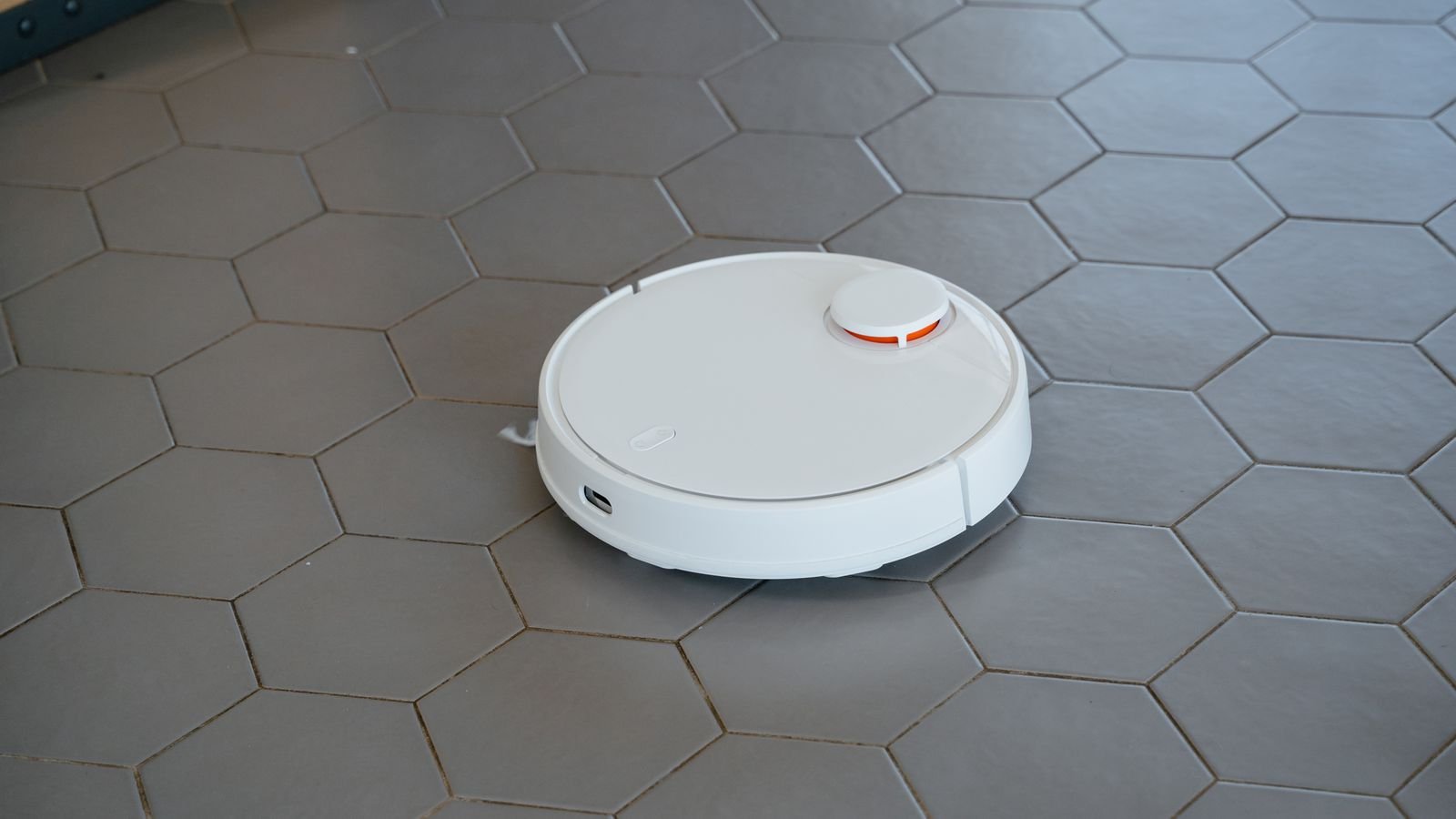
Navigation and Mapping
Navigation is the single biggest determinant of how well a robot vacuum works, and the cheapest thing to get wrong.
Random Bounce
The oldest approach. The robot drives until it hits something, turns, and continues. No map, no memory. It will eventually cover a room through sheer persistence, but it takes far longer, misses areas, and repeats others. Acceptable only in a small studio, and increasingly hard to recommend at any price.
Gyroscope and Optical Navigation
A middle tier that tracks orientation and movement to drive in rows rather than randomly. Much more efficient than bouncing, but drift accumulates over a long run and coverage becomes unreliable in larger homes. Fine for a one-bedroom apartment.
LiDAR
A spinning laser turret measures distances continuously, building an accurate map of the space. This is the technology that makes everything else possible: room-by-room cleaning, no-go zones, multi-floor maps, efficient row-by-row paths, and reliable return to dock. It also works in complete darkness, unlike camera-based systems. For any home larger than a small apartment, LiDAR is the feature worth prioritizing above suction, above self-emptying, above everything else.
Camera and Vision Systems
Cameras identify objects as well as measure space, which is what enables obstacle avoidance — recognizing and steering around cables, socks, shoes and pet waste. Increasingly paired with LiDAR rather than replacing it. Consider privacy implications and check whether processing happens on the device or in the cloud.
What Good Mapping Gives You
- Sending the robot to clean one specific room on demand.
- No-go zones around pet bowls, cable nests and delicate furniture.
- Different settings per room — higher suction on carpet, mopping only on tile.
- Multi-floor maps so one robot can be carried between levels.
- Resumption after recharging, picking up exactly where it stopped.
Suction: Reading the Pascal Numbers
Suction is quoted in Pascals and the figures have inflated dramatically. Context helps more than the raw number.
Roughly speaking, entry-level machines sit in the low thousands of Pascals, midrange units in the middle thousands, and flagships advertise figures many times higher. But suction alone does not determine cleaning performance. Brush design, brush-to-floor contact, airflow path and seal quality all matter, and a well-engineered machine at a moderate rating often outperforms a poorly designed one claiming much more.
What actually matters by floor type:
- Hard floors. Almost any modern robot handles these. Brush design and edge cleaning matter more than suction.
- Low-pile carpet and rugs. Moderate suction plus automatic carpet boost is sufficient.
- Medium and high-pile carpet. This is where high suction genuinely earns its price, and where cheap robots fail visibly.
- Pet hair. Demands both strong suction and tangle-resistant brush design. Rubber or silicone brushes shed wrapped hair far better than bristle brushes.
If your home is largely carpeted, the best robot vacuums for carpets comparison focuses on the suction and brush combinations that actually lift embedded debris from pile.
Self-Emptying Bases
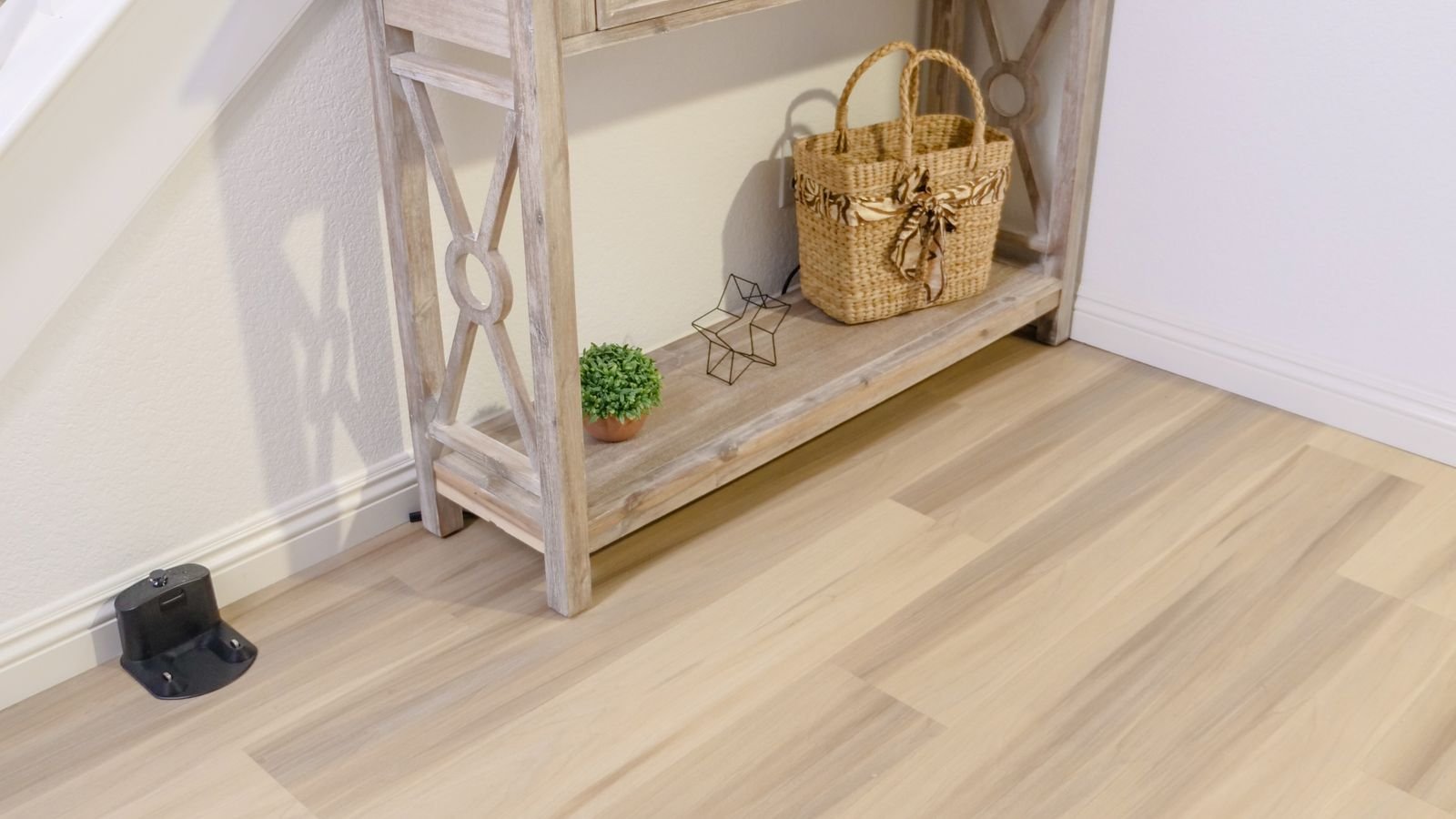
A self-emptying dock contains a larger bin and a powerful vacuum that pulls debris from the robot each time it returns. It is the feature that changes the ownership experience most.
The case for it is straightforward: an onboard bin holds a few hundred milliliters and needs emptying every one to three runs. A dock holds several liters and needs attention every few weeks to a couple of months. For a household with pets or anyone who wants the robot to genuinely run unattended, this is transformative.
The considerations against it are real but manageable. Docks are physically large and need a clear footprint against a wall. Emptying is loud, though it lasts only seconds. Bagged docks incur ongoing consumable costs; bagless docks avoid that but require you to handle dust when emptying, which matters if you have allergies. Ask whether the bags are proprietary and how much they cost, because that becomes a recurring expense for years.
Mopping: Understand the Tiers
Mopping capability varies enormously and the marketing rarely distinguishes between the tiers.
- Passive drag pad. A damp cloth attached to the underside. Wipes light dust; does nothing to dried-on marks. Better than nothing on tile.
- Vibrating or oscillating pad. Adds mechanical scrubbing action. A meaningful improvement on real floor grime.
- Spinning mop pads. Rotating discs with downward pressure. Genuinely scrubs, and handles kitchen floors credibly.
- Lifting mops with base washing. The top tier — pads lift automatically over carpet, and the dock washes and dries them between runs. Removes the unpleasant job of handling a dirty wet pad.
The critical practical question is what happens when the robot reaches carpet while mopping. Cheaper machines simply drag a wet pad across it. Better ones detect carpet and either lift the mop or avoid the area entirely. If your home mixes hard floors and rugs, this feature is not optional. The best robot vacuums and mops roundup compares these hybrid systems across mop type and carpet handling.
Practical Details That Decide Long-Term Use
- Height. Measure the clearance under your sofa, bed and cabinets. A robot that cannot fit under the furniture leaves the dustiest areas untouched, and LiDAR turrets add height.
- Threshold climbing. Check the rated climb height against your actual door thresholds and rug edges. A robot stuck at a threshold cleans one room.
- Battery and coverage. Runtime matters less than whether the robot recharges and resumes. Confirm it does.
- Brush type. Rubber or silicone brushes handle long hair dramatically better than bristles. Dual brushes improve carpet agitation.
- Filtration. HEPA-grade filtration matters for allergy households, especially with a bagless dock.
- Noise. Check the decibel rating if you plan to run it while home or during calls.
- Side brush design. Determines edge and corner performance, which is where robots most obviously lag manual vacuuming.
- App quality and offline behavior. A robot that stops working when the cloud service has an outage is a real risk. Local control is a genuine advantage.
Matching the Robot to Your Home
- Small apartment, hard floors, no pets. Gyroscopic navigation is adequate. Skip self-emptying and elaborate mopping.
- Multi-room home, mixed flooring. LiDAR mapping is essential. Carpet detection with mop lifting if you have rugs.
- Pets. Prioritize tangle-resistant rubber brushes, strong suction, HEPA filtration and a self-emptying dock. Obstacle avoidance that recognizes pet waste is worth its price on its own.
- Mostly carpet. High suction, carpet boost, dual brush rolls. Deprioritize mopping entirely.
- Multi-story home. Multi-floor map storage, and check whether you can carry the robot between levels without resetting anything.
- Cluttered household. Camera-based obstacle avoidance saves you tidying before every run — which is the difference between a robot that runs daily and one that does not.
A robot vacuum supplements rather than replaces a full-size machine. Most households still want an upright or cordless stick for stairs, upholstery and deep periodic cleaning, and the cordless vacuums comparison covers what pairs well with a robot. If pet hair is the dominant problem, the vacuums for pet hair roundup addresses it directly.
Maintenance You Will Actually Need to Do
- Empty the dock bin or bag every few weeks.
- Cut hair from the main brush roll roughly monthly, more often with long-haired pets.
- Clean the side brush and check for bent bristles.
- Wash or replace filters on the manufacturer’s schedule.
- Wipe the sensors and the LiDAR window — dusty sensors cause erratic navigation.
- Clean the charging contacts on both robot and dock.
- Wash mop pads after every use unless the dock does it.
Common Mistakes to Avoid
- Buying on suction figures alone. Navigation determines whether the robot reaches the dirt at all.
- Ignoring robot height. A machine that will not fit under your furniture misses the areas you most wanted cleaned.
- Expecting mopping to replace a real mop. Even good systems maintain clean floors rather than restoring dirty ones.
- Skipping obstacle avoidance in a cluttered home. If you must tidy before every run, the robot will sit idle.
- Overlooking consumable costs. Bags, filters, brushes and pads add up over the life of the machine.
- Assuming it handles stairs. No consumer robot vacuum climbs stairs; it only avoids falling down them.
Frequently Asked Questions
How much suction does a robot vacuum need?
For hard floors and low-pile rugs, midrange suction is ample. Medium and high-pile carpet is where higher figures genuinely matter. Brush design and airflow sealing affect real performance as much as the Pascal rating does.
Is LiDAR mapping worth the extra cost?
In anything larger than a small apartment, yes — it is the highest-value feature in the category. It delivers efficient coverage, room-specific cleaning, no-go zones and reliable docking, and it works in the dark.
Are self-emptying bases worth it?
For pet owners and anyone wanting truly hands-off operation, yes. They extend the interval between manual emptying from days to weeks. Weigh the dock’s physical size and any ongoing bag cost.
Can a robot vacuum handle pet hair?
Good ones can. Look for rubber or silicone brush rolls that resist tangling, strong suction, HEPA filtration and a self-emptying dock, since pet households fill bins quickly.
Do robot vacuums work on thick carpet?
High-pile carpet is the hardest test. Choose a model with high suction, automatic carpet boost and dual brush rolls, and check the climb height — some robots struggle to mount thick rugs at all.
Final Thoughts
The right robot vacuum is the one matched to your floors, your furniture clearance and your tolerance for maintenance. Prioritize navigation first, because a robot that maps your home properly will clean it thoroughly even at moderate suction, while a random-bounce machine with impressive specs will miss half the floor. Add suction and carpet boost in proportion to how much carpet you actually have, choose a self-emptying dock if you have pets or want genuine hands-off operation, and be realistic about mopping — it maintains clean floors rather than rescuing dirty ones. Measure your furniture clearance before you buy anything, and the machine you choose in 2026 will run quietly in the background for years.









