
 Owen Bradley
 Remote-control outlets and switches solve a problem almost every home has: something useful is plugged into an inconvenient place. A lamp behind a sofa, a Christmas tree under a window, a fan in the attic, a space heater in a spare room, a string of lights along a fence. Rather than rewiring or running extension cords, you drop a receiver between the device and the wall and control it from a handheld remote, a wall-mounted button, or your phone. This guide explains the different technologies in the category, how to match one to your situation, and the specifications that separate a device you forget about from one that you unplug in frustration a month later.
The Three Main Categories
Everything in this space falls into one of three shapes, and they solve different problems.
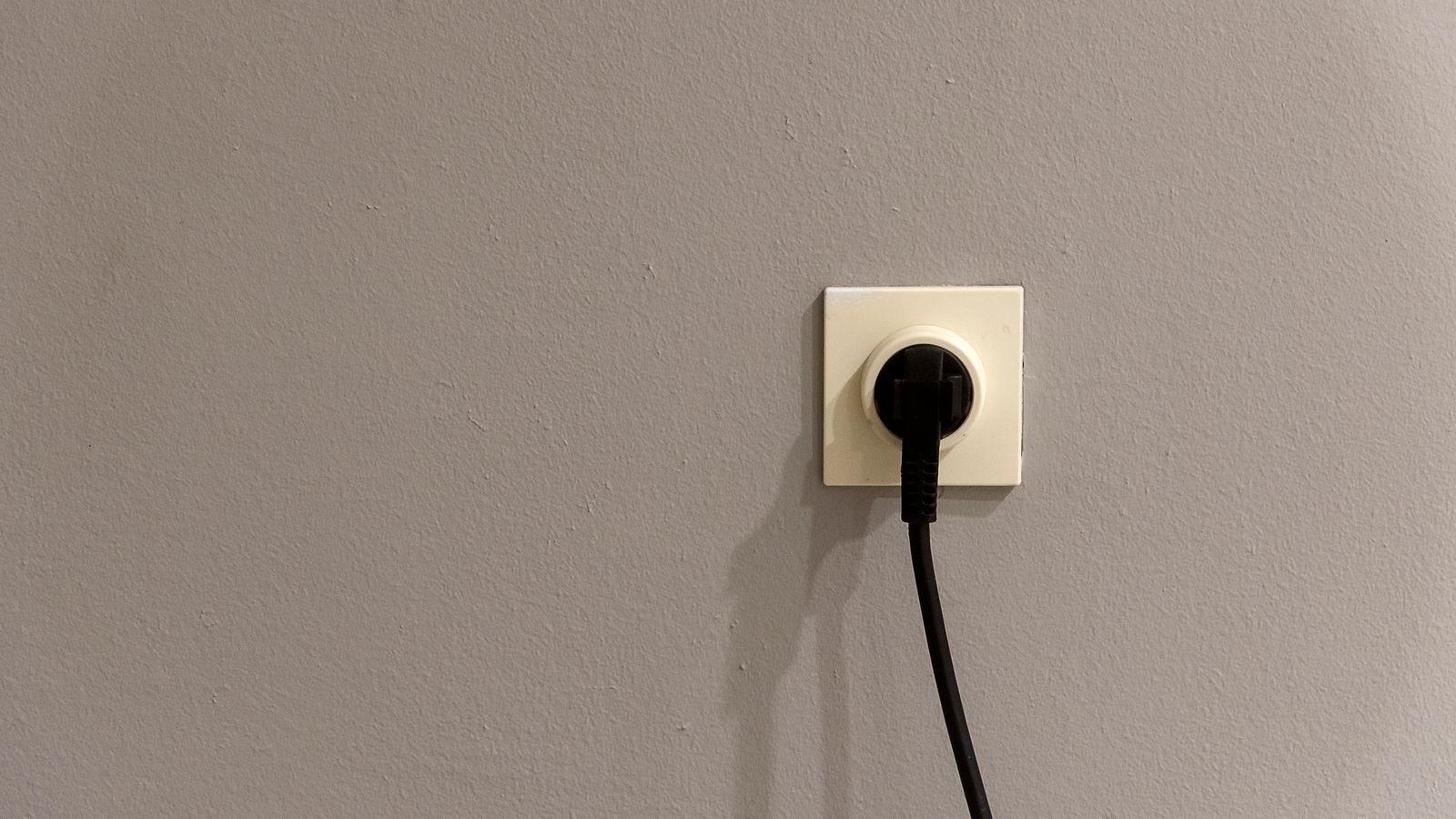
Plug-in remote outlets are small blocks that sit between an appliance and the wall receptacle. They are the simplest option, require no wiring at all, and can be moved from room to room. Because they interrupt the cord rather than the circuit, they only control whatever is plugged into them.
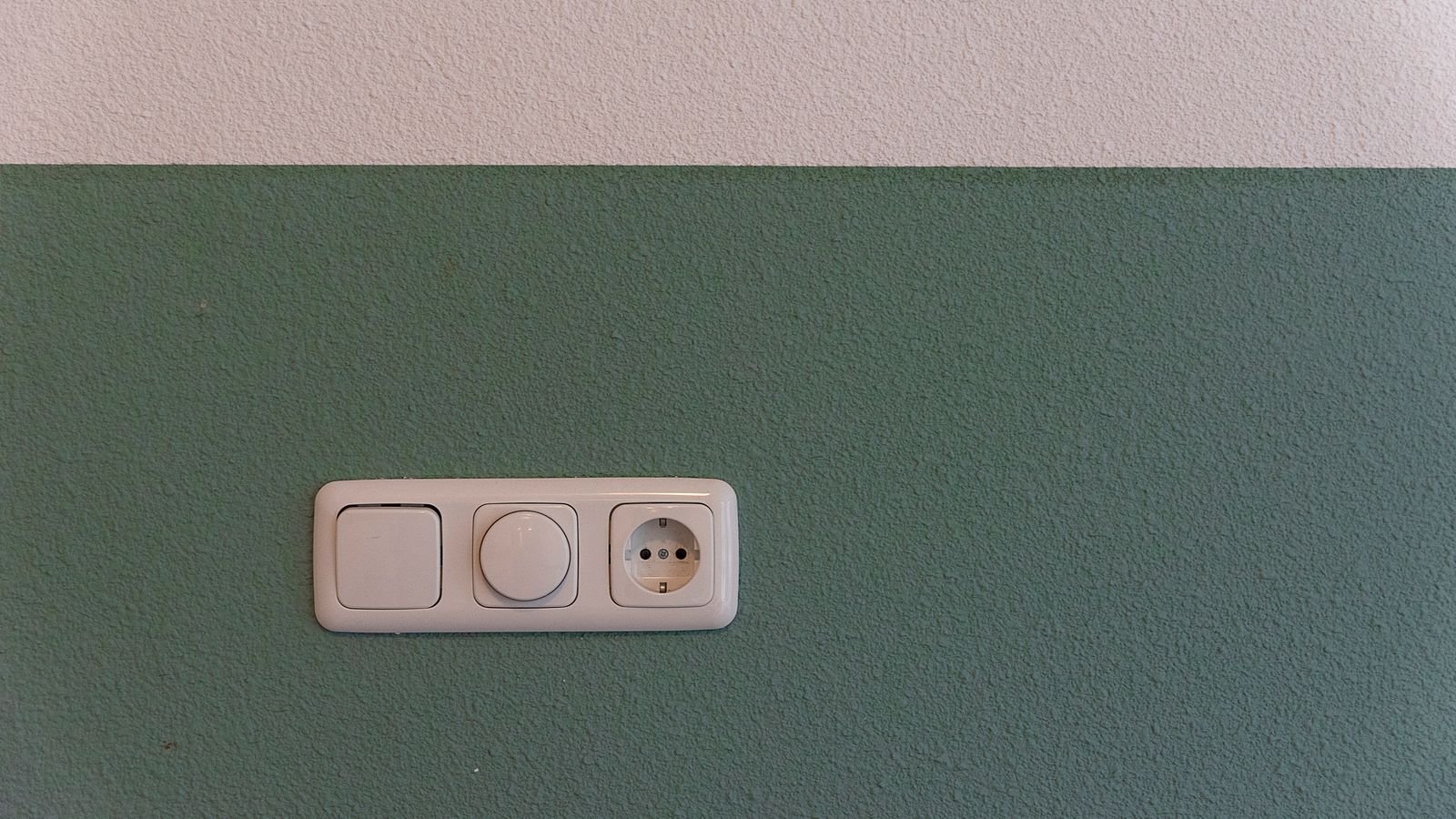
Remote wall switches replace or supplement the switch on the wall. Some are true in-wall replacements requiring wiring; others are battery-powered buttons that stick anywhere and send a radio signal to a receiver elsewhere. The stick-on kind is enormously useful in rooms where the builder put the switch behind a door or forgot it entirely.
In-line or fixture modules hide inside a ceiling box or behind an existing switch, leaving the original controls looking untouched while adding remote operation. These require the most wiring skill but produce the cleanest result.
Radio Frequency Versus Wi-Fi Control
The control method determines what the product can and cannot do, and it is the decision most worth thinking about.
RF remotes — typically 315 MHz or 433 MHz — pair a physical handheld remote to one or more receivers. There is no network, no account, no app, and no dependence on the internet. They are fast, nearly foolproof, and they keep working during an outage or a router failure. They also cannot be controlled from outside the house, cannot be scheduled without a separate timer, and cannot report whether a device is currently on. Roundups of the best remote control outlets and battery-powered remote light switches are dominated by this style for good reason: it just works.
Wi-Fi and smart-hub devices connect to your home network. They add scheduling, voice control, remote access from anywhere, energy monitoring on better models, and the ability to trigger from other devices. The cost is a dependence on the network, a slightly slower response, and an account with the manufacturer. If those trade-offs suit you, the best Wi-Fi outlets cover the connected end of the category thoroughly.
There is also a middle path: RF devices paired with a bridge, giving you local reliability plus optional app access. These tend to be the most satisfying long-term, though the up-front cost is higher.
Load Ratings and What They Actually Mean
This is the specification people ignore and then regret. Every remote outlet lists a maximum in watts or amps, and often separate figures for resistive loads (heaters, incandescent lamps) and inductive loads (motors, fans, compressors).
A 15A general rating sounds generous until you plug in a 1500W space heater, which draws roughly 12.5A continuously and sits right at the edge of what the relay can handle for hours on end. Motors are worse: a fan or pump draws several times its running current at startup, and a relay rated only for resistive loads will weld its contacts shut over time. If you intend to control anything with a motor or heating element, buy a unit that explicitly states the appropriate rating and leave margin.
Also note that many plug-in remote outlets are physically bulky and will block the second receptacle in a duplex. Check dimensions if outlet space is tight.
Range, Walls, and Pairing
Advertised RF ranges of 100 feet or more assume open air. Interior walls cut that substantially, and a single layer of foil-backed insulation, metal lath plaster, or a masonry wall can halve it again. For reliable operation, plan for roughly half the advertised figure indoors.
Pairing behaviour matters too. Better kits let you assign multiple receivers to one remote button so a single press controls a whole group, and let you pair one receiver to several remotes so both bedside tables can turn off the same lamp. Cheaper kits use fixed channel codes and a bank of DIP switches; these work but limit expansion and can occasionally clash with a neighbour’s identical kit.
Indoor Versus Outdoor Use
Outdoor applications — landscape lighting, holiday displays, fountains, block heaters — need a unit built for them. Look for a stated ingress protection rating, a gasketed cover, and a stated operating temperature range that covers your winter. Standard indoor blocks in a weatherproof box are a compromise that usually fails at the worst time.
Outdoor kits also benefit from having a timer or photocell built in, so lights come on at dusk without any input. If you are controlling a seasonal display, the best outdoor smart plugs combine weather sealing with scheduling, which saves you from remembering the remote every evening. For simple mechanical scheduling with no radio at all, outlet timers remain a cheap and durable answer.
Choosing by Use Case
- Lamps behind furniture: A plug-in RF outlet with a battery wall button beside the doorway. Cheap, instant, and no wiring.
- A room with no switch: A stick-on wireless switch paired to a plug-in receiver reproduces a proper wall control in fifteen minutes. See guides to wireless switches for the button side of that pairing.
- Seasonal outdoor lighting: Weather-rated outlet with dusk-to-dawn or scheduled operation.
- Devices you want to check remotely: Wi-Fi, since RF gives you no status feedback.
- Hard-to-reach fixtures: An in-line module in the ceiling box, controlled by a remote or wall button.
- High-draw appliances: A heavy-duty unit with an inductive rating, not a general-purpose lamp block.
Safety Considerations
Remote outlets are convenience devices, not safety devices, and that distinction is important. Do not use one to control a space heater or any appliance that could cause harm if switched on unattended — the whole point of a remote is that you may not be looking at the device when you press the button. The same applies to anything that must not run dry, overheat, or start unexpectedly.
Never chain a remote outlet through an extension cord that is rated below the load, and never plug a power strip full of high-draw devices into a single remote block. Finally, check for a recognised safety certification mark on the packaging; this category has a great many unbranded imports with questionable relay quality.
Budget Tiers
- Entry level: A multi-pack of plug-in RF outlets with one or two handheld remotes, fixed channels, lamp-only load ratings. Excellent value for controlling lamps and decorations.
- Mid range: Learnable pairing, grouping, higher and clearly specified load ratings, weather-rated outdoor variants, and battery wall buttons with proper mounting plates.
- Premium: Connected models with scheduling, energy monitoring, voice control, local fallback if the internet drops, and integration with the rest of a home automation system. Compare against general smart plug options, which increasingly overlap with this category.
Common Mistakes to Avoid
- Buying a lamp-rated block for a motor or heater load.
- Assuming the advertised range applies through walls.
- Using an indoor unit outdoors under a plastic bag.
- Choosing a bulky block that covers the neighbouring receptacle you also needed.
- Relying on a Wi-Fi outlet for something that must switch on time even if the internet is down.
- Losing the only remote in the kit — check whether replacements can be bought or re-paired.
Frequently Asked Questions
Can I control several outlets with one remote button?
On most learnable RF kits, yes. You pair multiple receivers to the same button so a single press switches a whole group. Kits that use fixed DIP-switch channels can also do this by setting several receivers to the same code, though you lose the ability to control them individually.
Do remote outlets work during a power outage?
No. The receiver needs mains power to operate its relay, so nothing plugged into it will work regardless of the remote. Battery-powered wall buttons keep transmitting, but there is nothing on the other end to respond until power returns.
Will these interfere with my garage door or car remote?
Some inexpensive kits share the 315 MHz or 433 MHz bands used by garage openers and key fobs, but they use different encoding and rolling-code schemes, so genuine interference is rare. If you do see odd behaviour, re-pair the kit to a different channel code.
Is a remote outlet the same as a smart plug?
They overlap but are not identical. A remote outlet is controlled by a dedicated radio remote and works without a network. A smart plug connects to Wi-Fi or a hub and adds scheduling, voice, and remote access. Many buyers end up owning both, using RF where reliability matters and Wi-Fi where flexibility does.
How many devices can one system handle?
Simple kits typically support three to five channels. Learnable systems and hub-based platforms scale into the dozens. If you expect to expand, buy into a system with learnable pairing rather than fixed channels from the start.
Final Thoughts
Start by writing down exactly what you want to switch and how much current it draws, then decide whether you need status feedback and scheduling or just a button that works every time. RF wins on reliability and simplicity; Wi-Fi wins on flexibility and reach. Buy a single unit, test it in the actual location with the actual load, and only then expand. Handled that way, remote-control outlets are one of the cheapest and most satisfying upgrades you can make to a home in 2026.









