
 Owen Bradley
 Security equipment marketed to homeowners and security equipment marketed to businesses can look almost identical on a shelf. Both are cameras in weatherproof housings with apps and night vision. What separates them is everything you cannot see in the product photo: how many devices the system scales to, how long footage is retained, who is accountable when it fails, and whether the recording will hold up in an insurance claim or a labour dispute. Buying a residential system for a commercial site, or overspending on commercial gear for a family home, are both common and both avoidable. This guide lays out the real differences and helps you decide which side of the line your situation falls on in 2026.
The Core Difference: Scale and Accountability
Residential systems are designed around a small number of devices, a single household, and a simple question: what happened at my house while I was away. They optimise for ease of setup, low cost, and a friendly app. Almost everything runs through a consumer cloud service, and the vendor’s obligation to you is a warranty.
Commercial systems are designed around many devices, many users with different permissions, continuous recording, long retention, and accountability to third parties such as insurers, regulators, and courts. They optimise for reliability, auditability, and integration with other systems like access control and alarm monitoring. The vendor’s obligation is often a service contract with defined response times.
That single distinction, accountability to outside parties, explains most of the specification differences that follow.
Camera Hardware and Image Quality
Residential cameras are typically all-in-one units: sensor, radio, and often battery in one weather-sealed body. They favour wide fields of view so one camera covers a whole driveway, and they lean on software processing to compensate for modest optics. That is a reasonable trade for a home, where you mostly need to know whether a person or a raccoon triggered the motion alert.
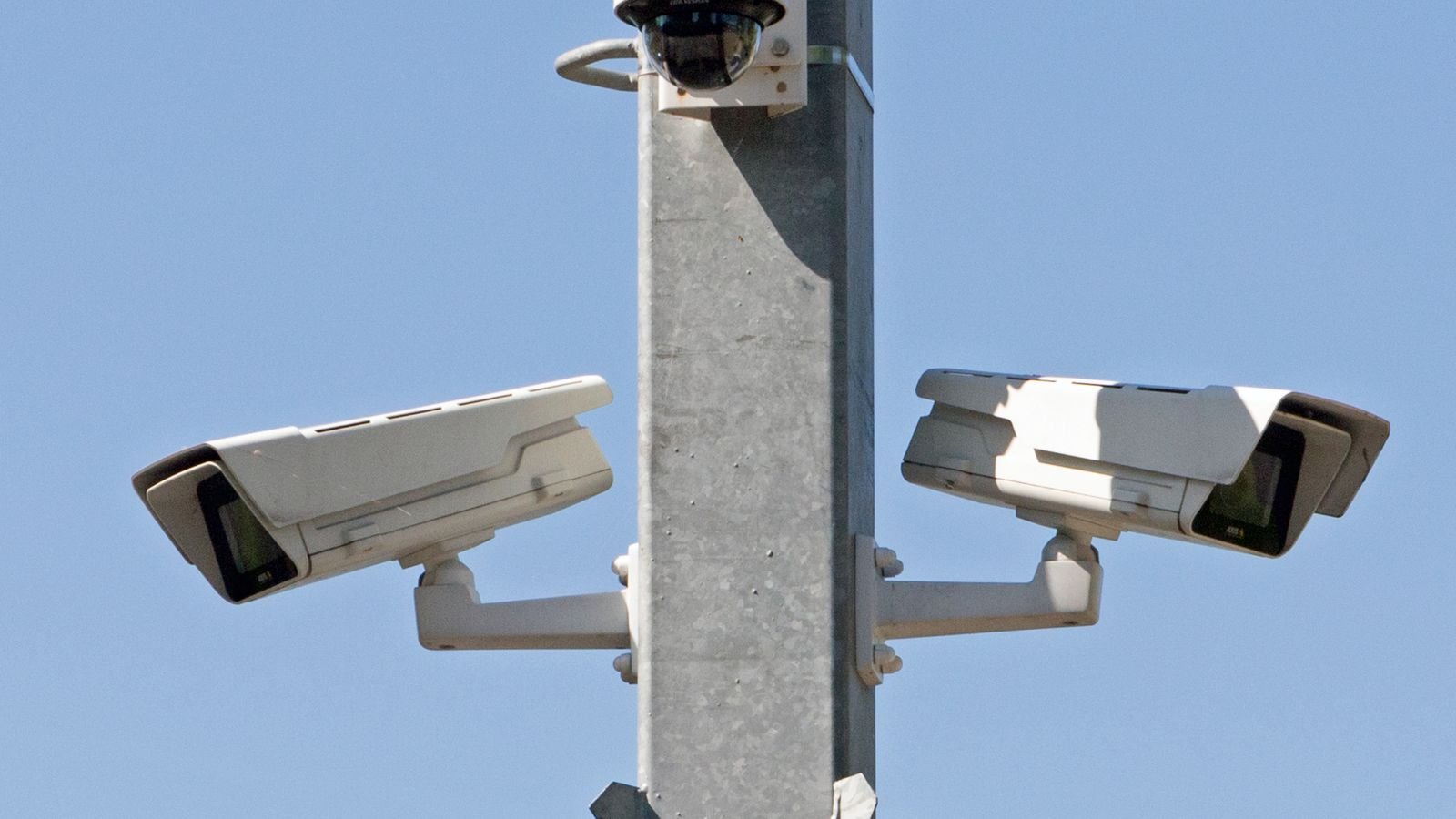
Commercial cameras favour interchangeable or varifocal lenses, higher-grade sensors, stronger wide dynamic range for backlit doorways, and vandal-resistant housings rated for impact. They are usually powered and networked over a single Ethernet cable, which is far more reliable than Wi-Fi at scale and lets a single uninterruptible power supply keep the whole system alive during an outage.
The practical consequence is identification quality. A home system that recognises a familiar delivery driver may be inadequate to identify an unknown person for a police report. If you compare the best residential security cameras against the best commercial security camera systems, the specification gap shows up most clearly in lens options and low-light performance rather than headline resolution.
Recording, Storage, and Retention
This is where the two categories diverge most sharply.
Residential Recording
Most home cameras record event clips triggered by motion, store them in the cloud, and retain them for somewhere between a few days and a month depending on the subscription tier. Some support a memory card for local backup. Event-based recording is efficient and adequate for a house, but it means anything the motion detector missed simply does not exist.
Commercial Recording
Business systems typically record continuously to a network video recorder or server, retaining thirty, sixty, or ninety days depending on the industry. Continuous recording matters because commercial disputes often concern something nobody flagged at the time: a slip-and-fall claim, a delivery discrepancy, a customer complaint from three weeks ago. Retention is frequently driven by insurance requirements or industry regulation rather than preference.
Storage architecture follows from this. Home systems put storage in the vendor’s cloud. Business systems commonly use on-premises recording with RAID redundancy, sometimes mirrored offsite so a fire or burglary does not destroy the evidence of itself.
Networking and Power
Residential systems rely on household Wi-Fi and either batteries or plug-in adapters. Setup takes minutes and requires no tools. The vulnerability is equally simple: if the router reboots, the internet drops, or a battery dies unnoticed, coverage stops silently.
Commercial installations run structured cabling with Power over Ethernet, so each camera receives data and power on one cable from a managed switch. Cameras often sit on an isolated network segment, both for bandwidth and to prevent a compromised device from reaching business systems. Backup power keeps recording through outages. None of this is exotic, but it requires planning and installation labour that a homeowner would not normally undertake. Reviewing the best business security cameras makes the cabling assumptions obvious immediately.
Users, Permissions, and Auditing
A household system typically has an owner account plus a few shared logins with roughly equal privileges. That is fine when everyone with access is family.
A business needs graduated permissions: a shift supervisor who can view live feeds but not export, a loss-prevention manager who can review archives, an administrator who can change configuration. It also needs an audit log recording who viewed and exported what, because unrestricted access to employee footage creates both legal exposure and a culture problem. This capability barely exists in consumer products and is standard in commercial platforms.
Monitoring and Response
Residential monitoring is usually self-monitoring through phone alerts, sometimes with an optional professional monitoring subscription that dispatches on alarm events. Response times and verification standards vary.
Commercial monitoring more often involves a contracted central station with verified response protocols, integration with intrusion alarms and access control, and documented escalation. Many insurance policies and some regulatory frameworks require professional monitoring with specific certifications, which removes the choice entirely.
Cost Structure: Where the Money Actually Goes
- Residential, roughly $150 to $800 up front. Two to six cameras, a doorbell, no installation labour, and a cloud subscription typically in the range of a few dollars to fifteen dollars a month.
- Small business, roughly $1,500 to $5,000. Eight to sixteen cameras, a recorder with meaningful storage, professional installation and cabling, and modest ongoing costs.
- Mid-size commercial, roughly $5,000 to $25,000. Twenty-four cameras and up, redundant storage, analytics licensing, access control integration, and a service contract.
- Enterprise and multi-site, well beyond that. Centralised management, dedicated network infrastructure, and staffed monitoring.
Note that in commercial deployments hardware is frequently the smaller half of the budget. Cabling, installation labour, configuration, and ongoing support dominate, which is why like-for-like camera price comparisons between the two categories mislead so consistently.
The Middle Ground: Prosumer and Small Business
A large and growing category sits between the two. Small offices, single-location shops, clinics, and home businesses genuinely need longer retention and better identification than a consumer kit provides, but cannot justify enterprise infrastructure.
The practical answer is usually a compact network video recorder with four to eight wired cameras, thirty days of continuous recording, a simple user permission scheme, and no monthly fee. This delivers the retention and image quality a business needs at a cost closer to residential. Anyone in this position should look at the overlap between the best home security camera systems with local recorders and entry-level commercial gear, because the best value frequently sits exactly on that boundary.
How to Decide: A Short Diagnostic
- Will footage ever be shown to a third party such as an insurer, a court, or a regulator? If yes, lean commercial.
- Do you need more than eight cameras? Consumer platforms and household Wi-Fi degrade past that point.
- Do you need more than thirty days of retention? Event-based cloud recording will not deliver it economically.
- Do multiple people need different levels of access? Permissions and audit logs are a commercial feature.
- Would a few hours of downtime cause real loss? If so, you need wired power, backup, and a service contract.
- Are employees recorded? That brings legal obligations consumer products do not help you meet.
Two or more yes answers point firmly toward commercial-grade equipment, even for a small site. All no answers mean a residential system will serve you well and the extra spend would be wasted.
Common Mistakes to Avoid
- Running a shop on a consumer kit. Short retention and event-only recording fail exactly when a claim arrives.
- Buying enterprise gear for a house. You pay for scale, permissions, and integrations you will never configure.
- Comparing camera prices in isolation. Commercial cost is dominated by cabling and labour.
- Assuming Wi-Fi will scale. Past a handful of cameras, wired networking is not optional.
- Overlooking employee privacy law. Recording staff carries obligations that vary sharply by jurisdiction.
- Ignoring subscription totals. Multiply the monthly fee by the years you expect to keep the system before comparing.
Frequently Asked Questions
Can I use home security cameras for a small business?
Sometimes, for a very small low-risk premises. The limits appear in retention length, permission control, and image quality for identifying strangers. If footage might ever support a claim or a police report, step up.
What retention period does a business need?
Thirty days is a common baseline because disputes surface weeks later. Some sectors and insurers require sixty or ninety, so check your policy and any regulatory obligations before sizing storage.
Is professional installation necessary?
For residential systems, rarely. For commercial installations involving structured cabling, ceiling work, and network segmentation, professional installation is usually both faster and cheaper than the alternative once you account for the labour involved.
Do commercial systems require a monthly subscription?
Not necessarily. Many record locally with no recurring fee. Costs typically arise instead from service contracts, cloud mirroring, or analytics licensing, and those are optional depending on the deployment.
Can I mix residential and commercial cameras on one system?
If both speak standard protocols, often yes. In practice mixed systems complicate configuration and support, so it is usually cleaner to standardise on one platform and use the consumer devices for lower-priority areas.
Final Thoughts
The residential versus commercial question is not really about how large your building is. It is about what the footage has to do. If it only needs to satisfy your own curiosity about a package or a passing car, a well-chosen consumer system is excellent value and takes an afternoon to install. If it has to survive scrutiny from an insurer, a regulator, or a court, and remain available weeks after the event, you need continuous recording, wired reliability, controlled access, and identification-grade image quality. Work through the six diagnostic questions honestly, and the correct category becomes obvious before you compare a single product.









