
 Owen Bradley
 A smart plug is the cheapest possible entry point into home automation and, for many households, the most genuinely useful. It sits between a wall socket and an appliance, turning any ordinary lamp, fan, heater, coffee maker, or Christmas tree into something you can schedule, control by voice, or switch off from another country. Nothing needs rewiring and nothing is permanent. This smart plug buying guide explains what these devices actually do, which specifications matter, where they belong in a home, and the safety limits people routinely ignore when shopping in 2026.
What a Smart Plug Actually Does
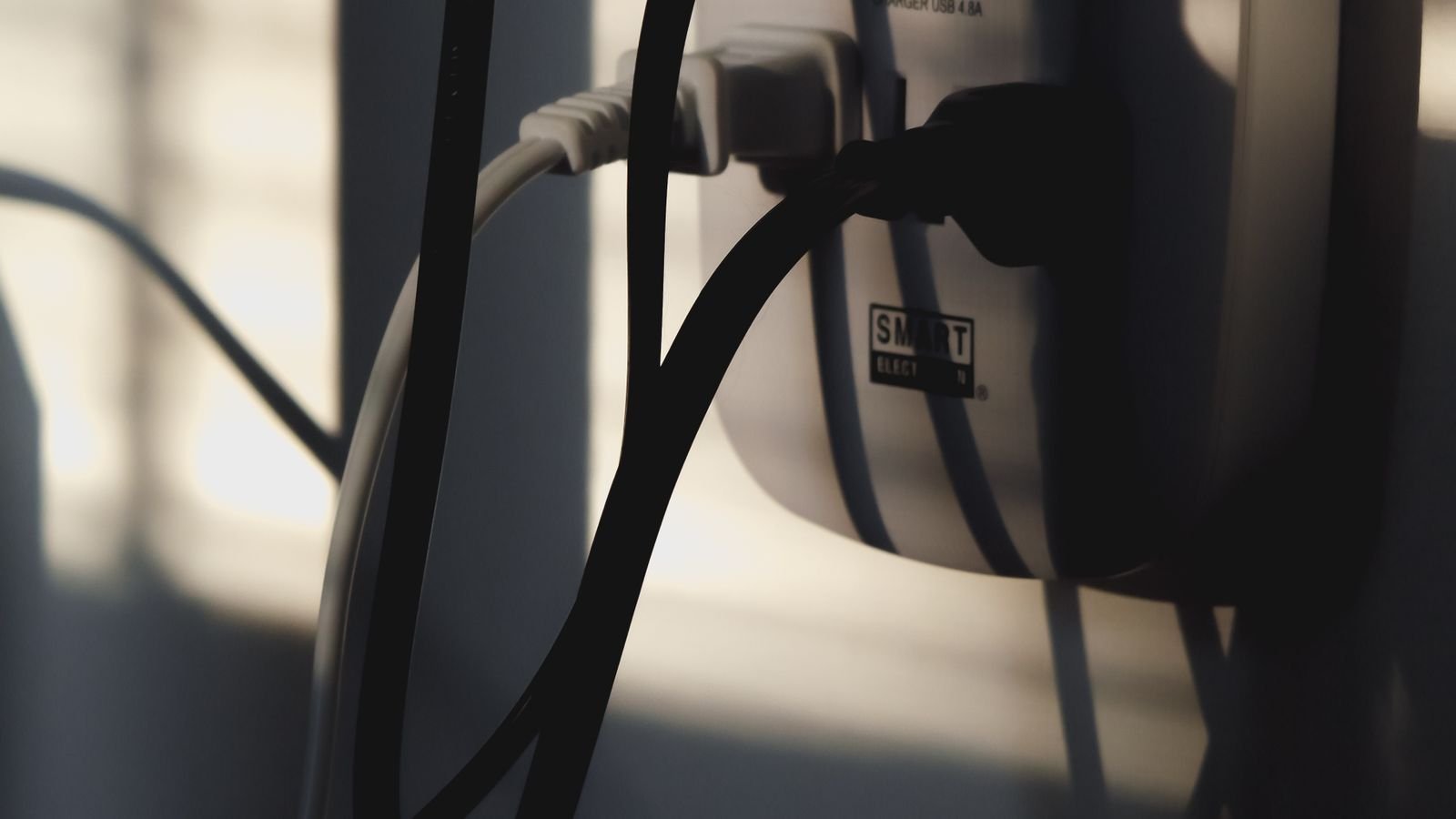
Inside the housing is a relay, a small radio, and a controller. The relay physically opens and closes the circuit exactly like a switch, while the radio connects to your Wi-Fi network or a hub so the controller can act on schedules and remote commands. That is the whole design, and its simplicity is the point.
The important consequence is that a smart plug controls power, not function. It can turn a lamp on because a lamp resumes its previous state when power returns. It cannot turn on a television that requires a remote-control power-on signal, nor restart a washing machine mid-cycle, nor set the temperature on an air conditioner with a digital control panel. Before buying, ask a simple question about the appliance: if you unplugged it and plugged it back in, would it start working again? If yes, a smart plug will control it perfectly. If it needs a button press, it will not.
The Most Useful Things to Plug In
Households that get the most out of these devices concentrate them where a schedule or remote control genuinely saves effort:
- Lamps in rooms with no ceiling fixture, so sunset schedules and voice control work without rewiring.
- Coffee makers with a mechanical switch, timed to brew before an alarm goes off.
- Space heaters and fans, scheduled around occupancy so they never run in an empty room.
- Holiday lighting, which is the single most popular seasonal use and eliminates crawling behind a tree.
- Electric blankets, towel rails, and slow cookers, where a hard off at a fixed time is a safety benefit.
- Routers and modems, so a remote power cycle can fix a network you cannot reach.
- Away-from-home lighting patterns, randomised to look occupied while you travel.
A general roundup of the best smart plugs is a good place to see how manufacturers size and shape units for these different jobs, since a plug destined for a coffee maker has different priorities to one going behind a sofa.
Electrical Ratings and Safety Limits
This is the section most buyers skip and the one that matters most. Every smart plug has a maximum current and wattage rating, commonly 10A, 13A, or 15A depending on region. Exceeding it risks overheating the relay contacts inside a plastic housing pressed against your wall.
High-draw appliances are the danger. Space heaters, kettles, hair dryers, air conditioners, microwaves, and toaster ovens all draw heavily and often cycle, which stresses relay contacts far more than steady loads do. Some are explicitly excluded by manufacturers. Motor-driven appliances also produce an inrush surge at start-up that can be several times their running current, so a plug rated adequately for the running load may still be marginal.
Check three things before connecting anything substantial: the appliance’s rated wattage on its label, the plug’s rated maximum, and whether the manufacturer lists your appliance type as unsupported. Look for a recognised safety certification mark, avoid uncertified bargain units entirely, and never daisy-chain a smart plug into an extension lead carrying other heavy loads. For anything intended to be left running unattended, a plug with over-current protection and a flame-retardant housing is worth the extra cost.
Physical Size and Socket Blocking
Smart plugs are bulkier than a bare plug, and on a standard vertical duplex outlet a fat unit will cover the second socket. Manufacturers address this with slim profiles, side-entry designs that angle the cable, and dual-socket models that provide two independently controlled outlets in one housing.
Measure your situation before buying a multi-pack. Behind furniture, depth matters as much as width, because a deep plug can prevent a sofa or bed from sitting flush against the wall. Outlets on a surge-protected power strip are often too closely spaced for bulky units. Buying one first and testing the fit is far cheaper than returning six.
Wi-Fi, Zigbee, and Matter Connectivity
Most consumer smart plugs use Wi-Fi and connect directly to your router with no hub required. That is the easiest possible setup, and the widely stocked best wifi plugs cover the vast majority of household needs. The catch is the same as with any Wi-Fi device: they occupy addresses on your network, they use the crowded 2.4GHz band, and many route commands through the vendor’s cloud so an internet outage disables remote control and sometimes schedules too.
Zigbee, Thread, and Z-Wave plugs need a hub but keep traffic off your Wi-Fi, respond faster, and continue running local automations when the internet is down. Because mains-powered mesh devices also act as repeaters, adding plugs actively strengthens the network for battery sensors elsewhere in the house. Matter support is now common and is the best hedge against ecosystem changes, since a Matter plug can be adopted by several different platforms rather than being locked to one app.
If you are assembling a broader system rather than buying a single unit, comparing the best smart home plugs by protocol and hub compatibility will save you from a drawer full of orphaned devices later.
Energy Monitoring: Useful or Gimmick?
Many mid-range plugs report real-time wattage and cumulative kilowatt-hours. This is genuinely informative the first time you use it, because most people badly misjudge which appliances cost money. A dehumidifier, an old chest freezer, or a gaming PC left idle can quietly account for a surprising share of a bill, while the devices people worry about often draw almost nothing.
The practical value comes from using monitoring as a diagnostic rather than a permanent dashboard. Move one monitoring plug around the house for a week per appliance, record the results, and act on the two or three that stand out. Accuracy at very low wattages is poor on cheap units, so treat readings below a few watts as indicative rather than precise. Energy data can also drive automations, such as a notification when a washing machine’s draw falls to zero, which is a neat way to know a cycle finished.
Scheduling, Timers, and Automation Depth
Every smart plug offers a basic daily schedule. The differences show up in what else the app supports: sunrise and sunset offsets that shift through the year, countdown timers that switch something off after a set duration, randomised away modes, and conditional rules that respond to other devices.
Sunset scheduling deserves particular mention because it is the feature people use daily without noticing. A lamp set to a fixed clock time looks wrong for half the year, whereas a sunset offset always matches the actual light outside. If your needs are genuinely just a repeating on-off cycle with no app involvement, a mechanical or digital best timer plugs option is cheaper, entirely offline, and immune to firmware problems.
Indoor vs Outdoor Models
Outdoor smart plugs are built differently: sealed weatherproof housings, gasketed covers over unused sockets, cold-tolerant electronics, and usually a longer Wi-Fi antenna to reach a router indoors. An indoor plug used outside will eventually fail, and moisture in a mains device is a serious hazard rather than an inconvenience.
Look for a stated IP rating, multiple independently controlled sockets so garden lighting and a water feature can run on separate schedules, and a body that will not crack in freezing temperatures. Check the signal path too, since an exterior wall plus distance often leaves the far corner of a garden below usable Wi-Fi strength.
Ecosystem and Voice Control
Confirm which assistant a plug supports before committing to a multi-pack. Alexa, Google Home, and Apple Home each certify separately, and a plug listing only its own app may work in isolation but refuse to appear in a voice routine. Apple households should verify explicit Home app support rather than assuming an iOS app is enough.
Also consider naming and grouping. A dozen plugs called “Smart Plug 1” through “Smart Plug 12” become unusable by voice within a week. Name each one after the thing it controls, group them by room, and the whole system suddenly feels coherent.
Budget Tiers and Buying Strategy
Entry-level plugs give on-off control, a simple schedule, and voice support, which is all many people ever need. The mid tier adds energy monitoring, a slimmer body, higher current ratings, and better app logic. Premium units offer Matter or mesh protocols, local control, dual independently switched outlets, and surge protection.
The efficient strategy is to buy one of a model first, live with the app for a week, and only then buy the multi-pack. App quality varies enormously and is nearly impossible to judge from a product page, yet it determines your daily experience far more than the hardware does. Standardising on one brand also means one app, one set of routines, and consistent behaviour across the house.
Common Mistakes to Avoid
Plugging a space heater into an under-rated unit is the most dangerous error and the most common. Buying uncertified plugs to save a small amount is the second. Expecting a plug to control a device that needs a remote-control power-on is the third, and it accounts for a large share of disappointed reviews. Others include installing plugs in an area with marginal Wi-Fi, ignoring physical size and blocking a second socket, and building elaborate cloud-dependent automations that break the first time the internet drops.
Frequently Asked Questions
Do smart plugs use much electricity themselves?
Very little. A typical unit draws under 1 watt in standby, costing a negligible amount per year. The savings from switching off appliances that would otherwise idle usually outweigh it comfortably.
Can I use a smart plug with an air conditioner or heater?
Only if the appliance’s wattage sits well within the plug’s rating and the manufacturer does not exclude that appliance type. Many explicitly prohibit space heaters. Cycling high-draw loads wear relay contacts faster than steady loads.
Will schedules keep running if my internet drops?
It depends on the model. Plugs that store schedules on the device keep working locally; cloud-only designs do not. Hub-based mesh plugs continue to run local automations regardless of the internet connection.
Can two people control the same plug?
Yes. Most apps support sharing a home with multiple accounts, and adding the plug to a shared voice assistant household means anyone can control it by speaking. Check the sharing model before buying if several people need access.
Are outdoor smart plugs really necessary for a covered porch?
Yes, if the location can see any moisture, humidity, or freezing temperatures. Covered does not mean sealed, and condensation alone is enough to damage an indoor-rated unit over a season.
Final Thoughts
Smart plugs earn their place by solving small, repeated annoyances rather than by transforming a house. Start by listing the three or four appliances you actually wish were on a schedule, confirm each one resumes operation when power returns, then check its wattage against the plug’s rating. Buy a single unit, judge the app, and expand from there. Prefer certified hardware with local control and, where possible, Matter support so the device outlives whichever platform you use today. Done that way, a handful of inexpensive plugs delivers more everyday benefit than most far costlier smart home purchases.









