
 Owen Bradley
 Nothing kills enthusiasm for voice control faster than saying “turn off the light” and having the wrong room go dark. The fault is almost never the assistant’s hearing; it is the names sitting in your app. A house that grew organically ends up with “Plug 1,” “TP-Link HS103,” “Lamp,” “Lamp 2” and “Living Room Light Left,” and no assistant can turn that into reliable behaviour. Getting naming smart home devices right is the highest-value hour you can spend on a smart home, because every voice command, routine and automation you build afterwards depends on it. This guide gives you a naming system, the words to avoid, and a safe process for renaming without breaking the scenes you already built.
Why Bad Names Break Voice Control
Voice assistants match what you say against a list of names, room labels and group names. When two entries sound similar, the assistant picks one, and it will not tell you which. When a name contains a word the assistant also uses as a command, such as “on,” “off,” “set” or “home,” parsing gets ambiguous. And when a name contains a model number, you will never say it out loud, so the device is effectively unreachable by voice at all.
There is also a human problem. Six months after setup you will not remember which plug is “Plug 3.” Good names are as much for you reading an automation editor as they are for the assistant listening.
The Naming System That Works
Use a consistent pattern of room plus object, in natural spoken word order, with no numbers, brands or abbreviations. “Kitchen Ceiling,” “Bedroom Lamp,” “Office Fan,” “Porch Light.” That is the whole system, and its simplicity is the point.
Layer these rules on top:
- Say it out loud before you save it. If it feels awkward to speak, it is the wrong name.
- Keep it to two or three words. Longer names get truncated in your own speech and mismatched.
- Make every name distinct in sound, not just spelling. “Hall Light” and “Wall Light” will collide constantly.
- Use the room name people actually use. If nobody in the house calls it the study, do not name devices after it.
- Describe function, not hardware. “Coffee” is better than “Kitchen Plug” because you will say what the device does.
- Never number devices unless the numbers are genuinely spoken, which they almost never are. Use “Bedroom Left Lamp” and “Bedroom Right Lamp” instead of 1 and 2.
Words to Avoid Entirely
Some words cause trouble regardless of platform. Avoid anything that overlaps with commands or with the assistant’s own vocabulary:
- Command words such as on, off, set, play, stop, start, dim, open and close.
- Assistant and wake words or anything that sounds close to them.
- Structural words such as home, house, room, all, everything and group, which the assistant may interpret as scope rather than as a name.
- Brand and model strings like the default names devices arrive with. Nobody says “HS103.”
- Punctuation, symbols and emoji, which some platforms accept in the app but cannot match by voice.
- Very short names of one syllable, which are easily lost in background noise.
Also avoid duplicating a room name as a device name. If you have a room called Office and a light also called Office, “turn off the office” becomes genuinely ambiguous.
Step-by-Step: Renaming Without Breaking Anything
- Inventory everything first. Open your assistant app and list every device, its current name and its room. A written list takes ten minutes and prevents you from missing devices that only appear in a manufacturer app.
- Write the new names before you change any. Draft the full set on paper or in a note so you can spot collisions in advance. This is where you catch “Hall Light” and “Wall Light” sitting next to each other.
- Note every scene, routine and automation that references a device. Open each one and record which devices it controls. This is your recovery list if anything drops out.
- Rename in the manufacturer app first, where one exists. Many devices push their name upward to the assistant, so renaming at the source keeps both in sync. Renaming only in the assistant app can leave you with two different names for one device.
- Then rename in the assistant app. Open the device settings and change the name to match. Do a few at a time rather than all at once so you can test as you go.
- Fix room assignments while you are there. A correctly named device in the wrong room still behaves badly, because room-level commands will miss it.
- Run a discovery or refresh. Ask the assistant to discover devices, or pull to refresh in the app, so the change propagates.
- Test each renamed device by voice immediately. Say the new name in a normal speaking voice from a normal distance. If it fails, the name is wrong, not your diction.
- Reopen every scene and routine on your list. Some platforms follow the rename automatically, others silently drop the action. Re-add anything that disappeared.
- Add spoken aliases where a second name is genuinely useful. Most platforms support alternate names, which is useful when two people call the same room different things.
- Tell the household. A naming system nobody else knows is only half a solution. A short note on the fridge with the room names is enough.
Naming Rooms and Groups
Rooms and groups deserve as much care as devices. A well-named room lets you say “turn off the kitchen” and hit six devices at once, which is faster than naming any of them individually. Keep room names to a single word where you can, and make sure they match how people speak: “lounge” or “living room” but not both.
Groups are for cross-room collections such as “downstairs” or “outside.” Use them sparingly, because every group is another name competing for recognition. Two or three good groups beat a dozen overlapping ones. Where a group covers a whole floor, make sure no individual device shares that word.
Hardware Choices That Reduce Naming Problems
Some naming problems are really hardware problems. Three separate bulbs in one fixture need three names unless you group them, so a single fitting with one controllable unit is simpler. Similarly, a wall switch controlling a whole circuit needs one name where four smart bulbs would need four, which is one reason many people migrate to switches over time. The best smart light switches comparison covers models that replace a bank of bulbs with a single addressable device.
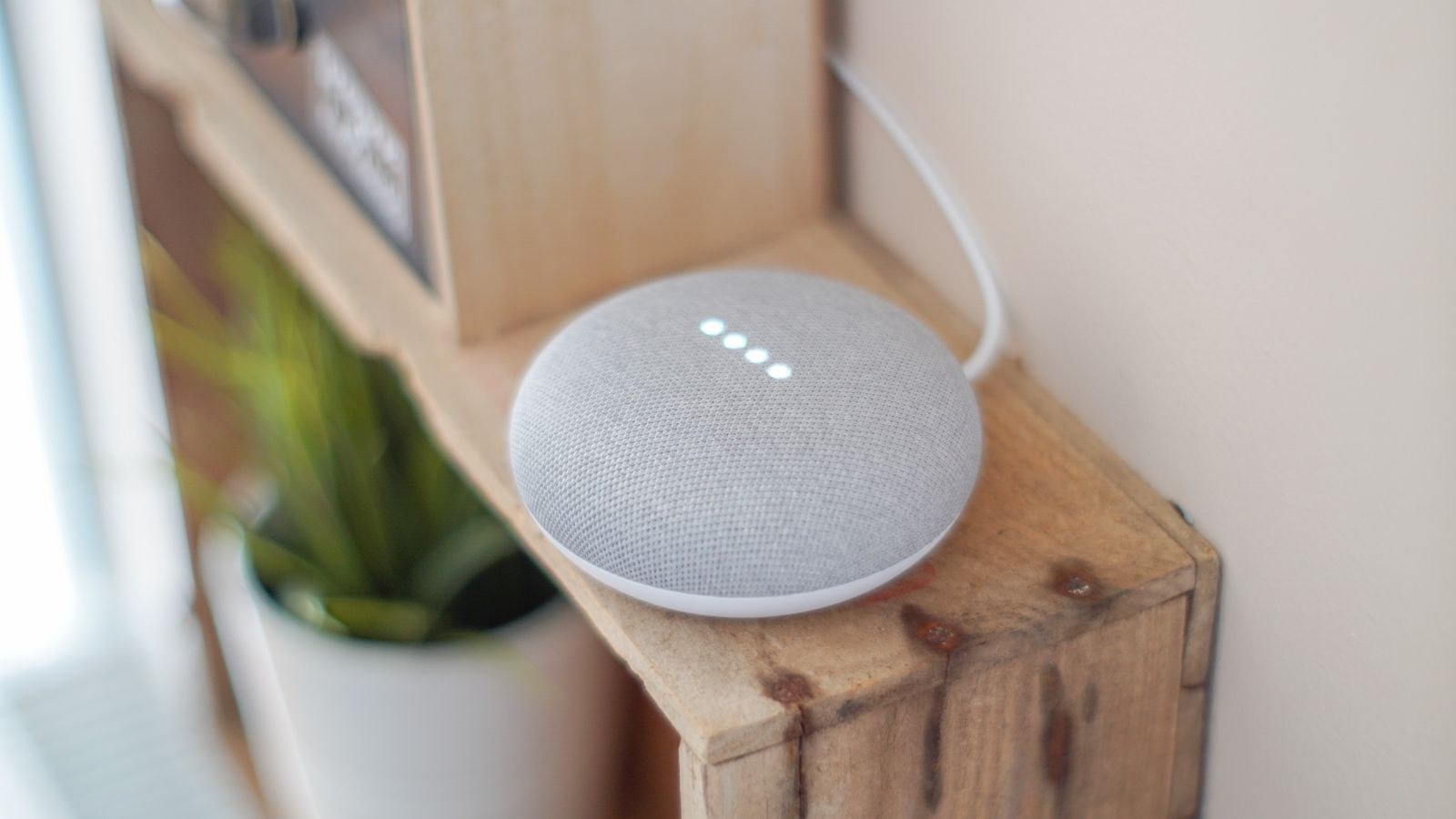
Microphone quality also matters more than people expect. A speaker that mishears you in a noisy kitchen will make any naming scheme look broken, so placement and hardware quality are part of the solution. Our roundup of the best smart speakers compares far-field microphone performance across platforms, while the best Alexa speakers and best Google smart speakers lists go deeper on each ecosystem. For plugs, which are the devices most likely to arrive with meaningless factory names, the best smart plugs guide notes which apps make renaming straightforward.
Common Mistakes
- Renaming in one app only, leaving the assistant and the manufacturer app out of sync.
- Getting clever with names. Fun names are fine for one device and a disaster across twenty.
- Ignoring rooms. Perfect device names with wrong room assignments still produce bad group commands.
- Not testing after renaming, then discovering three broken routines a week later.
- Letting new devices in with default names. Rename at setup time, every time, and the problem never returns.
Frequently Asked Questions
Will renaming break my existing routines?
Sometimes. Many platforms follow the rename automatically, but some drop the action silently. Always reopen every routine afterwards and confirm the device is still listed.
Can two devices share a name if they are in different rooms?
Technically yes on some platforms, but avoid it. Voice commands without a room prefix become ambiguous and the assistant will guess.
Should I include the brand in the name?
No. You will never say the brand out loud, and it makes names longer and harder to match.
How do I handle a device used in two rooms?
Name it for where it physically lives and add it to a group covering the second area. Do not try to encode both rooms in the name.
Do aliases hurt recognition?
Only if you add many similar-sounding ones. One or two genuine alternatives per device is helpful; a long list creates the same collisions you were trying to fix.
Final Thoughts
Reliable voice control is a naming problem far more often than a technology problem. Adopt room plus object as your pattern, drop numbers and brands entirely, avoid command words and anything that sounds like another device, and say every name aloud before you save it. Rename at the source first, test each device by voice, then re-check every scene and routine. Set that discipline once and every device you add through 2026 slots straight in, working the first time you ask for it.









