
 Owen Bradley
 A scene is a single command that puts several devices into a defined state at once — “Movie Night” that dims the lamps, kills the overhead light, and switches on the sound system, all from one tap. Automation is the layer above that, deciding when a scene fires without anyone tapping anything. Together they are what turns a drawer full of smart switches and plugs into something that actually saves effort. The difference between a smart home people enjoy and one they quietly abandon is almost never the hardware; it is whether the scenes were designed around real routines and whether the manual controls still behave sensibly. This guide covers planning your scenes, getting the devices onto one platform, building and triggering scenes step by step, and the design rules that keep the household on side.
Understand the Building Blocks
- Device. A single smart switch, plug, bulb, or sensor with its own state.
- Scene. A saved snapshot of several devices at once — this lamp at 30 percent, that plug on, the hall switch off. A scene has no timing of its own; something has to activate it.
- Automation or routine. A rule with a trigger, optional conditions, and one or more actions. “At sunset, if anyone is home, activate the Evening scene.”
- Trigger. The event that starts an automation: a time, a sunset offset, a sensor, a button press, arriving home, or another device changing state.
- Condition. A test that must pass for the actions to run — a day of the week, whether it is dark, whether someone is home. Conditions are what stop automations firing at absurd moments.
- Action. What actually happens: activate a scene, toggle a device, send a notification, or wait then do something else.
Keeping these separate in your head matters, because most beginner frustration comes from building a dozen one-off automations that each control single devices instead of building a few clean scenes and triggering them.
Plan Before You Build
- Write down your actual routines. Not what a smart home advert suggests — what your household genuinely does. Waking, leaving, arriving, cooking, watching something, going to bed.
- For each routine, list which devices should change and to what. This list is your scene, already designed.
- Decide what should trigger each one. Some routines suit a time, some suit a sensor, and some genuinely should stay manual. Not everything benefits from automation.
- Identify who needs to override it and how. Every automated space needs a control that a guest or a child can use without a phone.
- Check the device inventory. Note which devices are on which platform and radio, because scenes generally cannot span platforms that do not talk to each other.
- Start with three scenes, not fifteen. Morning, Evening, and Away cover most of the value. Add more once those have earned their keep for a fortnight.
Get Everything Onto One Platform
Scenes work only across devices that a single controller can see. Mixed ecosystems are the most common reason a scene half-works.
- Pick a primary platform — a voice assistant ecosystem, a manufacturer app, or an open home automation hub — and treat it as the source of truth.
- Prefer devices that speak a common standard so they can be adopted by more than one controller. This is the single best defence against a manufacturer discontinuing an app.
- Choose mains-powered devices for the mesh. Switches and plugs stay powered and act as repeaters for battery sensors, which makes the whole network more reliable. When selecting them, compare radio protocol, energy monitoring, and hub requirements across the best smart home plugs, since protocol compatibility decides whether a device can join your scenes at all.
- Name devices systematically before building anything — room first, then function: “Living Room Floor Lamp.” Consistent names make voice control and later editing far easier.
- Group devices by room in the app. Most platforms use room assignment for contextual voice commands.
- Update firmware on everything before you build scenes on top of it.
Step-by-Step: Building Your First Scenes
- Set the room manually to exactly how you want it. Dim the lamps, switch the plugs, adjust everything by hand until it looks right.
- Create a new scene and capture the current state if your platform supports it, or add each device and set its target value individually.
- Give it a spoken-friendly name. “Movie Night” works as a voice command; “Scene 4” does not.
- Include the devices that should turn off. A scene that only turns things on leaves the overhead light blazing. Explicitly set every device that matters, including the ones going to zero.
- Add transition timing if available. Lights fading over a few seconds feel far better than a hard snap, especially in the evening.
- Test the scene from the app and watch every device respond. Note any that lag or miss — those usually indicate a mesh weak point.
- Build the second and third scenes the same way, keeping the device list consistent so scenes cleanly replace one another rather than leaving stragglers.
- Create the automation that triggers each scene. Choose the trigger, add conditions, and set the action to activate the scene rather than to toggle individual devices.
- Add a condition to anything time-based. “Only if someone is home” and “only on weekdays” prevent the majority of annoying misfires.
- Assign a physical trigger. Bind a scene to a spare smart button, a double-tap on a smart switch, or a wall-mounted controller. This is what makes the system usable by everyone.
- Test the automation for real. Temporarily shift the trigger time to two minutes from now and watch it fire.
- Live with it for a week and adjust. Note every time the system did something unhelpful and fix that specific case rather than rebuilding everything.
Useful Scene and Automation Patterns
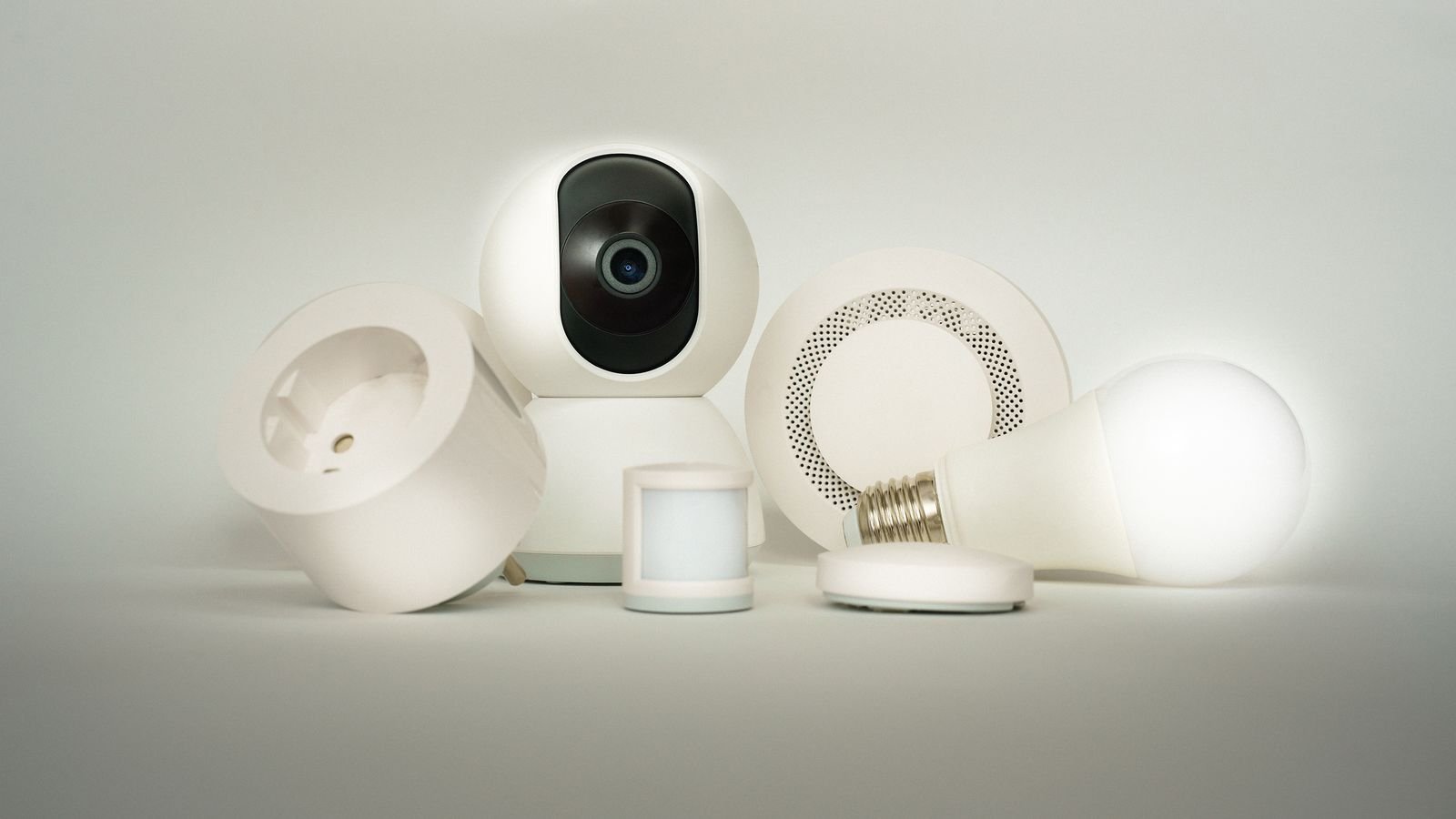
- Good Morning. Triggered by a weekday alarm time, gradually brings up bedroom and kitchen lighting and switches on the coffee machine plug.
- Leaving. Triggered by the last person’s phone leaving the geofence, switches off every non-essential plug and light and arms whatever security you run.
- Evening. Triggered at sunset with a small offset, sets living areas to a warm comfortable level rather than full brightness.
- Goodnight. Triggered by a bedside button rather than a clock, because bedtime is not reliably scheduled. Turns off downstairs lights and leaves a dim landing light on.
- Away simulation. Randomised switching of lamps in different rooms during a holiday, which is far more convincing than a fixed timer pattern.
- Motion-triggered utility lighting. Hallways, landings, and utility rooms benefit enormously from a motion trigger with a short timeout and a low brightness at night.
- Appliance safety-off. A plug that switches off automatically after a set run time, useful for irons, heaters, and anything that should never be left running.
Design Rules That Keep the Household Happy
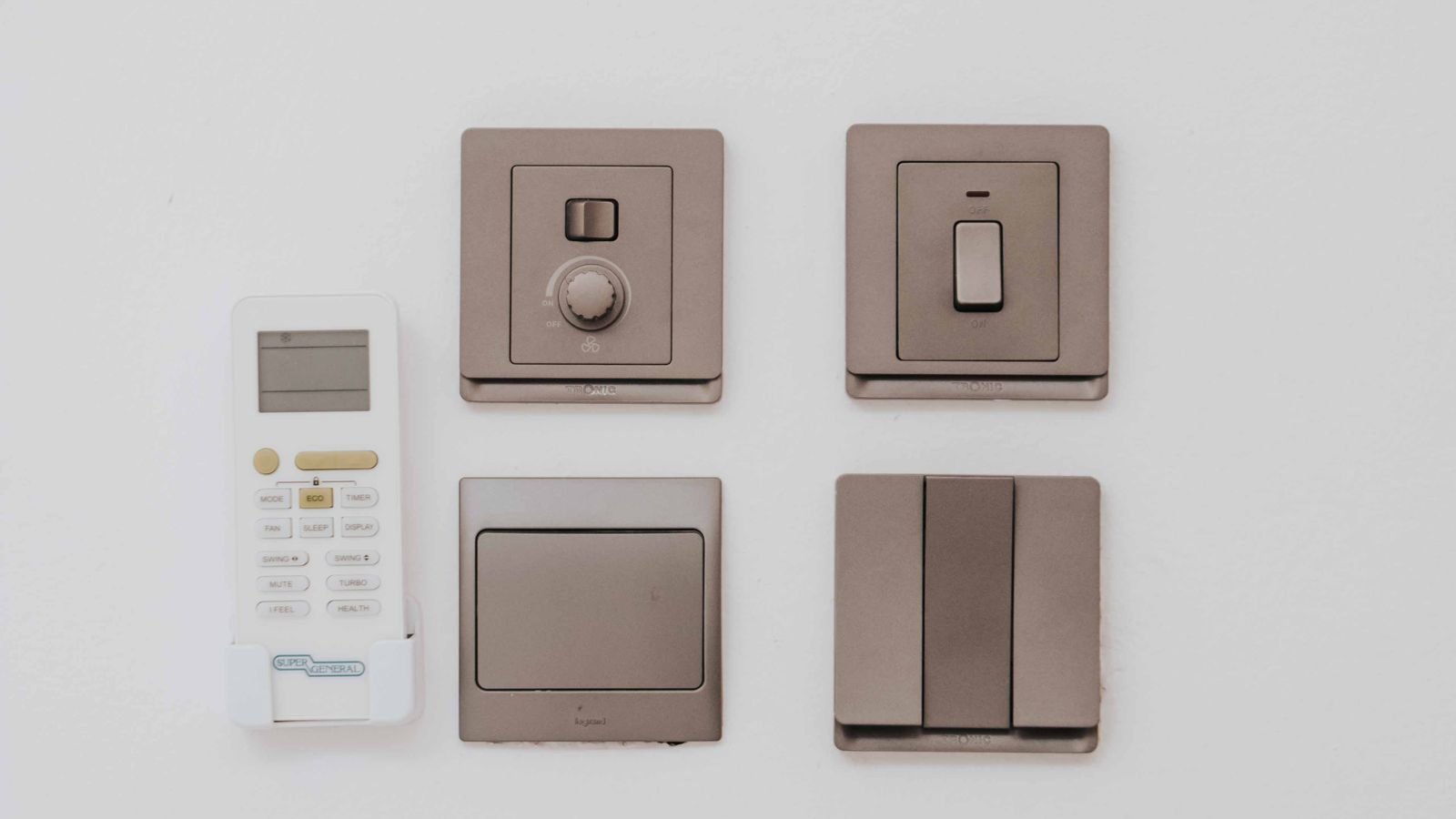
- Never break the physical switch. If a wall switch stops working normally, the system will be resented. Use smart switches rather than smart bulbs on circuits people actually operate.
- Avoid automations that fight the user. A light that turns itself off while somebody is reading is worse than no automation at all. Add a condition or lengthen the timeout.
- Make everything undoable. Every scene should have an obvious way to be overridden without opening an app.
- Prefer local execution. Automations that run on a hub keep working during an internet outage; cloud-dependent ones do not.
- Do not automate anything with a safety implication — space heaters, cooking appliances, medical equipment — on a schedule nobody is watching.
- Document what you built. A short note listing scenes, triggers, and where the hub lives is invaluable in six months or for whoever inherits the house.
Frequently Asked Questions
What is the difference between a scene and an automation?
A scene is a saved state of several devices; an automation is a rule that decides when something happens. Automations usually activate scenes.
Do scenes still work if the internet goes down?
It depends where they execute. Scenes stored and run on a local hub continue working; scenes that depend on a cloud service will not, though physical switches keep functioning.
Can I mix smart switches and smart plugs from different brands in one scene?
Only if a single platform can control all of them, either natively or through a shared standard. Devices locked to their own app cannot usually participate in another platform’s scenes.
How many scenes should I create?
Start with three or four covering your main routines. Large numbers of scenes become impossible to remember and start conflicting with each other.
Why does one device sometimes fail to respond in a scene?
Usually a weak mesh link or a device that is slow to acknowledge commands. Adding a mains-powered device between it and the hub, or reducing how many devices a single scene commands simultaneously, generally fixes it.
Final Thoughts
Scene automation rewards planning far more than spending. Write down the routines your household actually has, translate each into a scene that sets every relevant device including the ones that should switch off, and only then decide what triggers it. Keep everything on one platform, name devices consistently, use mains-powered switches and plugs to strengthen the mesh, and add conditions so time-based rules do not fire when nobody is home. Above all, leave the physical controls working normally and give every scene an easy manual override. Start with three scenes, live with them for a week, and let the irritations tell you what to build next.









