Owen Bradley
 A video doorbell is one of the few security upgrades that pays for itself immediately in a rental: you see who is at the door before you open it, you catch package deliveries, and you get a record of anyone who turns up while you are out. The complication is that renters rarely control the door frame, the wiring, or the building intercom. Drilling into a shared corridor wall is usually a lease violation, and the existing buzzer often belongs to the landlord rather than to you. This guide shows how to set up a video doorbell for renters using battery power and no-drill mounts, how to work around an intercom you are not allowed to touch, and how to leave no trace when the lease ends in 2026.
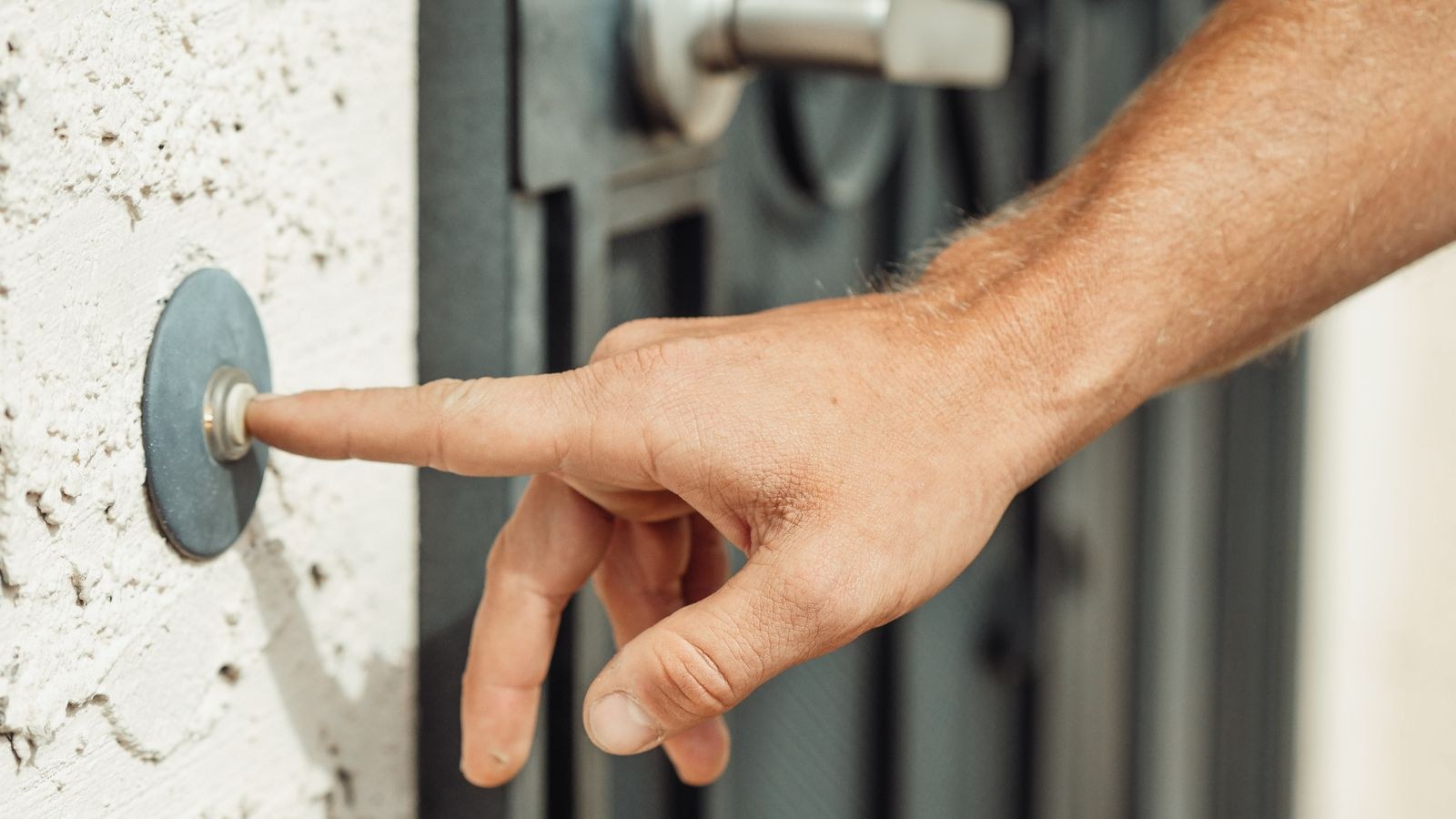
What You Will Need
- A battery-powered video doorbell, since wired installation is rarely an option in a rental.
- A no-drill mounting solution: heavy-duty removable adhesive plate, a door-frame bracket, or an anti-theft mount that clamps rather than screws.
- Isopropyl alcohol wipes for surface preparation.
- A plug-in indoor chime, because most rental doorbells cannot drive the building’s existing bell.
- Your phone, the manufacturer app and your Wi-Fi password.
- A screwdriver or the supplied release pin for battery removal and recharging.
- Written permission from the landlord if the doorbell will sit on a shared exterior wall.
Battery models dominate this category for good reason. A shortlist such as the best battery video doorbells is the right starting point, because anything requiring transformer wiring is off the table for most tenants.
Check the Lease and the Building Rules
Before buying anything, confirm three things. First, whether your lease permits any device on the exterior of the unit, including the door itself. Many leases treat the outward-facing door as building property. Second, whether the building has a homeowners association or management policy on cameras in corridors, which is common in condos and larger complexes. Third, whether you may use adhesive on the surface in question, since painted metal doors mark easily.
Ask in writing and keep the reply. A short email confirming that a battery doorbell with removable adhesive is acceptable costs nothing and settles any argument at move-out. If permission is refused for the corridor, you still have options: an indoor camera pointed through a peephole, or a doorbell mounted just inside your own door frame on the hinge side where it still sees the threshold.
Step-by-Step: Installing a Video Doorbell Without Wiring
- Charge the battery fully before mounting. Most units ship at around half charge. A full charge also lets you gauge how quickly the battery drains in your first week of real use.
- Complete setup indoors, next to the router. Pair the doorbell to Wi-Fi, run the firmware update, set the account password and enable two-factor authentication. Never do first-time pairing while balanced on a step stool.
- Test the Wi-Fi signal at the door. Stand outside with the doorbell and check the signal reading in the app. Exterior doors are often the weakest spot in an apartment because the router sits deep inside and steel door frames block signal. If it reads poorly, plan for a mesh point or extender before mounting.
- Choose the mounting spot and height. Around 48 in from the ground is standard and frames a visitor’s face rather than their chest. If the doorbell must sit lower, use the supplied wedge to angle it upward.
- Aim it with the live view. Hold the doorbell in position and watch the preview on your phone. Adjust until the frame shows the threshold and the ground where a parcel would be left, without staring straight into a neighbour’s door.
- Clean the surface and fit the mount. Wipe with isopropyl alcohol, let it dry a minute, press the adhesive plate hard for 60 seconds, then leave it to cure for 24 hours before hanging the doorbell. Rushing this step is why adhesive doorbells fall off.
- Attach the doorbell and lock it. Clip the body onto the plate and fit the security screw or release pin so a casual tug cannot lift it. Add a discreet safety tether if the mount is on a smooth surface.
- Plug in the indoor chime. Put it somewhere central, pair it in the app and confirm it rings. This is what replaces the wired bell you cannot connect to.
- Set motion zones and sensitivity. Draw the active zone tightly around your own doormat and threshold. In a shared corridor this is essential, or every neighbour walking past will trigger a recording.
- Do a full test. Ring it, answer from your phone, check two-way audio, then repeat after dark to confirm the infrared view is not washing out against a glossy door.
When the Landlord Controls the Intercom
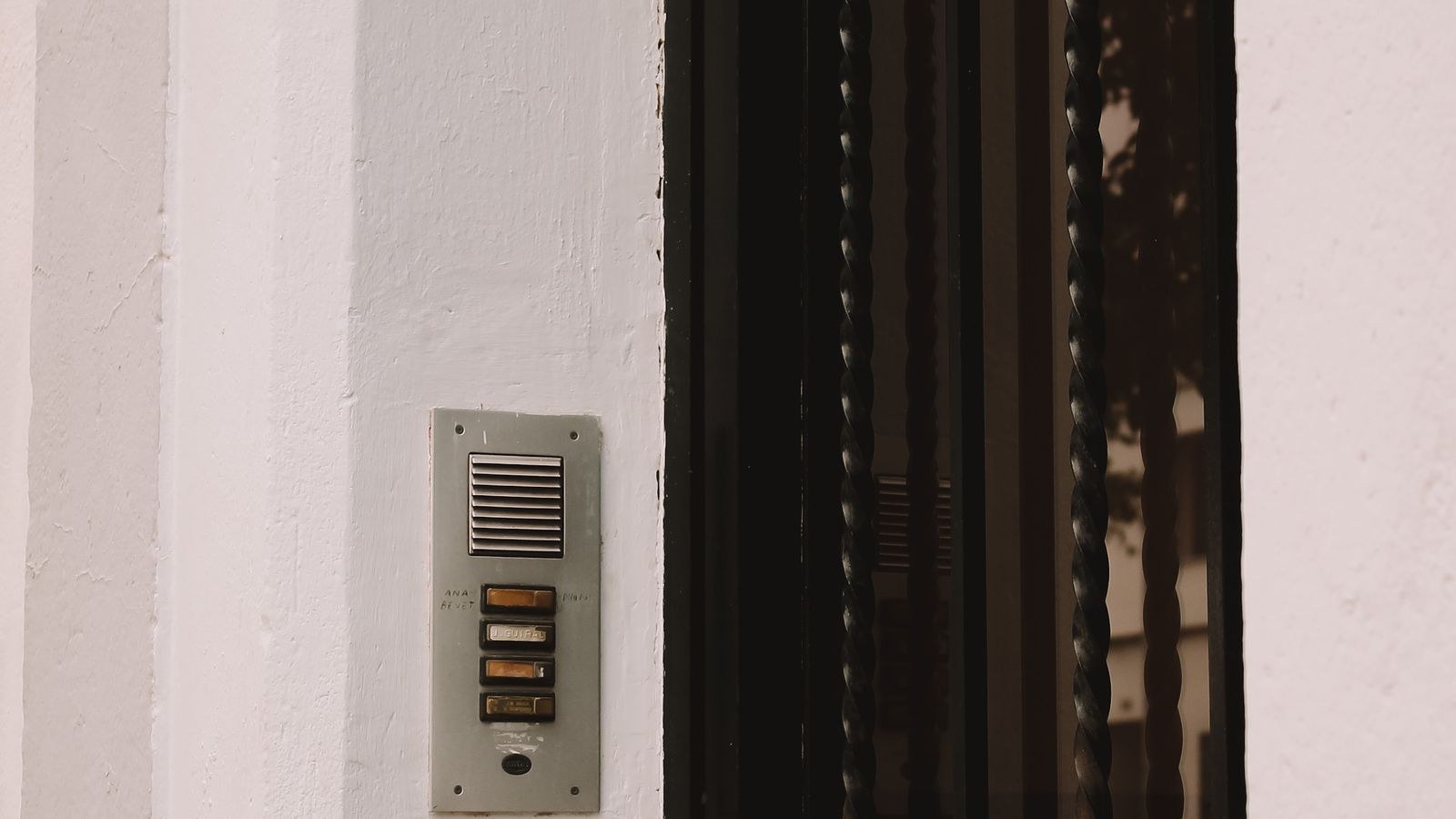
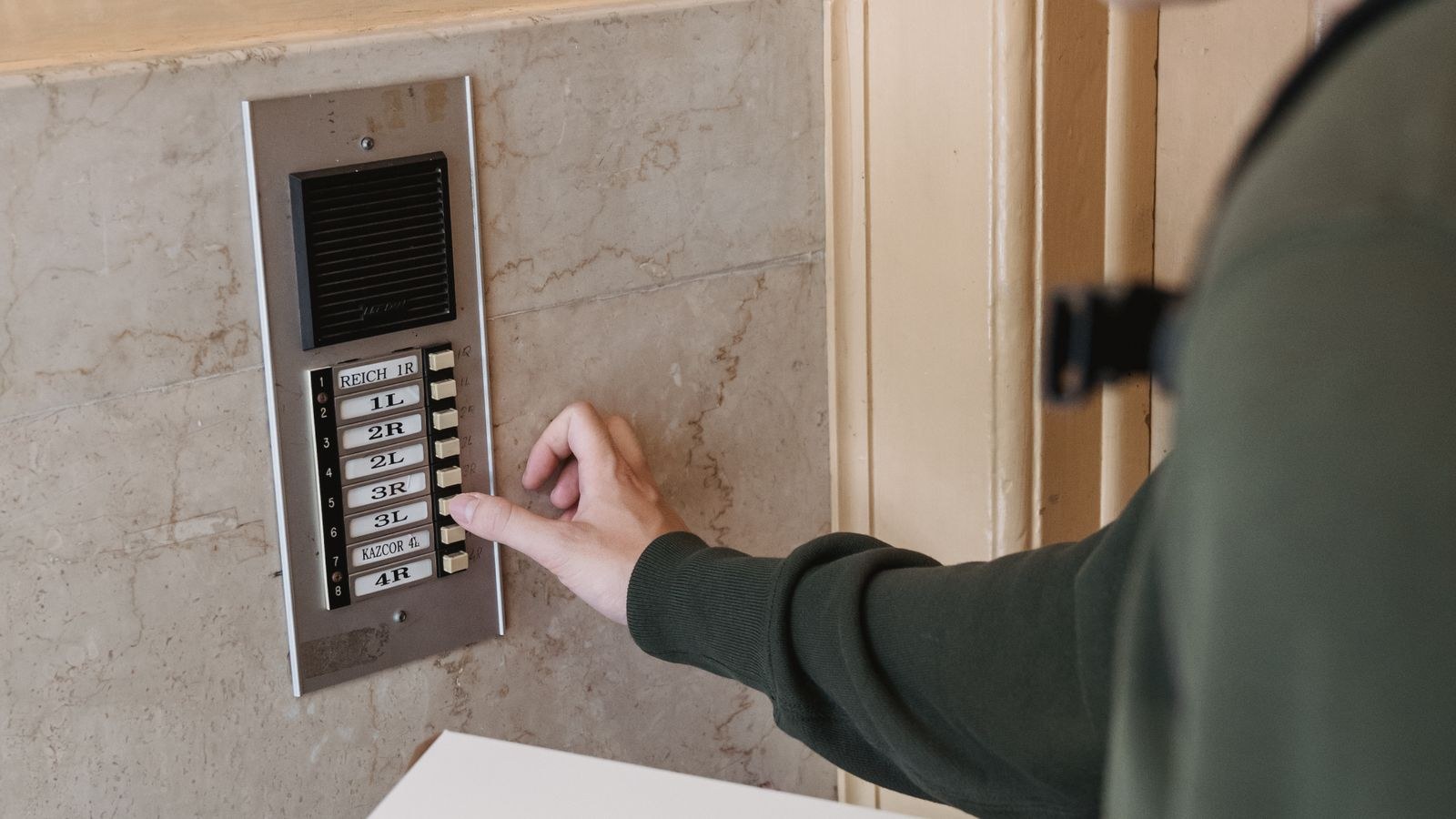
In many apartment buildings there is no doorbell at your unit at all. Visitors buzz a panel at the street entrance, which is wired to the landlord’s intercom system, and you have no authority to touch it. Do not attempt to splice a video doorbell into that panel; it is shared infrastructure, and interfering with it is both a lease breach and often a fire-code issue.
The practical workaround is to treat your unit door as the doorbell location and let the street intercom keep doing its job. Deliveries that reach your floor will use your doorbell, and visitors you buzz in will find it. Alternatively, some buildings allow tenants to install a small camera facing the door from inside via a peephole replacement, which records the corridor without adding anything to the shared wall. If the building later upgrades, ask whether a tenant-owned unit can be added.
Mounting Options That Leave No Marks
- Heavy-duty removable adhesive plates. The default choice on smooth painted door frames and metal doors. Rate the strip for at least three times the doorbell’s weight.
- Door-frame corner brackets. Wedge-shaped mounts that clamp the edge of the frame with rubber pads, giving mechanical grip without adhesive.
- Peephole mounts. A bracket that replaces the peephole hardware and needs no new holes at all, since the hole already exists.
- Brick clip mounts. For a brick surround, a spring clip that hooks the mortar line holds a light doorbell without any fixing.
- Freestanding stake or planter mounts. Useful for ground-floor units with a small porch or garden strip.
Whichever you choose, take a photo of the surface before mounting. It is the fastest way to settle a deposit dispute later.
Safety and Privacy Considerations
A doorbell that overlooks a shared hallway records your neighbours, and in some jurisdictions that needs care. Use privacy masking to black out neighbouring doorways, keep the motion zone confined to your own threshold, and consider disabling audio recording, which is more strictly regulated than video in many places. A polite notice that the area is monitored resolves most objections before they start.
Secure the account itself with a unique password and two-factor authentication, and review which family members have access. Keep firmware current. Physically, never mount anything that obstructs the door swing, a fire exit route or corridor signage, and if the doorbell sits at an easily reachable height, fit the anti-theft screw rather than leaving it clip-on.
Troubleshooting Common Problems
Weak or dropping Wi-Fi at the door. Steel frames and thick exterior walls are the usual cause. Move the router closer to the entry side of the apartment or add a mesh node near the door. Lowering video resolution helps as a stopgap.
The battery drains in days rather than weeks. Corridor traffic is triggering constant recording. Shrink the motion zone, lower sensitivity, turn off unnecessary live-view checks and disable pre-roll if the model offers it.
The adhesive mount slides down. Cold metal doors and inadequate cure time are the culprits. Remount indoors-warm, use a larger plate, and wait a full day before hanging the unit.
Visitors are unrecognisable at night. The infrared is bouncing off a glossy door or a nearby wall. Angle the doorbell a few degrees outward, or add a low-level porch light so the camera uses colour rather than infrared.
Mistakes Renters Make
The most expensive mistake is buying a hardwired doorbell and only then discovering there is no transformer, no chime wiring and no permission to add either. Confirm the power path before you buy. The second is mounting at chest height on a low door frame, which produces excellent footage of torsos and none of faces.
Leaving the motion zone at factory defaults is the third, and it is what turns a useful device into a notification nuisance that people eventually mute. Finally, many renters forget that a doorbell needs recharging and mount it somewhere awkward. Choose a spot you can reach comfortably, and if you want to avoid ladders entirely, compare designs with removable battery packs in our guide to the best battery doorbell cameras.
Frequently Asked Questions
Do I need my landlord’s permission?
For anything on the exterior of the unit or in a shared corridor, yes, and get it in writing. A battery device with removable adhesive is usually approved without issue.
Can a video doorbell work without an existing chime?
Yes. A plug-in wireless chime pairs with the doorbell and covers the whole apartment, which is exactly how most rental installs are done. Wireless pairing options are compared in our roundup of the best wireless doorbell cameras.
How often will I have to recharge the battery?
Typically one to four months, depending entirely on how much motion the camera sees and how often you open live view.
What happens at move-out?
Warm the adhesive gently, pull the release tab straight down the surface, remove the chime, then factory-reset the doorbell before it leaves with you. Deregistering it from your account matters if you sell it on.
Final Thoughts
Setting up a video doorbell as a renter is mostly a matter of choosing battery power, mounting with adhesive or a clamp instead of screws, and keeping the camera’s attention on your own doorway rather than the building. Get written permission, prepare the surface properly, give the mount a full day to cure, and pair a plug-in chime so you still hear the bell from the back bedroom. If you are weighing models before you commit, our doorbell camera buying guide and the shortlist of the best WiFi doorbells both narrow the field to units that work well on wireless power in apartments.