
 Owen Bradley
 Lighting automation is the part of the smart home that people actually keep using years later. Done well, it is invisible: hallways light as you walk through them, the house looks occupied while you are away, and nothing is left burning in an empty room overnight. Done badly, it produces lights that switch off while you are still reading and a household that keeps flipping the wall switch in frustration. This guide covers how to automate your lights with smart switches and schedules, from choosing switches over bulbs, through building schedules that survive the seasons, to the sensor-driven and presence-based rules that make automation feel natural rather than intrusive.
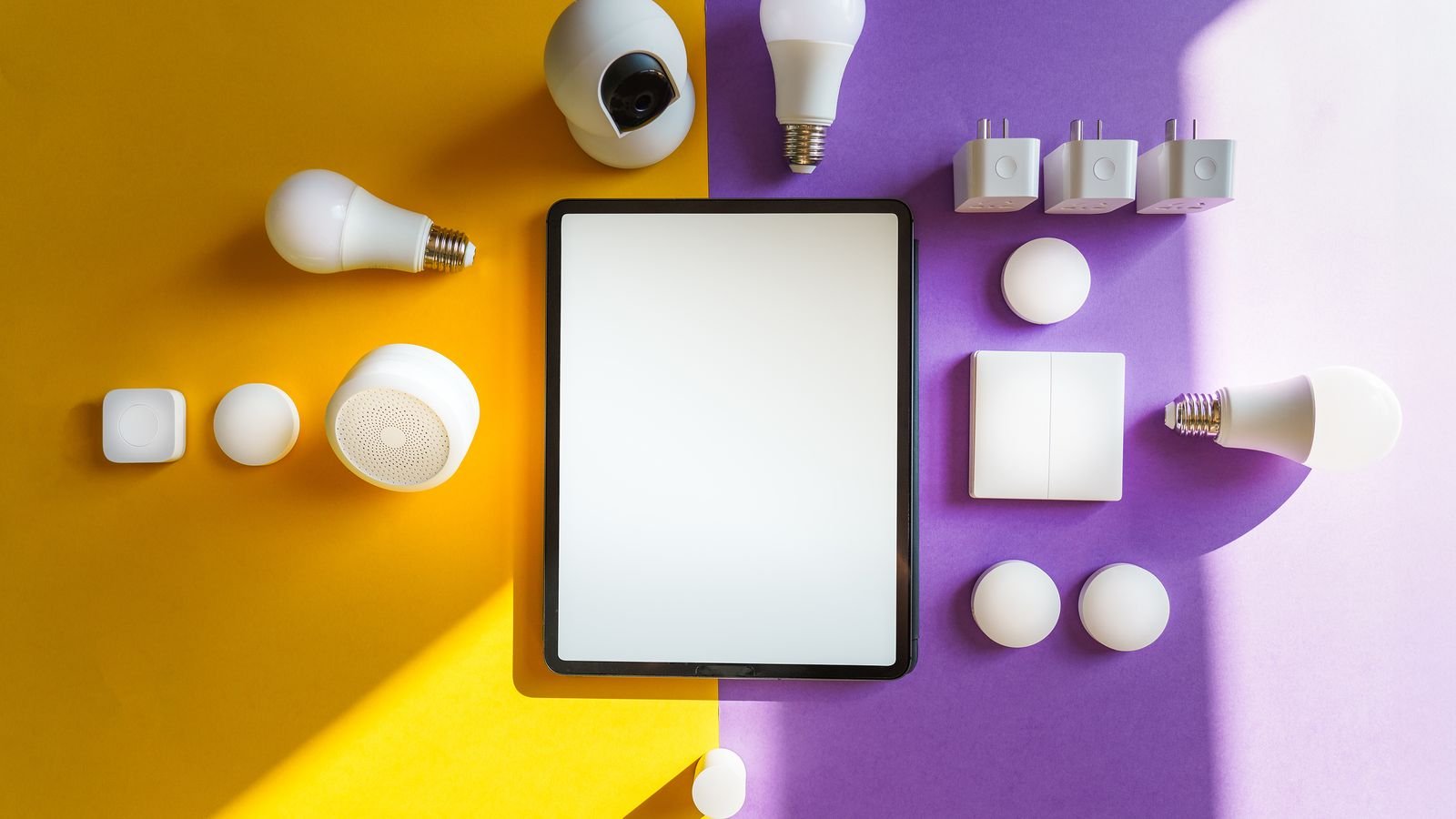
Smart Switches Versus Smart Bulbs
This is the first decision and it shapes everything afterwards. Both approaches work, but they fail in different ways.
Smart bulbs are the easy start. Screw one in and you are automating within minutes, with colour and tunable white on many models. The fatal flaw is the wall switch: cut power at the switch and the bulb becomes unreachable. Anyone unfamiliar with the house will flip that switch, and your automation stops working until someone flips it back.
Smart switches replace the wall control itself, so the manual switch keeps behaving normally while the automation layer sits behind it. Guests and family members need no instructions. The trade-off is real electrical work at the wall box, and you generally lose per-bulb colour control since the switch controls the whole fixture.
For whole-house automation, switches are the more durable foundation. Fixtures with several bulbs also become far cheaper to automate: one switch versus six bulbs. When selecting hardware, comparing the current field of best smart switches for home use will show which models require a neutral wire, which support three-way circuits, and which include dimming.
Plan Before You Buy
Walk the house at the times you actually use it, morning and evening, and note the lights you touch most and the ones you routinely forget. Automation should target both categories.
- High-traffic switches: hallways, stairs, kitchen, entry. These deliver the most daily value.
- Forgotten lights: basement, garage, closets, porch. Automation here saves energy you were quietly wasting.
- Security-relevant lights: front porch, living room lamp, upstairs landing. These carry the away-mode routines.
- Three-way circuits: note them now, because they need either a companion switch or a specific model.
- Neutral wire availability: check a representative box on each floor before ordering.
Start with three or four switches rather than twenty. Live with them for a fortnight, learn which rules annoy you, then expand. Automating a whole house on day one guarantees a long list of rules you will never bother to fix.
Building Schedules That Work Year-Round
- Use sunrise and sunset offsets, not fixed clock times. “Porch light on at sunset” adjusts itself through the year. “Porch light on at 6 p.m.” is correct twice a year and wrong the rest of the time.
- Add offsets for the light you actually need. Sunset minus 20 minutes catches the dim period before full dark. Sunrise plus 30 minutes covers the gloomy start of a winter morning.
- Set fixed times for human-driven events. Bedtime and wake-up follow the clock, not the sun. A “lights off at 11:30 p.m.” backstop for the whole house prevents overnight waste.
- Separate weekday and weekend schedules. Nothing sours automation faster than kitchen lights snapping on at 6 a.m. on a Sunday.
- Layer schedules with dimming. Evening lighting at 40 percent feels calmer and shifts the household toward sleep. A gradual morning ramp is far kinder than full brightness.
- Build an away routine. Randomise on and off times by fifteen to thirty minutes across several rooms so the pattern reads as occupancy rather than as a timer.
- Store schedules on the device where possible. On-device schedules keep running during an internet outage. Cloud routines do not.
- Test at the actual hour. A rule that looks correct in the app at midday may reveal an obvious flaw at 6 a.m.
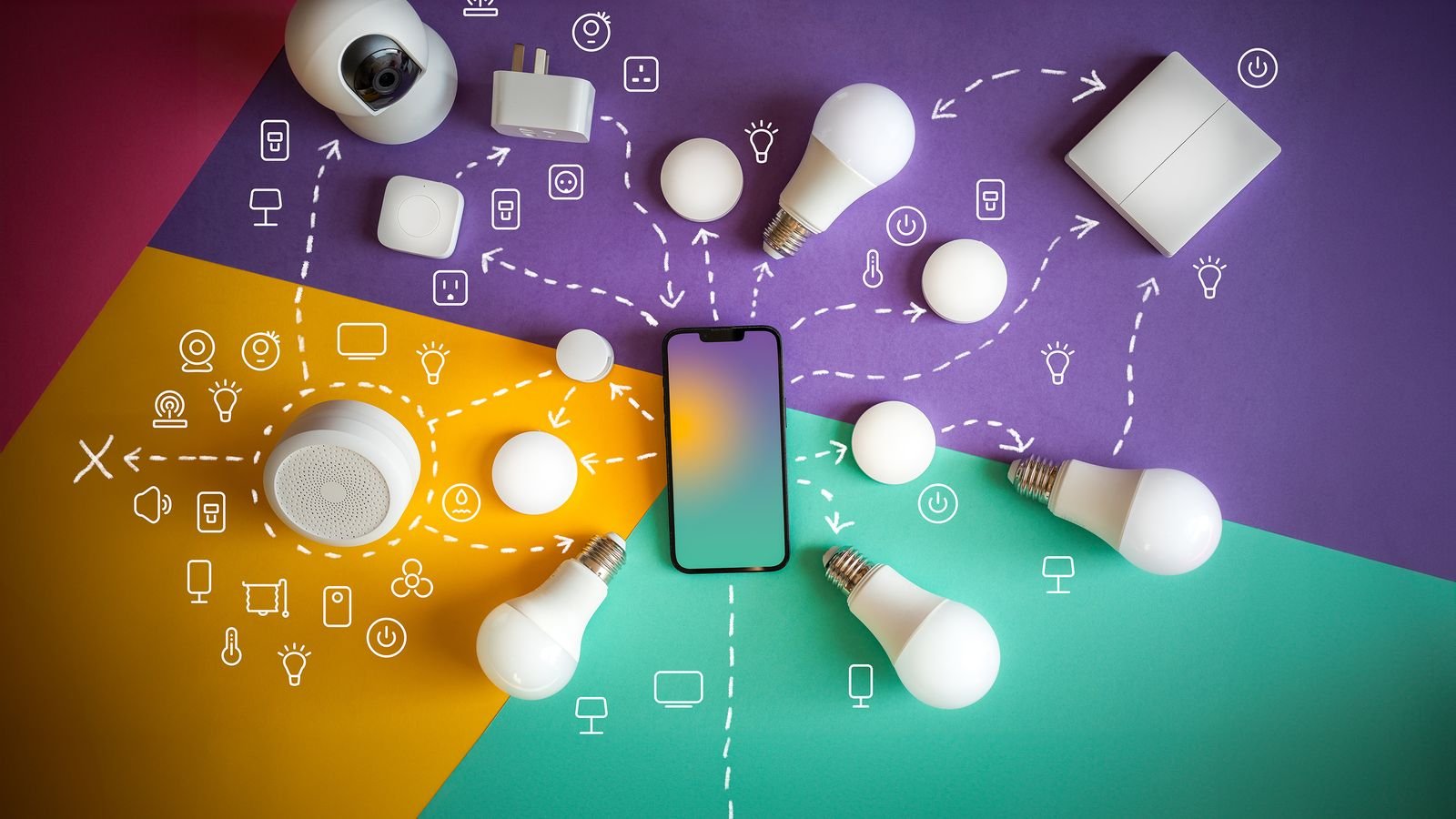
Motion, Occupancy, and Presence
Schedules handle predictable events. Sensors handle the rest, and this is where automation starts feeling genuinely intelligent.
Motion-sensing switches combine the switch and sensor in one device, ideal for hallways, laundry rooms, pantries, and garages where you often have full hands. Set a generous timeout, three to five minutes at minimum, because a light that dies while you are standing still is the fastest route to someone disabling the whole system.
Occupancy versus vacancy mode is worth understanding. Occupancy mode turns lights on automatically when motion is detected and off after the timeout. Vacancy mode requires a manual on but handles the off automatically. Vacancy mode is frequently the better choice in bedrooms and living rooms, where you may not want lights blazing on every time you walk past.
Presence-based rules use your phone’s location to trigger lights. Arriving home after dark can light the entry and kitchen; the last person leaving can switch everything off. Geofencing is convenient but imperfect, so always keep a manual override and never make it the only path to lighting a dark house.
Door and contact sensors work well for closets and pantries: open triggers on, close triggers off, with no timeout guessing at all.
Scenes and Multi-Room Control
Individual device commands get tedious quickly. Scenes bundle several lights into one action at defined levels: a “movie” scene dimming the living room to 15 percent while switching off the kitchen, a “dinner” scene at 60 percent, a “cleaning” scene at full brightness everywhere.
Assign every switch to a room in your platform’s app, because room membership is what makes “turn off the upstairs lights” work without you listing devices. Then build three or four scenes matched to how you genuinely use the house. Ten scenes sounds impressive and gets used twice.
Wireless remotes and scene controllers are underrated. A battery-powered button on a bedside table or by the sofa gives everyone in the household access to scenes without needing a phone or a voice command, which matters enormously for adoption by people who did not build the system.
Common Mistakes
- Automating too aggressively too early. Rules that fight the household get ripped out. Add gradually.
- Motion timeouts that are too short. The single most common complaint about automated lighting.
- Fixed clock times for sunset events. Correct in March, absurd in June.
- No manual override. Every automation needs a way for a human to say no.
- Ignoring the three-way circuits. Discovering mid-install that a switch needs a companion unit stalls the project.
- Mixing incompatible dimmers and bulbs. Buzzing and flicker follow, and people blame the automation rather than the hardware match.
- Cloud-only rules for critical lighting. An internet outage should not leave the stairs dark.
Frequently Asked Questions
Do smart switches work if the internet goes down?
The physical switch always works, because it controls the load locally. Schedules stored on the device continue running. Voice control, remote access, and cloud-based routines pause until connectivity returns.
Can I use smart switches with smart bulbs together?
It is possible but usually a poor idea, because the switch can cut power to the bulb and take it offline. If you do combine them, use a switch that maintains constant power to the fixture and sends commands to the bulbs instead.
What happens to my automation when guests use the wall switch?
With smart switches, nothing breaks. The switch reports its state back to the system and automation continues normally. This is the main advantage over smart bulbs.
How many switches should I start with?
Three or four in your highest-traffic locations. Live with them for a couple of weeks before expanding, so your rules are shaped by real behaviour rather than guesswork.
Will automated lighting actually save money?
Modestly, mostly through eliminating lights left on in empty rooms and through habitual dimming. The savings are real but the convenience and security benefits are the stronger case.
Final Thoughts
Good lighting automation is built in layers: switches first so manual control never breaks, then sun-relative schedules for the predictable events, then sensors for the rooms where your hands are full, and finally a handful of scenes for the moments that involve several lights at once. Start small, use sunset offsets rather than clock times, be generous with motion timeouts, and keep a manual path to every light in the house. Automation that quietly gets out of the way is the kind that still works a year from now.









