
 Owen Bradley
 Late-night television creates a specific kind of frustration. The dialogue sits so low you strain to follow it, so you raise the volume, and then an action scene or an advert erupts loud enough to wake a partner in the next room. Turn it back down and the whispering starts again. The instinct is to blame the TV speakers, and thin built-in drivers certainly do not help, but the real culprit is dynamic range: modern soundtracks are mixed with a huge gap between the quietest speech and the loudest effects, and a small speaker at low volume cannot bridge it. Getting clear TV sound at night is mostly about compressing that range and steering more energy toward the voice band, then choosing an output path that keeps sound out of the rest of the house. This guide covers the free settings that fix most of the problem and the hardware upgrades worth considering if they do not.
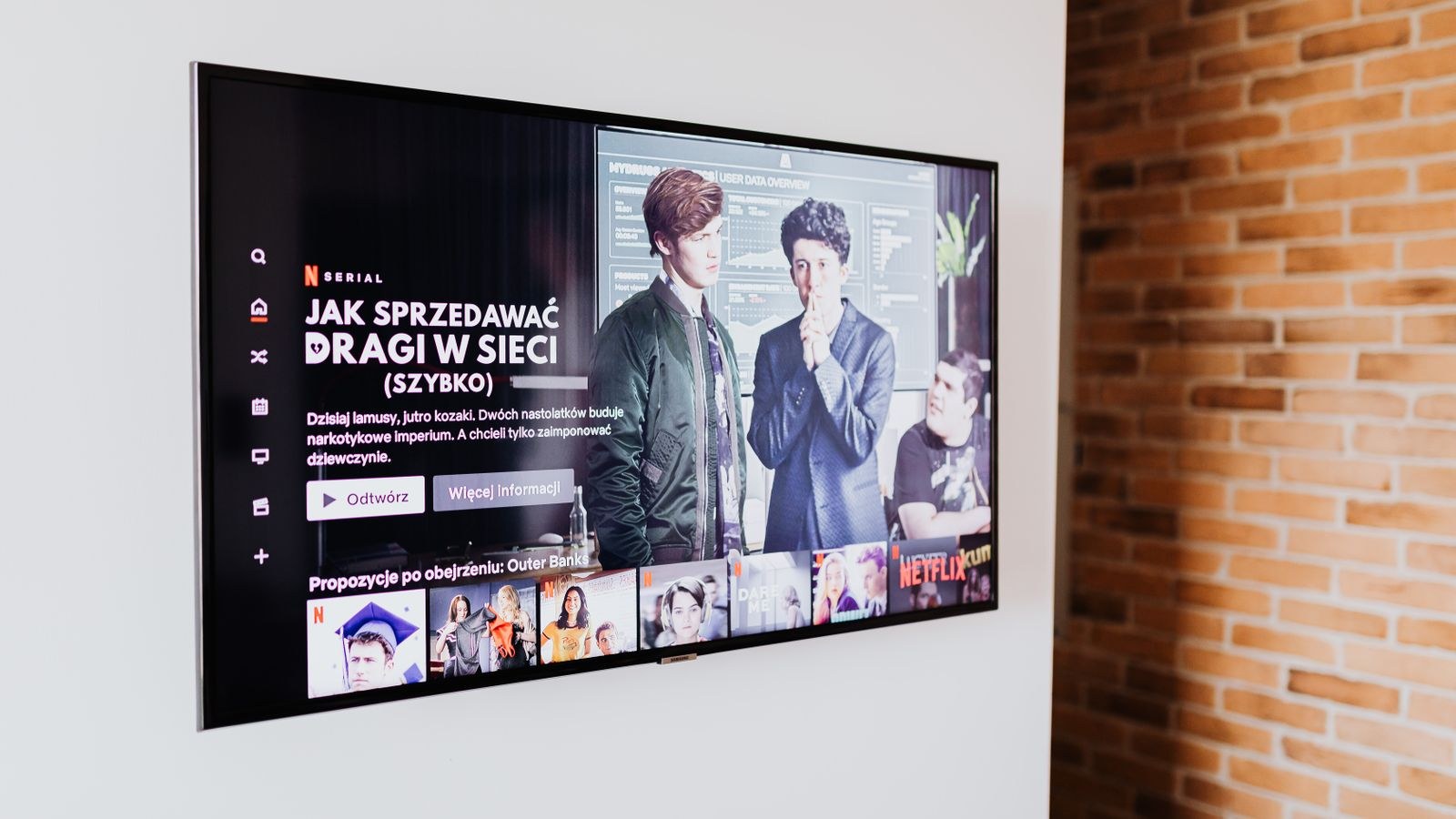
Why Dialogue Disappears at Low Volume
Cinema soundtracks are mixed for a room with a calibrated system and a listener who is not worried about neighbours. That mix assumes you can hear speech at a modest level and still have headroom for an explosion sixty decibels louder. In a living room at 11 pm, you set the volume by the loud parts, which leaves speech far too quiet.
Two other factors make it worse. Most flat panels fire their speakers downward or backward, so voices bounce off a cabinet or a wall before reaching you, smearing consonants. And human hearing loses sensitivity to the extremes of the frequency range as volume drops, an effect that flattens both bass and the upper harmonics that make speech intelligible. That is why turning the volume down does not just make everything quieter; it makes it noticeably less clear.
Step-by-Step: Getting Clear Sound at Night
- Turn on night mode or dynamic range compression. Look in the TV audio menu for Night Mode, DRC, Auto Volume Levelling, or Volume Leveller. This is the single most effective setting, because it lifts quiet passages and caps loud ones so the whole programme sits in a narrow band.
- Enable dialogue enhancement. Many sets include Clear Voice, Dialogue Clarity, or Speech Boost, which raises the 1 kHz to 4 kHz region where consonants live. Combined with night mode it usually solves the problem outright.
- Switch the sound mode away from cinema. Movie and Cinema presets widen dynamic range deliberately. Choose Standard, News, or Speech instead for late viewing.
- Set audio output to stereo PCM. If your TV is passing surround formats to a device that downmixes badly, dialogue can end up buried in a phantom centre channel. Forcing stereo PCM in the output menu often clears it up instantly.
- Reduce the bass in the equalizer. Low frequencies travel through walls and floors far more easily than voices do. Cutting bass keeps the sound in your room while barely affecting intelligibility.
- Move the TV away from the wall. Even a few inches of clearance stops rear-firing speakers from reflecting off drywall and muddying speech. Avoid placing the panel inside a closed cabinet.
- Check the streaming app’s own audio setting. Many services let you choose between a surround track and a stereo one. The stereo mix is usually already compressed and much easier to follow quietly.
- Turn on subtitles as a backstop. Not a sound fix, but it lets you drop the volume several notches further without losing the plot, which is often the fastest route to peace.
- Test at your actual night volume. Adjust settings while playing a scene with quiet dialogue at the level you would genuinely use after everyone is asleep, not at daytime volume.
- Save the configuration as a preset. Some TVs allow separate profiles per input or per sound mode, so you can switch between day and night settings in one click.
Hardware That Solves the Problem Properly
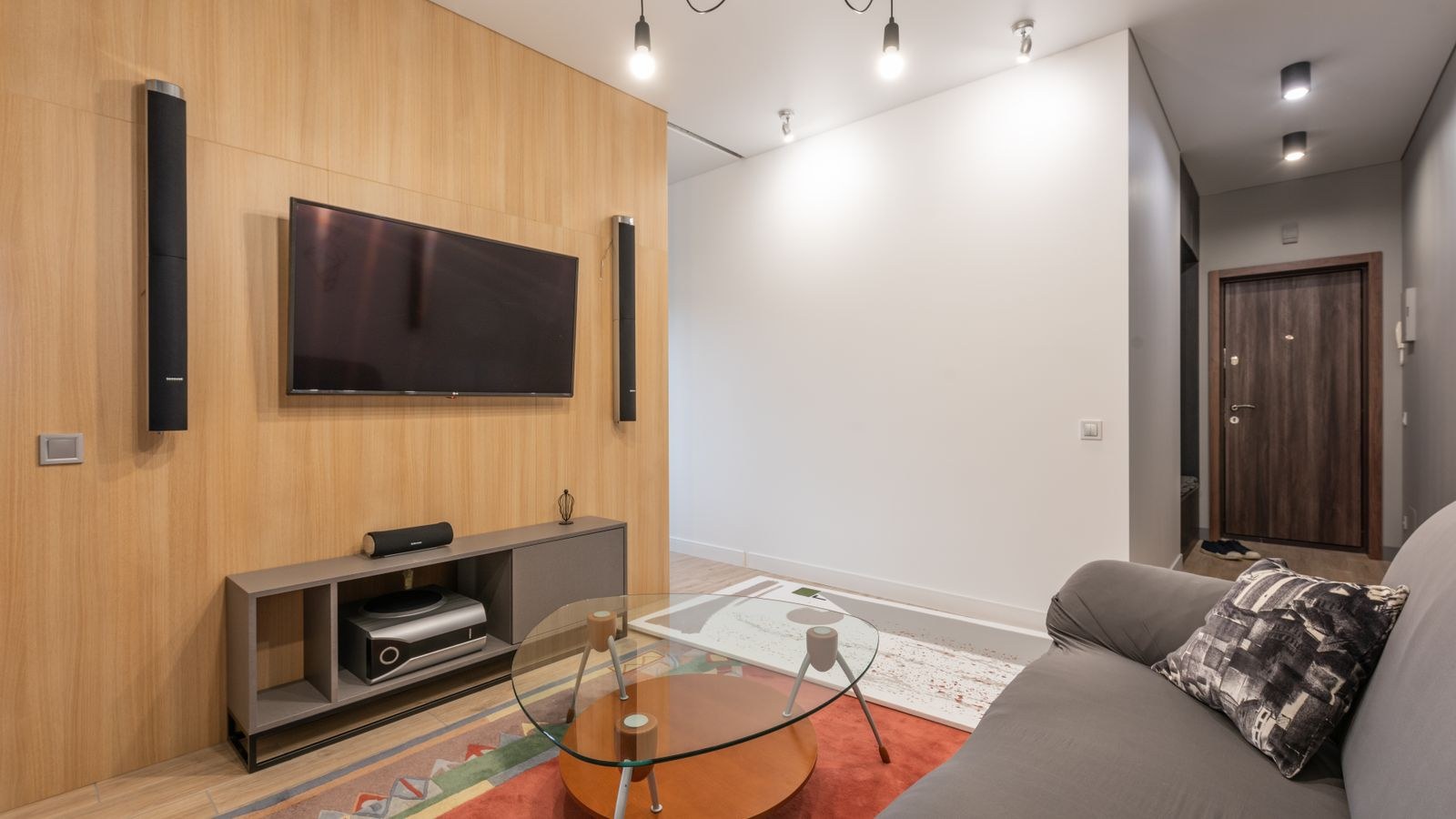
Settings take you a long way, but a panel two centimetres thick has physical limits. If dialogue is still a struggle after tuning, the fix is a dedicated centre-channel path. A soundbar with a real centre driver aims voices directly at the listening position instead of at the floor, and even a modest one transforms low-volume clarity. Look for a model with a dedicated night mode and a dialogue level control you can adjust independently, which is precisely what the best soundbar speakers roundup focuses on.
If you specifically struggle with speech rather than overall volume, prioritise voice reproduction over bass extension when comparing options. Systems tuned for midrange accuracy handle dialogue far better at low levels than bass-heavy ones, and the best speakers with clear vocals list is built around exactly that quality. For anyone who simply wants a straightforward upgrade over the panel’s internal drivers without a full home theatre setup, the best TV speakers comparison covers the compact end of the market.
One caution: a subwoofer makes the neighbour problem worse, not better. Bass is the frequency range that travels furthest through floors and shared walls. If late-night viewing in an apartment is your main use case, either skip the sub or use the soundbar’s night mode, which typically cuts subwoofer output automatically.
The Headphone Route
The most reliable way to keep sound out of the rest of the house is to keep it entirely in your ears. Wireless headphones give you full dynamic range at any volume you like with zero leakage, which is unbeatable for a shared bedroom or a thin-walled apartment. Most modern TVs support direct Bluetooth pairing, and where they do not, a small transmitter plugged into the optical or headphone output does the job.
The main issue to watch is latency. Standard Bluetooth introduces enough delay to visibly desynchronise lips from speech. Look for a set supporting a low-latency codec, or use the TV’s audio delay adjustment to compensate manually, which most sets offer in increments of a few milliseconds. Over-ear models from the best wireless headsets roundup tend to be more comfortable for a two-hour film than earbuds, and open-back designs let you still hear a doorbell or a child.
A practical compromise many households land on: one person uses headphones while the other listens on the TV at a low volume. That only works if the TV output can run simultaneously with Bluetooth, which some sets support and others do not, so check the audio menu before assuming it.
Room Setup That Helps
Hard surfaces reflect sound and blur speech, and they also send more energy through the structure of the building. A few cheap changes help noticeably. A rug on a hard floor absorbs reflections between the TV and the seating position. Curtains over a large window do the same for the opposite wall. Bookshelves along a side wall scatter reflections effectively and cost nothing if they are already there.
Seating position matters too. Sitting directly in front of the panel, at roughly ear height with the speakers, gives you the cleanest direct sound and lets you use a lower volume overall. Sitting off to one side or below the speaker axis forces you several notches louder for the same intelligibility. If the TV is wall-mounted high above a fireplace, angling it downward or adding a soundbar below it makes a bigger difference than any equalizer setting.
For a bedroom setup specifically, screen size and placement interact with sound. A panel sized for the viewing distance lets you sit closer, which means lower volume, and models covered in our best bedroom gaming TVs guide are chosen with those shorter distances in mind.
Frequently Asked Questions
What is the best single setting for clearer night viewing?
Night mode or dynamic range compression, whatever your TV calls it. It narrows the gap between whispers and explosions, which is the actual cause of the problem, and it costs nothing to try.
Will a soundbar disturb neighbours more than the TV?
Only if you use the subwoofer. The bar itself, with night mode on and bass reduced, is usually quieter for the same intelligibility because you can run the overall volume lower.
Why does dialogue sound worse on streaming than broadcast?
Broadcast audio is heavily compressed for consistency across programmes, while streaming often carries the original wide-range cinema mix. Choosing the stereo track in the app settings usually evens it out.
Can I use Bluetooth headphones and the TV speakers together?
Some televisions support simultaneous output, others mute the internal speakers automatically when Bluetooth connects. Check the audio output menu for a setting that enables both before planning around it.
Do sound modes affect picture settings?
No. Audio and picture presets are independent on essentially all modern sets, so you can leave the picture in a cinema mode while running the sound in a speech-focused one.
Final Thoughts
Clear late-night TV sound is a solved problem, and the solution is nearly always free. Turn on night mode and dialogue enhancement, drop the bass, force stereo output, and test the result at the volume you would genuinely use at midnight. That handles most rooms. If it does not, the missing piece is a dedicated centre channel, which a modest soundbar supplies, or headphones if you need absolute isolation from the rest of the household. Spend twenty minutes in the audio menu before spending anything else, and you may find your existing setup was always capable of the clarity you wanted this 2026.









