
 Owen Bradley
 If your router’s Wi-Fi signal struggles to reach certain rooms or drops out unpredictably, upgrading or repositioning your antennas can make a noticeable difference before you resort to buying entirely new equipment. Antennas shape and direct your wireless signal, and choosing the right type — combined with correct placement and angling — can meaningfully extend your coverage. This guide explains the antenna types, walks you through selecting the right one, and shows you exactly how to install it for a stronger, more reliable signal.

Understanding Router Antenna Types
Not every antenna broadcasts signal the same way, and knowing the difference is the key to picking the right one. The two main categories serve very different needs depending on where your router sits and where you need coverage.
Omnidirectional Antennas
These send signal outward in all directions, like the glow of a bare lightbulb. They work best when your router is centrally located and you want relatively even coverage throughout the home.
Directional (High-Gain) Antennas
These focus the signal into a narrower beam aimed in one direction, like a flashlight. They’re ideal when your router sits at one end of the house or when you need to push signal toward a specific area such as a distant bedroom, a detached garage, or an upstairs office.
What You’ll Need
- A router with external, removable antennas — many routers with internal antennas cannot be upgraded
- Replacement antennas matching your router’s connector type, commonly RP-SMA
- An understanding of your home’s layout and where the dead zones are
- A phone or laptop with a signal strength or speed test app
Step-by-Step: Choosing and Installing a New Antenna
- Confirm your router supports removable antennas. Check the connector type — usually RP-SMA — by inspecting the base of your existing antennas or consulting the router’s manual.
- Map your dead zones. Walk through your home with a phone or laptop, noting exactly where the signal weakens or drops.
- Choose your antenna type. Pick omnidirectional antennas for even, all-around coverage, or directional antennas when you need to concentrate signal toward one problem area.
- Check the gain rating. Higher dBi ratings extend range but narrow the vertical coverage angle. A moderate 5 to 9 dBi omnidirectional antenna suits most single-floor homes well.
- Power off and unplug the router. Always disconnect power before removing or attaching any antenna.
- Unscrew the old antennas. Turn counterclockwise at the base connector, being careful to twist the connector and not the antenna body.
- Attach the new antennas. Screw them on clockwise until just snug — avoid overtightening, which can crack the internal connector.
- Angle the antennas correctly. With two or more antennas, orient them perpendicular to one another (one vertical, one at 45 degrees or horizontal) to improve reception across devices held at different orientations.
- Power the router back on and retest. Recheck your previously weak areas with a speed test or signal strength app and fine-tune the antenna angles as needed.
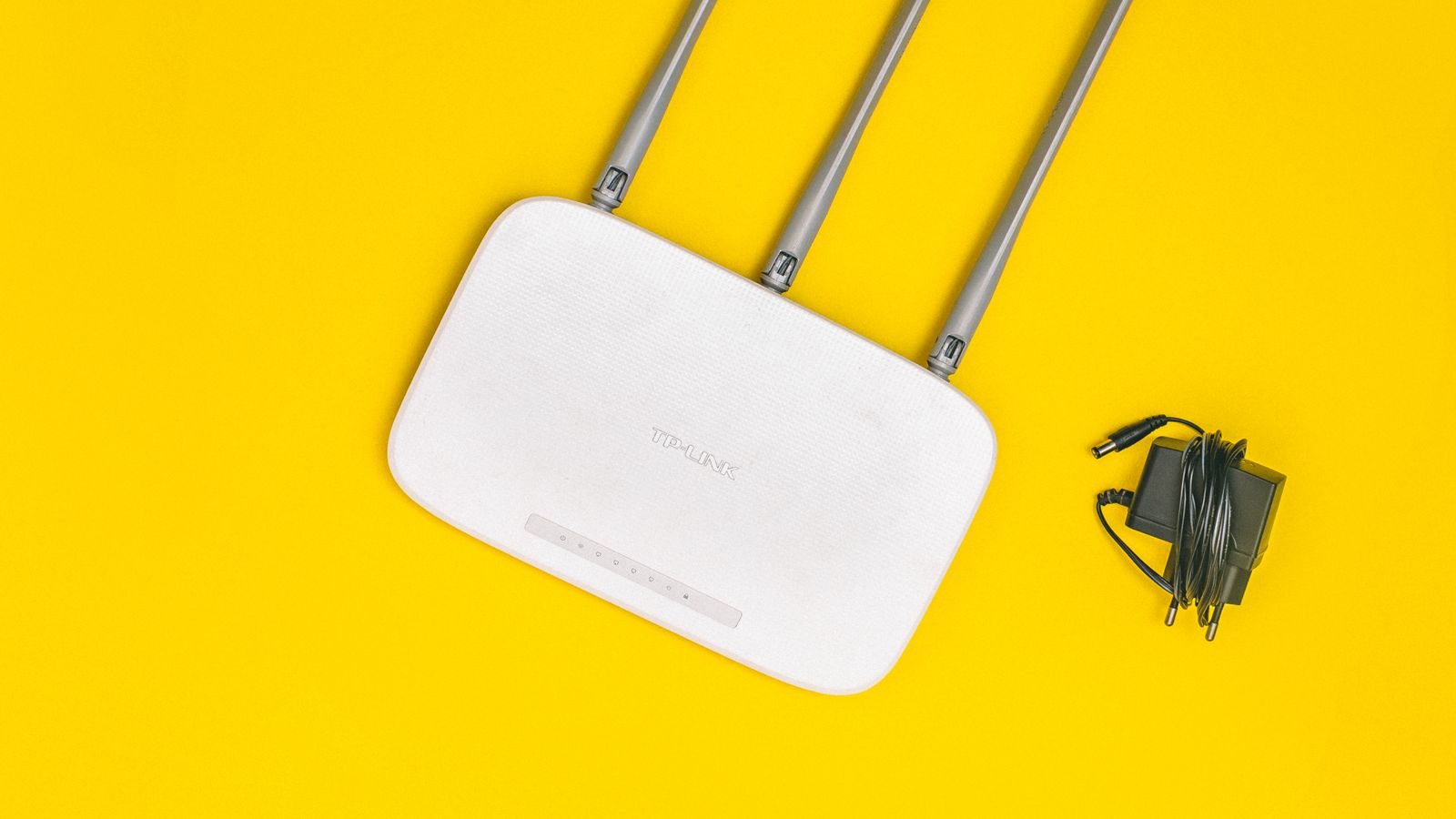
Understanding Antenna Gain and Coverage Shape
Gain, measured in dBi, describes how tightly an antenna focuses its energy. A low-gain antenna radiates a rounder, more spherical pattern that reaches upstairs and downstairs, while a high-gain antenna flattens that pattern into a wider but shorter disc. For a two-story home, a very high-gain antenna can actually reduce coverage on other floors because it pushes signal outward rather than up and down. Match the gain to your home’s shape, not just the biggest number on the box.
Tips for Maximizing Signal Improvement
- Elevate your router on a shelf rather than leaving it on the floor.
- Keep antennas away from metal surfaces, mirrors, and large appliances.
- Experiment with antenna angles and retest, since small changes can have a surprising effect.
- If antenna tweaks aren’t enough, consider a router engineered for extended range from the start, such as those featured in the best long-range routers roundup.
When an Antenna Upgrade Isn’t the Answer
Antennas can only redistribute the signal your router already produces — they can’t create bandwidth or punch through obstacles that physics won’t allow. If your dead zones come from very thick masonry walls, a large multi-story home, or a router placed far from where you actually use Wi-Fi, no antenna will fully solve the problem. In those cases, the real fix is either relocating the router closer to the center of your usage or moving to a mesh system that places multiple access points throughout the home. Knowing the limits saves you from buying antenna after antenna and wondering why nothing improves.
Antennas vs. Extenders vs. Mesh
- New antennas: Best for modest range gains and redirecting signal from a well-placed router.
- Range extenders: Push signal into one distant area, though often at reduced speed.
- Mesh systems: Provide seamless, whole-home coverage under a single network name — the most robust fix for large or complex layouts.
Positioning Your Router for Maximum Effect
Even the best antenna underperforms in a bad location. For the strongest results, place your router as centrally as possible, elevated off the floor, and out in the open rather than tucked inside a cabinet or behind a television. Keep it clear of dense obstructions and reflective surfaces. Once the router itself is well positioned, upgraded and correctly angled antennas can extend that solid foundation into the rooms that need it most. Placement and antennas work together, not in isolation.
Common Mistakes to Avoid
- Buying a mismatched connector type that won’t fit your router
- Overtightening antennas and cracking the internal connector
- Pointing all antennas in exactly the same direction
- Assuming a higher dBi number is always better regardless of your home’s layout
- Expecting an antenna to overcome problems caused by sheer distance or thick concrete walls
Frequently Asked Questions
Can I upgrade the antennas on any router?
Only routers with external, removable antennas support upgrades. Models with sealed internal antennas cannot be modified this way.
Do higher dBi antennas always mean better coverage?
No. Higher dBi antennas focus signal into a flatter, wider pattern, which can actually reduce coverage in multi-story homes where signal needs to travel vertically.
Will a new antenna fix all my Wi-Fi dead zones?
It can help significantly with moderate range issues, but severe dead zones caused by thick walls or long distances may still require a mesh system or a range extender.
How should I angle two antennas?
Orienting them perpendicular to each other — one vertical and one horizontal or at 45 degrees — generally improves reception for devices held in different positions.
Are aftermarket antennas better than the ones that came with my router?
Sometimes. A higher-gain aftermarket antenna can extend range in the right layout, but a well-placed router with its stock antennas often outperforms a poorly positioned one with premium antennas. Placement and angling usually matter more than the antenna brand.
Can I mix omnidirectional and directional antennas?
On routers with multiple antenna ports you can, and it can work well — for example, using a directional antenna to reach a distant room while an omnidirectional one covers the surrounding area. Retest after any change to confirm the combination actually helps.
Final Thoughts
Choosing and installing the right router antenna is a straightforward, affordable way to extend your Wi-Fi coverage without replacing your entire router. Match the antenna type and gain to your home’s layout, install it carefully, angle it thoughtfully, and retest your problem areas to confirm the improvement before considering a larger upgrade.









