
 Owen Bradley
 Competitive gamers live and die by sound cues. Hearing a footstep behind you a half second before your opponent hears theirs can decide a match, and clear, low-latency communication with teammates matters just as much. Building the right headset setup is not simply about buying an expensive product; it is about matching audio type, connection method, microphone quality, and comfort to how you actually play. This guide walks through every decision so your ears give you an edge instead of holding you back.
What Makes a Headset Competitive
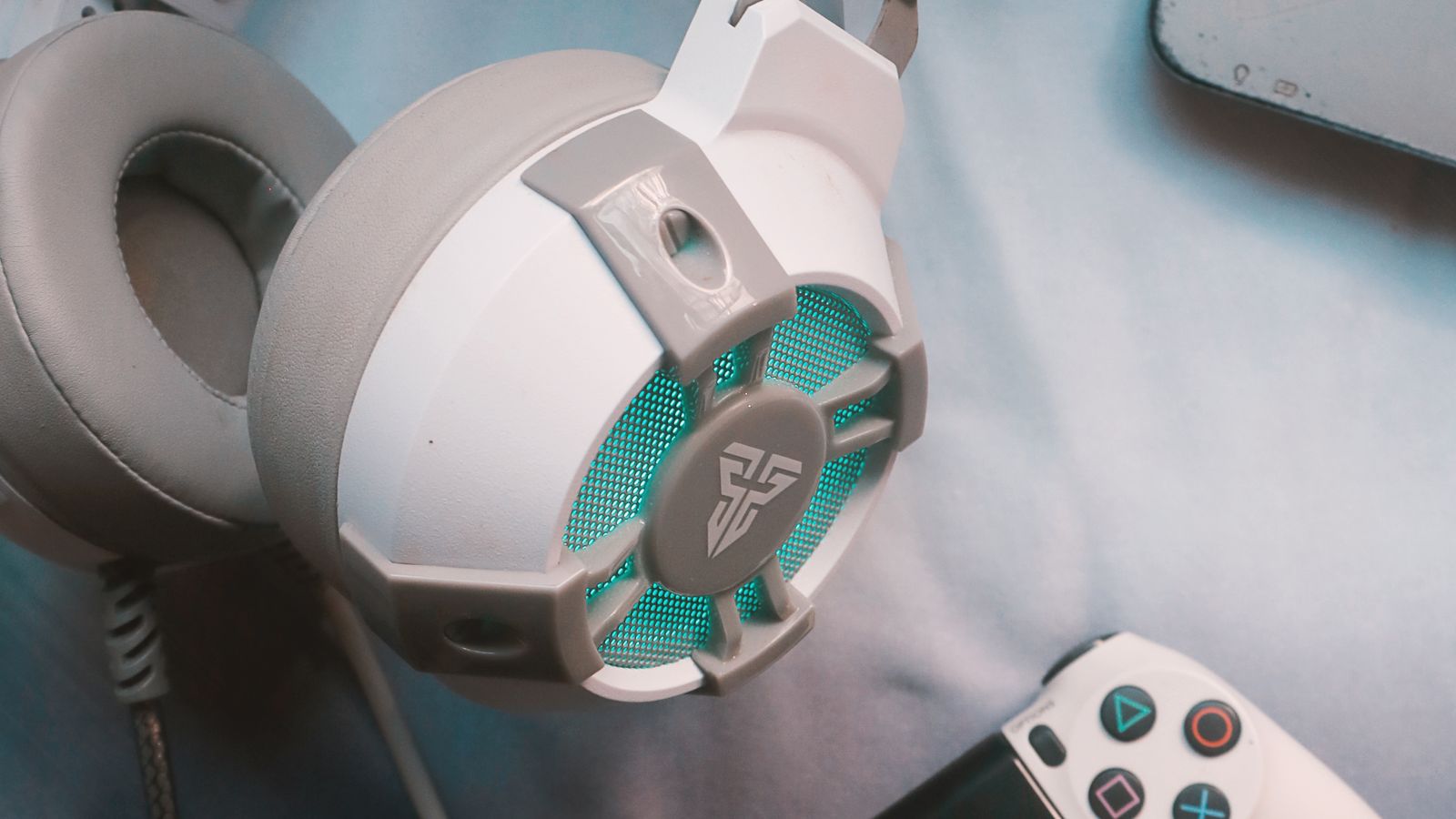
A competitive headset is judged on different criteria than a casual one. Casual headsets often boost bass for cinematic impact, but competitive play rewards accuracy: a wide, honest soundstage, precise positional imaging, a clear microphone, and comfort that survives multi-hour sessions. The goal is to hear exactly where sounds originate and to communicate callouts without background noise. Keep those priorities in mind and the buying decisions become much clearer.
Step-by-Step: Building Your Competitive Setup
- Decide between wired and wireless. Wired headsets remain the safest choice because they eliminate any chance of audio latency or a dropped connection at a critical moment. Modern wireless headsets using a dedicated 2.4GHz USB dongle are now considered tournament-safe by many players, but Bluetooth alone still introduces noticeable lag and should be avoided for ranked play.
- Choose your driver and enclosure type. Open-back designs generally deliver a more spacious, natural soundstage that makes directional audio easier to pinpoint, while closed-back designs isolate outside noise better, which helps in loud rooms or shared spaces. Pick based on your environment.
- Prioritize positional accuracy over bass. Look for a headset tuned for a flat, wide soundstage rather than heavy low end. Test both plain stereo and virtual surround modes, since stereo often provides more precise directional cues in fast shooters.
- Evaluate the microphone. Choose a detachable or flip-to-mute boom mic with a cardioid pickup pattern and noise cancellation so keyboard clicks and fans do not bleed into your callouts.
- Match comfort to session length. Favor breathable memory foam or fabric ear cushions, an adjustable headband, and a clamping force that stays secure without causing pressure headaches. Anything under roughly 300 grams tends to feel far better over long sessions.
- Install and update software. Set up the manufacturer’s companion app if one exists and update the firmware before your first competitive session to avoid audio dropouts.
- Set default audio devices. In your operating system’s sound settings, make the headset the default playback and recording device so your game and voice app use it automatically.
- Tune your in-game audio mix. Raise footstep and gunfire levels relative to music and ambient effects, and enable any mic noise gate to keep transmissions clean.
- Test with a teammate. Before a real match, run a quick voice chat test to set mic gain so your voice is clear without clipping.
Understanding Stereo vs Virtual Surround
Many players assume virtual surround is automatically better, but that is not always true for competitive play. Virtual surround processing simulates multiple channels from two drivers, which can create a more immersive feel, yet it sometimes smears the exact location of a sound. High-quality stereo, by contrast, presents raw left-right positioning that many top players find sharper and more predictable. The right answer depends on the game and your own ears, so test both and trust whichever lets you locate opponents faster.
Building the Rest of Your Audio Station
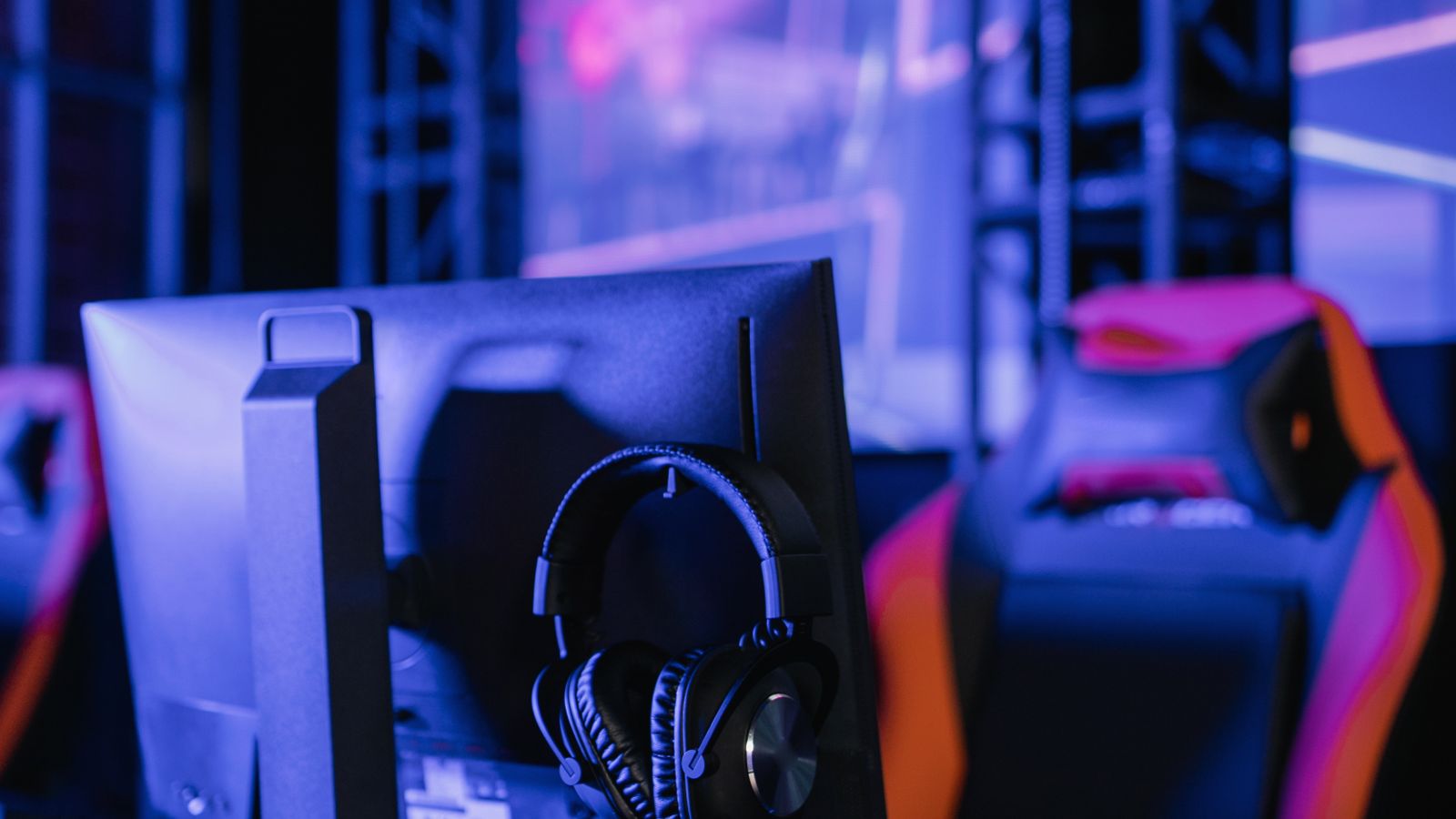
A great headset performs best alongside a comfortable, well-organized desk where cables stay untangled and a headset stand keeps the unit within easy reach between rounds. Position your microphone consistently, keep your chair at a height that maintains good posture, and reduce ambient noise in the room where you can. If you are assembling your competitive station from scratch, browsing the best computer gaming headsets is a strong starting point to compare models built specifically for esports-level responsiveness and comfort.
Microphone Setup Details That Matter
Even a good microphone sounds bad if it is placed poorly. Position the boom roughly at the corner of your mouth, about two centimeters away, rather than directly in front, which reduces breathing noise and plosive pops. Enable your headset software’s noise suppression or set a noise gate threshold so the mic only transmits when you actually speak. Finally, ask a teammate how you sound during a real session, since the way a mic sounds to you in a monitor loop is not always how it sounds transmitted.
Common Mistakes to Avoid
- Choosing bass-heavy consumer headsets. Boosted bass sounds impressive with music but muddies footstep detection.
- Relying on Bluetooth for ranked play. Even small Bluetooth latency is enough to throw off reaction timing.
- Ignoring mic placement. A poorly angled boom mic picks up breathing and keyboard noise that distracts your team.
- Skipping firmware updates. Outdated firmware can introduce dropouts during wireless play.
- Overusing surround processing. Turning on heavy virtual surround can blur the exact positioning you need most.
Matching Your Headset to Your Game Genre
Different competitive genres reward different audio priorities. Tactical shooters live and die on footstep detection and precise directional imaging, so a neutral, wide soundstage matters most there. Battle royale titles add long-range audio cues like distant vehicles and gunfire, where dynamic range helps you judge distance. Fighting games and real-time strategy titles lean less on positional audio and more on clear feedback and comfortable long sessions. Knowing which cues decide your matches helps you weigh soundstage against isolation and comfort when choosing.
Wired, Wireless, and Latency in Practice
Latency is measured in milliseconds, and while a few milliseconds sounds trivial, it compounds with your display, mouse, and reaction time. A dedicated 2.4GHz wireless connection typically adds only a tiny, consistent delay that most players never notice, whereas Bluetooth can add well over 100ms, which is easily enough to feel disconnected from the action. If you choose wireless, keep the USB dongle close to your headset with a clear line of sight, and keep a charging cable handy so a dead battery never ends a ranked session early. Wired remains the simplest zero-latency guarantee.
Caring for Your Headset So It Lasts
- Wipe down ear cushions and the headband regularly to prevent sweat from degrading the padding.
- Store the headset on a stand rather than draping it over a monitor corner, which stretches the frame over time.
- Detach the boom mic when not in use to avoid stressing the connector.
- Keep cables loosely coiled rather than tightly wrapped to prevent internal wire fatigue.
- Update firmware periodically, since manufacturers often improve audio processing and wireless stability over time.
Frequently Asked Questions
Do I need surround sound for competitive gaming?
Not necessarily. Many pro players prefer high-quality stereo because it delivers more precise directional cues than virtual surround processing, which can sometimes blur exact positioning. Test both and use whichever helps you locate sounds faster.
Is a wireless headset good enough for tournaments?
Yes, as long as it uses a dedicated low-latency 2.4GHz USB dongle rather than Bluetooth. Most modern competitive-grade wireless headsets are considered tournament-safe and match wired latency closely.
How often should I replace ear cushions?
Replace foam or fabric ear cushions every 6 to 12 months with heavy use, since worn padding degrades both comfort and the sound seal that keeps bass and imaging accurate.
Should I use a separate microphone instead of the boom mic?
A standalone microphone can offer cleaner audio, but a good boom mic is more convenient and keeps your hands and desk clear. For most competitive players, a quality boom mic with proper placement is more than enough.
Final Thoughts
A competitive gaming headset setup comes down to four essentials: a reliable low-latency connection, an accurate and wide soundstage, a clear microphone, and comfort for long sessions. Get those right, position your mic properly, tune your software, and you will hear opponents before they hear you and communicate with teammates without friction. The gear matters, but the setup and tuning are what turn a good headset into a real competitive advantage.









