
 Owen Bradley
 Home internet is reliable right up until the afternoon it is not, and outages have a talent for arriving during the one call you cannot reschedule. An LTE failover setup solves this by keeping a cellular connection on standby and switching to it automatically the moment your primary line goes dark. Done properly, the handover happens in seconds, video calls survive with a brief stutter instead of a disconnect, and you find out about the outage from a notification rather than from a room full of confused colleagues. This guide covers the hardware choices, the data plan decisions, the configuration, and the testing that separates a backup that works from one that only looked good on paper.
Decide How Seamless You Need It To Be
Backup internet comes in three grades, and choosing the wrong one wastes either money or time. Manual failover means you notice the outage and switch a phone hotspot on yourself. It costs nothing extra and is fine if an interruption is merely annoying. Automatic failover uses a router that detects the failure and switches without you touching anything, typically restoring service in ten to sixty seconds. Load balancing runs both connections simultaneously, spreading traffic across them, so an outage on one barely registers at all.
For most home workers, automatic failover is the right tier. It is dramatically cheaper than load balancing, needs no ongoing attention, and a short interruption is acceptable when the alternative is a whole afternoon offline. Load balancing earns its cost when you run a home business, a home lab with services others depend on, or a household where several people are on calls at once.
Choose Your Hardware Path
There are three practical ways to add a cellular backup, and they differ mainly in cost and how automatic they are.
Dual-WAN Router With a USB Modem
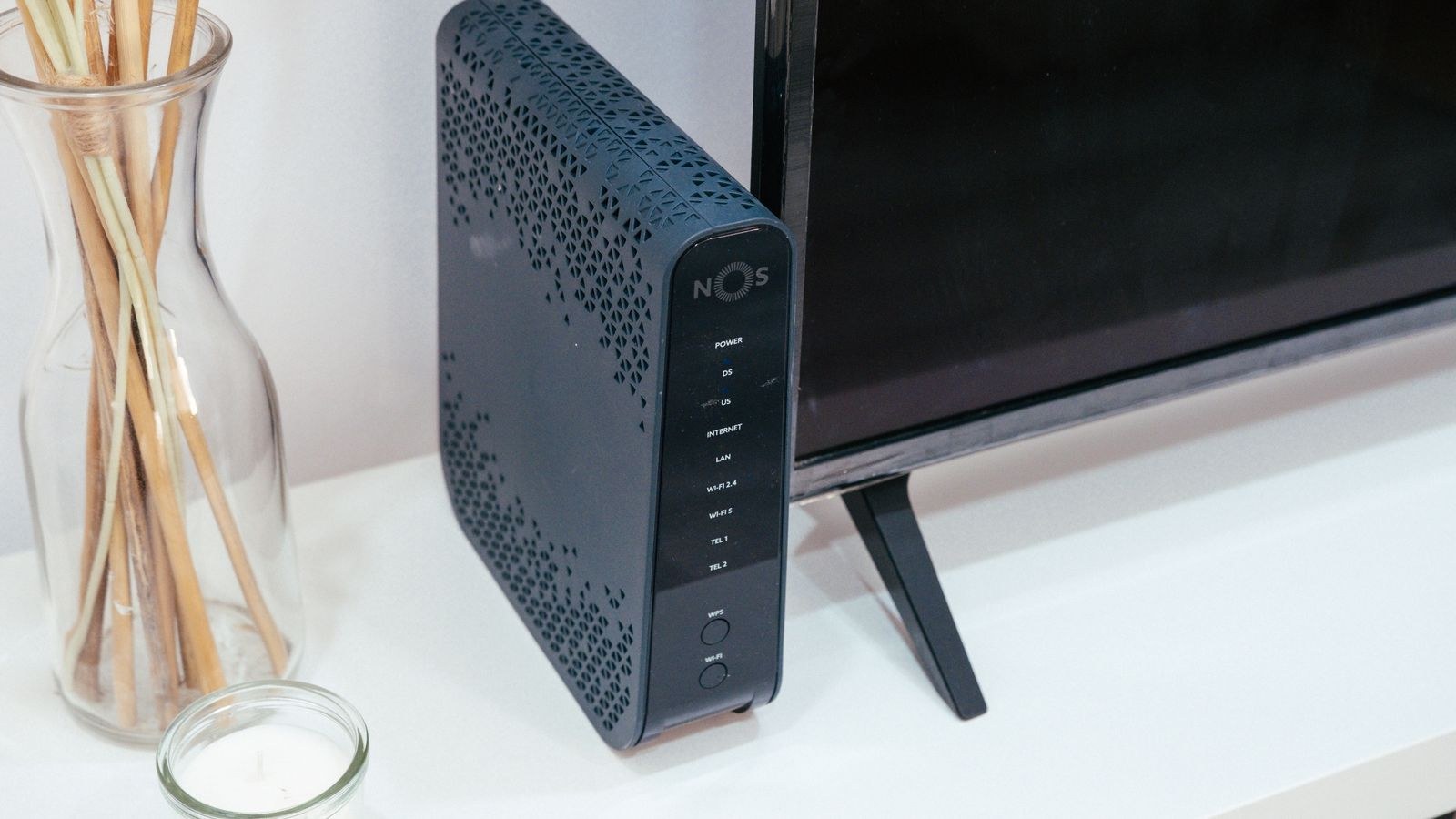
A router with two WAN inputs, one ethernet and one USB, is the most common approach. You plug a USB LTE modem into the router, configure it as the secondary connection, and the router monitors the primary link. This is affordable and works well, though USB modem compatibility varies and you should verify support against the router manufacturer’s list before buying anything.
Dedicated LTE Router as Secondary WAN
A standalone cellular router with its own SIM and antennas plugs into your main router’s second WAN port over ethernet. It costs more but performs better, particularly where cellular signal is weak, because a dedicated device has proper antenna ports and better thermal headroom for continuous operation. The models covered in our roundup of the best LTE routers are built for exactly this standby role, and the broader best cellular routers guide compares options if you want the backup device to be capable enough to serve as a primary connection elsewhere.
Router With Built-In Cellular
Some routers integrate a SIM slot directly, giving you one box, one admin interface, and no compatibility guessing. It is the tidiest option, and the best SIM card routers cover models where the cellular side is a genuine second WAN rather than an afterthought.
Pick the Right Data Plan
A backup connection sits idle most of the time, so plan choice is unusual. What you want is a plan that stays active without regular usage, has no punishing overage rates, and runs on a carrier whose signal is actually good at your address. That last point matters more than price: the cheapest plan is worthless if the tower serving you is congested.
Test coverage before committing. Put a SIM from the candidate carrier in a phone, sit it where the backup router will live, and check the signal readings and a speed test. Carriers often differ dramatically at the same address. Small monthly data allotments are usually sufficient for genuine backup use, but be honest about what an outage day costs in data, since a full day of video calls can consume 8 to 10GB on its own.
Step-by-Step Configuration
- Position the cellular device where signal is strongest. Near a window on an upper floor beats a basement equipment rack every time. Check the signal metrics on its status page and move it around until the readings stop improving.
- Insert the SIM and set the APN. Enter the carrier’s APN details in the router’s cellular settings. Data-only SIMs frequently need a different APN from phone SIMs, so use the one the carrier specifies for that plan.
- Verify the cellular link independently. Before wiring anything into your main network, connect a laptop to the cellular device and confirm you have working internet. Diagnosing failover with an unproven backup connection is a waste of an evening.
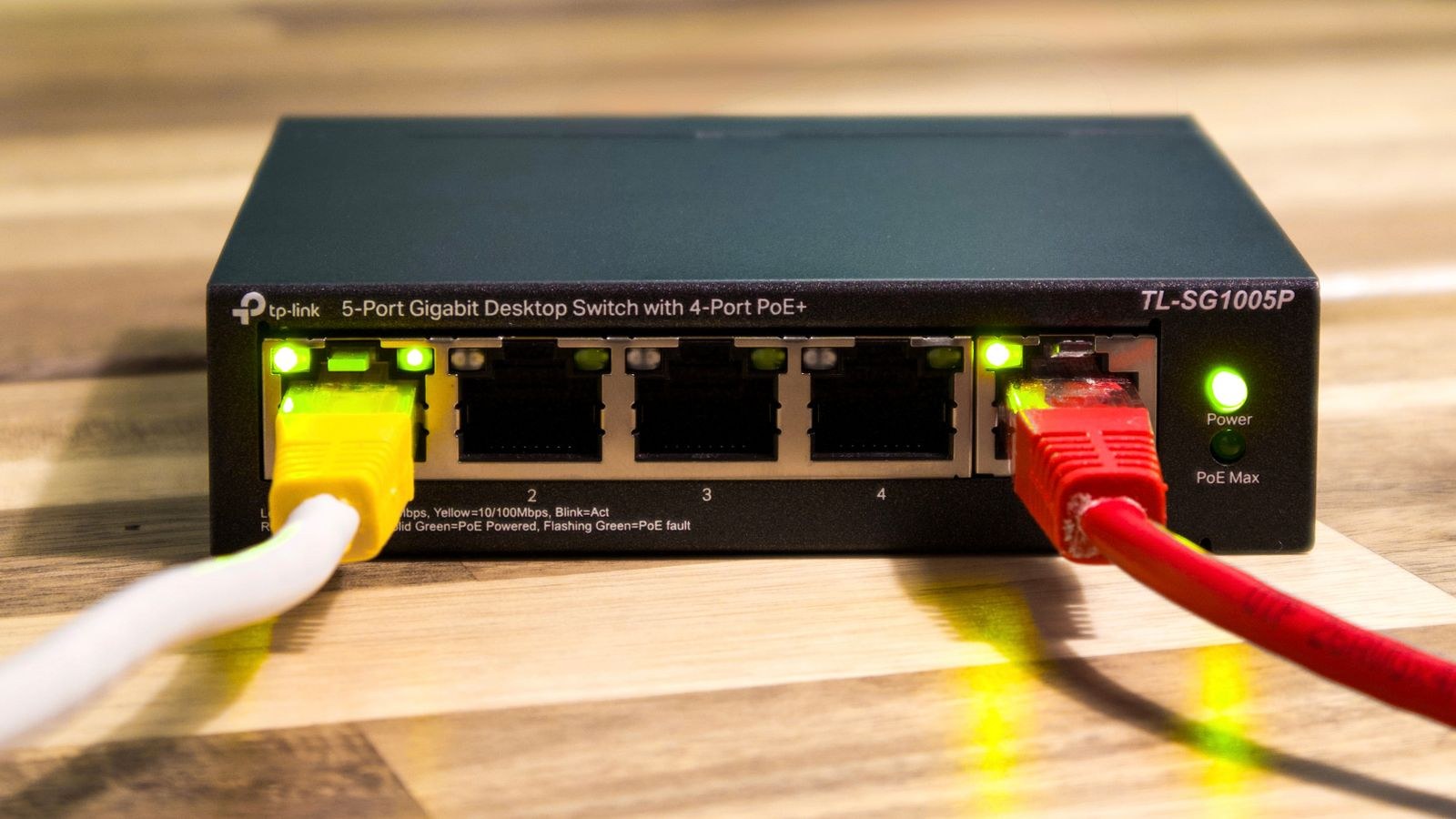
- Connect it as the secondary WAN. Run ethernet from the cellular router’s LAN port to your main router’s second WAN port, or plug the USB modem into the appropriate port if you are taking that route.
- Set the WAN priority. In the dual-WAN or multi-WAN settings, mark your broadband as primary and cellular as backup, choosing failover rather than load balancing unless you specifically want both active.
- Configure the health check. The router needs a way to know the primary link is down. Point it at two reliable external addresses rather than one, so a single unreachable host does not trigger a false failover. Set the check interval to about five seconds with three failures before switching.
- Enable automatic failback. Add a delay of a few minutes before returning to the primary connection, so a flapping line does not bounce you back and forth every thirty seconds.
- Turn on notifications. Email or app alerts on failover events tell you the backup is carrying traffic, which is the only way to avoid quietly burning cellular data for a week after an outage you never noticed ended.
- Restrict what uses the backup. Many routers let you block specific devices or traffic types on the secondary WAN. Exclude streaming boxes, game consoles, and cloud backup clients so your data allowance goes to work traffic.
Test It Properly
An untested backup is a guess. Testing takes ten minutes and is the single most valuable part of this project.
- Start a video call or a continuous ping to an external address so you can see the interruption clearly.
- Unplug the ethernet cable from your modem to simulate a line failure.
- Time how long the gap lasts before traffic resumes. Anything under thirty seconds is good; over a minute means your health check interval needs tightening.
- Confirm the router logged the event and that the notification arrived.
- Reconnect the primary and confirm failback happens automatically after the delay you configured.
- Repeat this test every few months. SIMs get deactivated for inactivity, firmware updates reset settings, and plans change.
What Breaks During Failover
Expect some disruption even with good configuration. Your public IP address changes, so any inbound connections, VPN tunnels, or self-hosted services will drop and need to re-establish. Sessions that are sensitive to IP changes, including some banking and corporate portals, will require signing in again. Carrier-grade NAT on the cellular side means inbound connections generally will not work at all during failover, which is worth knowing before you rely on remote access to home devices.
Common Mistakes
- Never testing. The most common failure mode is discovering the backup does not work during the outage it was bought for.
- Using a single health check target. One unreachable server triggers false failovers and pointless data use.
- Leaving the SIM dormant too long. Many carriers deactivate SIMs with no usage after a set period. Schedule a small monthly transfer or run a test to keep it alive.
- Putting the cellular device in the basement next to the modem, where signal is weakest, purely because that is where the cables are.
- Letting everything use the backup. A cloud backup client can drain a month’s data allowance during a single afternoon outage.
- Forgetting power. If the outage is electrical rather than an ISP fault, your backup router needs battery power too.
Frequently Asked Questions
Can I just use my phone’s hotspot instead?
You can, and it is a reasonable free fallback. It requires manual intervention, drains the phone, and cannot serve a whole household well. Automatic failover exists because the manual version fails exactly when you are too busy to perform it.
How fast does the backup need to be?
Modest speeds suffice. A video call needs around 3 to 4 Mbps, so a connection delivering 20 Mbps handles a working household comfortably. Latency and stability matter more than peak throughput.
Should I load balance instead of failing over?
Only if you need zero interruption and can accept the cost and complexity. Load balancing with dual active links is well covered in our guide to the best load balancing routers, which explains where the extra spend is justified.
Does failover work if the power goes out?
Not without battery backup for the router and cellular device. Both are low-draw enough that a modest uninterruptible power supply keeps them running for hours.
Final Thoughts
An LTE backup is one of the few home network upgrades that pays for itself the first time it is needed. Choose the tier that matches how costly downtime actually is for you, put the cellular device where the signal is genuinely strong rather than where the cables happen to be, configure health checks against two targets with sensible failback, and restrict which devices may use the backup so an outage does not also become a data overage. Then test it, and test it again a few months later. For a work-from-home setup where an outage costs real money, pairing this with one of the best routers for working from home gives you a network that shrugs off the kind of afternoon that used to end productivity entirely.









