Owen Bradley
 Smart bulbs and three-way fixtures have a fundamental conflict. A smart bulb needs constant power to stay connected to your network, but a three-way circuit exists specifically so two wall switches can cut that power from either end of a room. The moment somebody flips either switch, the bulb goes offline, drops out of the app, and stops responding to voice commands or schedules. Getting a smart bulb three way switch arrangement working is therefore not about a clever setting inside the app. It is about deciding how you will keep power flowing while still giving people a way to control the light. This tutorial covers every workable approach, from the five-dollar fix to the full rewire.
Why the Problem Exists
In a conventional three-way circuit, two switches sit between the panel and the fixture, connected by a pair of traveller conductors. Each switch redirects the hot conductor down one traveller or the other, and the light is on when both switches happen to be routed the same way. There is no fixed on or off position on either switch, which is why the toggles never sit consistently up or down.
A smart bulb assumes it is always energised. It listens on Wi-Fi, Zigbee, Thread, or Bluetooth and switches its own LEDs internally when told to. Cut the supply and the radio dies with it. Worse, when power is restored the bulb takes several seconds to reconnect, and any schedule that fired while it was dark simply never happened. That is the behaviour you are engineering around.
What You Will Need
- Your smart bulbs and their companion app, plus a hub if the ecosystem requires one.
- Switch guards or locking covers if you plan to take the simplest route.
- A smart three-way switch kit, or a smart switch plus a compatible companion or remote, for the wired approach.
- A non-contact voltage tester and insulated screwdrivers if you will open a switch box.
- A wireless wall remote or battery-powered scene button, which is the most popular practical solution.
- Masking tape and a marker for labelling conductors before disconnecting anything.
Step-by-Step: Getting It Working
- Confirm the circuit really is three-way. Check that two switches control the same fixture and that flipping either one changes the light. Remove a cover plate with the breaker off and count terminals: three brass and one dark common screw means a genuine three-way. A fixture controlled from one location does not have this problem at all.
- Decide who actually uses the second switch. This determines everything. A three-way at the top and bottom of a staircase gets used constantly and needs a real control at both ends. A second switch by a rarely used back door may simply not matter, in which case the cheapest fix is entirely adequate.
- Set both switches so the light is on. Toggle them until the fixture is energised. This is the position the circuit must stay in for the smart bulbs to keep power. Note which way each toggle sits.
- Install the bulbs and commission them fully. With power on, screw in the smart bulbs and pair each one with the app before doing anything else. Assign them to a room group so they respond as a single unit rather than individually. If the fixture holds several bulbs, group them now or you will end up with lamps drifting out of sync. A comparison of the best smart light bulbs is worth checking first, since reconnection speed after a power cut varies a great deal between ecosystems.
- Lock the switches in the on position. Fit a switch guard, a locking plate, or in the simplest case a small piece of clear tape over each toggle. This is the least elegant solution and by far the most reliable, since no wiring changes are involved and nothing can go wrong electrically. Households with children or guests benefit most from a proper guard rather than tape.
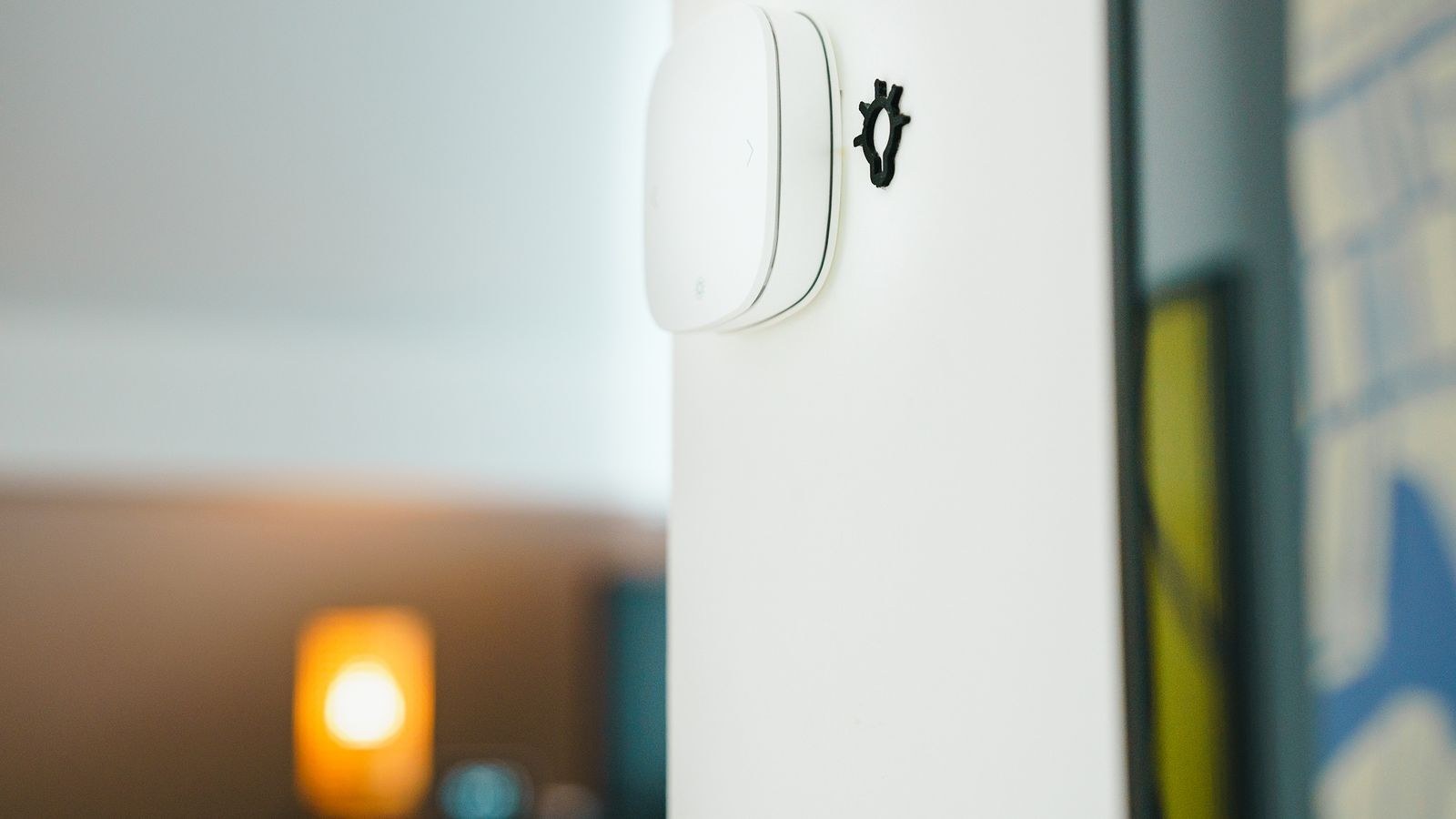
- Add a wireless control to replace what you just disabled. A battery-powered smart button or wall remote mounts directly over or beside the disabled switch, looks deliberate, and sends commands to the bulbs over the network rather than cutting power. This is the approach most people end up with because it costs little, requires no wiring, and preserves control at both ends of the room.
- Consider swapping the bulbs for a smart switch instead. If you do not need colour changing, replacing both wall switches with a smart three-way pair and fitting ordinary dimmable LEDs is the cleaner engineering answer. The wall controls keep working normally for everyone, nothing goes offline, and there is no bulb to reconnect. Reviewing the best smart light switches will show which models ship as a master-and-companion kit designed specifically for three-way circuits.
- Check for a neutral wire before buying a smart switch. Kill the breaker, open the box, and look for a capped bundle of white conductors. Most smart switches require one. If there is no neutral, you need a model explicitly rated for no-neutral installation, or the project becomes an electrician’s job.
- Wire a smart three-way kit carefully if you take that route. Photograph and label the existing wiring, identifying the dark common screw on each switch. The master device replaces one switch and connects to line, load, neutral, ground, and a traveller; the companion typically uses a traveller and neutral only. Follow the manufacturer’s diagram exactly, because these kits do not always use the travellers the way a mechanical three-way does.
- Build scenes and schedules once everything is stable. With power permanently available, set a morning brightness scene, an evening warm scene, and a low-level night setting. This is where smart bulbs finally earn their price, and it only works because the supply is never interrupted.
- Set the power-on behaviour. Almost every smart bulb has an option controlling what happens after a genuine outage. Choose to restore the previous state, or default to a comfortable warm white, so a brief power cut does not leave the room blazing at full brightness in the middle of the night.
- Label the disabled switch. A small discreet plate or a printed label saying the switch must stay on prevents guests, cleaners, and family from undoing the entire arrangement in one absent-minded flick.
Choosing Between the Approaches
The guard-plus-remote approach wins on cost and reversibility, and it keeps colour-changing capability that switches cannot provide. Its weakness is that the physical switch no longer does what it appears to do, which confuses visitors. The smart switch approach wins on reliability and normal behaviour for everyone, but you give up per-bulb colour control and you must open two boxes.
A middle path suits many rooms: fit a smart dimmer at the primary switch location with plain dimmable bulbs, and use a wireless remote at the secondary location. Looking through the best smart dimmer switches will show which models handle low LED loads without flicker, which is the main thing that goes wrong with this configuration. If you are staying with bulbs and want the widest scene and colour options, a survey of the best WiFi light bulbs covers models that connect directly to your router without a separate hub.
Safety and Practical Cautions
Any work inside a switch box begins at the breaker, not the wall switch, and must be verified with a non-contact tester on every conductor present. Three-way boxes often carry more conductors than they appear to, and a second circuit sharing the box is common. Never guess at traveller identity; label before disconnecting. Do not install smart bulbs in enclosed fixtures unless they are explicitly rated for it, since the radio and driver electronics are heat-sensitive and will fail early. Avoid putting smart bulbs on a dimmer circuit of any kind, as the two dimming systems fight each other and produce flicker. And check whether your smart bulbs are rated for damp locations before using them in a bathroom or a covered porch.
Common Mistakes
The most common is assuming an app setting can solve a hardware problem. No amount of configuration keeps a bulb online when the supply is physically disconnected. The second is fitting smart bulbs behind an existing dimmer, which produces flickering, buzzing, and premature failure regardless of how good the bulb is.
A third is mixing smart and ordinary bulbs in the same multi-socket fixture, which leaves half the lamps stuck at full output whenever a scene runs. A fourth is skipping the wireless remote, so household members repeatedly flip the taped switch out of frustration and the whole system gets blamed. Finally, many people never set the power-on default, then find every bulb glaring at maximum brightness after a storm.
Frequently Asked Questions
Can I just leave one switch working?
Only if the light being cut occasionally is acceptable. The bulbs will go offline whenever that switch is used and take a few seconds to rejoin the network afterwards, and any automation missed during the outage will not catch up.
Do smart bulbs use much power when off?
Very little. A typical bulb draws under half a watt in standby, so a fixture with three bulbs costs roughly a dollar or two a year to keep connected. That standby draw is the price of the arrangement working at all.
Will the bulbs still work if the internet goes down?
It depends on the ecosystem. Hub-based systems using Zigbee or Thread usually keep local control and schedules running. Cloud-dependent Wi-Fi bulbs may lose app and voice control until the connection returns, though the physical supply is unaffected.
Is a smart switch better than smart bulbs?
For a three-way fixture used by a whole household, generally yes. Switches behave normally for everyone and never go offline. Bulbs win where colour, per-lamp control, or renting without wiring changes matters more.
Final Thoughts
The trick with smart bulbs in a three-way fixture is accepting the constraint rather than fighting it. The bulbs must have uninterrupted power, so the wall switches either get locked on and replaced with wireless controls, or get swapped for smart switches that handle the job at the wall. Choose based on how heavily that second switch is really used and whether colour matters to you. Do it deliberately, label what you disable, and set a sensible power-on default, and the fixture will behave exactly as intended for years.