
 Owen Bradley
 Most televisions end up too high on the wall. It happens because people mount the screen where it looks balanced when they are standing in the room, then spend the next several years watching from a sofa with their chin tilted up. Getting TV mounting height right is not guesswork, and it does not require a professional. It comes down to one measurement taken from your actual seating position and a simple formula that accounts for screen size and viewing distance. This guide walks through how to work out the correct height for a living room or bedroom, when tilt brackets solve a problem the mount cannot, and how to test the result before you drill anything permanent.
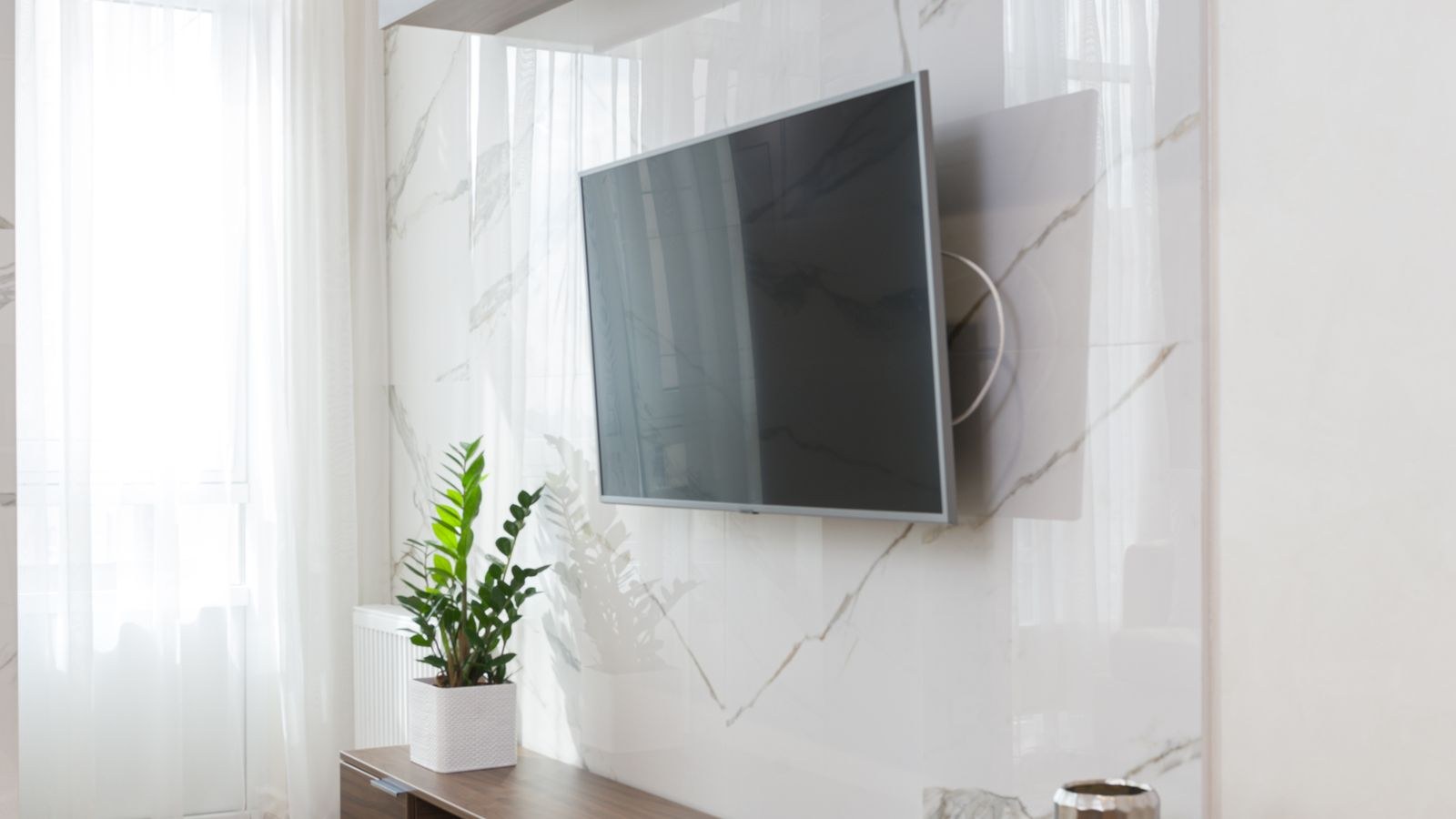
The Rule That Matters: Eye Level to Screen Center
Every reliable height calculation starts from the same principle. The vertical center of the screen should sit at or very near the eye level of a seated viewer. Your eyes naturally rest slightly below horizontal when relaxed, so a screen centered at eye level, or an inch or two below it, keeps your neck neutral for hours.
For a standard sofa, seated eye level lands somewhere between 38 and 42 inches from the floor. In a dining chair it is closer to 44 inches. Lying propped in bed, it can be anywhere from 30 to 48 inches depending on how many pillows you use. That range is exactly why you should never rely on a number from an article, including this one. Measure your own.
How to Measure Your Seated Eye Level
- Sit in the spot where you actually watch, in the posture you actually use. Slouch if you slouch.
- Have someone hold a tape measure vertically from the floor beside you.
- Look straight ahead at the wall and have them note the height at your eye line.
- Repeat for the second most-used seat and average the two numbers if they differ by more than a few inches.
That averaged number is your target for the middle of the screen. Everything else in this guide adjusts around it.
Turning Eye Level Into a Bracket Height
The mount does not attach at the screen center, so you need one more calculation. Take your target center height, then subtract half the screen’s actual panel height to find where the bottom edge of the TV should land.
Panel height is not the same as the advertised diagonal. A 55-inch TV is roughly 27 inches tall, a 65-inch is around 32 inches, and a 75-inch is close to 37 inches. So if your seated eye level is 40 inches and you are hanging a 65-inch screen, the bottom edge should sit at roughly 40 minus 16, or 24 inches from the floor. Check where the bracket’s mounting holes fall relative to that bottom edge, since most brackets attach above the midpoint of the panel.
Screen size changes the answer more than people expect. A larger panel occupies more vertical space, so its center has to sit lower to keep the top edge from looming. This is one reason larger screens often look wrong in rooms where a smaller one looked fine at the same bracket height. If you are still deciding on size before mounting, comparing the best 65 inch gaming TVs against the best 75 inch gaming TVs gives you a realistic sense of how much wall each class actually occupies.
Viewing Distance Changes the Comfortable Angle
Distance and height work together. The further back you sit, the less a slightly high screen strains your neck, because the upward angle flattens out. Close seating amplifies every inch of error.
A useful reference: for comfortable viewing, sit roughly 1.5 to 2.5 times the screen’s diagonal away. A 65-inch panel suits a seating distance of about 8 to 11 feet. If your sofa sits closer than that lower bound, prioritize a lower mount, because the viewing angle is steep and errors are punishing. If you sit at the far end of the range or beyond, you gain a few inches of forgiveness in either direction.
As a practical ceiling, aim to keep the upward viewing angle under 15 degrees from horizontal. Beyond that, most people report neck fatigue within an hour. Under 30 degrees is the absolute limit even for short viewing sessions.
Bedroom Mounting Is a Different Problem
Bedrooms break the standard formula because you are usually reclined rather than seated upright. Your eye line points forward and slightly upward, so the screen genuinely can sit higher than in a living room, often with the center around 50 to 60 inches from the floor when mounted opposite the foot of the bed.
The complication is that most people also watch while sitting up against the headboard. Measure both positions, then favor the one you use more. A tilt bracket earns its cost here more than anywhere else in the house, since it lets one mount serve two very different postures. Screen size also tends to run smaller in bedrooms for the same reason, and the best bedroom gaming TVs tend to sit in sizes that suit shorter viewing distances without dominating the wall.
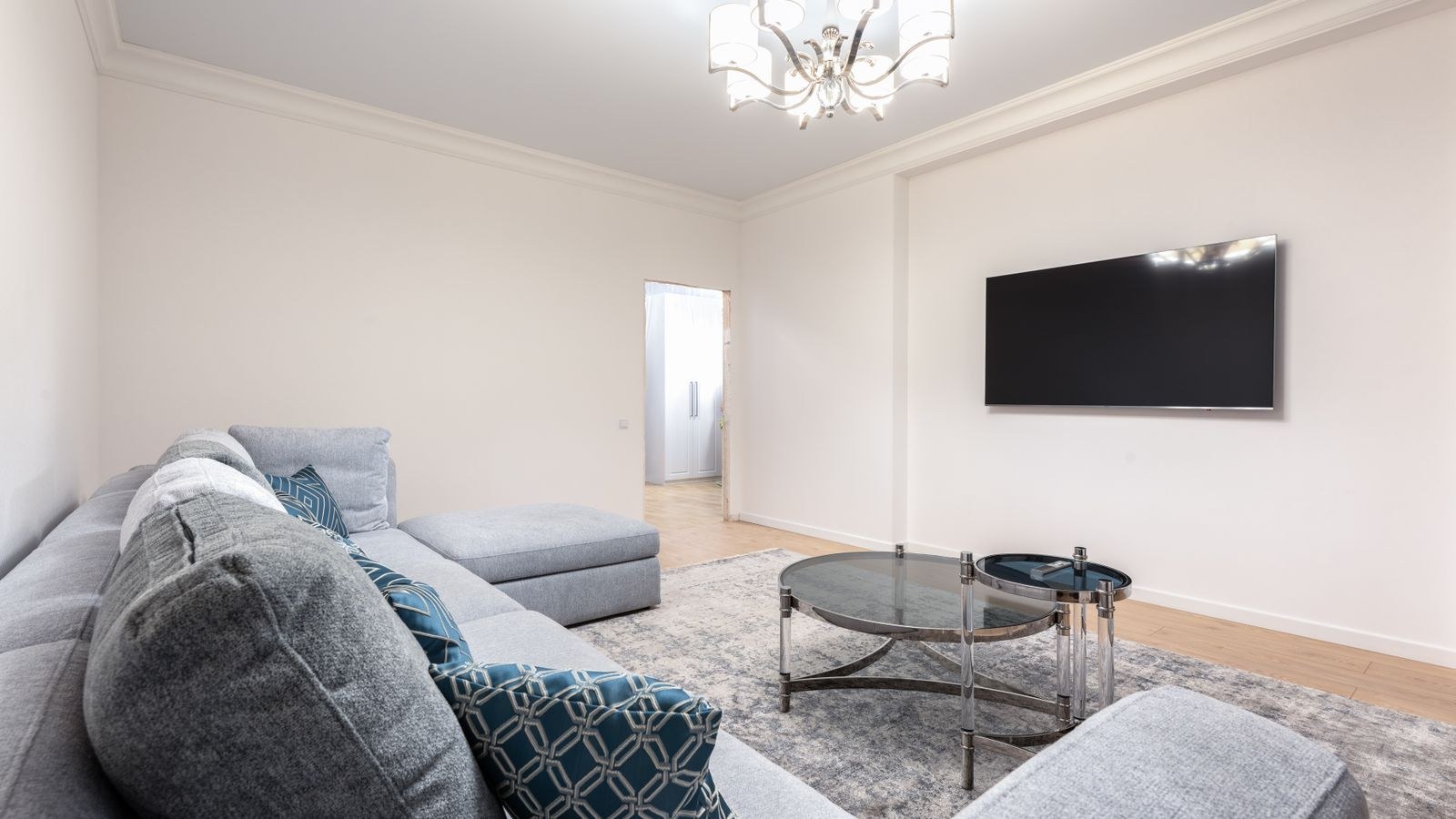
When You Have No Choice but to Mount High
Sometimes the wall dictates the outcome. A fireplace, a radiator, a window run or a built-in console can force the screen above the ideal band. When that happens, a tilting or full-motion mount is not optional, it is the fix.
A tilt bracket angles the screen face downward, typically between 5 and 15 degrees, which brings the picture perpendicular to your line of sight even from a high position. As a rough guide, allow about 5 degrees of downward tilt for every 6 inches the screen center sits above your ideal eye level. Full-motion arms go further, letting you pull the panel out and angle it toward a specific seat, which is useful in long rooms or open-plan spaces with two seating zones.
Be aware of the trade-offs. Tilting a screen downward can make reflections from ceiling lights worse, and it slightly reduces perceived contrast on some panel types when viewed off-axis. It also creates a visible gap at the top of the mount. Those are all acceptable costs compared to watching a screen you have to crane up at.
Above a Fireplace: The Honest Answer
Mounting above a fireplace usually puts the screen center near 60 inches or higher, well outside the comfortable band. It looks tidy and it is a common request, but it is rarely the right choice for a primary viewing screen. If you must, use a pull-down mantel mount that swings the TV forward and lower for viewing, and confirm the heat from the firebox does not raise the mounting surface above the panel’s rated operating temperature.
Test Before You Drill
- Cut a cardboard mock-up the same dimensions as your TV, or use painter’s tape to outline the panel on the wall.
- Tape it at your calculated height and step back to your seating position.
- Sit through a full evening’s worth of routine. Check the view from every seat, not just the middle of the sofa.
- Check for glare at the times of day you watch most, both with lamps on and with daylight coming in.
- Adjust in 2-inch increments rather than large jumps. Small changes have a bigger effect than you would guess.
- Mark the final stud positions only once you are confident, then measure twice before the drill comes out.
Ambient lighting behind the panel also shifts how high a screen feels, because a lit wall reduces the contrast between the bright picture and the dark surround. If you are considering that, our TV backlighting guide explains how bias lighting reduces eye strain, which pairs well with getting the height right in the first place.
Common Mounting Height Mistakes
- Measuring while standing. The single most frequent error, and it typically pushes the screen 10 to 14 inches too high.
- Centering the TV on the wall instead of on the viewer. Visual symmetry with the room is far less important than comfort.
- Ignoring the console below. The bottom edge should clear any media unit, soundbar or shelf by a few inches so nothing blocks the picture or the infrared sensor.
- Forgetting the soundbar. A bar mounted beneath the screen eats into your clearance and can raise the effective bottom edge by several inches.
- Skipping the mock-up. Ten minutes of painter’s tape prevents a set of holes in the wrong place.
Frequently Asked Questions
What is the standard TV mounting height?
There is no true standard, but for a typical sofa the screen center usually lands between 38 and 42 inches from the floor. Measure your own seated eye level rather than defaulting to a number.
Does screen size change the mounting height?
Yes. Larger panels are taller, so the bracket sits lower to keep the center at eye level. Moving from a 55-inch to a 75-inch screen typically drops the bottom edge by about 5 inches.
Is it bad to mount a TV too high?
It causes neck and shoulder strain during long sessions and can wash out the picture on panels with narrow vertical viewing angles. If height is unavoidable, use a tilt mount to compensate.
How much tilt do I need?
Roughly 5 degrees of downward tilt for every 6 inches the screen center sits above your ideal eye level, up to the bracket’s maximum. Verify by eye from your seat.
Should a small TV be mounted differently?
The same eye-level principle applies, but smaller screens are less forgiving of distance, so seat placement matters more. Larger panels intended for open rooms, like the best living room gaming TVs, need the bracket set noticeably lower to keep the center on your eye line.
Final Thoughts
The right TV mounting height comes from one measurement, not from a rule of thumb. Sit where you watch, find your eye level, subtract half the panel height, and mock the result up in tape before you touch a drill. Where the wall forces a compromise, a tilt bracket recovers most of what you lose. Spend twenty minutes on this and you get a screen that feels effortless to watch for years, rather than one that quietly makes every film a little less comfortable than it should be.
Once your screen is mounted at the right angle, eliminating surrounding distractions completes the home theater setup. Pairing your ergonomic screen placement with personal audio from NoiseCancel Picks keeps movie dialogue crisp without disturbing the rest of the household. A balanced view combined with isolated sound ensures hours of strain-free viewing.









