
 Owen Bradley
 Few gadget failures are as irritating as a pair of wireless earbuds that has quietly become a single earbud. One side connects, plays, and behaves normally. The other sits dead in the case, or pairs but produces silence, or drops out every thirty seconds. Because the working side proves the phone and the Bluetooth stack are fine, most people assume the silent bud has hardware failure and start shopping for a replacement. In the large majority of cases that assumption is wrong. One earbud not working is usually a synchronization problem between the two buds, a stale pairing record on the phone, or a charging contact coated in pocket lint. All three are fixable at home in under fifteen minutes with no tools and no cost. This guide walks through the diagnosis in the order that solves the most cases fastest, so you stop as soon as sound returns rather than working through every possibility.
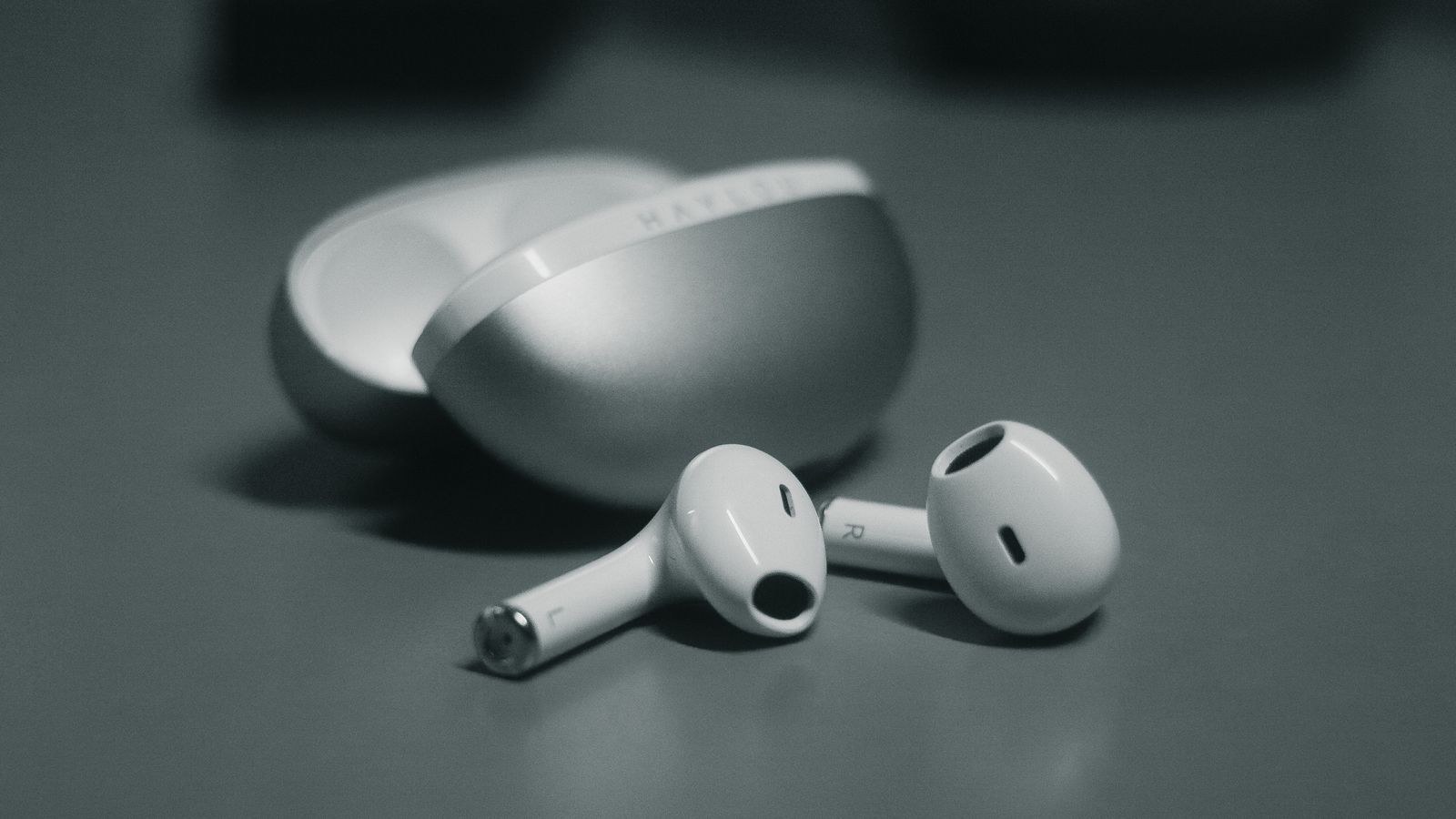
Why One Earbud Stops Working
True wireless earbuds are two separate computers that must agree with each other constantly. One bud normally acts as the primary and holds the connection to your phone, then relays audio to the secondary bud over a short-range link. If that internal handshake breaks, the phone still shows a healthy connection while the secondary side goes quiet, which is exactly why the problem looks like hardware failure when it is actually a link failure.
The second common cause is uneven charging. If one bud never reaches a full charge because its contacts are dirty or it sits slightly proud in its well, it will run flat long before its twin and stop responding entirely. The third cause is a corrupted pairing record: your phone remembers an old profile that no longer matches what the buds are broadcasting, so it reconnects to half the pair. Genuine driver failure exists but sits at the bottom of the list, not the top.
Before You Start: Quick Checks
- Check the volume balance slider. Phone accessibility settings include a left-right balance control that produces perfect silence on one side when pushed to an extreme. A stray swipe can set it without you noticing.
- Test on a second device. Pair the buds to a laptop or tablet. If both sides work there, the problem is your phone, not the earbuds.
- Confirm the case has charge. A nearly flat case may only have enough power to service one bud.
- Look for a status light. A bud that shows no LED at all when placed in a powered case is a charging problem, not a pairing problem.
- Remove any case or cover. Thick phone cases occasionally weaken the Bluetooth signal enough to cause one-sided dropouts during movement.
Step-by-Step: Fixing a Dead Earbud
- Reseat both buds in the case and close the lid. Leave it shut for thirty seconds. This forces both buds to power down and re-establish their internal link on the next open, and it alone resolves a surprising share of cases.
- Clean the charging contacts. Take both buds out and look at the small metal pads on each stem and the matching pins inside the case wells. Wipe each with a cotton swab lightly dampened with 70 percent isopropyl alcohol, then dry with a clean cloth. Brush lint out of the wells with a dry soft brush before replacing the buds.
- Charge both buds for at least thirty minutes. Plug the case in and leave it alone. A deeply discharged lithium cell may need several minutes before it accepts charge at all, so an immediate lack of light does not mean failure.
- Forget the device on your phone. Open Bluetooth settings, find the earbuds, and choose Forget or Unpair rather than merely disconnecting. Then turn Bluetooth off and back on. This clears the stale profile that causes half-pair connections.
- Factory reset the earbuds. The exact gesture varies, but the usual pattern is to place both buds in the case, hold the button on the case for ten to twenty seconds until the light flashes a different color, or hold the touch surface on each bud for the same duration. Consult the manual for your model, because a partial press often triggers pairing mode instead of a reset.
- Pair from scratch. With both buds in the open case, put them into pairing mode and connect fresh from your phone. Do not restore an old profile from a companion app during this step, as that can reintroduce the corrupted setting you just cleared.
- Test each side separately. Take one bud out, leave the other in the case, and play audio. Then swap. Single-bud mode confirms whether each unit can independently hold a connection, which isolates a driver fault from a link fault.
- Update firmware. Open the manufacturer’s companion app and check for an update. Several one-sided dropout bugs across popular models have been fixed purely in firmware. Keep both buds in the case and the phone nearby for the entire update.
- Check the mesh and nozzle. If the bud connects but sounds silent or extremely quiet, the problem may be a blocked sound outlet rather than radio. Dry brush the mesh screen and try again before concluding the driver is dead.
- Reset network settings as a last resort on the phone side. If a second device works perfectly and your phone still fails, resetting network settings clears every saved Bluetooth and Wi-Fi profile and reliably fixes stubborn pairing corruption. Note that you will need to re-enter Wi-Fi passwords afterward.
Fixes for Specific Symptoms
The bud pairs but plays no sound
This points to a blocked nozzle or an audio routing issue rather than a connection fault. Clean the mesh, then check whether your phone is sending audio to a different output such as a car system or a smart speaker still in range. Mono audio settings can also collapse both channels into one side.
The bud connects then drops after seconds
Almost always a charging problem. The bud has enough power to announce itself and then browns out. Clean the contacts thoroughly and charge for a full hour before testing again. If it repeats after a full charge, the cell has likely degraded.
Both buds work but one is much quieter
Check the balance slider first, then clean the mesh. Persistent imbalance after both usually means a partially blocked internal filter, which some manufacturers sell as a cheap replaceable part.
The bud shows no light at all
Focus entirely on power. Try charging the case with a different cable and adapter, clean both sets of contacts, and confirm the bud sits fully seated with the magnets engaged. A bud that never lights after an hour on a known-good case is the strongest single indicator of genuine hardware failure.
Preventing the Problem From Returning
Most repeat failures come from the same three habits. First, storing buds outside the case in a pocket lets lint pack the contacts within days. Always return them to the case, even for short breaks. Second, letting the case sit at zero charge for weeks deep-discharges the bud cells and shortens their usable life; top the case up monthly even when you are not using the buds. Third, skipping firmware updates leaves known connection bugs in place, so check the companion app every couple of months.
Wipe the contacts with a dry cloth once a week and brush the case wells once a month. That two-minute routine prevents the overwhelming majority of one-sided failures. If your buds run flat before the end of a workday and you find yourself charging mid-shift, the underlying issue may be battery capacity rather than connection health, and models from our list of the best headsets with long battery life give a realistic sense of what modern runtimes look like.
When Replacement Makes More Sense
Some manufacturers sell individual replacement buds, which is by far the cheapest outcome if the rest of the set is healthy. Check the support site with your model number before assuming you need a full pair. If the buds are still in warranty, a one-sided failure is a standard claim and usually results in a replacement set rather than a repair.
Out of warranty and past the two-year mark, the calculation changes. Lithium cells in buds this small typically lose a meaningful share of their capacity by then, so a bud that fails from power starvation is often the first of two. If you are replacing anyway, decide what actually matters to you before shopping. For everyday commuting and calls, the best in-ear headsets and the broader best wireless headsets roundup cover the mainstream options. If your priority is a stable multi-device connection, compare the best Bluetooth headsets, and for open-plan offices or flights the best noise cancelling headsets are worth the premium.
Frequently Asked Questions
Does a factory reset erase my music or settings?
No. A reset clears pairing records and any custom equalizer profile stored on the buds. Nothing on your phone is affected, and re-pairing takes under a minute.
Can I use just one earbud permanently?
Most modern models support single-bud mode indefinitely, and it is a reasonable stopgap. Runtime per charge is usually longer in mono, though you lose stereo separation and some spatial audio features.
Why does the problem return after a few weeks?
Recurring one-sided failure almost always traces to charging contacts that are dirty again or a bud cell that no longer holds charge. Weekly contact cleaning tells you which of the two you are dealing with.
Will a firmware update fix a dead bud?
It can, if the fault is a known link bug. It cannot revive a bud with a failed battery or driver. Update anyway before requesting a warranty replacement, since support will usually ask whether you have.
Final Thoughts
Work the problem in order rather than jumping to conclusions: reseat and close the case, clean the contacts, charge fully, forget the device, factory reset, then pair fresh. That sequence resolves the vast majority of one-sided earbud failures without spending anything, and the remaining cases become easy to identify because a bud that still shows no light after a full charge on clean contacts is genuinely broken. Build the weekly contact wipe into your routine and keep firmware current, and you will spend far less time troubleshooting this again in 2026 and beyond.









