
 Owen Bradley
 Your television is drawing power right now, even though nobody has watched it since last night. So is the games console in standby, the printer waiting for a job that never comes, the soundbar, the coffee machine’s clock, and every charger left dangling in a socket. Individually these are trivial. Added together across a whole house, this vampire load quietly accounts for a meaningful slice of an electricity bill, all of it spent on devices doing nothing. The good news is that reducing standby power is a weekend project with cheap hardware, and unlike most efficiency advice it requires no change in behaviour at all once it is set up.
What Standby Power Actually Is
Standby power is the electricity a device consumes while switched off or idle. It keeps the infrared receiver listening for your remote, holds the clock, maintains a network connection so a streaming stick can wake instantly, and keeps a power supply energised so the device boots in two seconds instead of twenty. Convenience, in other words, paid for continuously.
Modern regulations have pushed many devices below 1 watt in true standby, but plenty of common household items sit far higher. A games console in its instant-on mode can draw 10 to 15 watts around the clock. A soundbar or AV receiver often idles at 5 to 10 watts. An older set-top box can sit near 20 watts whether or not anyone is watching. Multiply any of those by 8,760 hours in a year and the numbers stop looking trivial.
The Arithmetic Worth Doing
Annual cost is simple: watts, times 8.76, divided by 1,000, times your rate per kilowatt-hour, gives an approximate yearly figure. A device idling at 10 watts on a 20 cent rate costs roughly $17.50 a year to do absolutely nothing. Find five such devices and you are looking at real money, recovered permanently by hardware that costs less than one year of the waste.
Step One: Measure Before You Change Anything
Guessing which devices waste power is a poor strategy, because the biggest offenders are rarely the ones you suspect. Measurement takes an evening and tells you exactly where to spend effort.
- Get a plug with energy monitoring. Many smart plugs report live wattage and cumulative kilowatt-hours in the app. Compare energy-monitoring models among the best smart plugs, because not every plug includes the metering hardware.
- Test one device at a time. Plug the meter into the wall, the device into the meter, and leave it for a full day so you capture both active and idle periods.
- Record the idle wattage. Switch the device off with its own remote or button and read the number that remains. That figure is your vampire load.
- Work through the obvious suspects. Television, console, soundbar, set-top box, printer, desktop PC and monitors, router, coffee machine, microwave, phone chargers, and any wall wart that stays warm to the touch.
- Rank the results. Sort by idle watts. Anything above 3 watts is worth attacking; anything under 1 watt is usually not worth the hassle.
- Note which devices must never be cut. Router, security system, fridge, set-top box that downloads guide data overnight, or a DVR mid-recording. These stay on regardless of what they draw.
Step Two: Group Devices Into Clusters
Cutting power one device at a time is inefficient. Most standby waste sits in clusters that are used together and idle together, so a single plug can kill several loads at once.
- Entertainment cluster: TV, soundbar, console, streaming stick, and their chargers, all on one strip behind the cabinet.
- Desk cluster: monitors, desk lamp, speakers, USB hub, and printer, everything except the computer itself if it needs to run backups.
- Charging cluster: phone, tablet, watch, and headphone chargers on a single bedside or hallway station.
- Kitchen countertop cluster: coffee machine, toaster, and kettle, provided their combined wattage stays inside the plug’s rating.
- Garage or workshop cluster: tool chargers, radio, and shop lighting that only need power when you are out there.
Feed each cluster through one smart plug driving a power strip, and you convert a dozen small drains into one switch. Where you would rather not have plugs protruding from the wall, replacing the receptacle with a controllable version is neater; the comparison of smart wall outlets covers those in-wall options.
Step Three: Build Schedules That Match Real Life
A schedule only saves money if it never annoys anyone, because an automation people fight will be deleted within a week. Set generous windows at first and tighten them once you know the household’s habits.
- Cut overnight, not during the day. A midnight-to-6am off window on the entertainment cluster is uncontroversial and removes a third of the waste immediately.
- Add a weekday work-hours window. If the house empties from 9 to 5, the TV cluster and charging station can be dead through it.
- Use countdown timers for chargers. Three hours of power is plenty for a phone; the plug then cuts the supply until the next scheduled window.
- Trigger on departure. Location-based routines that switch off non-essential clusters when the last phone leaves the house are the most effective single automation available.
- Stagger the on times. Bringing several devices back at once creates a brief inrush spike; separating them by a minute avoids it.
- Leave manual override obvious. The plug’s physical button and a clearly named voice command mean nobody has to open an app to watch a film at 1am.
If the cluster is purely on a clock and nobody needs app control, a plain mechanical or digital timer does the same job with no network involved. Weighing the outlet timers against smart plugs is worth doing for basements, garages, and anywhere WiFi is weak, since a timer never drops offline.
What Not to Cut
Some devices cost more than they save when interrupted, and a few create genuine problems.
- Routers, modems, and mesh nodes. Cutting these takes down the very network your plugs depend on.
- Refrigerators and freezers. Never worth it, and abrupt restarts stress compressors.
- Security cameras, alarms, and smart locks. Safety devices stay powered.
- DVRs and set-top boxes with scheduled recordings or overnight updates.
- Anything with a long boot time you use frequently. If a device takes four minutes to start and you use it hourly, the friction outweighs the pennies.
- Devices that lose settings. Some older equipment forgets its configuration when fully de-energised.
Beware of Nuisance Loads You Cannot Fix With a Plug
A smart plug cannot help with hardwired equipment, nor with devices whose waste comes from being genuinely on rather than idle. Old incandescent and halogen fixtures left burning are a bigger problem than any standby load, and no scheduling fixes an inefficient bulb. Swapping to efficient lamps first, then scheduling them, compounds the saving; the roundup of energy saving light bulbs is a sensible companion project to this one.
Step Four: Measure Again and Prove the Saving
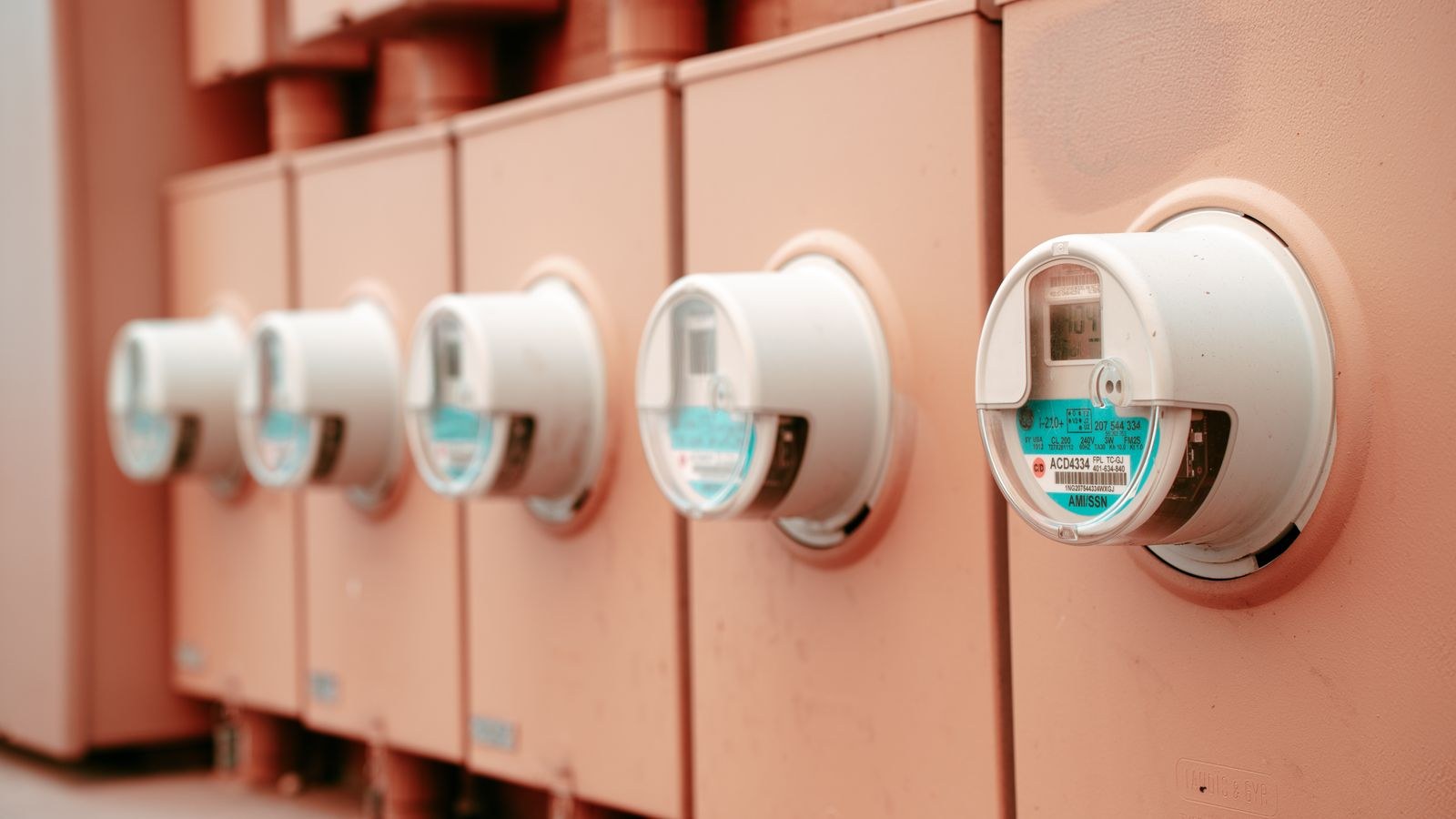
After a month of schedules, revisit the energy data in the app. Compare the kilowatt-hours logged by each plug against your baseline reading from the first week. The difference, multiplied by your rate, is the real annual saving, and it tells you whether to expand the project or leave it alone.
Expect the entertainment cluster to deliver the largest single win in most homes, followed by the desk and the charging station. If a cluster shows almost no change, the devices in it were already well-behaved, so remove the plug and redeploy it somewhere with a fatter idle draw. Where the win is purely time-based and you have proved it, swapping the smart plug for a simple timer plug frees the more capable hardware for a spot that needs monitoring.
Common Mistakes
The biggest mistake is automating before measuring, which leads to schedules on devices that already drew under a watt while the real offenders keep running. The second is overloading a plug by hanging a full power strip off a unit rated for a modest load; total the connected wattage and stay well inside it.
Two subtler errors cause most abandonment. Aggressive schedules that cut power while somebody is mid-film or mid-charge get switched off permanently within days, so start loose. And cryptic device names make voice override impossible, which means the household reaches for the app, gets annoyed, and gives up. Name the plug after what it controls, tell everyone the command, and the system survives.
Frequently Asked Questions
How much can I realistically save?
It depends on your devices and rate, but households that attack three or four clusters commonly cut 200 to 400 kilowatt-hours a year, which typically pays back the hardware within the first year.
Does the smart plug itself waste power?
It draws a small amount, usually well under 1 watt, which is far less than the loads it eliminates. A plug controlling a 10 watt idle cluster is a clear net win.
Is it bad for electronics to be fully powered off?
For most consumer devices, no. Modern electronics handle power cycling fine. The exceptions are compressors, equipment with scheduled overnight tasks, and older gear that loses its configuration.
Can I do this without WiFi?
Yes. Mechanical and digital timers achieve the same schedules without a network, at the cost of remote control and energy reporting.
Do I need energy monitoring on every plug?
No. One monitoring plug moved from device to device is enough to build your baseline. Once you know the numbers, cheaper non-monitoring plugs can do the switching.
Final Thoughts
Cutting standby power is unusual among efficiency projects because the effort is entirely front-loaded. Spend one evening measuring, one afternoon grouping devices into clusters and setting schedules, and the savings continue for as long as the hardware lasts, with nobody in the house having to remember anything. Measure first, group sensibly, respect the never-cut list, and keep the schedules generous enough that nobody notices them. Done that way, the vampire load simply disappears from your bill.









