Owen Bradley
 Checking a rental or hotel room for hidden cameras used to sound paranoid. Now it takes ten minutes, costs nothing, and has become a routine part of arriving somewhere unfamiliar for a lot of travellers. Modern hidden cameras are small enough to sit inside a smoke detector, an alarm clock, a USB charger, or a plastic vent grille, and most of them announce themselves in one of three ways: a lens that reflects light, a device broadcasting on the local network, or an infrared emitter that glows in a dark room. This guide gives you a repeatable sweep pattern using nothing but your phone, plus what to do if you actually find something. Work through it once in each new room and you will know within a few minutes whether the space is clean.
What You Need
- Your phone, with the flashlight and camera app.
- The Wi-Fi password for the property, so you can scan the local network.
- A free network scanning app installed before you travel.
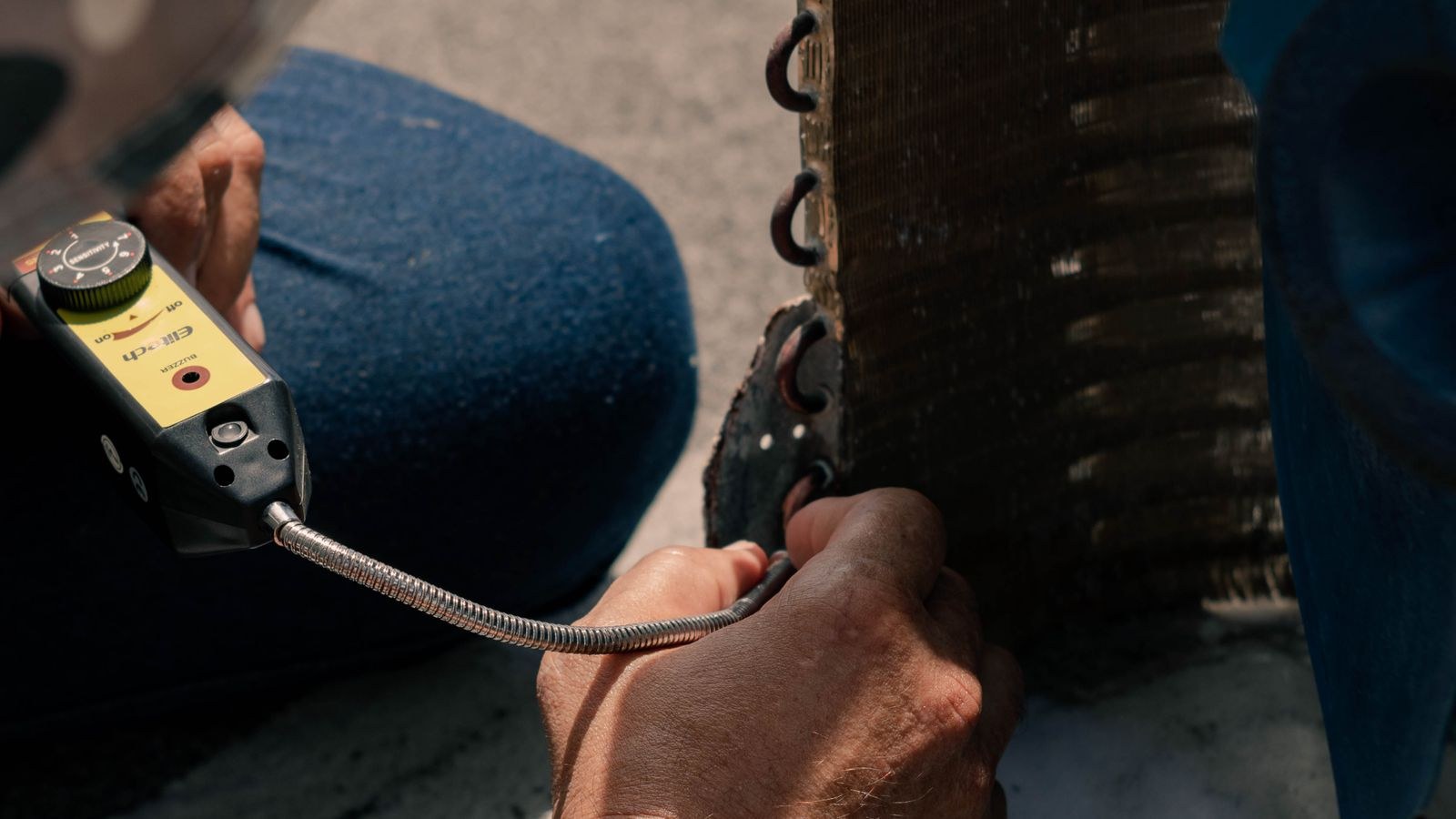
- Optional but useful: a cheap RF detector or a dedicated lens finder with a red LED ring.
- A cardboard tube or a rolled sheet of paper, which helps you spot lens glints by blocking stray light.
None of this is specialist equipment. The single most effective tool is the phone already in your pocket, because a camera lens reflects a bright point of light straight back at its source, and a flashlight held next to your eye exploits that.
Understanding Where Cameras Actually Get Hidden
Concealed cameras need three things: a clear view of the target area, a power source, and something to hide inside. That combination narrows the search enormously. Almost every device found in rentals sits in an object that plugs into the wall or holds a battery, and points at a bed, a shower, or a changing area.
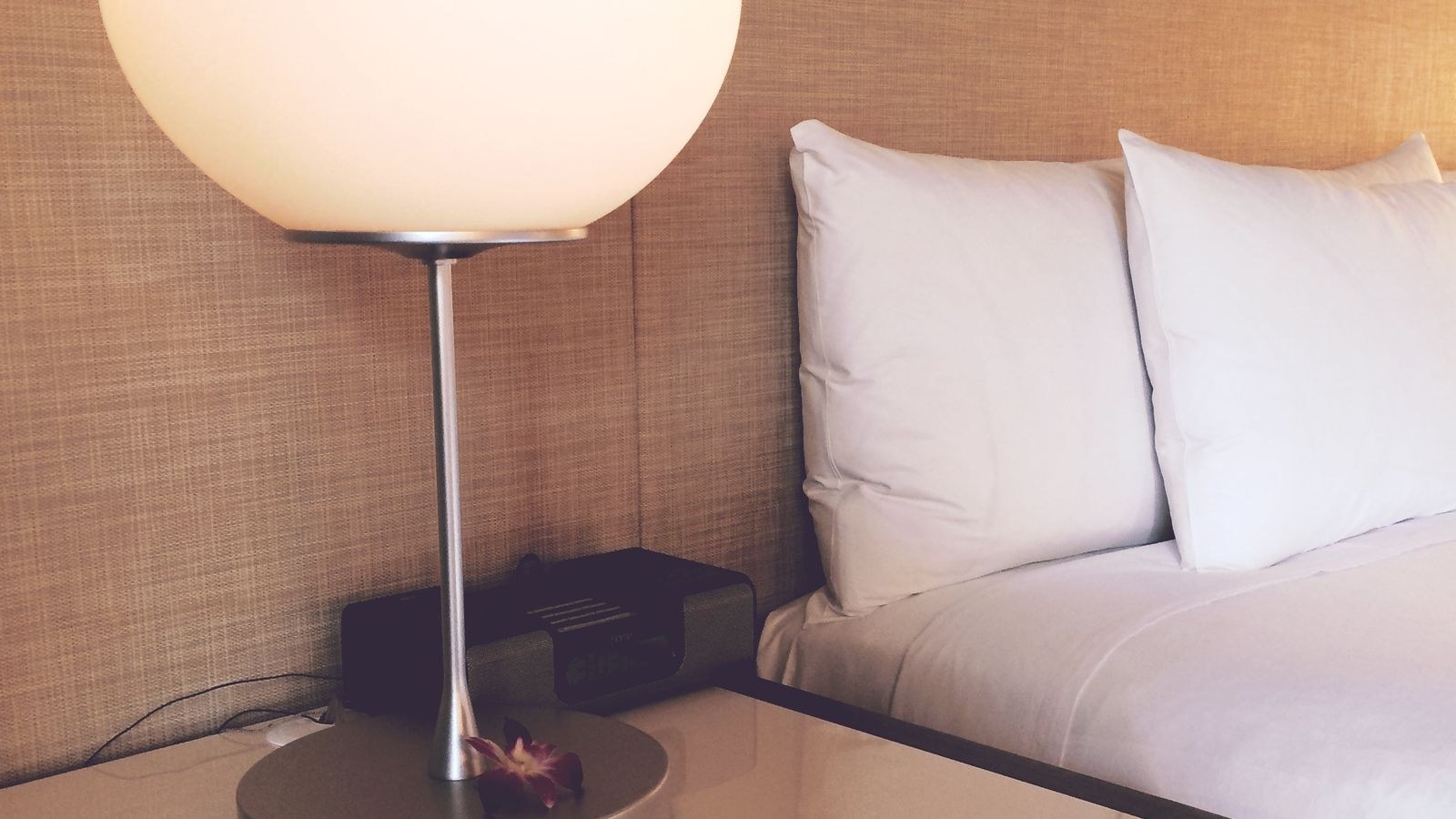
The recurring hiding places are smoke detectors and ceiling sensors, alarm clocks and clock radios, USB wall chargers and power strips, air purifiers, digital photo frames, tissue box holders, decorative plants, wall art and mirrors, bookshelf speakers, and plastic air vents. Bathroom fixtures such as shelf brackets, shower dispensers, and hooks show up too. If you learn to look at every object facing the bed and ask what it is doing there, you will catch most of what is worth catching.
It is worth understanding what these devices look like so you recognise them on sight. Buyer resources such as a hidden camera buying guide or roundups of the best mini security cameras show exactly which everyday objects are sold with lenses built in, which makes the shapes far easier to spot in a real room.
The Ten-Minute Room Sweep, Step by Step
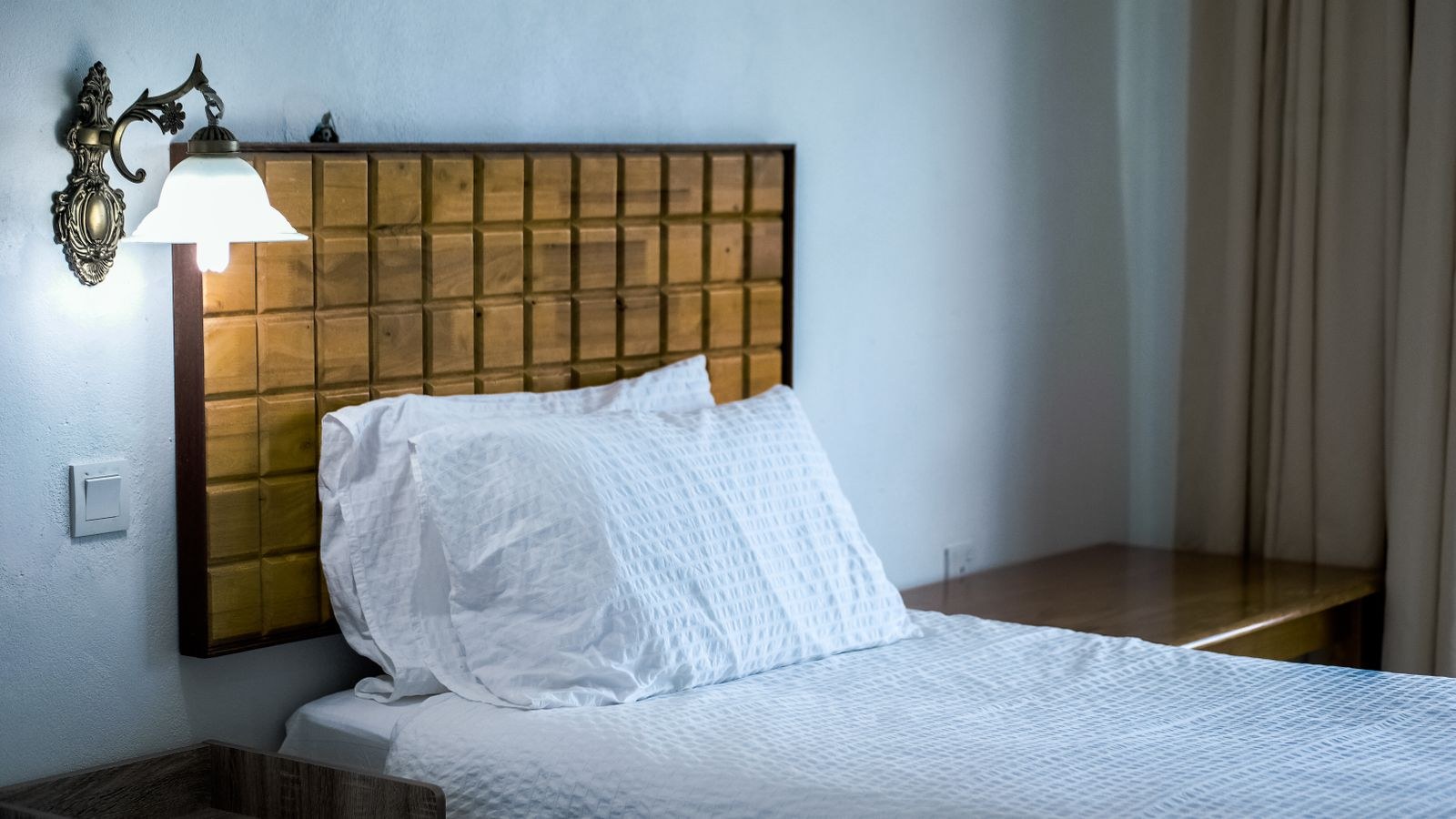
- Start with a slow walk-around. Before touching anything, stand in the doorway and look at the room the way a camera would. Note every object with a line of sight to the bed and to the bathroom door. Those are your priority targets.
- Check anything plugged in. Unplug and inspect USB chargers, power strips, night lights, and adapters. A charger that is unusually deep, warm when nothing is charging, or has a tiny dark dot on one face deserves a hard look.
- Inspect the smoke detectors and ceiling fittings. A genuine detector has a uniform grille and a single small LED. A pinhole in the face, an off-centre hole, or two devices where one would do are all worth investigating.
- Examine every clock, speaker, and picture frame. Turn them around. Look for cables that do not match the device, memory card slots, or a lens-sized dark circle behind smoked plastic.
- Do the flashlight lens sweep. Turn off the room lights and close the curtains. Hold your phone flashlight right next to your eye and slowly scan the room, watching for a small bright blue or white pinpoint that stays fixed as you move. Lenses reflect light directly back, so the glint appears only when your eye is close to the light source. Sweep from several angles and heights.
- Use your phone camera to look for infrared. In a fully dark room, open the camera app and pan slowly across suspect objects. Many phone front cameras still see near-infrared, so an active night-vision emitter can appear as a faint purple or white dot on screen that is invisible to your eye.
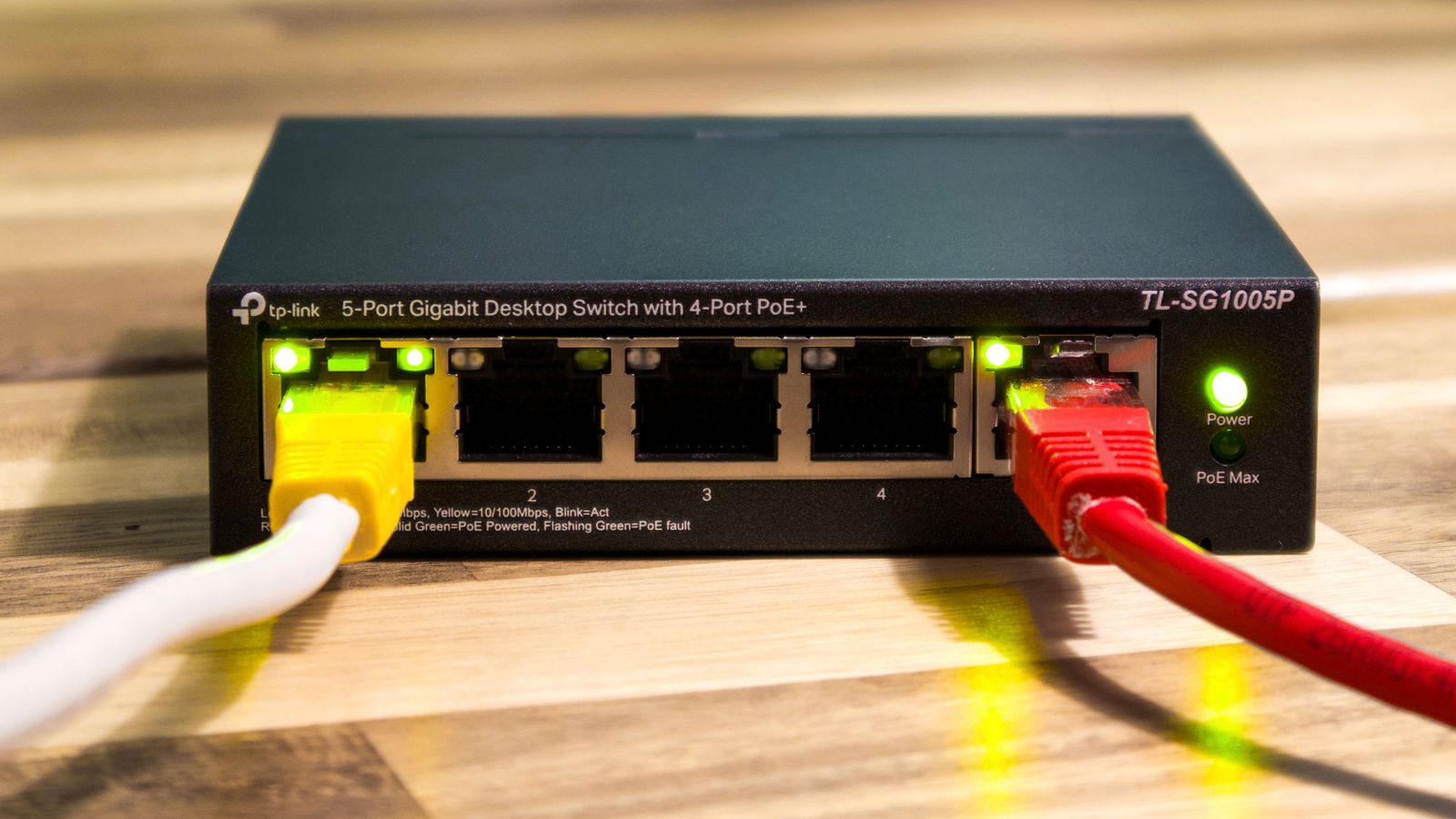
- Scan the Wi-Fi network. Join the property network and run a network scanner. It lists connected devices with their manufacturer names. Anything identified as a camera brand, an unnamed device you cannot account for, or a hostname containing “cam”, “ipc”, or “dvr” warrants a closer look.
- Check the bathroom carefully. Look at shampoo dispensers, hooks, shelf brackets, extractor vents, and the underside of counters. Anything with a hole facing the shower or toilet is a red flag.
- Test mirrors with the fingernail trick. Press a fingernail to the glass. On a normal mirror there is a visible gap between your nail and its reflection because the silvering sits behind the glass. On a two-way mirror the nail and reflection appear to touch. Combine this with shining a light through from the dark side.
- Finish with the sightline check. Sit on the bed and look outward. Anything pointed straight at you from across the room that you have not already inspected gets one more pass.
Using a Network Scan Effectively
A network scan is the fastest way to catch a Wi-Fi camera, but it has limits worth knowing. It only finds devices on the same network you joined, so a camera on the host’s private network or on a separate guest SSID will not appear. It also cannot see devices that record to a local memory card without connecting to anything at all, which describes a large share of battery-powered spy cameras.
Treat the scan as one signal among several rather than a clean bill of health. When it does return something suspicious, note the manufacturer prefix in the hardware address; scanning apps usually resolve it to a brand name automatically, and camera manufacturers are easy to recognise. A device that responds on ports commonly used for video streaming is another strong hint.
If You Find Something
- Do not touch or dismantle it. Photograph it in place, from a distance and close up, and capture the whole room for context.
- Cover the lens with a towel or tape rather than unplugging it, so you are not accused of destroying property.
- Leave the room and contact the booking platform or the hotel’s front desk from somewhere else, not from inside.
- Report it to the local police and get an incident number. Recording guests without consent in a private space is illegal in most jurisdictions.
- Document everything in writing through the platform’s messaging system so there is a timestamped record, and request a full refund and relocation.
Common Mistakes to Avoid
- Sweeping with the lights on. The lens glint method only works in a dark room. Half the value of the sweep disappears otherwise.
- Holding the flashlight away from your eye. The reflection bounces back along the same path it came in, so the light must be close to your line of sight.
- Trusting a network scan alone. Card-recording and cellular cameras never appear on it.
- Ignoring the bathroom. It is the most commonly targeted room and the least commonly checked.
- Buying an expensive detector and skipping the visual sweep. Cheap RF detectors produce constant false positives from phones, routers, and televisions. Your eyes remain the better tool.
- Dismantling a suspected device. It destroys evidence and can expose you to a property damage claim.
Frequently Asked Questions
Can my phone really detect hidden cameras?
Not with a magic app, but yes in two practical ways. The flashlight reveals lens reflections in a dark room, and the camera sensor can pick up infrared emitters that your eye cannot see. Combined with a network scan, that covers most consumer devices.
Do RF detectors work?
Somewhat. They can flag an actively transmitting camera, but they also alarm on every phone, router, and smart TV nearby, and they miss anything recording locally. Use one as a supplement to a visual sweep, never as a replacement.
How long should a sweep take?
About ten minutes for a standard room once you know the pattern: visual walk-around, plugged-in devices, dark-room flashlight sweep, infrared check, network scan, bathroom. Larger properties take longer simply because there are more rooms.
Are cameras allowed in a rental at all?
Most booking platforms permit disclosed cameras in shared exterior or common areas and ban them outright in bedrooms and bathrooms. Undisclosed cameras anywhere inside are a policy violation and usually a criminal matter.
What about devices without Wi-Fi?
Battery cameras recording to a memory card leave no network trace, which is why the physical sweep matters most. They also tend to be bulkier and hidden inside objects that do not need to be plugged in, such as tissue boxes, books, and decorative items.
Final Thoughts
The whole sweep comes down to a simple sequence: look at what faces the bed, inspect everything plugged in, kill the lights and hunt for lens glints with your flashlight held at eye level, check for infrared with your phone camera, then scan the network. Ten minutes of that catches the overwhelming majority of concealed devices, and doing it on arrival costs you almost nothing. If something turns up, photograph it, cover it, leave, and report it through both the platform and the police rather than confronting the host. Familiarity with what these devices look like is the real advantage, so browsing catalogues of the best hidden cameras, the best spy cameras, or the best nanny cams is a genuinely practical way to train your eye before your next trip.