Owen Bradley
 A good morning routine is the single most convincing demonstration of what a smart home can do. Instead of stumbling around in the dark reaching for switches, you say one phrase, or say nothing at all, and the bedroom lamp fades up, the forecast plays, the coffee maker starts drawing power and the news headlines follow. Building an alexa morning routine is not difficult, but the difference between a routine that feels magical and one that feels broken usually comes down to ordering, trigger choice and how your devices are named. This walkthrough covers the whole process end to end, including the fixes for the two problems almost everyone hits: steps that fire out of order, and a routine that quietly stops running after a few weeks.
What You Need Before You Start
Routines live in the Alexa app, so everything begins there. Make sure you have the current version installed and that you are signed into the same account your speakers are registered to. If your household shares an Echo, note that routines are created per account, so a routine built on one profile will not appear in another person’s app even though it runs on the same hardware.
Gather the pieces you actually want the routine to control:
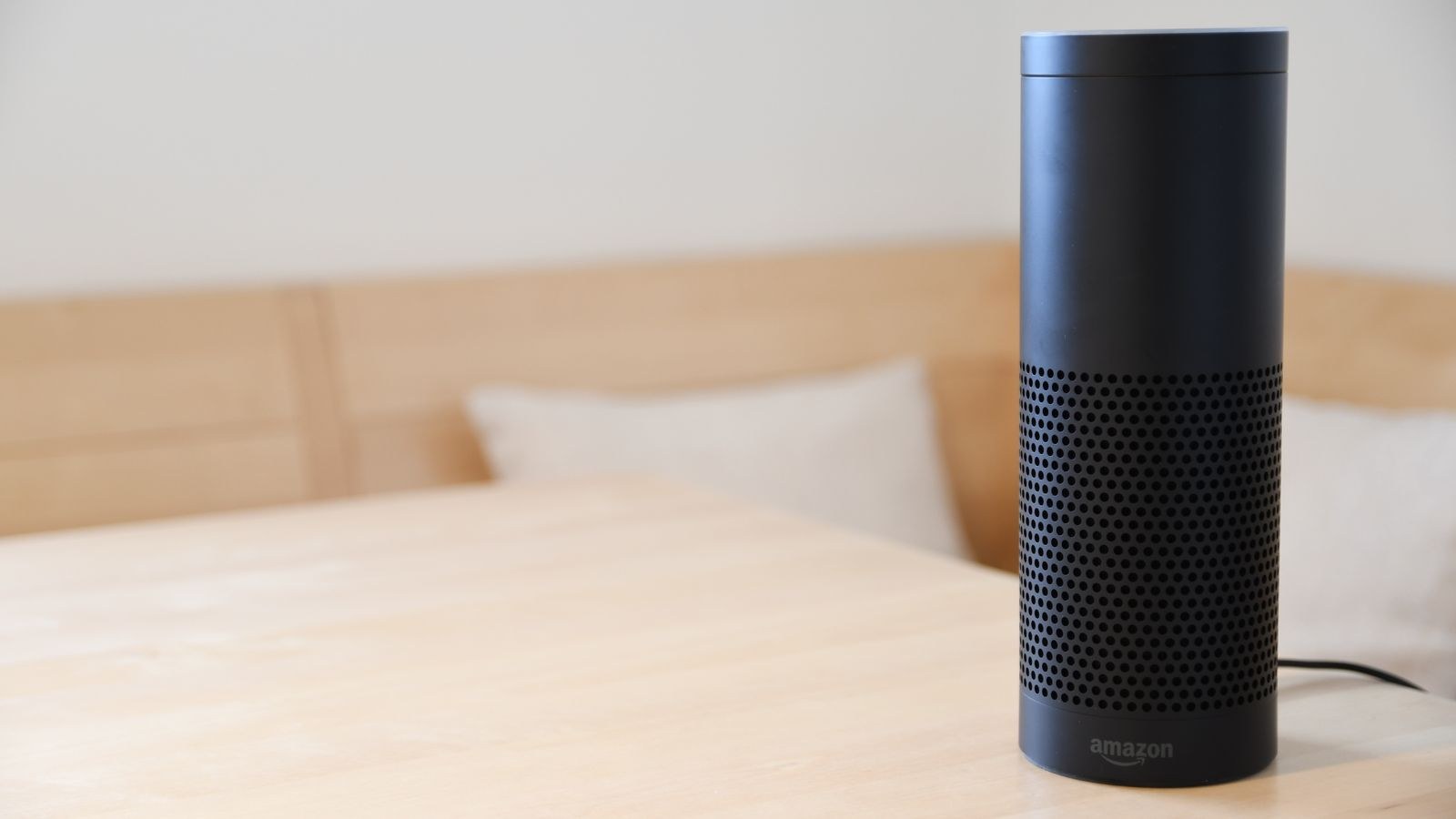
- At least one Echo device in or near the bedroom to act as the trigger point and the voice that speaks. Compact models work fine for this; if you want the routine to also play music properly, a fuller-sounding unit helps, and our roundup of the best Alexa speakers compares the options by room size and audio quality.
- A smart plug or two for anything that has a physical power switch left in the on position, such as a drip coffee maker, a kettle base or a bedside lamp with a standard bulb. The best Alexa smart plugs handle this job for very little money.
- Smart bulbs or switches if you want gradual dimming rather than an abrupt on. Bulbs give you brightness and colour temperature control, so look at the best Alexa smart bulbs, while a wired option from the best Alexa light switches keeps the wall control working normally for anyone who is not talking to a speaker.
Set up and test every device individually before you touch the routine builder. If a lamp does not respond to a direct voice command, it will not respond inside a routine either, and you will waste an hour debugging the wrong layer.
Step-by-Step: Building the Routine
- Open the Alexa app and go to More, then Routines. Tap the plus icon in the top corner to create a new routine.
- Name it something you will recognise later. Use a plain descriptive label such as “Weekday Morning” rather than a cute name. The name is internal, so clarity beats personality once you have a dozen routines.
- Choose your trigger under “When this happens.” Pick Voice if you want to say a phrase, Schedule if you want it to run at a fixed time, or Alarm so it runs when you dismiss your alarm. Alarm-based triggering is the most reliable for most people because it follows you when you change wake-up time.
- Set the phrase or time. For a voice trigger, choose something short and unambiguous like “good morning.” Avoid phrases that overlap with a device name or an existing routine, because Alexa will pick one and you will not be told which.
- Add your first action: lights. Under “Add action,” choose Smart Home, select your bedroom light, and set brightness. Starting at around 30 percent is far kinder at 6am than jumping straight to full output. If your bulbs support colour temperature, a warm setting first is easier on the eyes.
- Add a short wait. Under Add action, pick Wait and set 10 to 30 seconds. This is the trick most guides skip and it is the main cure for steps that seem to fire out of order.
- Add the weather. Choose Alexa Says, then Weather. This gives you the local forecast in the standard voice format without any extra setup.
- Add the coffee maker. Select Smart Home, choose your plug, and set it to On. Make sure the appliance’s own switch is physically left on, otherwise the plug delivers power to a machine that stays idle.
- Add news or a calendar readout. Under Alexa Says you can add your Flash Briefing, and under Calendar you can have today’s events read aloud. Keep this near the end so you can walk away while it plays.
- Finish with music at a controlled volume. Add a Device Settings action to set the volume first, then add the music action. Setting volume after music starts means the first several seconds play at whatever level was left from last night.
- Choose the device that responds. At the bottom, set “From” to the speaker you want to speak and play audio. Leaving this on the default can send the forecast to a speaker in another room.
- Save and test it immediately. Run the routine manually from the app, watch each step, and note anything that lags or fails.
Choosing the Right Trigger
Trigger choice shapes how the routine feels day to day. A voice trigger gives you full control and never fires when you sleep in, but it requires you to speak clearly before your first coffee. A scheduled trigger is hands-free and dependable, but it will happily run on a day off unless you restrict it to specific weekdays, which the schedule editor lets you do.
An alarm-dismiss trigger is the best of both for most households: the routine fires only when you actually get up, and it automatically tracks whatever time you set your alarm for. The one caveat is that it responds to any alarm on that device, so if you use short timer alarms in the bedroom you may get an unexpected forecast. Motion sensors can also serve as a trigger, but pair them with a time restriction so a midnight trip to the bathroom does not start the coffee.
Fixing Steps That Fire Out of Order
Alexa executes routine actions in sequence, but it does not wait for confirmation that each device finished before moving to the next. Cloud-connected devices with slow response times can therefore appear to lag behind speech actions that execute instantly. The symptom is a routine where Alexa announces the weather while the lights are still dark.
The fixes, in the order you should try them:
- Insert Wait actions of 5 to 30 seconds between a device action and the speech action that follows it. This is by far the most effective change.
- Put slow devices first. Anything that talks to a third-party cloud should sit at the top of the list so it has the longest possible head start.
- Use a group instead of several individual lights. One command to a group is usually faster and more consistent than five sequential commands.
- Reduce total step count. Long routines compound small delays. If yours has fifteen actions, consider splitting it into two routines, one triggered by the other via a scheduled offset.
- Check your network. Devices on the far edge of Wi-Fi coverage respond slowly and unpredictably, which looks exactly like a routine bug.
Common Mistakes to Avoid
The first and most common mistake is naming devices badly. If your plug is called “Plug 1” you will not remember which one it is when the action list is long, and if two devices have similar names the routine may target the wrong one. Use plain room-plus-object names such as “bedroom lamp” and “kitchen coffee.”
The second is packing too much into one routine. A morning routine that adjusts nine devices, reads three briefings and starts a playlist takes over a minute to complete and feels sluggish. Keep it to the handful of things that genuinely matter before you leave the bedroom.
Third, people forget the volume step and get a startling blast of music. Always set volume explicitly as an action. Fourth, heating appliances on smart plugs need thought: never automate anything that could be dangerous unattended, and prefer coffee makers with an auto-shutoff. Finally, many users never revisit the routine after building it, so when a bulb is replaced or a plug is renamed, the old action silently fails. Re-test your routine any time you swap hardware.
Adding Polish Once It Works
Once the basic sequence runs reliably, small refinements make a real difference. Add a second, shorter routine for weekends with a later schedule and no news briefing. Use a gradual brightness ramp by chaining two light actions with a wait between them, so the room goes from dim to bright over a minute rather than instantly. If you have blinds or a fan on a plug, add them near the end where a small delay does not matter.
You can also branch outward from the bedroom. A plug in the bathroom for a towel warmer, or one in the hall for a lamp, extends the routine along the path you actually walk. If you want more ideas for what to wire into a plug, our collection of smart plug automation ideas covers uses well beyond lamps, and the best smart plugs for Echo list highlights models with energy monitoring so you can see what the morning actually costs to run.
Frequently Asked Questions
Why did my routine stop running on its own?
The usual causes are a renamed or removed device, a revoked third-party skill link, or a speaker that lost its network connection. Open the routine and check each action still shows a valid device, then relink any skill that has expired.
Can a routine run on more than one speaker at once?
Speech and music actions are sent to the single device you select under “From.” To hear the same announcement in several rooms, use an Announcement action or target a multi-room speaker group instead.
How long can the Wait action be?
You can set waits from a few seconds up to several hours, which lets you build a slow wake-up sequence in one routine. Very long waits are fine, but the routine will not survive a speaker reboot mid-wait.
Does the routine work if the internet is down?
Mostly no. Routines are processed in the cloud, so an internet outage stops them. Devices with local control may still respond to wall switches or physical buttons, which is a good reason to keep those accessible.
Can I stop a routine that has already started?
Saying “Alexa, stop” halts audio playback but does not cancel pending device actions in the queue. If you regularly need to abort, keep routines short so there is less left to run.
Final Thoughts
The best alexa morning routine is not the one with the most steps, it is the one that runs the same way every single day. Start with three or four actions you genuinely want, name every device clearly, insert waits between anything slow and anything spoken, and pick a trigger that matches how you actually wake up. Test it manually before you rely on it, then add refinements one at a time so you always know what changed. Build it that way and by next 2026 you will barely notice the routine at all, which is exactly the point.