Owen Bradley
 A power outage is one of the few events that reliably confuses a home alarm system. The panel switches to battery, the keypad chirps, sensors drop offline, and when utility power finally returns the system may come back armed, disarmed, in trouble mode, or stubbornly beeping with no obvious cause. Knowing how to test and reset a home alarm system after a power outage takes about twenty minutes, requires no technician, and ensures you are not left with a security system that looks fine on the keypad while half its sensors are silently dead. This guide walks through the full sequence, from clearing the trouble condition to verifying every zone actually reports.

What Happens Inside the System During an Outage
When mains power drops, the control panel immediately switches to its sealed lead-acid or lithium backup battery. Depending on age and load, that battery typically carries the panel for four to twenty-four hours. During this period the panel logs an AC loss trouble, usually displays a fault indicator, and on many systems emits an intermittent chirp.
Everything downstream is affected differently. Hardwired sensors keep working as long as the panel has power. Wireless sensors run on their own batteries and are unaffected by the outage itself. Your internet router and modem, however, almost certainly went dark, so any system that reports over Wi-Fi or broadband lost its monitoring path. Cameras with no battery backup stopped recording entirely. Understanding which parts were affected tells you exactly what to test afterward.
Before You Start
- Your master code or installer code, and the panel manual if you have it.
- The monitoring company’s phone number and your verbal passphrase, kept somewhere you can reach without the system.
- A flashlight, and a screwdriver for the panel enclosure.
- Fresh replacement batteries for any wireless sensors that were already showing low.
- A helper, or a phone on speaker, to speed up walk testing.
Above all: call or log into your monitoring service and place the system on test mode before you begin. Skipping this step is how people end up with police dispatched to a false alarm and a fine attached to it.
Step-by-Step: Testing and Resetting the System
- Put the account on test. Contact the monitoring center, verify your identity with the passphrase, and request one hour of test mode. For self-monitored systems, disable alert notifications in the app instead.
- Confirm utility power is genuinely back. Check that the outlet feeding the panel transformer is live. Outages often trip a GFCI or a breaker on the way back, and an alarm panel plugged into a tripped GFCI will stay on battery indefinitely.
- Reseat the transformer. Make sure the plug-in transformer is fully in the outlet and, if it has a securing screw, that it is tight. Verify the panel’s AC indicator LED comes on.
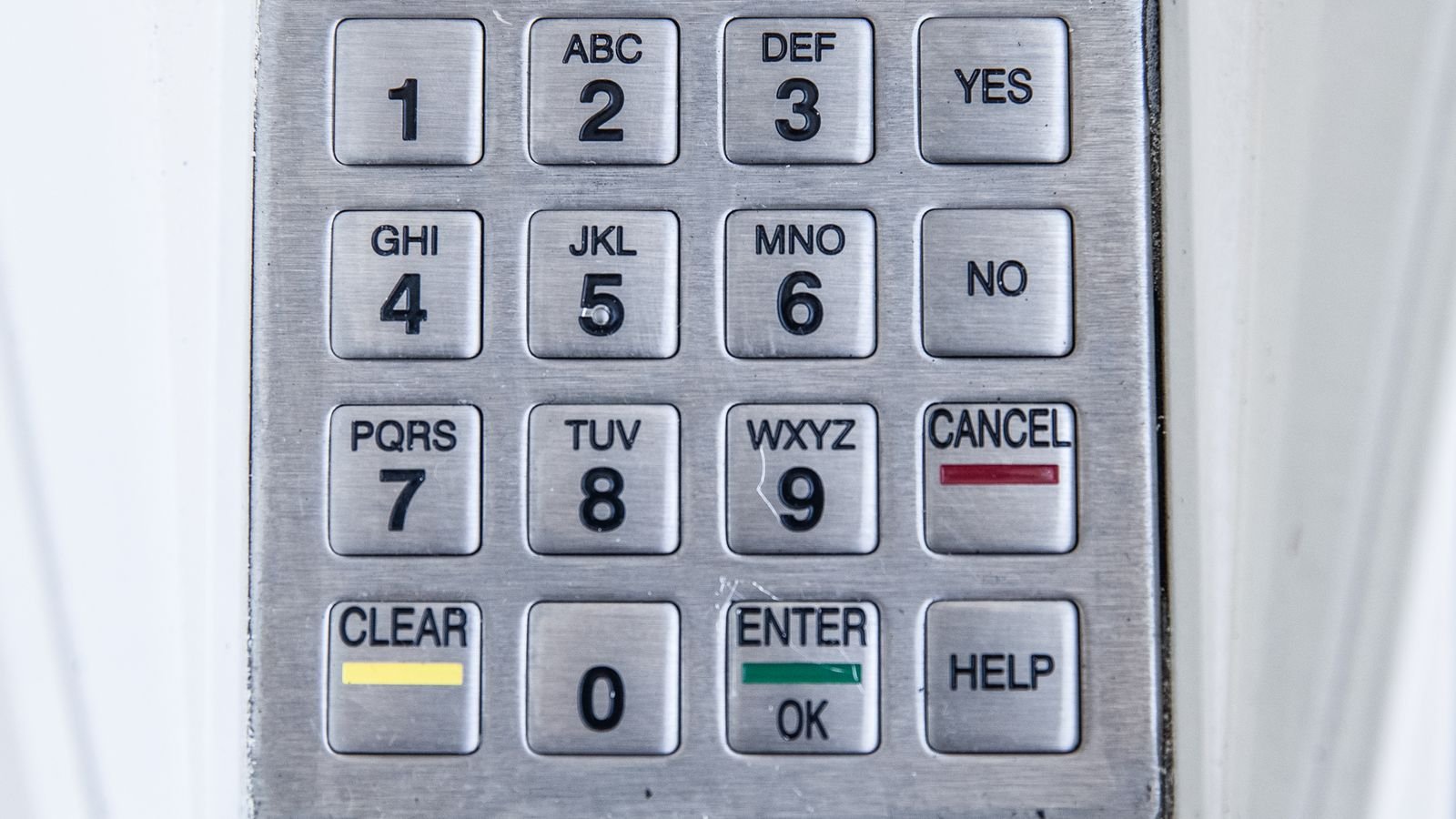
- Clear the trouble condition. On most panels this is done from the keypad. Common sequences include pressing the # or * key followed by a number to view the fault, then entering your master code twice, or entering master code plus 1. Check your model’s manual, since the sequence varies widely between manufacturers.
- Silence the chirp and read the fault. Do not just mute it. View the actual trouble code first. “AC Loss” clears on its own once power is stable; “Low Battery” or “System Trouble” needs action.
- Power cycle the panel if faults persist. Open the enclosure, unplug the transformer, then disconnect one backup battery terminal. Wait sixty seconds so the board fully discharges. Reconnect the battery first, then the transformer. The panel will reboot and re-poll every zone.
- Restore the network path. Power your modem, then your router, and wait for full internet before expecting the panel to reconnect. Confirm the app shows the system online and the communicator LED is steady.
- Reset the time and date. Many older panels lose the clock during a long outage. An incorrect timestamp makes your event log useless.
Walk Test Every Zone
This is the part people skip, and it is the entire point of the exercise. A reset panel can look perfectly healthy while a sensor that lost its battery during the outage never reports again.
Enter walk test or sensor test mode from the keypad, then physically trigger every device in turn: open and close each door and window contact, walk in front of every motion detector, and press the test button on glass-break and smoke sensors. The keypad or app should acknowledge each one, typically with a beep and the zone name. Keep a written list and tick them off. Any zone that does not respond gets a fresh battery, and if that does not fix it, the sensor needs replacing.
Do not forget the sounders. Trigger the siren briefly to confirm it still has volume, and test the panel’s cellular backup communicator if you have one, since that is the path that would have carried your alarm signal while the internet was down.
Check and Replace the Backup Battery
Outages are hard on backup batteries. A sealed lead-acid panel battery lasts roughly three to five years, and a deep discharge can end its useful life in a single event. If your panel reports low battery after the outage, give it 24 to 48 hours of charging before judging; if the fault persists past that, replace it.
Note the date on the new battery with a marker. Match voltage and amp-hour rating exactly, connect red to positive and black to negative, and dispose of the old one at a recycling point rather than in household trash. Wireless sensor batteries are usually CR123A or CR2032 cells and should be swapped as a set every few years rather than one at a time.
When the System Will Not Reset
If the trouble light stays on after a full power cycle, work through this list before calling for service. Confirm the outlet is not on a switched circuit or a tripped GFCI. Look for a tamper switch left open on the panel enclosure or a sensor cover you disturbed. Check the transformer itself, which can fail during a surge even though it looks fine. Inspect for a blown fuse on the board. Verify the phone line or network cable is seated, since a surge can knock a communicator offline permanently.
If the outage came with a lightning strike or a visible surge, damage to the panel board is a real possibility, and that is a service call rather than a DIY fix. This is also a reasonable moment to evaluate whether an aging panel is worth repairing at all. If yours is more than a decade old, reviewing the current generation of best home security systems and comparing them against modern best alarm systems with cellular backup and battery-powered hubs will tell you quickly whether replacement makes more sense than another repair.
Common Mistakes to Avoid
- Testing without putting the account on test mode, triggering a real dispatch.
- Silencing the chirp without ever reading the underlying trouble code.
- Resetting the panel but never walk testing the sensors, leaving dead zones undetected.
- Powering the router after expecting the panel to already be online.
- Assuming a low-battery warning will clear itself when the battery is genuinely at end of life.
- Forgetting to take the account back off test mode when finished.
Preparing for the Next Outage
Put the panel transformer and your router on a small uninterruptible power supply. A modest UPS will keep both alive for an hour or more, which covers the overwhelming majority of outages and preserves your monitoring path throughout. Make sure your system has cellular backup, not just broadband reporting. Replace the panel battery proactively every three to four years rather than waiting for a failure. Finally, write your master code, monitoring number, and passphrase on a card and keep it somewhere accessible in the dark, because searching for a code by phone flashlight during an outage is exactly when mistakes happen.
Frequently Asked Questions
Will my alarm still work during a power outage?
Yes, for as long as the backup battery holds, typically four to twenty-four hours. Reporting to a monitoring center continues only if you have cellular backup, since your internet connection will be down.
Why is my keypad beeping after power came back?
It is reporting a stored trouble condition, usually AC loss or low battery. View the fault code at the keypad and clear it with your master code once power is confirmed stable.
How long should I wait before resetting the panel?
Give it fifteen to thirty minutes of restored power first. Many AC-loss troubles clear automatically once the panel confirms stable voltage, making a full reset unnecessary.
Do I have to call the monitoring company?
Call them before you test so signals are ignored, and call again afterward to take the system off test. If you skip the first call, expect a dispatch.
How often should I test the whole system?
Walk test every zone at least twice a year, plus after any extended outage, and check backup batteries annually.
Final Thoughts
Resetting a home alarm after a power outage is straightforward once you follow the order: confirm power, clear the trouble, cycle the panel, restore the network, then walk test every single zone. That last step is what turns a reset into a genuine verification. Add a small UPS and a cellular backup path, and the next outage becomes an inconvenience rather than a gap in your home’s protection.