
 Owen Bradley
 A motion-activated camera that alerts on everything is functionally the same as a camera that alerts on nothing. Once your phone buzzes forty times a day for shadows, headlights, and a cat crossing the lawn, you stop looking — and the one alert that mattered scrolls past unread. False alerts are not usually a defect in the camera; they are the predictable result of default settings, poor placement, and detection zones that include the street. Fixing them is systematic work: adjust what the camera can see, tune how sensitively it reacts, tell it what kinds of things to care about, and eliminate the environmental triggers it cannot reason about. This guide walks through all four.
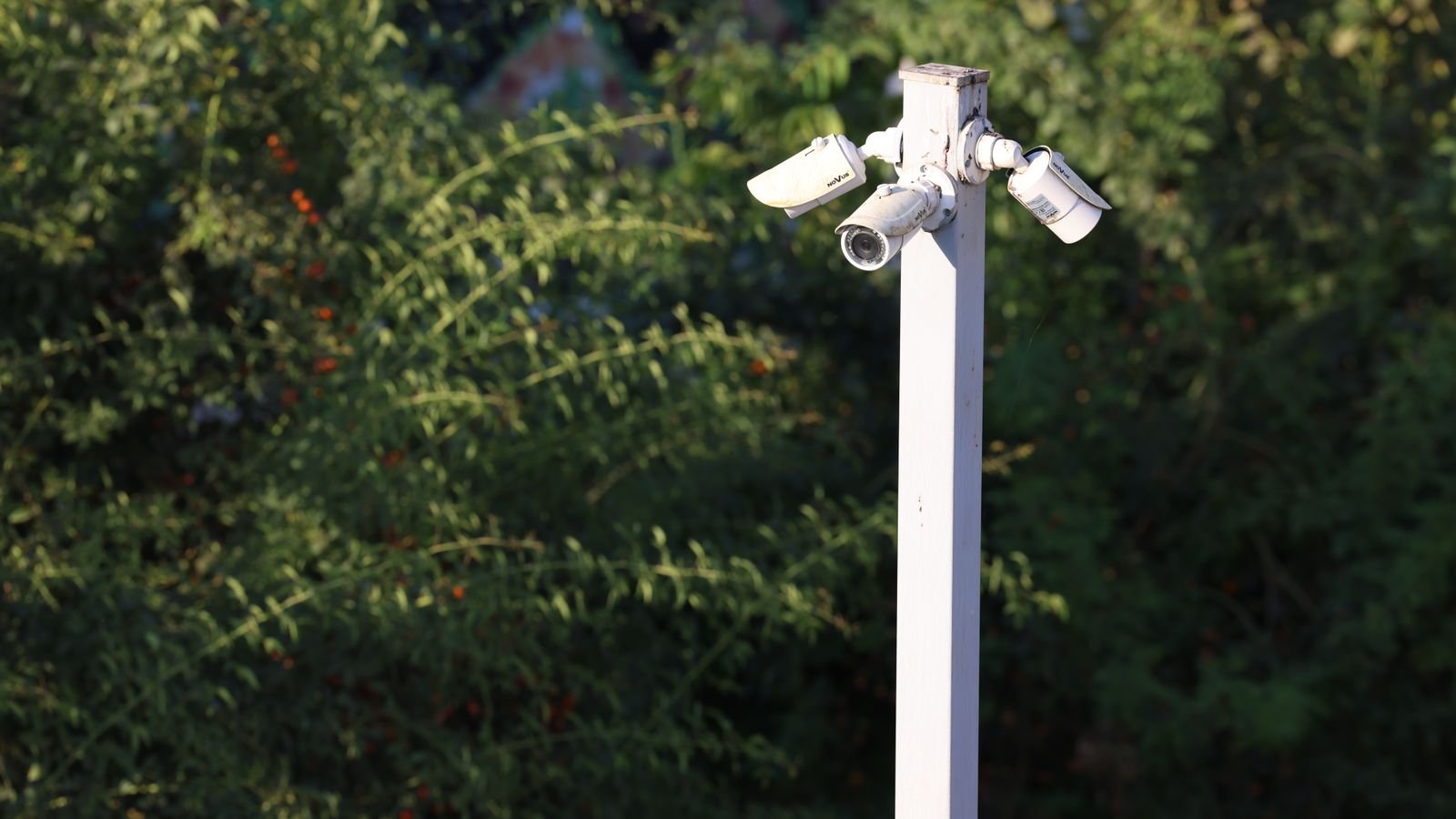
Why Motion Cameras Trigger Falsely
Understanding the detection method tells you which fixes will work.
- PIR (passive infrared) sensors detect changes in heat across their field. They are efficient and battery-friendly but they fire on sunlight warming a surface, on hot air from a vent, and on rapid temperature shifts. They also perform poorly in hot weather when a person’s surface temperature is close to the background.
- Pixel-based video motion compares frames and flags change. Cheap, but it fires on rain, snow, shadows, headlights, moving foliage, insects, and the camera’s own infrared reflecting off nearby objects.
- AI object detection classifies what changed — person, vehicle, animal, package. This is by far the most effective way to cut false alerts, and it is worth prioritizing if you are still shopping. Reviewing detection features across the best remote security cameras will show which models offer on-device classification versus cloud-only.
Many cameras combine PIR and video motion, requiring both to agree before alerting. That combination alone removes a lot of noise.
Step-by-Step: Cutting Down False Alerts
- Audit your existing alerts before changing anything. Spend two days reviewing what actually triggered the camera. Group the causes: street traffic, foliage, shadows, insects, pets, rain. You cannot fix a problem you have not identified, and the fix for headlights is different from the fix for spiders.
- Redraw the detection zones. This is the highest-impact single change. Exclude the public sidewalk, the road, the neighbour’s driveway, and any tree or shrub that moves in wind. Keep only the approach paths that genuinely matter — the walkway, the porch, the gate. Make the zones tight; a generous zone defeats the purpose.
- Reposition or re-angle the camera. If the road is unavoidably in frame, tilt the camera down. A camera aimed at the ground ten feet out sees people approaching and very little else. Aiming across an approach path rather than straight down it also reduces distant triggers.
- Turn on object detection and filter by type. If your camera supports it, set alerts for people and packages only, and disable vehicle and animal alerts unless you specifically want them. This alone typically removes the large majority of false notifications.
- Lower the sensitivity — but only after zoning. Sensitivity is a blunt instrument. Reducing it before you fix zones just means you miss real events too. Once zones are tight, step sensitivity down one notch at a time and observe for a day before dropping further.
- Set a minimum object size threshold. Where available, this ignores anything smaller than a defined fraction of the frame, which kills insect and bird triggers immediately.
- Increase the retrigger interval. A cooldown of thirty to sixty seconds between alerts stops a single event producing eight notifications. You still get the recording; you just get one buzz.
- Schedule detection by time of day. Turn off alerts for the garden camera during working hours when the family is out and nothing should be happening anyway, or conversely restrict a driveway camera to overnight only. Schedules are underused and remove whole categories of noise.
- Enable geofencing. Have the camera arm when the last person leaves and disarm when someone comes home. You stop getting alerts about your own household, which is often half the total.
- Fix infrared reflection. If night alerts spike, the camera’s IR illuminators are probably bouncing off a wall, railing, window, or the camera housing itself, and lighting up dust and insects right in front of the lens. Move the camera away from nearby surfaces, or disable built-in IR and use external lighting instead.
- Clean the lens and housing. Spider webs across the lens are the number one cause of relentless night-time false alerts. Wipe the lens and housing, and consider a repellent around the mount if spiders are persistent.
- Re-test over a full day and night cycle. Sunlight angle changes through the day and through the seasons; a setting that is clean at noon may fire constantly at 5 p.m. when low sun throws long shadows across the zone.
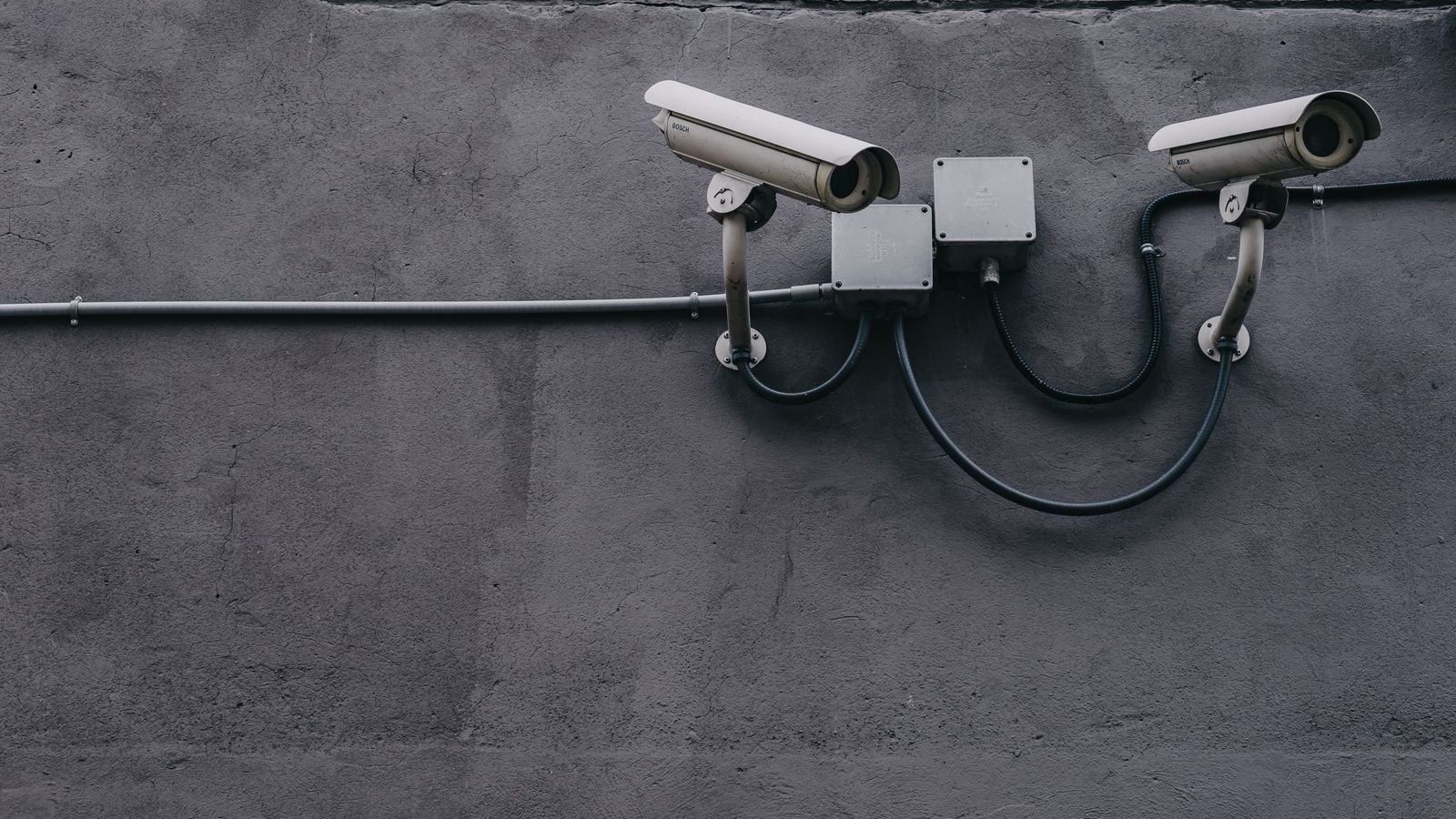
Environmental Triggers and Their Fixes
- Moving foliage. Exclude it from the zone, or trim the branch. On a windy site, a physical trim is more reliable than any software setting.
- Shadows at low sun. Angle the camera away from facing east or west directly, or exclude the wall surface where shadows sweep across.
- Headlights at night. Tilt down, exclude the road, and enable vehicle filtering so passing cars are classified and ignored.
- Rain and snow. Close to the lens, precipitation is lit by IR and looks like motion. Move the camera under an eave and disable built-in IR if possible.
- Heat sources. A PIR camera pointed at a dryer vent, air conditioning unit, or a metal surface that heats in the sun will fire repeatedly. Re-aim.
- Pets. Enable animal filtering, raise the minimum object size, or mount the camera higher and angle down so floor-level movement falls outside the zone.
- Insects. Attracted to IR and to nearby porch lights. Move the camera away from lights and clean regularly.
Balancing Sensitivity Against Missed Events
Every reduction in false alerts carries some risk of missing a real one. The way to manage that is to keep recording broader than alerting. Set the camera to record generously — capture more events than you are notified about — but alert narrowly. You still have footage of anything that happened, and you only get interrupted for the things that matter.
Layer your alerts by importance too. A front door camera can push a notification immediately; a back garden camera can log events silently and send only a daily summary. Most camera apps allow per-device notification settings, and using them properly is the difference between a system you check and one you ignore.
Finally, resist the temptation to fix everything in one session. Change one variable, observe for a day, then change the next. Adjusting zones, sensitivity, filters, and schedules simultaneously leaves you with no idea which change helped.
Common Mistakes to Avoid
Dropping sensitivity to minimum straight away. This is the reflex response and it produces a camera that misses people walking to the door. Fix zones first.
Drawing zones that include the whole frame. A zone covering everything is the same as no zone. Be ruthless about excluding areas you do not care about.
Mounting too low. A camera at head height sees the street, headlights, and every passer-by. Eight to ten feet, angled downward, frames your property and little else.
Leaving IR on when the camera sits under an overhang. Reflection off the soffit above lights up every insect and raindrop. External lighting plus IR off is often far better.
Never revisiting settings. Seasons change sun angle, leaf cover, and rain frequency. A tune-up twice a year keeps a system usable.
Frequently Asked Questions
Why does my camera alert at night but not during the day?
Almost always infrared reflection lighting up insects, dust, or precipitation close to the lens. Move the camera off the wall, clean it, or switch to external lighting with IR disabled.
Does lowering sensitivity mean I will miss a real intruder?
It can, which is why zone shaping and object filtering should come first. Reduce sensitivity only after those, and only in small steps.
Is AI person detection worth paying for?
For most people, yes. It is the single most effective reduction in false alerts, and on-device processing avoids a subscription in some models.
Can I stop alerts for my own family?
Yes, with geofencing that disarms when a household phone is home, and on some systems with familiar-face recognition.
How often should I clean the camera?
Every couple of months, and immediately if night alerts suddenly increase. A web across the lens develops overnight and causes hundreds of triggers.
Final Thoughts
Reducing false alerts from a motion-activated camera is an ordering problem more than a settings problem. Audit what is actually triggering, tighten the detection zones, re-aim the camera downward and away from roads, enable object filtering, and only then reduce sensitivity. Add schedules and geofencing to remove whole classes of expected motion, deal with IR reflection and spider webs physically, and keep recording broader than alerting so nothing is lost. Change one thing at a time and revisit twice a year. The goal is not zero notifications — it is a system where every buzz is worth looking at.









