
 Owen Bradley
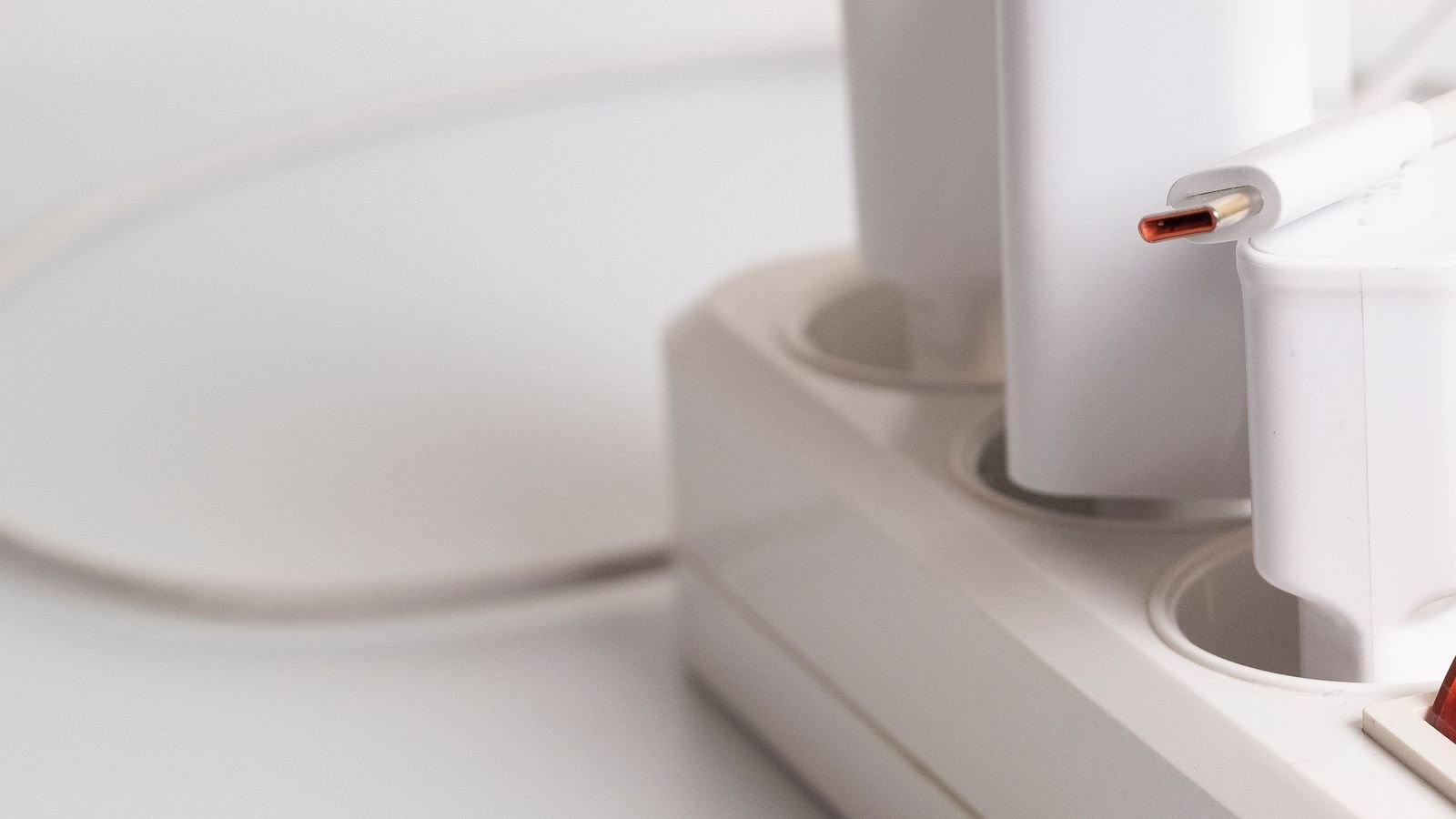
 The bedside table with three chargers wedged into a two-socket extension lead is a familiar sight in most homes. Replacing a standard wall outlet with one that has USB ports built in clears the clutter, frees the mains sockets for real appliances, and removes a pile of loose adapters that always seem to disappear. The job itself is a straightforward outlet swap for anyone comfortable working safely with household wiring. The harder part is choosing correctly, because USB outlets vary enormously in charging speed, port type, and physical depth. This guide covers both halves: picking the right unit, then fitting it properly.
Choosing the Right USB Outlet
Four specifications determine whether you will be happy with the unit in two years’ time.
- Port type. USB-A suits older cables and accessories. USB-C is what nearly every modern phone, tablet, and laptop uses. A mixed outlet with both hedges your bets; a C-only outlet is the more future-proof choice if all your devices have moved over.
- Total power output. Look at the combined output across all ports, not just the headline figure for one. Many outlets advertise a strong single-port figure that drops sharply when a second device is plugged in.
- Fast charging support. Power Delivery on USB-C is what allows a phone or tablet to charge quickly, and it is what separates a genuinely useful outlet from one that trickles overnight. Confirm the specific standards supported rather than trusting the word “fast”.
- Physical depth. USB outlets contain a power supply and are substantially deeper than a plain socket. Measure your existing back box before buying, because a unit that will not seat is the most common cause of an abandoned installation.
Comparing the current best usb outlets is a good way to see how total output varies across models, and if your household has moved entirely to modern cables, a shortlist of the best usb-c outlets will point you towards units with proper Power Delivery support.
Where USB Outlets Make the Most Difference
- Bedside. The highest-value location in most homes, since it removes the nightly adapter shuffle entirely.
- Kitchen worktop. Useful for tablets used as recipe screens, though keep the outlet well clear of the sink and hob.
- Home office desk. Handy for peripherals and headsets, but a laptop generally needs a high-output USB-C port to charge at a useful rate.
- Living room. Behind or beside a sofa, where phones charge while people sit.
- Hallway or entrance. A convenient spot to charge a device you pick up on the way out.
Safety Rules
- Isolate the circuit at the consumer unit and lock off or label the breaker. Switching an appliance off is not isolation.
- Prove dead at the outlet before touching any conductor, testing line to neutral, line to earth, and neutral to earth.
- Check local regulations. Replacing a like-for-like outlet is permitted DIY in many regions, but rules differ, and work in kitchens and bathrooms is often more tightly controlled.
- Stop if you find anything unfamiliar. Old wiring, missing earths, or an unexpected number of conductors are reasons to call an electrician rather than improvise.
Step-by-Step: Fitting the Outlet
- Measure the back box depth first. Turn off the circuit, remove the existing faceplate, and measure the internal depth of the box. Compare it against the depth stated for the USB outlet you intend to buy. If it is tight, plan to fit a deeper box at the same time rather than discovering the problem mid-job.
- Switch off and prove dead. Isolate the breaker and confirm with a tester at the outlet that no conductor is live.
- Remove the existing outlet. Undo the faceplate screws and draw the outlet forward, leaving conductors attached so you can photograph them in position.
- Photograph and label the wiring. Take clear pictures showing which conductor lands on which terminal, then tape-label each one. If the outlet is on a ring or has multiple cables entering, labelling is essential rather than optional.
- Disconnect the old outlet. Loosen the terminals and free each conductor. Trim and re-strip any ends that are nicked, discoloured, or work-hardened from previous refits.
- Fit a deeper back box if required. Chase out the additional depth carefully, fix the new box, and make good around it. Do not attempt to force a deep outlet into a shallow box, as crushing conductors against the electronics is both a fire risk and a good way to damage the unit.
- Connect the new outlet. Land line, neutral, and earth on their marked terminals. Where two conductors share a terminal, ensure both are fully inside and clamped securely. Tighten every screw firmly and tug-test each conductor.
- Ease the wiring back and seat the outlet. Fold conductors in gentle concertina folds so they sit either side of the electronics rather than directly behind it. Push the outlet home slowly, watching that nothing is trapped.
- Screw the outlet in square. Tighten the fixing screws evenly and check the faceplate sits flush against the wall without bowing.
- Restore power and test. Turn the breaker back on. Use a socket tester on the mains sockets to confirm correct polarity and earth continuity, then charge a device from each USB port and check the charging rate is what you expected.
Why Your USB Outlet Might Charge Slowly
- Shared output between ports. Plugging in a second device often halves what each one receives. Check the outlet’s combined rating.
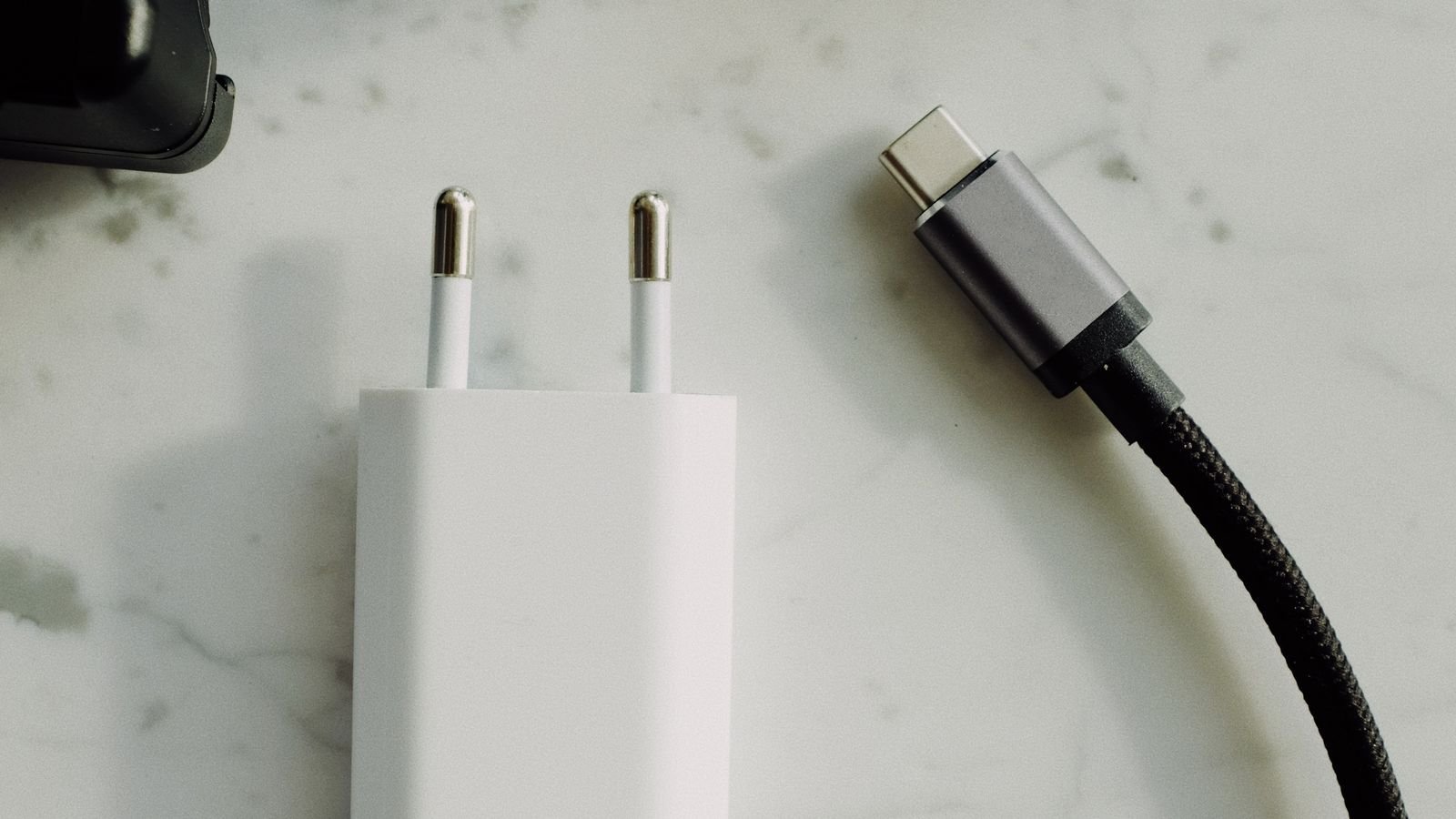
- Cable quality. A thin or damaged cable throttles current regardless of how capable the outlet is. Try a known-good cable before blaming the socket.
- Missing fast-charge negotiation. If the outlet does not support the standard your device expects, it falls back to a slow default rate even when the port could deliver more.
- Heat. Built-in power supplies throttle when hot, so an outlet behind a bed or a sofa with no airflow will charge more slowly than one in open air.
- Device demand. Tablets and laptops draw far more than phones, and an outlet sized for phones will simply take a long time with a larger device.
Common Mistakes to Avoid
- Not measuring the box depth. The single most frequent reason installations get abandoned halfway.
- Forcing conductors behind the electronics. Fold them to the sides, and fit a deeper box if space is genuinely short.
- Buying on headline wattage alone. The combined output across ports is the number that matters in daily use.
- Choosing USB-A only. New devices increasingly ship with C cables, and an A-only outlet dates quickly.
- Fitting one in a bathroom. Standard outlets are not permitted in bathroom zones in most regions. Check the rules for that room specifically.
- Skipping the socket tester. A quick polarity and earth check afterwards takes seconds and catches a serious wiring error.
Frequently Asked Questions
Do USB outlets use power when nothing is plugged in?
They draw a very small standby current to keep the internal supply ready. Modern units are efficient enough that the annual cost is negligible, and it is comparable to leaving a plug-in charger in the wall.
Will a USB outlet charge my laptop?
Only if it has a USB-C port with sufficient Power Delivery output for that laptop. Many outlets are sized for phones and tablets and will charge a laptop very slowly, or only while it is asleep.
Do I need a deeper back box?
Very often, yes. Measure your existing box before buying and compare it with the outlet’s stated depth. Fitting a deeper box is a small extra job that prevents a lot of frustration.
Can I fit one in a kitchen or bathroom?
Kitchens are usually fine away from the sink and hob. Bathrooms are restricted in most regions, with standard outlets prohibited within defined zones. Check local rules before planning either.
How long do the built-in chargers last?
The electronics generally outlast a plug-in adapter because they run cooler and are not repeatedly flexed. Ventilation matters most — an outlet crammed behind furniture with no airflow will age faster.
Final Thoughts
A USB wall outlet is one of the quickest quality-of-life upgrades available, and the installation is a routine outlet swap once the circuit is safely isolated. Success hinges on two checks made before you buy: measuring the back box depth, and confirming the combined power output and port types genuinely match the devices you charge. Prioritise USB-C with Power Delivery, put the first one beside the bed, and test with a socket tester when you are done. Fit them thoughtfully in 2026 and the drawer full of adapters can finally be retired.









