Owen Bradley
 There is a moment that converts people to local control. The internet drops, and suddenly the lights will not respond, the thermostat is stuck on whatever it was doing, and the front door lock is a very expensive piece of brass. Nothing has broken inside the house at all, yet nothing works, because every command was travelling to a data centre and back. A local control smart home avoids that failure mode entirely by keeping the decision-making inside your walls. This guide compares local and cloud control across reliability, speed, privacy, cost, and convenience, explains which protocols and brands actually deliver local operation, and helps you decide how much of your setup should stay offline.
What the Two Models Mean in Practice
With cloud control, your app sends a command to a manufacturer’s server, the server sends it to the device, and the device reports back the same way. Even when your phone and your bulb are in the same room, the instruction may travel hundreds of miles. Automations are also evaluated remotely, so a motion sensor triggering a light involves two round trips.
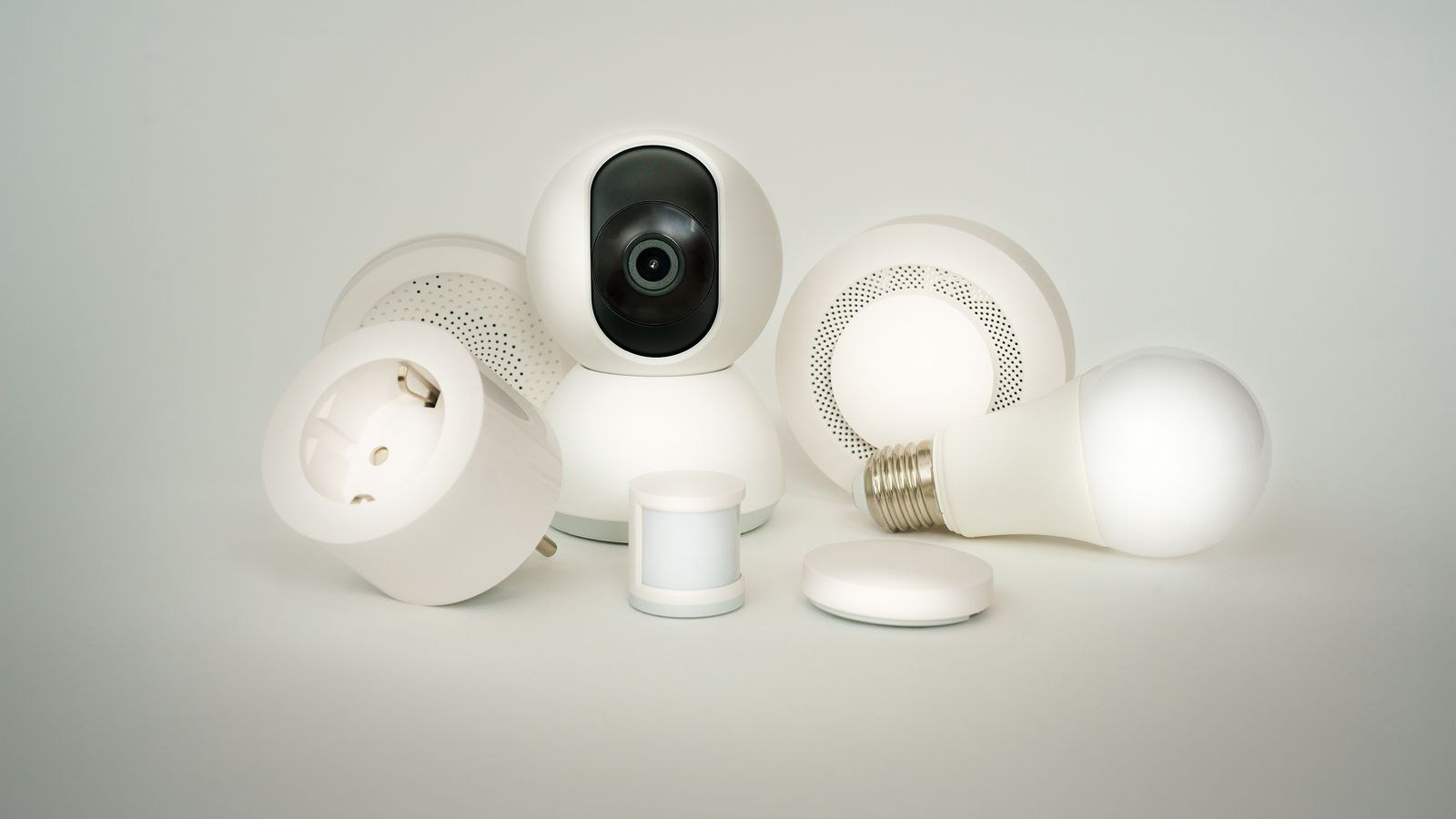
With local control, the command stays on your network. A hub or controller in the house talks directly to the device over Wi-Fi, Ethernet, Zigbee, Z-Wave, or Thread, and automations run on hardware you own. The internet is only involved when you are away from home and want remote access, and even then the logic still executes locally.
Most real homes are a blend. The useful skill is knowing which devices are which, and making sure the things you would miss during an outage fall on the local side.
Reliability: The Strongest Argument
Cloud setups have three failure points: your broadband, the manufacturer’s servers, and the path between them. Any one of them going down takes your devices with it. Server outages are the most frustrating because your home network is perfectly healthy and there is nothing you can do but wait.
Local setups reduce that to one failure point, your own hardware, which you can restart, replace, or back up. A properly local system continues running schedules, motion automations, and thermostat logic through a multi-day outage without anyone noticing.
There is a longevity dimension too. Cloud-dependent products can be discontinued, and when the servers are retired the hardware stops working permanently. This has happened repeatedly across the industry. A locally controlled device has no such expiry date, because nothing external is required for it to function.
Speed and Responsiveness
The difference is easy to feel. Cloud commands typically take one to three seconds from tap or spoken word to action. Local commands are usually well under half a second, often close to instant.
That matters most for automations rather than manual control. A hallway light triggered by motion needs to be on before you have finished walking through the doorway; a two-second delay makes the automation feel broken and people start reaching for the switch again. The same applies to door sensors that should trigger a chime, and to lights that respond to a wall-mounted button.
For scheduled tasks such as turning on a porch light at sunset, latency is irrelevant. Prioritise local execution where a human is standing there waiting for a response.
Privacy and Data
Cloud platforms necessarily collect data to function. Device states, timings, presence patterns, and camera events pass through servers governed by policies that can change. From a few months of light and lock activity, a detailed picture of a household’s routine emerges.
Local systems keep that history on storage in your house. Camera footage in particular is a strong case: recording locally to a drive removes both the subscription and the question of who else can access the video. If cameras are pointed anywhere inside your home, this alone often decides the matter.
Local control also reduces attack surface. A device that never opens a connection to the internet cannot be reached from it. Combined with a separate network segment for smart devices, this is a meaningfully more defensible setup than dozens of gadgets each maintaining their own outbound connections.
Where Cloud Control Still Wins
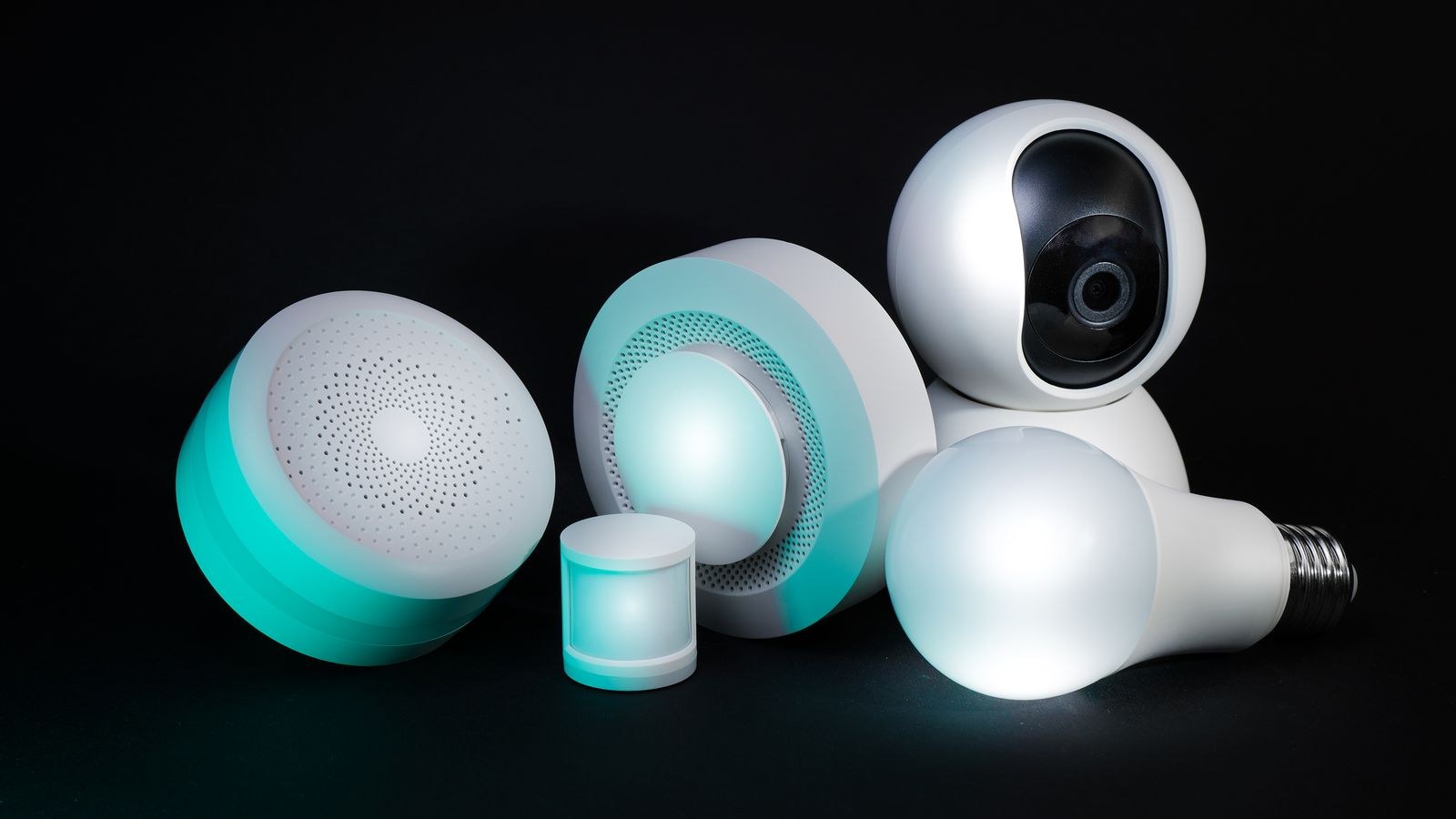
An honest comparison has to acknowledge the advantages. Setup is dramatically easier: scan, connect, done, with no hub to buy and no software to maintain. Remote access works out of the box with no networking knowledge. Updates arrive automatically. Voice recognition, which requires substantial processing, is handled remotely at no cost to you. Support exists when something fails, and cloud services enable features that genuinely need external data, such as weather-aware heating or geofencing across a mobile network.
There is also the maintenance question. A local controller is a small server, and servers need occasional attention: updates that sometimes break integrations, backups that need to exist, and hardware that eventually fails. If nobody in the household wants that responsibility, a cloud setup is the more reliable choice in practice even though it is less reliable in theory.
Protocols: What Actually Runs Locally
Zigbee and Z-Wave
Both are inherently local. Devices talk to your hub over their own radio mesh and never touch the internet. Mains-powered devices relay for battery ones, so coverage improves as you add hardware. These remain the most dependable foundation for a local setup, and choosing among the best Zigbee hubs is often the first real decision.
Thread and Matter
Thread is a modern low-power mesh, and Matter is the application layer that standardises control across ecosystems. Together they make local control the default rather than the exception, which is the biggest structural improvement the industry has made in years. New purchases should favour them where available.
Wi-Fi
Wi-Fi devices may or may not be local. Some expose a local API and work entirely offline; others insist on a cloud round trip even for a command originating three feet away. There is no way to tell from the box, so this is where research pays. Our roundup of the best smart plugs for Home Assistant focuses specifically on Wi-Fi devices with genuine local control rather than cloud-only firmware.
Bluetooth
Local by nature but short range and slow, which limits it to devices you operate while standing next to them. Bluetooth hardware often needs a bridge to be usable in automations.
Choosing the Right Controller
The controller is the decision that determines how local your home can be, because it dictates which protocols you can use and which devices remain open to you later.
Consumer hubs from major ecosystems are the easiest entry point. They handle Zigbee, Thread, or Matter locally, run basic routines on device, and require no maintenance. Their limitation is automation depth and the fact that some functions still route through the vendor’s servers.
Enthusiast controllers, whether commercial or self-hosted, offer full local execution, deep conditional logic, and support for far more device types. They demand more setup and ongoing care. Comparing the best smart home controllers against your protocol needs is more productive than comparing feature lists, since a controller lacking the radio you need cannot be fixed with software.
If you would rather buy a coordinated package than assemble one, whole-system options are worth reviewing. Our guides to the best smart hubs and the best smart home systems cover units that combine hub duties with a supported device catalogue.
Cost Over Time
Cloud setups have a low entry price and recurring costs. Camera storage, advanced detection, and monitoring plans add up steadily, and they never stop. Over five years the subscriptions frequently exceed what the hardware cost.
Local setups cost more at the start, typically a controller and a radio dongle, and then almost nothing. Recording camera footage to your own storage is a one-off purchase rather than a monthly fee. The trade is time rather than money, so value your evenings honestly when you compare.
A Practical Hybrid Strategy
- Decide what must survive an outage. Typically lighting, heating, locks, and any safety alerts.
- Make those devices local using Zigbee, Z-Wave, Thread, or verified local Wi-Fi hardware.
- Run automations on a controller in the house so the logic never depends on an external service.
- Accept cloud for low-stakes conveniences such as voice recognition, weather data, and away-from-home notifications.
- Record cameras locally with optional cloud backup rather than cloud-only storage.
- Use a VPN or an encrypted tunnel for remote access instead of forwarding ports to the internet.
- Segment your network so smart devices sit apart from computers and phones.
Common Mistakes
- Assuming Wi-Fi means local. Most consumer Wi-Fi devices route through a vendor cloud by default.
- Buying devices before choosing a controller. The controller sets the protocol boundaries for everything after it.
- Putting the front door lock on a cloud-only path. Entry hardware is the worst candidate for internet dependence.
- Skipping backups on a self-hosted controller. A failed drive should cost an hour, not a rebuild from scratch.
- Exposing the controller directly to the internet. Convenient remote access is not worth an open door.
- Chasing full purity. A pragmatic hybrid delivers most of the benefit for a fraction of the effort.
Frequently Asked Questions
Can I have local control and still use voice assistants?
Yes. Voice recognition happens in the cloud, but the resulting command can be executed locally, so devices respond quickly and continue working from apps and automations if the connection drops.
How can I tell whether a device works locally?
Check whether the manufacturer documents a local API or Matter support, and look for user reports of the device functioning with the internet disconnected. Protocol is the strongest clue: Zigbee, Z-Wave, and Thread are local by design.
Does local control mean no remote access?
No. You reach your controller from outside using a VPN or an encrypted remote service, and the automation logic still runs at home either way.
Is Matter enough on its own?
It is a large step forward and makes local control the norm for new devices. You still need a controller with the right radios and a border router for Thread devices to reach the network.
Do I need to replace everything to go local?
Rarely. Start by moving the critical categories to local hardware and leave low-stakes cloud devices in place until they need replacing anyway.
Final Thoughts
Local control is not about distrusting the internet; it is about refusing to let a remote outage decide whether your lights work. Keep the things you would genuinely miss on local protocols, run your automation logic on hardware you own, record cameras to your own storage, and let the cloud handle the conveniences it is genuinely good at. Build that way through 2026 and you get a home that is faster, quieter about your data, cheaper to run over time, and still working perfectly on the evening your broadband decides to take a break.